
কলা
সৌন্দর্য এবং সুস্থতা
ক্রাফট
সংস্কৃতি ও ইতিহাস
বিনোদন
পরিবেশ
খাদ্য ও পানীয়
রিভার্স ইঞ্জিনিয়ারিং
বিজ্ঞান
খেলাধুলা
টেকনোলজি
পরিধানযোগ্য
Digital Spirit Level
Ed

দ্বারা বনাযা গযা

Ed

14. আগস্ট 2026FI

Digital Spirit Level

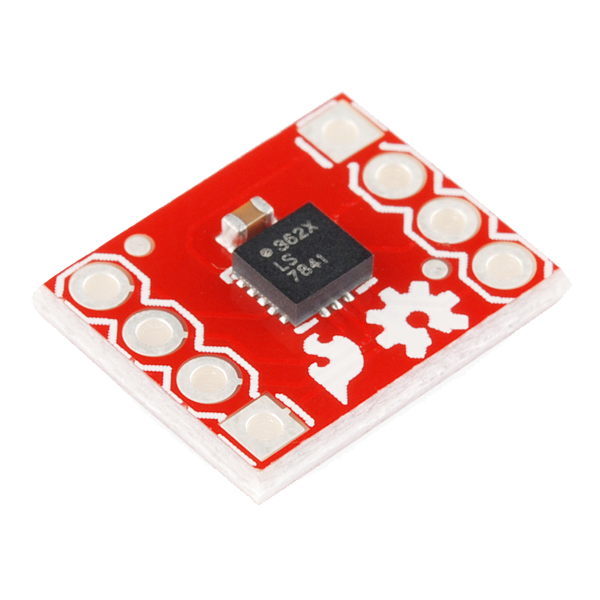
A level that reads tilt as a number instead of a bubble. The ADXL362 measures the constant one-g pull of gravity, and the angle of the board is recovered from how that one g divides between the axes. Because it measures gravity rather than a fluid, it can be zeroed against any surface you declare flat, and it reads two axes at once. The ADXL362 runs at 3.3 volts and its pins are not 5-volt tolerant, so a bi-directional level converter sits between it and the Arduino.
মধ্যবর্তী
3 hours

নির্দেশ

1

Solder headers to the accelerometer and level converter

Fit breakaway headers to both boards so they seat in the breadboard. Both are small-pitch parts — keep the iron brief so a pad does not lift.

ইস চরণ কে লিএ সামগ্রী:

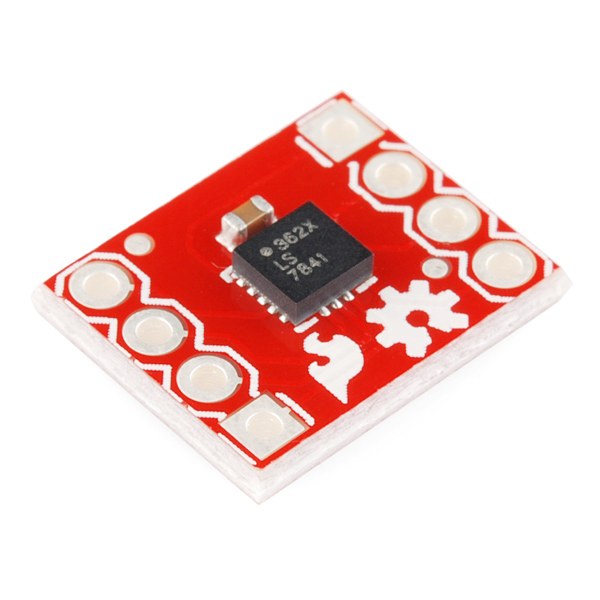
Triple Axis Accelerometer Breakout - ADXL362Triple Axis Accelerometer Breakout - ADXL3621 টুকরা
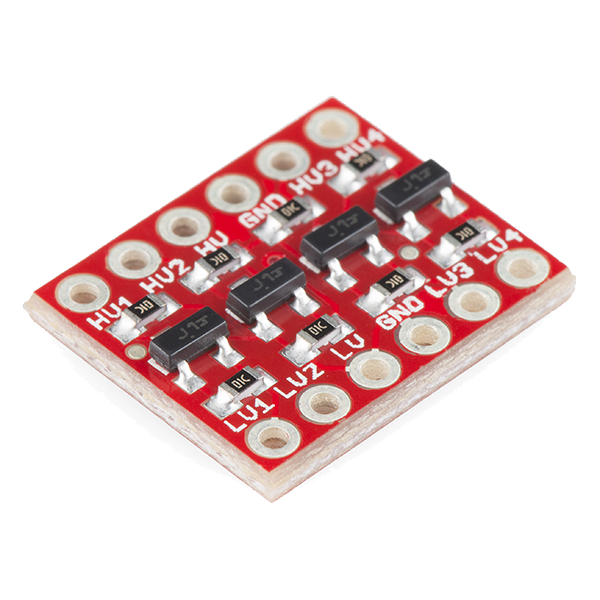
SparkFun Logic Level Converter - Bi-DirectionalSparkFun Logic Level Converter - Bi-Directional1 টুকরা

আবশ্যক উপকরণ:

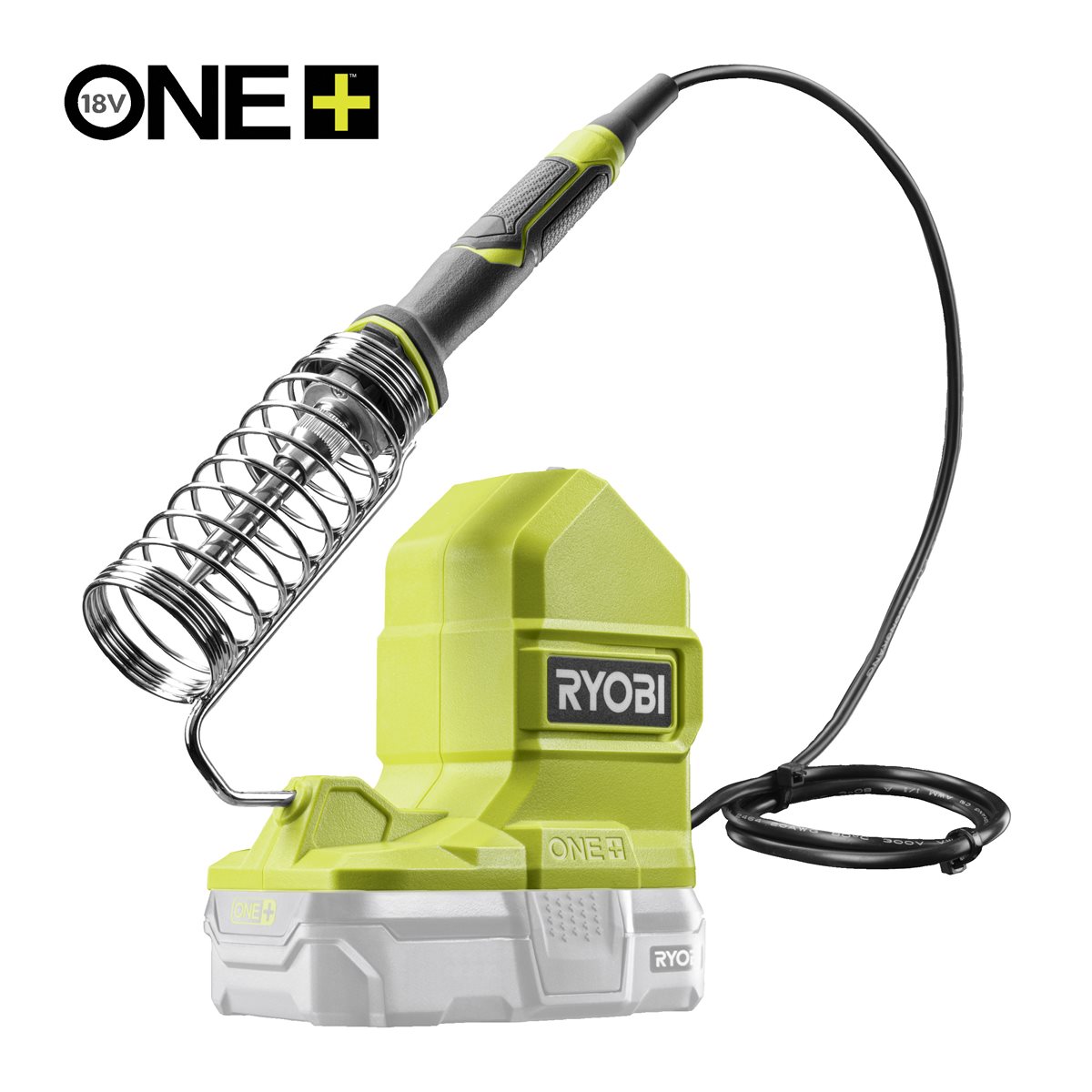
Ryobi ONE+ RSI18-0 Cordless Soldering IronRyobi ONE+ RSI18-0 Cordless Soldering Iron
2

Wire the accelerometer through the level converter — pin by pin

The converter has a low-voltage side (LV) and a high-voltage side (HV). The accelerometer is on LV, the Arduino on HV.

  1. Converter LV → Arduino 3.3V; converter HV → Arduino 5V; both GND rails common.
  2. ADXL362 VIN → Arduino 3.3V, ADXL362 GND → GND.
  3. ADXL362 SCLK → LV1 · HV1 → Arduino D13
  4. ADXL362 MOSI → LV2 · HV2 → Arduino D11
  5. ADXL362 MISO → LV3 · HV3 → Arduino D12
  6. ADXL362 CS → LV4 · HV4 → Arduino D10
Do not connect the ADXL362 to a 5 V pin at any point. Its supply maximum is 3.5 V and its inputs are not 5 V tolerant — one direct connection can end the part.

ইস চরণ কে লিএ সামগ্রী:

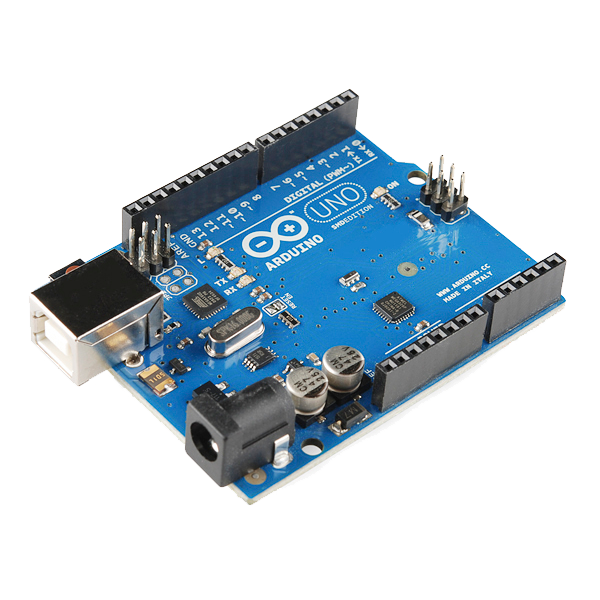
Arduino Uno R3 SMDArduino Uno R3 SMD1 টুকরা
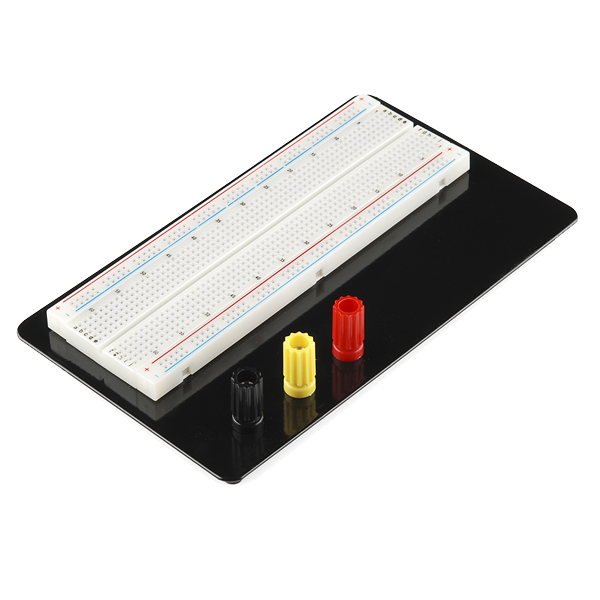
Breadboard - ClassicBreadboard - Classic1 টুকরা
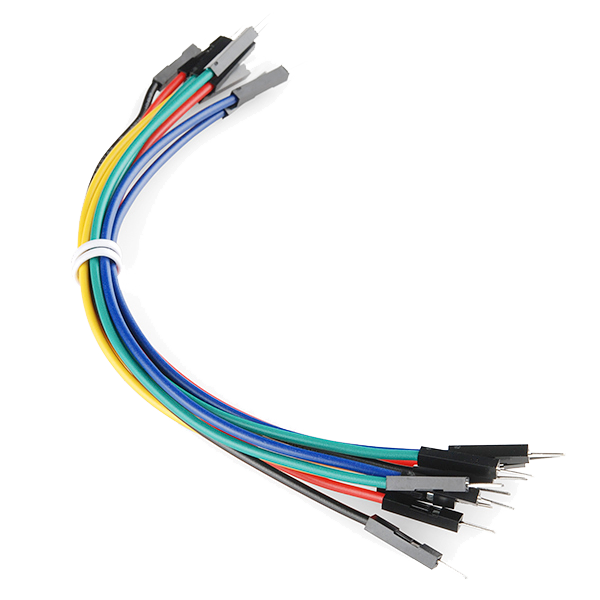
Jumper Wires Premium M/M 20 AWG - 15.5 cm (Pack of 10)Jumper Wires Premium M/M 20 AWG - 15.5 cm (Pack of 10)1 প্যাক
3

Wire the display and set its contrast

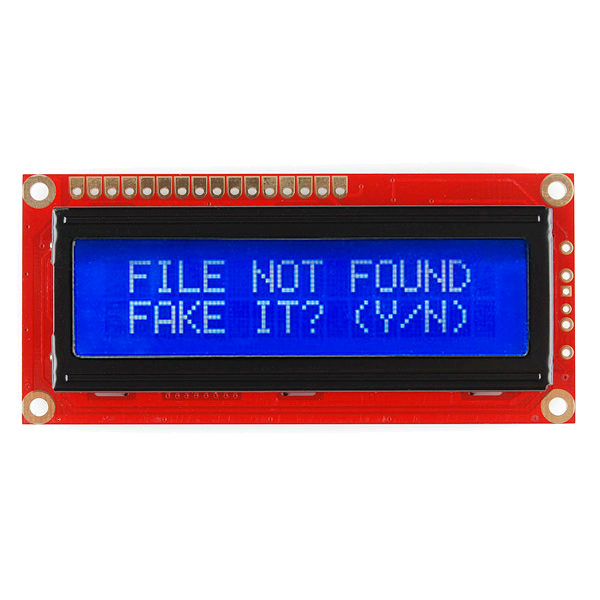
Wire the 16x2 display in 4-bit parallel mode. It is a 5 V part and connects straight to the Arduino — it does not go through the converter.

  1. LCD RSD7, ED6
  2. LCD D4 D5 D6 D7 → Arduino D5 D4 D3 D2
  3. LCD RW → GND, VSS → GND, VDD → 5V
  4. A 10 kΩ potentiometer across 5V and GND, wiper → LCD V0
A correctly wired display left at zero contrast shows a blank screen or a row of solid blocks, and reads exactly like a dead board. Set the contrast before debugging anything else.

ইস চরণ কে লিএ সামগ্রী:

Basic 16x2 Character LCD - 5VBasic 16x2 Character LCD - 5V1 টুকরা
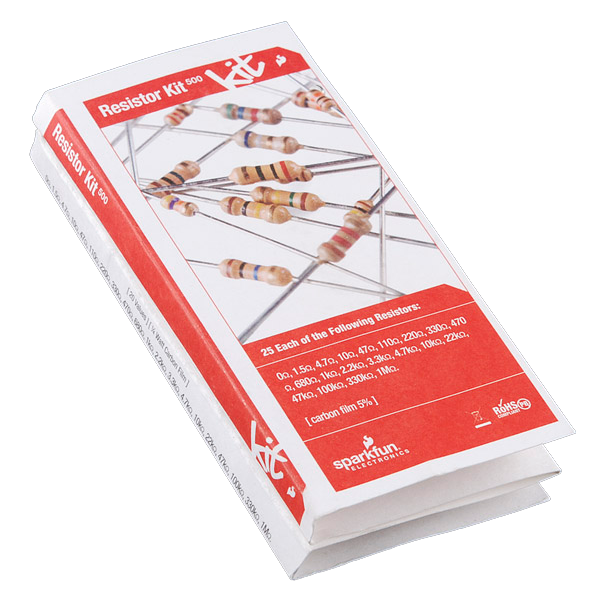
Resistor Kit - 1/4W (500 total)Resistor Kit - 1/4W (500 total)1 কিট
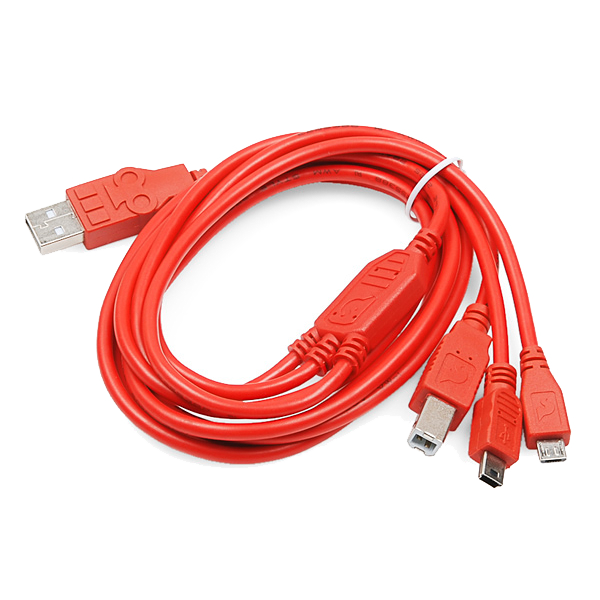
USB-B CableUSB-B Cable1 টুকরা
4

Upload the level sketch

Talks to the ADXL362 over raw SPI so every register write is visible rather than hidden in a library. SPI and LiquidCrystal ship with the IDE.

digital_spirit_level.inoarduino
// Digital Spirit Level
// ADXL362 (SPI, 3.3V, via level converter, CS on D10) + 16x2 LCD
//
// Gravity is a constant 1 g downward. How that 1 g divides between the
// axes gives the tilt, so the angle comes from atan2 of one axis against
// the other two -- no fluid, no bubble, and it can be re-zeroed anywhere.

#include <SPI.h>
#include <LiquidCrystal.h>

const int CS_PIN = 10;

// ADXL362 SPI instruction bytes
const byte CMD_WRITE_REG = 0x0A;
const byte CMD_READ_REG  = 0x0B;

// ADXL362 registers
const byte REG_XDATA_L   = 0x0E;   // X low; Y and Z follow consecutively
const byte REG_FILTER_CTL= 0x2C;
const byte REG_POWER_CTL = 0x2D;

LiquidCrystal lcd(7, 6, 5, 4, 3, 2);   // RS, E, D4, D5, D6, D7

float zeroPitch = 0.0, zeroRoll = 0.0;

void writeReg(byte reg, byte value) {
  digitalWrite(CS_PIN, LOW);
  SPI.transfer(CMD_WRITE_REG);
  SPI.transfer(reg);
  SPI.transfer(value);
  digitalWrite(CS_PIN, HIGH);
}

// Burst-reads X, Y, Z as three consecutive 12-bit signed values.
void readXYZ(int &x, int &y, int &z) {
  digitalWrite(CS_PIN, LOW);
  SPI.transfer(CMD_READ_REG);
  SPI.transfer(REG_XDATA_L);
  byte xl = SPI.transfer(0x00), xh = SPI.transfer(0x00);
  byte yl = SPI.transfer(0x00), yh = SPI.transfer(0x00);
  byte zl = SPI.transfer(0x00), zh = SPI.transfer(0x00);
  digitalWrite(CS_PIN, HIGH);

  x = (int)((xh << 8) | xl);
  y = (int)((yh << 8) | yl);
  z = (int)((zh << 8) | zl);

  // 12-bit two's complement sign-extended into 16 bits
  if (x > 2047) x -= 4096;
  if (y > 2047) y -= 4096;
  if (z > 2047) z -= 4096;
}

void readAngles(float &pitch, float &roll) {
  int x, y, z;
  readXYZ(x, y, z);
  pitch = atan2((float)x, sqrt((float)y * y + (float)z * z)) * 180.0 / PI;
  roll  = atan2((float)y, sqrt((float)x * x + (float)z * z)) * 180.0 / PI;
}

void setup() {
  Serial.begin(9600);
  pinMode(CS_PIN, OUTPUT);
  digitalWrite(CS_PIN, HIGH);

  SPI.begin();
  SPI.setDataMode(SPI_MODE0);
  SPI.setBitOrder(MSBFIRST);

  lcd.begin(16, 2);
  lcd.print(F("Digital Level"));

  delay(10);
  writeReg(REG_FILTER_CTL, 0x13);  // +/-2 g range, 100 Hz output data rate
  writeReg(REG_POWER_CTL,  0x02);  // measurement mode (0x00 would be standby)
  delay(100);

  // Whatever it is sitting on at power-up becomes 'flat'.
  readAngles(zeroPitch, zeroRoll);
  lcd.clear();
}

void loop() {
  float pitch, roll;
  readAngles(pitch, roll);
  pitch -= zeroPitch;
  roll  -= zeroRoll;

  lcd.setCursor(0, 0);
  lcd.print(F("Pitch "));
  lcd.print(pitch, 1);
  lcd.print(F("\xDF   "));   // degree symbol in the HD44780 character set

  lcd.setCursor(0, 1);
  lcd.print(F("Roll  "));
  lcd.print(roll, 1);
  lcd.print(F("\xDF   "));

  Serial.print(pitch, 2); Serial.print(F(",")); Serial.println(roll, 2);
  delay(200);
}
5

Zero it, then prove it with the reversal test

Lay the board on a surface you are treating as flat. It zeroes itself at power-up, so it will read close to 0.0.

  1. Turn the board end for end on the same surface.
  2. A correctly zeroed level now reads the same magnitude with the opposite sign.
If it does not reverse cleanly, the offset is wrong — or the surface is not as flat as you assumed. This test separates the two, which no single reading can do.

সামগ্রী

8

আবশ্যক উপকরণ

1
আনুমানিক মোট
$88.00

CC0 পব্লিক ডোমেন

যহ ব্লূপ্রিংট CC0 কে তহত জারী কিযা গযা হৈ। আপ বিনা অনুমতি মাঁগে ইস কার্য কো কিসী ভী উদ্দেশ্য কে লিএ কॉপী, সংশোধিত, বিতরিত ঔর উপযোগ করনে কে লিএ স্বতংত্র হৈং।

উনকে ব্লূপ্রিংট কে মাধ্যম সে উত্পাদ খরীদকর মেকর কা সমর্থন করেং জহাঁ বে মেকর কমীশন কমাতে হৈং জো বিক্রেতাওং দ্বারা নির্ধারিত হোতা হৈ, যা ইস ব্লূপ্রিংট কা নযা সংস্করণ বনাএঁ ঔর রাজস্ব সাঝা করনে কে লিএ ইসে অপনে ব্লূপ্রিংট মেং কনেক্শন কে রূপ মেং শামিল করেং।

চর্চা

(0)

লॉগ ইন করেং চর্চা মেং শামিল হোনে কে লিএ

টিপ্পণিযাঁ লোড হো রহী হৈং...