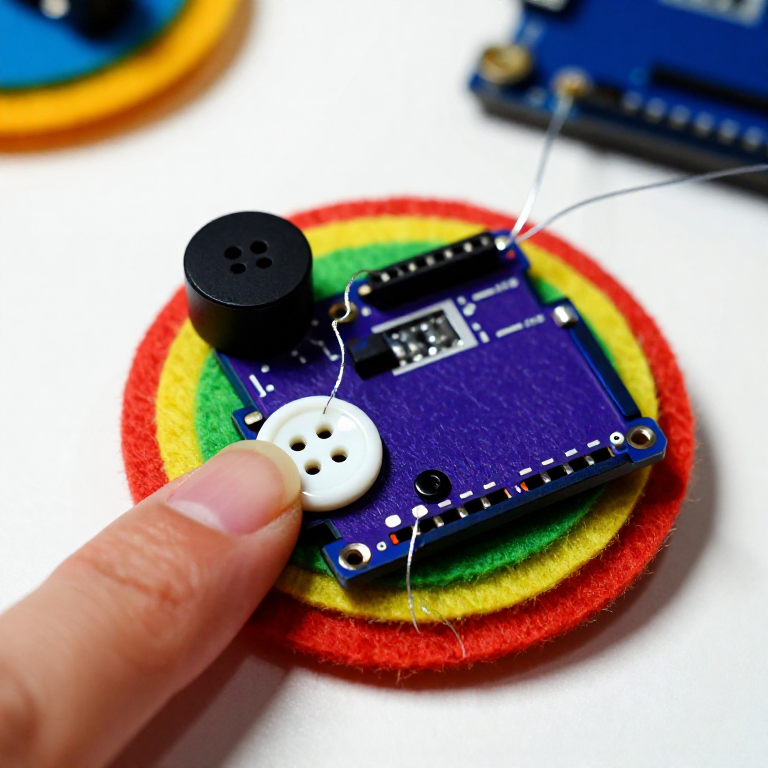


Making a LilyPad Musical Patch
Sew a patch that plays a tune. A LilyPad buzzer and a button let the microcontroller sing a short melody whenever you press it — a musical badge, a fabric greeting card, or a costume piece. This project introduces the buzzer and the Arduino tone() function that turns pin signals into notes.
নির্দেশাবলি
Sew the board, buzzer and button
Sew the board, buzzer and button
Sew a LilyPad Arduino, a LilyPad buzzer and a LilyPad button onto felt. Wire it: the buzzer's + tab to pin 9 and its - tab to -; the button's tabs to analog pin A2 and to -. Keep the lines from crossing.
এই ধাপের উপকরণ:
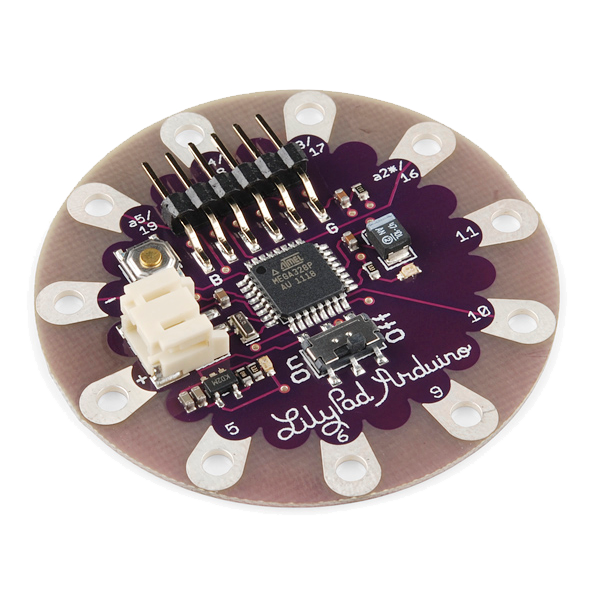 LilyPad Arduino Simple Board1 টুকরা
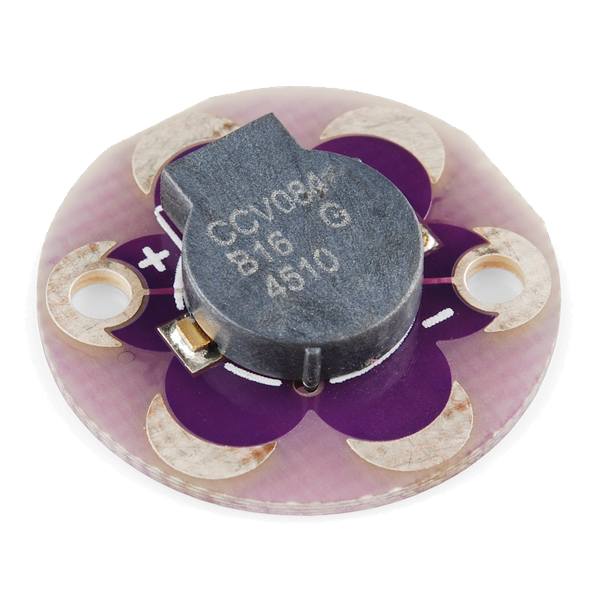 LilyPad Buzzer1 টুকরা
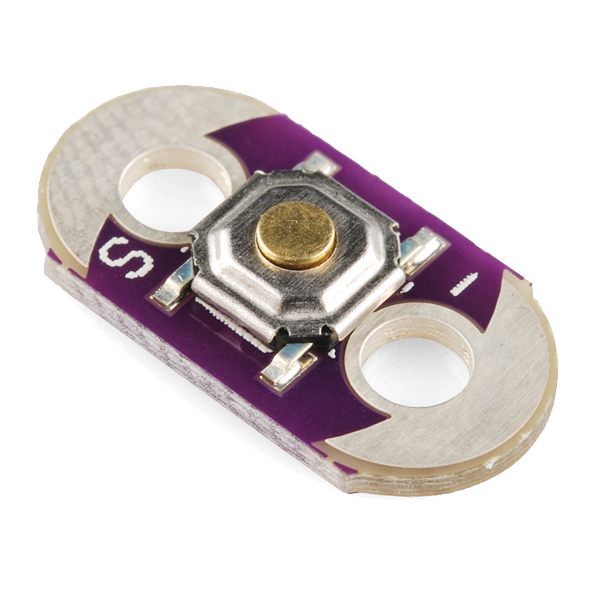 LilyPad Button Board1 টুকরা
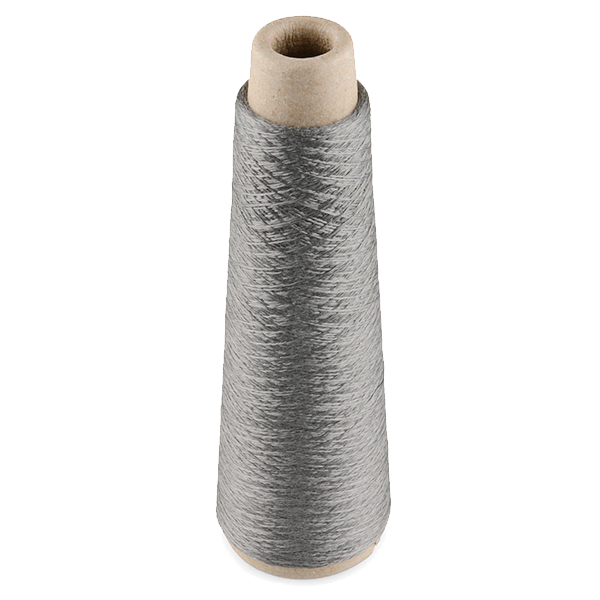 Conductive Thread - 60g (Stainless Steel)1 স্পুল
 পশমি ফেল্টের পাত1 শিট
প্রয়োজনীয় সরঞ্জাম:
 হাতে সেলাইয়ের সুচ
Connect the programmer
Connect the programmer
Plug the LilyPad FTDI onto the programming header and connect the USB cable. Open the Arduino IDE and select the LilyPad Arduino board and its serial port.
প্রয়োজনীয় সরঞ্জাম:
 Arduino IDE-সহ কম্পিউটার
 LilyPad FTDI Basic Breakout - 5V
 USB-B কেবল
Upload the melody sketch
Upload the melody sketch
Paste this sketch and upload. Pressing the button plays a short rising scale on the buzzer.
Press to play, then compose
Press to play, then compose
Press the button — you should hear the five notes. Change the tune by editing the melody[] frequencies (higher number = higher note) and the durations[] in milliseconds, then re-upload. Add more notes to both arrays to make a longer song.
Go wireless and wear it
Go wireless and wear it
Unplug the FTDI, sew a LilyPad coin-cell holder to the board (+ to +, - to -), drop in a CR2032 and switch on. Sew the felt onto a badge or card — press it to play your tune anywhere.
এই ধাপের উপকরণ:
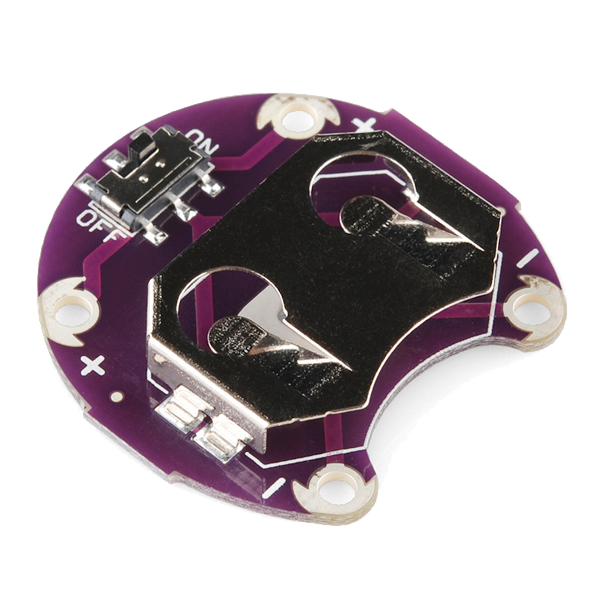 LilyPad Coin Cell Battery Holder - w/Switch - 20mm1 টুকরা
 কয়েন ব্যাটারি CR20321 টুকরা
উপকরণ
7- LilyPad Arduino Simple Board10% কমিশন1 টুকরা$19.72
- LilyPad Buzzer10% কমিশন1 টুকরা$7.67
- LilyPad Button Board10% কমিশন1 টুকরা$2.24
- 1 স্পুল$40.37
- 1 শিটপ্লেসহোল্ডার
- 1 টুকরা$5.08
- 1 টুকরাপ্লেসহোল্ডার
প্রয়োজনীয় সরঞ্জাম
4- প্লেসহোল্ডার
- প্লেসহোল্ডার
- LilyPad FTDI Basic Breakout - 5V10% কমিশন$14.47
- 1 vendor sell this, none ship to you yetপ্লেসহোল্ডার
সম্পর্কিত ব্লুপ্রিন্ট
এই ব্লুপ্রিন্টগুলি জ্ঞান ভাগ করে — কৌশল, উপকরণ বা নীতি
CC0 পাবলিক ডোমেন
এই ব্লুপ্রিন্ট CC0-এর অধীনে প্রকাশিত। আপনি অনুমতি ছাড়াই যেকোনো উদ্দেশ্যে এটি অনুলিপি, পরিবর্তন, বিতরণ ও ব্যবহার করতে পারেন।
মেকারের ব্লুপ্রিন্টের মাধ্যমে পণ্য কিনে তাঁকে সমর্থন করুন, যেখানে তিনি আয় করেন মেকার কমিশন বিক্রেতাদের নির্ধারিত, অথবা এই ব্লুপ্রিন্টের একটি নতুন সংস্করণ তৈরি করে নিজের ব্লুপ্রিন্টে সংযোগ হিসেবে যুক্ত করে আয় ভাগ করুন।