

Using Relays — SIK Circuit 13
Control a relay with a transistor to switch between two LEDs. Learn about electromechanical switching, SPDT relays, Normally Open vs Normally Closed contacts, and flyback protection.
Instructions
Parts & Introduction
Parts & Introduction
A relay is an electrically-operated mechanical switch. A small current energizes a coil that physically moves a contact arm, switching a separate circuit. Relays can control high-power devices (motors, lights, appliances) from low-power Arduino signals. This experiment uses an SPDT (Single Pole Double Throw) relay to alternate between two LEDs.
Parts Needed
- 1x Arduino Uno + USB cable
- 1x Breadboard
- 1x SPDT Relay
- 1x NPN Transistor (P2N2222A)
- 1x Diode (1N4148)
- 2x LEDs (different colors)
- 2x 330Ω Resistors
- 14x Jumper Wires
Materials for this step:
 SparkFun Inventors Kit - V3.21 kit
 Arduino Uno R31 piece
 Breadboard1 piece
 NPN Transistor (P2N2222A)1 piece
 Diode (1N4148)1 piece
 5mm LED1 piece
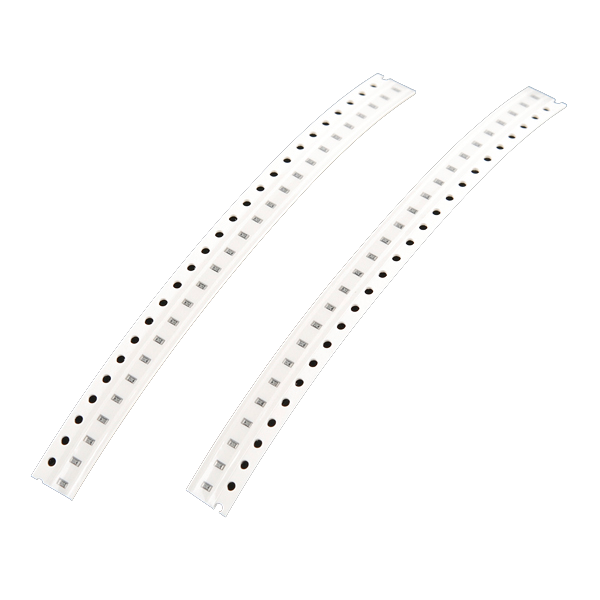 330 Ohm Resistor2 piecess
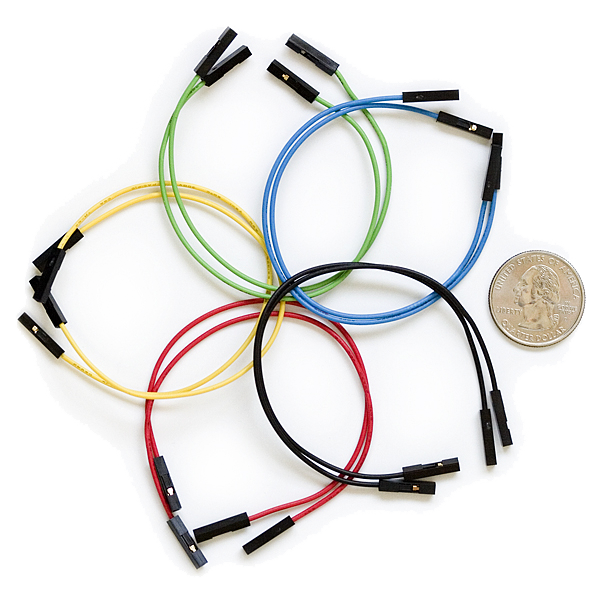 Jumper Wires8 piecess
Tools needed:
Hardware Hookup
Hardware Hookup
Wiring Instructions
Transistor + Relay Coil
- Connect transistor Base through 330Ω resistor to Arduino Digital Pin 2.
- Connect transistor Emitter to GND.
- Connect one side of the relay coil to transistor Collector.
- Connect other side of relay coil to 5V.
- Flyback Diode: Band (cathode) to 5V, anode to Collector.
Relay Contacts + LEDs
- Connect relay COMMON through a 330Ω resistor to 5V.
- Connect relay NC (Normally Closed) to LED 1 positive leg.
- Connect relay NO (Normally Open) to LED 2 positive leg.
- Connect both LED negative legs to GND.
Materials for this step:
NPN Transistor (P2N2222A)1 pieceDiode (1N4148)1 piece5mm LED1 piece330 Ohm Resistor2 piecessBreadboard1 pieceJumper Wires8 piecessArduino Code
Arduino Code
Open the Arduino IDE and upload the following sketch to your Arduino board.
/*
SparkFun Inventor's Kit
Example sketch 13 — RELAYS

Use a transistor to drive a relay, alternating two LEDs.

Hardware connections:
  Transistor BASE through 330 ohm resistor to digital pin 2
  Transistor EMITTER to GND
  Relay coil: one side to COLLECTOR, other to 5V
  Flyback diode: band to 5V, anode to COLLECTOR
  Relay COMMON through 330 ohm to 5V
  Relay NC to LED 1 positive, Relay NO to LED 2 positive
  Both LED negatives to GND

This code is completely free for any use.
*/

const int relayPin = 2;
const int timeDelay = 1000;

void setup()
{
  pinMode(relayPin, OUTPUT);
}

void loop()
{
  digitalWrite(relayPin, HIGH);  // Relay on (COM connects to NO)
  delay(timeDelay);

  digitalWrite(relayPin, LOW);   // Relay off (COM connects to NC)
  delay(timeDelay);
}
Materials for this step:
Arduino Uno R31 pieceTools needed:
Test & Experiment
Test & Experiment
What You Should See
You should hear the relay clicking, and see the two LEDs alternating — one on, one off — switching every second.
Troubleshooting
- LEDs not lighting: Check LED polarity — longer leg is positive.
- No clicking sound: The transistor or coil circuit isn't working. Verify transistor orientation and coil connections.
- Relay not making good contact: The SIK relay is designed for soldering, not breadboarding. Press it firmly to ensure all pins contact.
- Confusion: Don't mix up the TMP36 temperature sensor with the transistor!
Experiments to Try
- Replace the LEDs with a motor on the NO contact — use the relay as a motor on/off switch.
- Use a button to control when the relay toggles.
- Add variable delay to create morse code patterns.
Materials
9- $105.00
- 1 piecePlaceholder
- 1 piecePlaceholder
- SPDT Relay1 piece
- 1 piecePlaceholder
- 1 piecePlaceholder
- 2 pieces$3.00
- 14 pieces$5.00
CC0 Public Domain
This blueprint is released under CC0. You are free to copy, modify, distribute, and use this work for any purpose, without asking permission.
Support the Maker by purchasing products through their Blueprint where they earn a Maker Commission set by Vendors, or create a new iteration of this Blueprint and include it as a connection in your own Blueprint to share revenue.