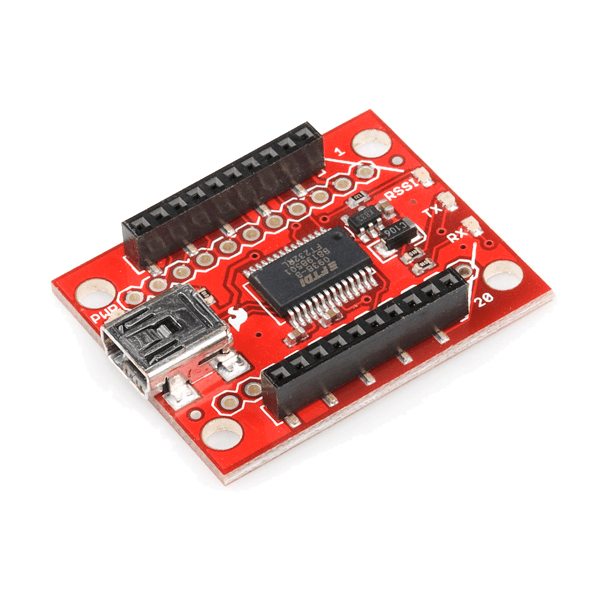
SparkFun XBee Explorer USB
This is a simple to use, USB to serial base unit for the Digi XBee line.
This unit works with all XBee modules including the Series 1 and Series 2.5, standard and Pro version.
Plug the unit into the XBee Explorer, attach a mini USB cable,and you will have direct access to the serial and programming pins on the XBee unit.
The highlight of this board is an FT231X USB-to-Serial converter.
That’s what translates data between your computer and the XBee. There’s also a reset button, and a voltage regulator to supply the XBee with plenty of power. In addition, there are four LEDs that’ll help if you ever need to debug your XBee: RX, TX, RSSI (signal-strength indicator), and power indicator.
This board also breaks out each of the XBee’s I/O pins to a pair of breadboard-compatible headers.
So if you want to make use of the XBee’s extended functionality, you can solder some header pins into those, or even just solder some wire.
Documents:
- Schematic
- Eagle Files
- X-CTU Software
- XBee Introduction and Buying Guide
- XBee and X-CTU Hookup Guide
- XBee WiFi Hookup Guide
- GitHub (Design Files)
Blueprint creators earn this percentage when customers purchase through their Blueprints