合作
艺术
美容与健康
工艺
文化与历史
娱乐
环境
食品与饮料
逆向工程
科学
体育
技术
可穿戴设备
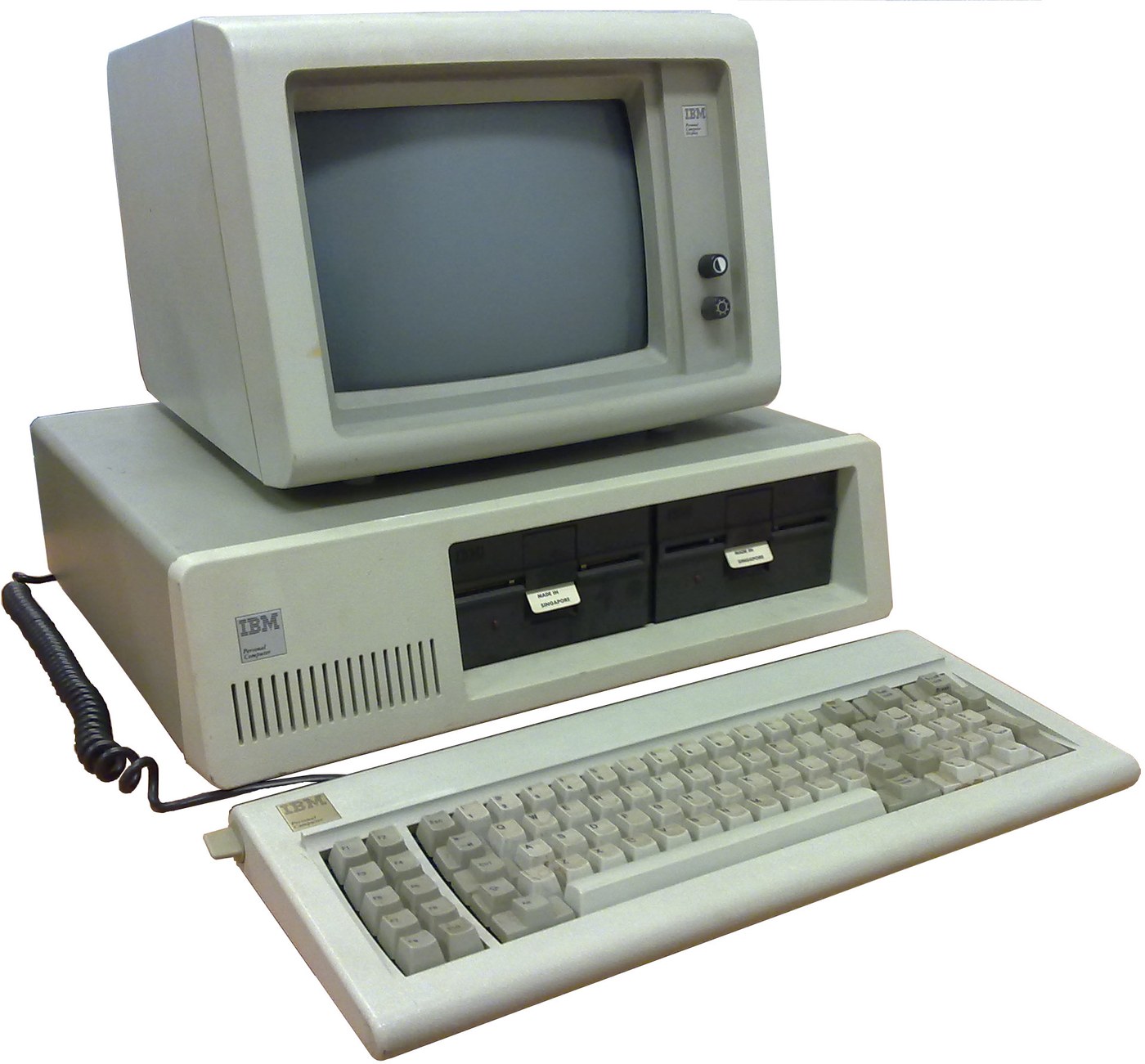

IBM Personal Computer (5150): System Unit, Keyboard and Display (IBM Technical Reference, 1981)
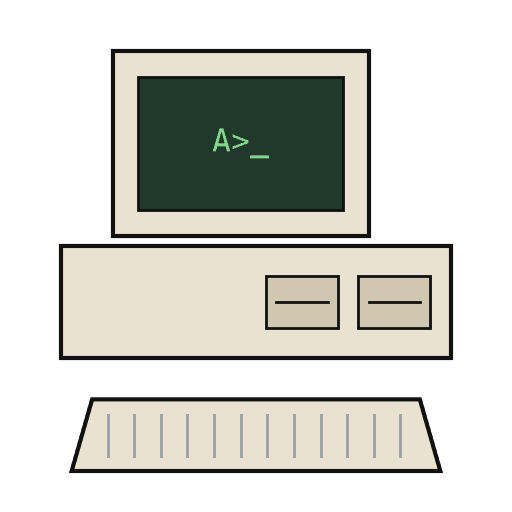
IBM's first personal computer, the machine today's desktop PCs descend from. One system unit holds an Intel 8088 system board, a power supply and five expansion slots. A keyboard, a display and 5-1/4 inch diskette drives complete it. IBM published its whole design, down to the BIOS program, in the Technical Reference.
Result: an IBM PC that tests itself at power-on and starts an operating system from diskette.
Source: IBM Personal Computer Technical Reference (1981; edition of April 1984). Unknown: the chassis and its sizes, the display and diskette adapter cards (described in IBM's separate Options and Adapters volumes), and how each part is made. Ours: the assembly order. Picture: Wikimedia Commons.
高级
1 week
说明
1
1
Populate the system board
Populate the system board
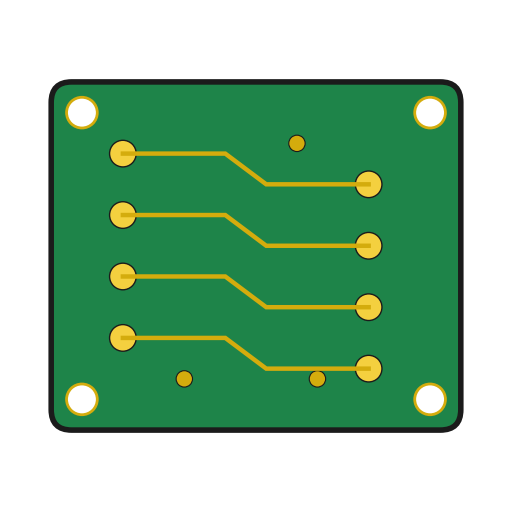
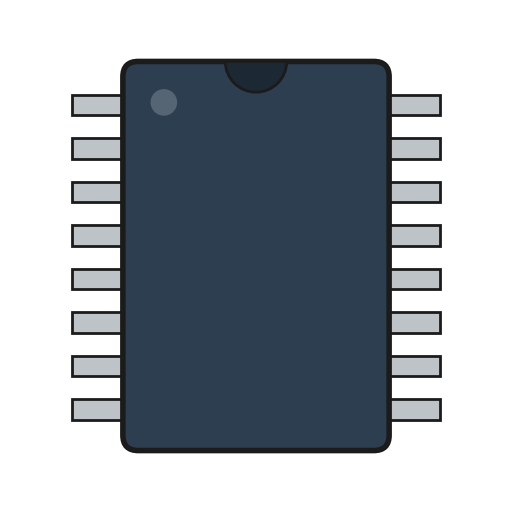
On the system board, fit the Intel 8088 processor. It runs at 4.77 MHz, taken from a 14.31818 MHz crystal divided by 3; divided by 4, the same crystal gives the 3.58 MHz colour-burst signal for colour TVs. Fit its support chips: the 8237A-5 DMA controller, 8259A interrupt controller, 8253-5 timer and 8255A-5 peripheral interface. Add the ROM holding the BIOS, the read/write memory, the speaker circuit, five expansion slots, and 5-pin DIN sockets for the keyboard and a cassette recorder. The 8088 runs in maximum mode, so a coprocessor can be added later. Set switch SW1 to tell the machine what it has: whether to start from a 5-1/4 inch diskette drive, how much read/write memory is on the board, which display adapter is fitted, and how many diskette drives there are. Not given here: the board layout.
此步骤所需材料:
 印制电路板1 system board
 集成电路1 8088, 8237A-5, 8259A, 8253-5, 8255A-5, ROM, RAM
 石英晶体1 14.31818 MHz
 IBM PC BIOS1 in ROM
 DIP开关1 SW1
 焊锡丝1 as needed
所需工具:
 电烙铁
2
2
Fit the board and power supply in the chassis
Fit the board and power supply in the chassis
Screw the system board into the system-unit chassis. Fit the power supply at the right rear; its housing supports the rear panel and its fan cools the whole machine. It is rated for 63.5 W continuous, from a fused 120 V or 220/240 V input. Its four protected outputs are +5 V at 7 A, +12 V at 2 A, -5 V at 0.3 A and -12 V at 0.25 A, bussed to all five slots. It also has a power-good signal, a switched mains socket for the monochrome display and two drive power plugs. Not given: the chassis metal and sizes.
此步骤所需材料:
 未知金属1 chassis
 电脑电源1 63.5 W
 机螺钉1 套
所需工具:
 螺丝刀套装
 未知尺寸
 万用表
3
3
Add the drives and adapter cards
Add the drives and adapter cards
Fit up to two 5-1/4 inch diskette drives, each powered from its own plug on the supply. Only one drive runs at a time. Plug a diskette drive adapter and a display adapter (monochrome or colour/graphics) into expansion slots, and cable the drives to their adapter. Not given here: the adapter cards and cables, which IBM describes in its separate Options and Adapters volumes.
此步骤所需材料:
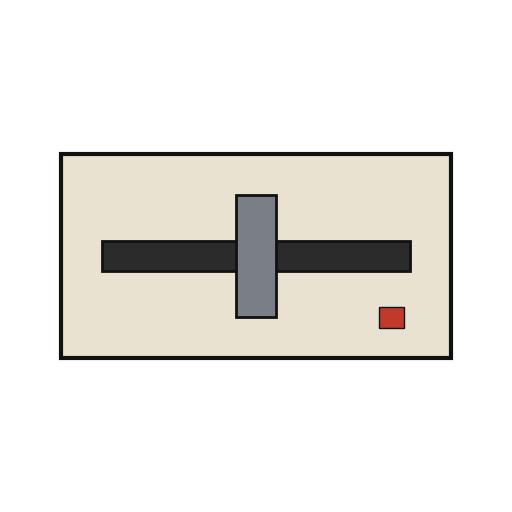 5¼ 英寸软盘驱动器2 up to two
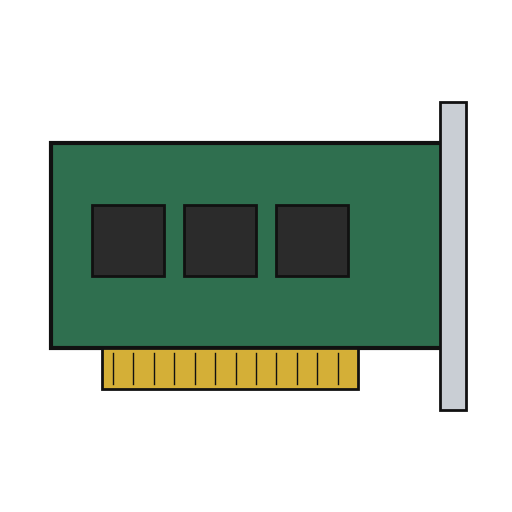 扩展卡2 diskette adapter, display adapter
 排线1 drive cable
所需工具:
螺丝刀套装4
4
Connect keyboard and display, and power on
Connect keyboard and display, and power on
Plug in the keyboard: 83 keys, with the typewriter keys in the middle, 10 function keys on the left and a 15-key pad on the right. It sends scan codes, not letters, so the software decides what each key does. Connect the display to its adapter and to the switched socket. Switch on: the power-on self-test in the BIOS checks the machine, sets up its interrupt vectors, and looks for extra ROM on the adapter cards. The bootstrap loader then starts the operating system from a diskette.
此步骤所需材料:
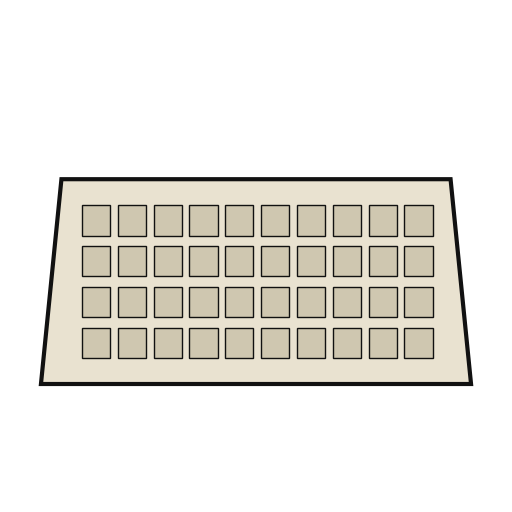 电脑键盘1 83 keys
 电脑显示器1 个
所需工具:
 软磁盘
材料
14- 1 system board占位符
- 1 8088, 8237A-5, 8259A, 8253-5, 8255A-5, ROM, RAM占位符
- 1 14.31818 MHz占位符
- 1 in ROM占位符
- 占位符
- 1 as needed占位符
- 1 chassis占位符
- 1 63.5 W占位符
- 1 套占位符
- 2 up to two占位符
- 2 diskette adapter, display adapter占位符
- 占位符
- 1 83 keys占位符
- 1 个占位符
已连接蓝图材料
CC0 公共领域
此蓝图以 CC0 协议发布。你可以自由复制、修改、分发和使用此作品,无需征得许可。
通过购买蓝图中的产品支持创客,他们将获得 创客佣金 (由供应商设定),或创建此蓝图的新版本并将其作为连接包含在你自己的蓝图中以分享收入。