
ART
BEAUTÉ ET BIEN-ÊTRE
ARTISANAT
CULTURE ET HISTOIRE
DIVERTISSEMENT
ENVIRONNEMENT
NOURRITURE ET BOISSONS
AVENIR VERT
INGÉNIERIE INVERSE
SCIENCES
SPORTS
TECHNOLOGIE
TECHNOLOGIE PORTABLE
Driving Multiple LEDs — SIK Circuit 4
Ed

Créé par

Ed

17. March 2026

Driving Multiple LEDs — SIK Circuit 4

Make eight LEDs dance! Learn about arrays, for loops, and multiple output patterns including chase, ping-pong, marquee, and random blink effects.

Instructions

1

Parts & Introduction

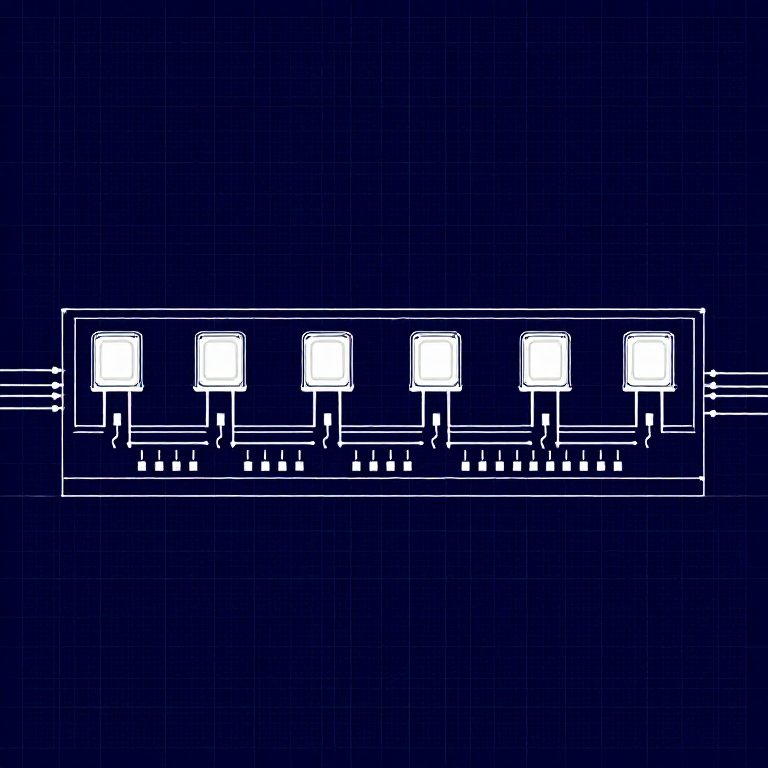
This experiment uses 8 LEDs to create light patterns. You'll learn about arrays (grouping related variables) and for loops (repeating actions efficiently). The sketch includes 6 different animation functions you can try.

Parts Needed

  • 1x Arduino Uno + USB cable
  • 1x Breadboard
  • 8x LEDs (any color)
  • 8x 330Ω Resistors
  • 9x Jumper Wires
2

Hardware Hookup

Wiring Instructions

  1. Place 8 LEDs in a row on the breadboard.
  2. For each LED, connect the negative leg (shorter) through a 330Ω resistor to GND.
  3. Connect the positive leg (longer) of each LED to Arduino digital pins 2 through 9 (LED 1 = pin 2, LED 2 = pin 3, etc.).
  4. Connect the GND rail on the breadboard to Arduino GND.

Tip: Keep the LEDs neatly spaced for the best visual effect.

3

Arduino Code

Open the Arduino IDE and upload the following sketch to your Arduino board.

multiple_leds.inoarduino
/*
SparkFun Inventor's Kit
Example sketch 04 — MULTIPLE LEDs

Make eight LEDs dance. Dance LEDs, dance!

Hardware connections:
  8 LEDs with 330 ohm resistors on pins 2-9.
  Negative sides through resistors to GND.

This code is completely free for any use.
*/

int ledPins[] = {2,3,4,5,6,7,8,9};

void setup()
{
  int index;
  for(index = 0; index <= 7; index++)
  {
    pinMode(ledPins[index], OUTPUT);
  }
}

void loop()
{
  oneAfterAnotherNoLoop();

  //oneAfterAnotherLoop();
  //oneOnAtATime();
  //pingPong();
  //marquee();
  //randomLED();
}

void oneAfterAnotherNoLoop()
{
  int delayTime = 100;

  digitalWrite(ledPins[0], HIGH); delay(delayTime);
  digitalWrite(ledPins[1], HIGH); delay(delayTime);
  digitalWrite(ledPins[2], HIGH); delay(delayTime);
  digitalWrite(ledPins[3], HIGH); delay(delayTime);
  digitalWrite(ledPins[4], HIGH); delay(delayTime);
  digitalWrite(ledPins[5], HIGH); delay(delayTime);
  digitalWrite(ledPins[6], HIGH); delay(delayTime);
  digitalWrite(ledPins[7], HIGH); delay(delayTime);

  digitalWrite(ledPins[7], LOW); delay(delayTime);
  digitalWrite(ledPins[6], LOW); delay(delayTime);
  digitalWrite(ledPins[5], LOW); delay(delayTime);
  digitalWrite(ledPins[4], LOW); delay(delayTime);
  digitalWrite(ledPins[3], LOW); delay(delayTime);
  digitalWrite(ledPins[2], LOW); delay(delayTime);
  digitalWrite(ledPins[1], LOW); delay(delayTime);
  digitalWrite(ledPins[0], LOW); delay(delayTime);
}

void oneAfterAnotherLoop()
{
  int index;
  int delayTime = 100;

  for(index = 0; index <= 7; index++)
  {
    digitalWrite(ledPins[index], HIGH);
    delay(delayTime);
  }
  for(index = 7; index >= 0; index--)
  {
    digitalWrite(ledPins[index], LOW);
    delay(delayTime);
  }
}

void oneOnAtATime()
{
  int index;
  int delayTime = 100;

  for(index = 0; index <= 7; index++)
  {
    digitalWrite(ledPins[index], HIGH);
    delay(delayTime);
    digitalWrite(ledPins[index], LOW);
  }
}

void pingPong()
{
  int index;
  int delayTime = 100;

  for(index = 0; index <= 7; index++)
  {
    digitalWrite(ledPins[index], HIGH);
    delay(delayTime);
    digitalWrite(ledPins[index], LOW);
  }
  for(index = 7; index >= 0; index--)
  {
    digitalWrite(ledPins[index], HIGH);
    delay(delayTime);
    digitalWrite(ledPins[index], LOW);
  }
}

void marquee()
{
  int index;
  int delayTime = 200;

  for(index = 0; index <= 3; index++)
  {
    digitalWrite(ledPins[index], HIGH);
    digitalWrite(ledPins[index+4], HIGH);
    delay(delayTime);
    digitalWrite(ledPins[index], LOW);
    digitalWrite(ledPins[index+4], LOW);
  }
}

void randomLED()
{
  int index;
  int delayTime = 100;

  index = random(8);
  digitalWrite(ledPins[index], HIGH);
  delay(delayTime);
  digitalWrite(ledPins[index], LOW);
}
4

Test & Experiment

What You Should See

All 8 LEDs light up one after another, then turn off in reverse order. This repeats continuously.

Troubleshooting

  • Some LEDs don't light: Easy to insert an LED backwards. Check polarity.
  • Out of sequence: With 8 wires, it's easy to cross a couple. Verify LED 1 is on pin 2, then each pin in order.
  • Starting fresh: Sometimes pulling everything out and re-wiring is faster than debugging.

Experiments to Try

  • Uncomment the other functions in loop() to try: oneOnAtATime(), pingPong(), marquee(), randomLED().
  • Create your own animation pattern!
  • Modify the delay times to change the speed.

Matériaux

  • SparkFun Inventor's Kit - V3.2 - 1 kitNOK 999.20
    Voir
  • Arduino Uno R3 - 1 pieceEspace réservé
    Voir
  • Breadboard - 1 pieceEspace réservé
    Voir
  • 5mm LED - 8 piecessEspace réservé
    Voir
  • 330 Ohm Resistor - 8 piecessNOK 24.00
    Voir
  • Jumper Wires - 9 piecessNOK 39.20
    Voir

Outils requis

  • Computer with Arduino IDE

CC0 Domaine public

Ce blueprint est publié sous CC0. Vous êtes libre de copier, modifier, distribuer et utiliser ce travail pour tout usage, sans demander la permission.

Soutenez le Maker en achetant des produits via son Blueprint où il perçoit une Commission Maker définie par les Vendeurs, ou créez une nouvelle itération de ce Blueprint et incluez-le comme connexion dans votre propre Blueprint pour partager les revenus.

Discussion

(0)

Se connecter pour participer à la discussion

Chargement des commentaires...




