SENI
KECANTIKAN & KESEHATAN
KERAJINAN
BUDAYA & SEJARAH
HIBURAN
LINGKUNGAN
MAKANAN & MINUMAN
REKAYASA BALIK
ILMU PENGETAHUAN
OLAHRAGA
TEKNOLOGI
PERANGKAT PAKAI
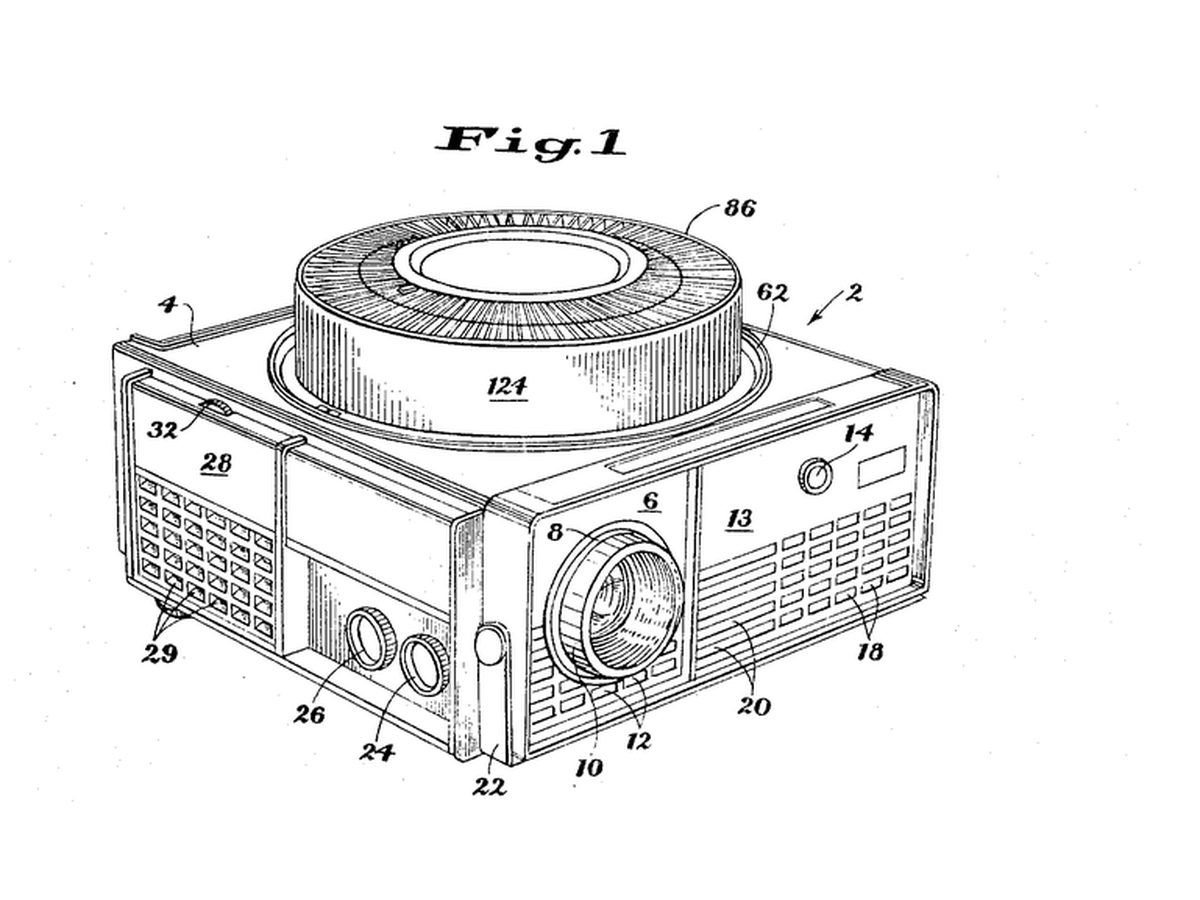


Rotary Gravity Slide Projector
Straight slide magazines pushed slides sideways and jammed. Kodak's round tray, designed by David E. Hansen, stood the slides on edge in a ring above the projector: each one fell into the gate by gravity when it reached the drop point and was lifted back when the tray moved on, so nothing had to push a slide sideways.
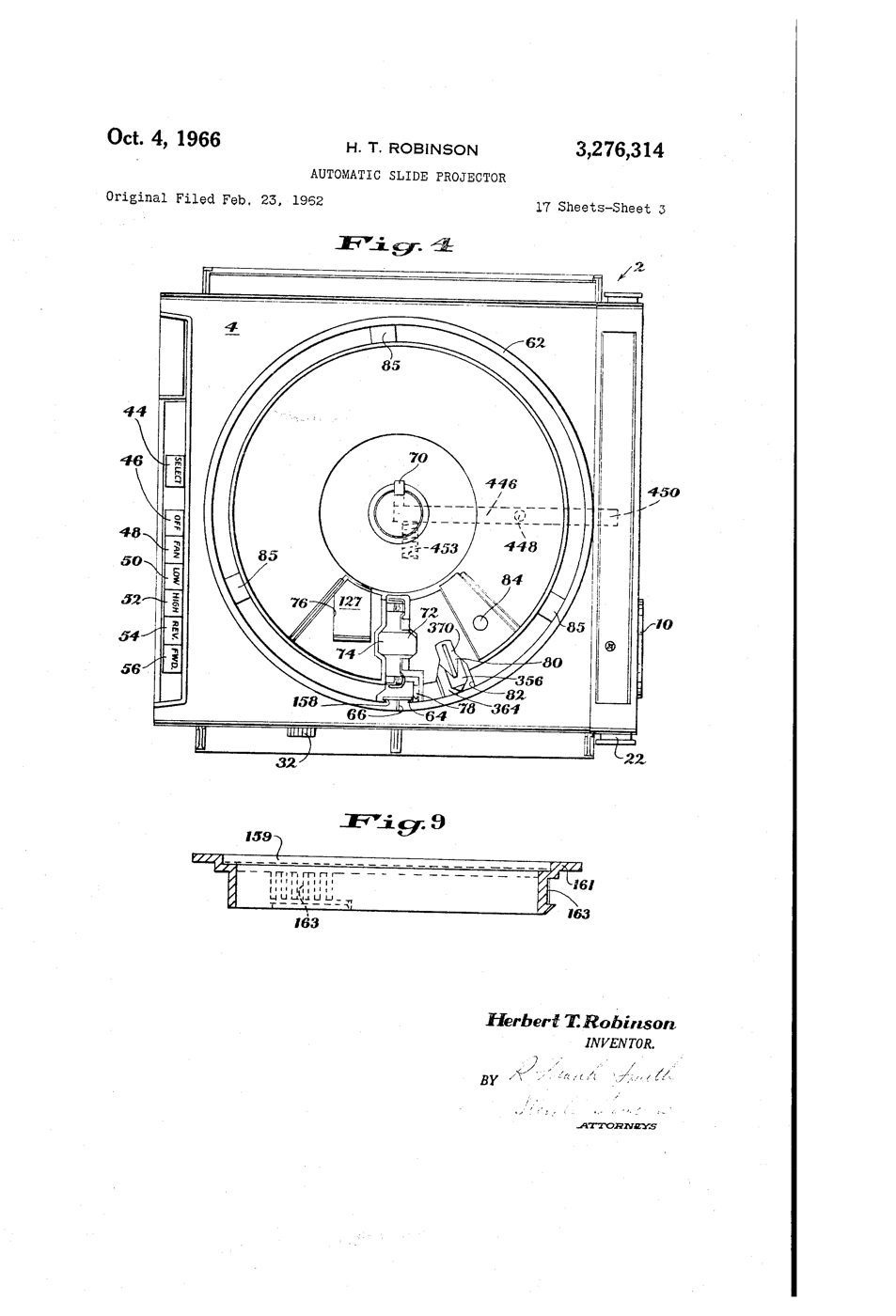
**US 3,276,314**, "Automatic slide projector", Herbert T. Robinson, assigned to Eastman Kodak, filed 1. June 1965 (continuing an application of 23. February 1962), granted 4. October 1966: a tray of two relatively movable portions with a passageway "through which the slides are adapted to pass substantially vertically, one at a time, in coordination with relative movement of the portions".
**You build the mechanism**: a 12-slot tray turned by a stepper, a servo that lifts each slide back, a torch and a lens to project it.
Lanjutan
6 hours
Instruksi
1
1
Make twelve slides
Make twelve slides
Cut 50 x 50 mm frames from black card with a 36 x 24 mm window. Draw or print images on transparency film and tape one behind each window. Number them 0 to 11.
Material untuk langkah ini:
 Karton hitam2 lembar
 Film transparansi inkjet2 lembar
Alat yang dibutuhkan:
 Pisau Kerajinan
 Spidol Permanen
 Penggaris
2
2
Build the tray
Build the tray
Glue two 240 mm foam-board discs together. Cut 12 radial slots 4 mm wide and 55 mm long, 30 degrees apart, open underneath so a slide can fall through. Glue a hub on the motor shaft and the tray on the hub.
Material untuk langkah ini:
 Papan busa untuk maket2 lembar
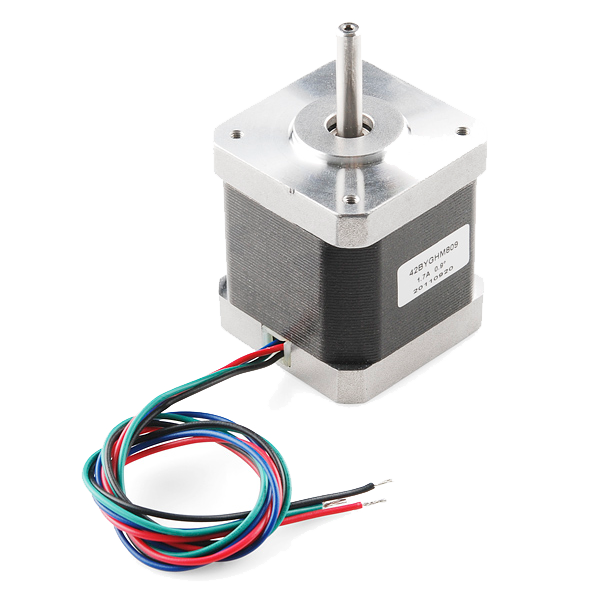 Stepper Motor - 68 oz.in (400 steps/rev)1 buah
Alat yang dibutuhkan:
Pisau Kerajinan Pistol lem panas
3
3
Base, gate and lift
Base, gate and lift
On a plywood base cut one drop slot under the tray. Below it, build a foam-board gate channel that holds a dropped slide upright between the torch and a 100 mm convex lens. Mount the servo so its arm, raised, pushes the slide back up into the tray.
Material untuk langkah ini:
 Lembaran kayu lapis1 buah
 Motor servo mikro SG90 (5 buah)1 bungkus
 Set lensa cembung1 set
Alat yang dibutuhkan:
 Gergaji TanganPistol lem panas
 Senter LED pemeriksa
4
4
Wire and flash
Wire and flash
EasyDriver STEP to D3, DIR to D4, motor coils to A and B, 12 V supply to its power input, GND shared with the Uno. Servo signal D9. Button between D2 and GND. Set the EasyDriver current adjuster low - the tray is light. Turn the tray by hand so slot 0 is over the gate before powering up.
rotary_slide_tray.inocpp
Material untuk langkah ini:
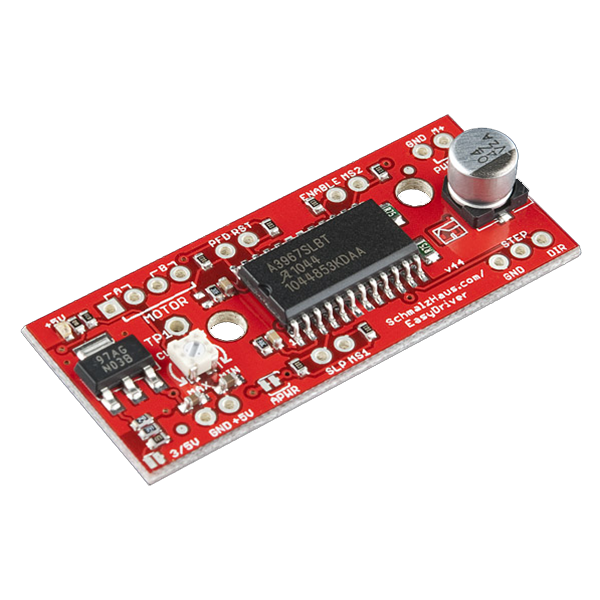 EasyDriver Stepper Motor Driver1 buah
 Mikrosakelar (digerakkan tuas)1 buah
 Set kabel Dupont (jantan-betina)1 set
Alat yang dibutuhkan:
 Arduino Uno R3
 Sumber daya arus searah
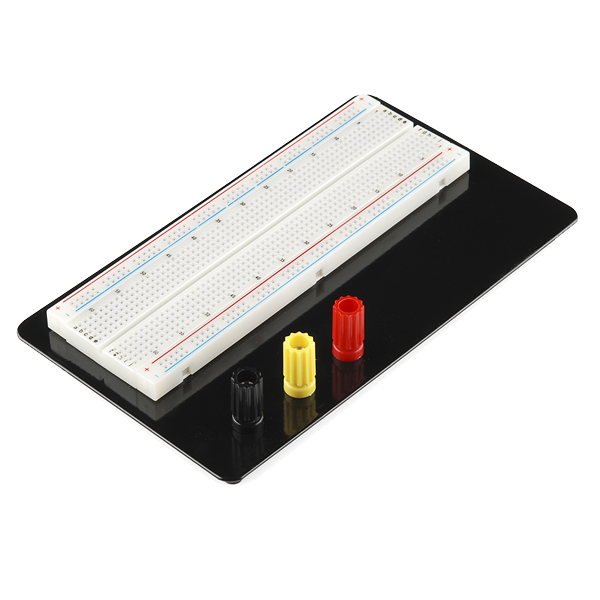 Breadboard - Classic
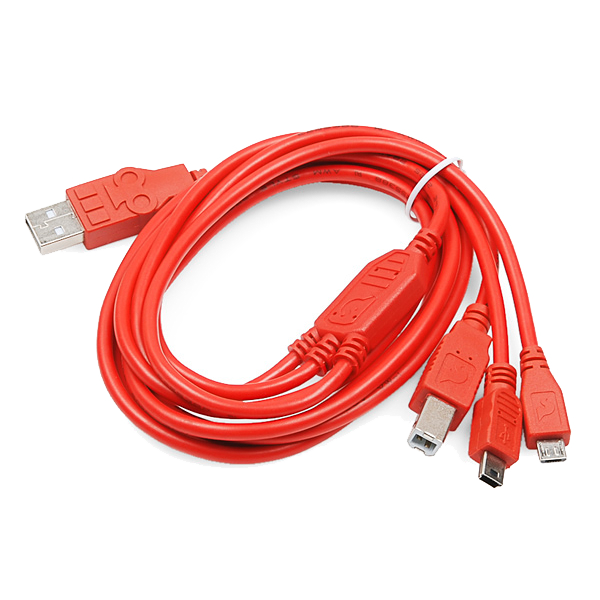 SparkFun Cerberus USB Cable - 1.8 meter
5
5
Why the steps must not drift
Why the steps must not drift
Memuat notebook Jupyter…
6
6
Show
Show
Load the slides upside down and reversed (a projector inverts the image). Darken the room, focus the lens on a wall, and press to advance. Count misfeeds over two full turns.
Alat yang dibutuhkan:
 Meteran Gulung
7
7
History & Context
History & Context
**What the patent specifies:** a projector for a tray of two relatively movable portions, slides passing substantially vertically through a passageway one at a time in step with the tray's movement. **Modern build (derived):** foam-board tray, stepper, servo lift and a torch.
Kodak made Carousel projectors from 1961 until 2004; a round tray held 80 slides. The limits: bent or thick mounts jam the gate, and the gravity drop needs the projector level.
Bahan
10- 2 lembarPlaceholder
- 2 lembarPlaceholder
- 2 lembarPlaceholder
- Stepper Motor - 68 oz.in (400 steps/rev)komisi 10%1 buah$15.54
- 1 buahPlaceholder
- 1 bungkusPlaceholder
- 1 setPlaceholder
- EasyDriver Stepper Motor Driverkomisi 10%1 buah$14.03
- Placeholder
- Placeholder
Alat yang Diperlukan
11- Placeholder
- Placeholder
- Placeholder
- Placeholder
- Placeholder
- Placeholder
- 1 vendor sell this, none ship to you yetPlaceholder
- Placeholder
- Breadboard - Classickomisi 10%$9.36
- SparkFun Cerberus USB Cable - 1.8 meterkomisi 10%$5.60
- 1 vendor sell this, none ship to you yetPlaceholder
Estimasi total
Yang dibeli pembuatnya. Bahan tanpa harga didapat di tempat kamu membelinya.
Blueprint terkait
Blueprint ini berbagi pengetahuan — teknik, bahan, atau prinsip

CC0 Domain Publik
Cetak biru ini dirilis di bawah CC0. Anda bebas untuk menyalin, memodifikasi, mendistribusikan, dan menggunakan karya ini untuk tujuan apa pun, termasuk komersial, tanpa meminta izin.
Dukung Maker dengan membeli produk melalui Cetak Biru mereka di mana mereka mendapatkan Komisi Pembuat yang ditetapkan oleh Penjual, atau buat iterasi baru dari Cetak Biru ini dan masukkan sebagai koneksi di milik Anda sendiri.