SENI
KECANTIKAN & KESEHATAN
KERAJINAN
BUDAYA & SEJARAH
HIBURAN
LINGKUNGAN
MAKANAN & MINUMAN
REKAYASA BALIK
ILMU PENGETAHUAN
OLAHRAGA
TEKNOLOGI
PERANGKAT PAKAI
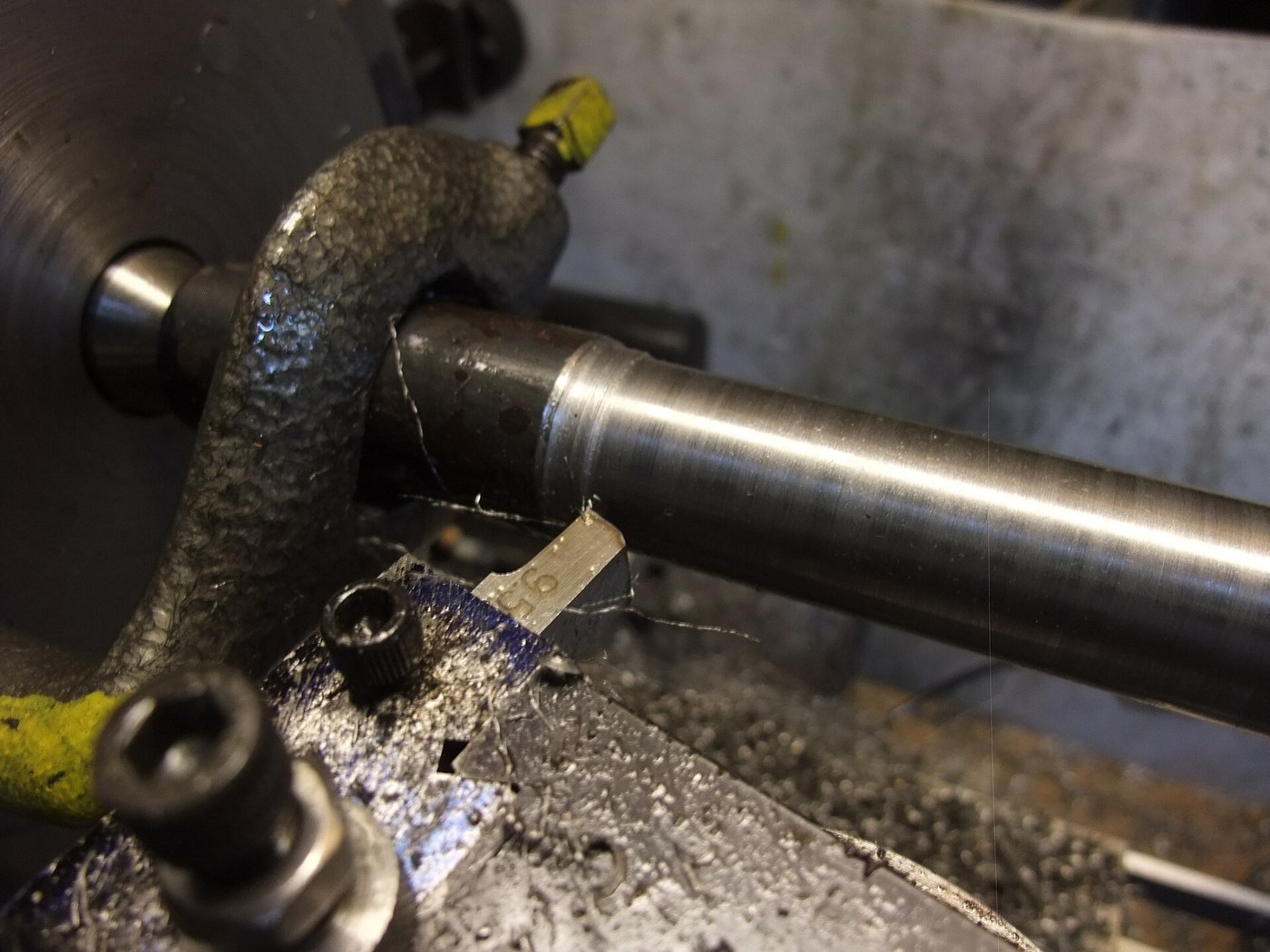


Steel Shaft, 30 mm: Round Bar Turned Between Centres
A shaft carries gears, wheels and bearings, and it has to be straight, round and true to size where they fit. Turned between centres from a forged round bar, it can be taken out, checked and put back without losing its axis.
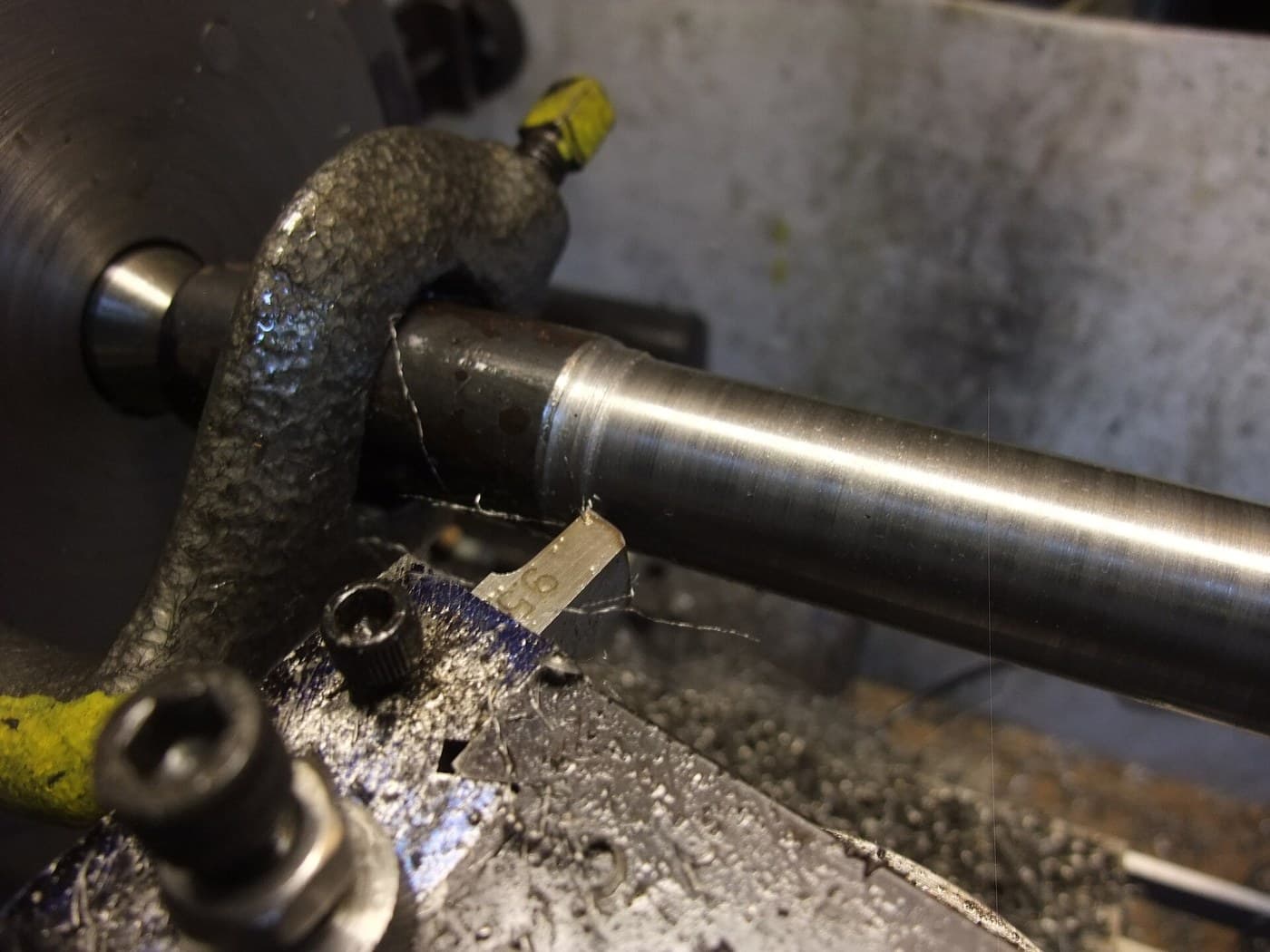
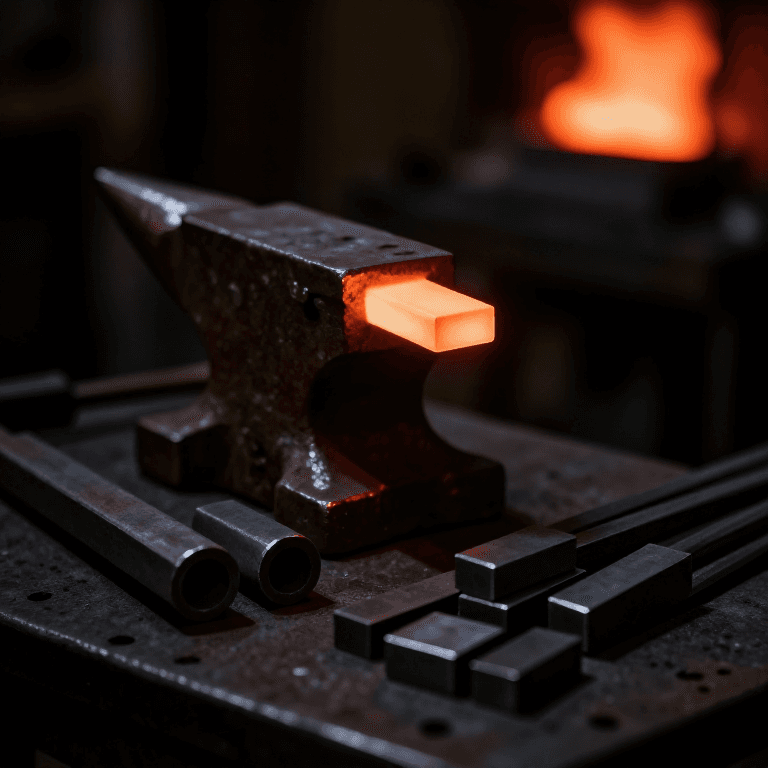
The picture: a steel bar being turned between centres, driven by a lathe dog.
Menengah
An afternoon
Instruksi
1
1
Cut the bar
Cut the bar
Saw a length of round bar a few millimetres oversize in diameter (about 33 mm for a 30 mm shaft) and a little longer than the finished shaft.
Material untuk langkah ini:
 Batang bulat baja lunak1 buah
Alat yang dibutuhkan:
 Gergaji Besi
2
2
Mount it between centres
Mount it between centres
Face both ends, centre-drill them and mount the bar between centres, driven by a lathe dog, as in Turning Between Centres.
3
3
Turn to 30 mm
Turn to 30 mm
Rough down to about 30.5 mm with light oiled cuts, then take a fine finishing cut to 30.00 mm, measuring with a micrometer at both ends and the middle. Turn the dog to the other end and finish the length under it.
Alat yang dibutuhkan:
 Mesin Bubut Logam
 Set pahat bubut baja kecepatan tinggi
 Minyak potong
 Mikrometer
 Kacamata pengaman
4
4
Check it runs true
Check it runs true
With the shaft back between centres, run a dial indicator along it. Break the sharp corners at the ends.
Alat yang dibutuhkan:
 Dial IndikatorMesin Bubut Logam
Bahan
1- 1 buahPlaceholder
Alat yang Diperlukan
7- Placeholder
- Placeholder
- Placeholder
- Placeholder
- Placeholder
- Placeholder
- Placeholder
Cetak biru ini membuat

Blueprint terkait
Blueprint ini berbagi pengetahuan — teknik, bahan, atau prinsip
CC0 Domain Publik
Cetak biru ini dirilis di bawah CC0. Anda bebas untuk menyalin, memodifikasi, mendistribusikan, dan menggunakan karya ini untuk tujuan apa pun, termasuk komersial, tanpa meminta izin.
Dukung Maker dengan membeli produk melalui Cetak Biru mereka di mana mereka mendapatkan Komisi Pembuat yang ditetapkan oleh Penjual, atau buat iterasi baru dari Cetak Biru ini dan masukkan sebagai koneksi di milik Anda sendiri.