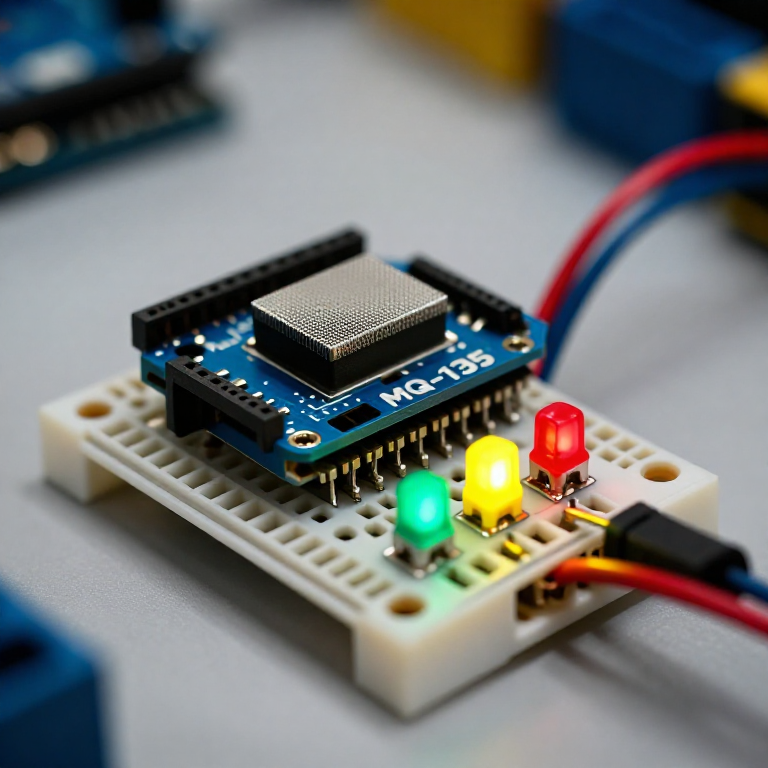


Building an Air-Quality Monitor
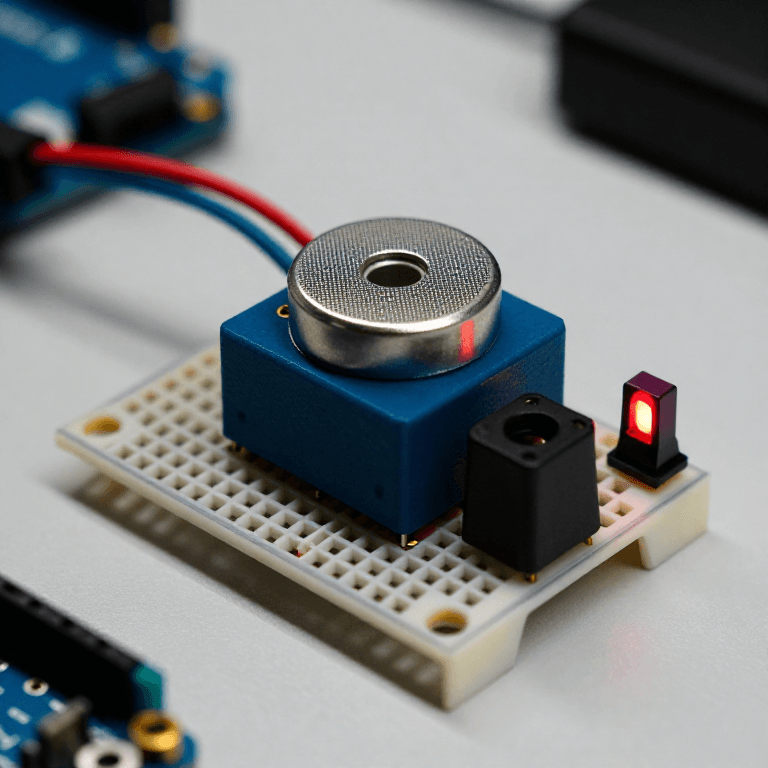
Build a traffic-light air-quality monitor. An MQ-135 sensor responds to smoke, fumes, alcohol, CO2 and other gases; the Arduino compares the reading to clean air and lights a green, yellow or red LED for good, moderate or poor air. A hands-on way to watch indoor air change — with the honest limit that it shows RELATIVE quality, not a calibrated ppm figure.
دستورالعملها
Wire the sensor and three LEDs
Wire the sensor and three LEDs
On the breadboard: MQ-135 VCC to Arduino 5V, GND to GND, and its analog output (AOUT) to A0. Wire three LEDs — ideally green, yellow and red — to pins 5, 6 and 7, each through a 330 Ω resistor to GND (long leg to the pin).
مواد مورد نیاز این مرحله:
 Arduino Uno R31 قطعه
 ماژول حسگر کیفیت هوا MQ-1351 قطعه
 الایدی ۵ میلیمتری1 بسته
 مقاومت ۳۳۰ اهم1 بسته
 بردبورد1 قطعه
 سیم رابط1 بسته
Connect and open the IDE
Connect and open the IDE
Plug the Arduino into your computer with the USB cable, open the Arduino IDE, and select Arduino Uno and its serial port.
ابزارهای مورد نیاز:
 رایانه با Arduino IDE
 کابل USB-B
Upload the traffic-light sketch
Upload the traffic-light sketch
Paste this sketch and upload. It warms the sensor, records a clean-air baseline, then lights green for good air, yellow for moderate and red for poor. Open the Serial Monitor to see the raw reading.
Warm up, baseline and test
Warm up, baseline and test
Run it in fresh air and let the 2-minute warm-up set the baseline (a new MQ-135 also needs a 24–48 h burn-in to settle). Then test it: breathe on it, spray a little deodorant nearby, or hold a blown-out match's smoke close — it should climb to yellow then red, and return to green in clean air. Tune MODERATE and POOR to change the thresholds.
Know the limits
Know the limits
The MQ-135 reacts to many gases at once and gives a RELATIVE reading, not a calibrated CO2 or ppm value — despite what some tutorials claim, real ppm needs proper calibration against known concentrations. It also drifts and needs re-baselining. Treat this as an air-change indicator and a great sensing project, not a laboratory instrument.
مواد
6- جایگزین
- جایگزین
- جایگزین
- 1 بستهجایگزین
- جایگزین
- جایگزین
ابزارهای لازم
3- جایگزین
- 1 vendor sell this, none ship to you yetجایگزین
- 1 vendor sell this, none ship to you yetجایگزین
نقشههای مرتبط
این نقشهها دانش مشترکی دارند — تکنیکها، مواد یا اصول
CC0 مالکیت عمومی
این نقشه تحت مجوز CC0 منتشر شده است. شما آزاد هستید آن را کپی، ویرایش، توزیع و برای هر هدفی بدون نیاز به اجازه استفاده کنید.
با خرید محصولات از طریق نقشه از سازنده حمایت کنید و او کمیسیون سازنده تعیین شده توسط فروشندگان، دریافت میکند یا یک نسخه جدید از این نقشه ایجاد کنید و آن را به عنوان اتصال در نقشه خود قرار دهید تا درآمد به اشتراک گذاشته شود.