

Reading a Soft Potentiometer — SIK Circuit 10
دستورالعملها
Parts & Introduction
Parts & Introduction
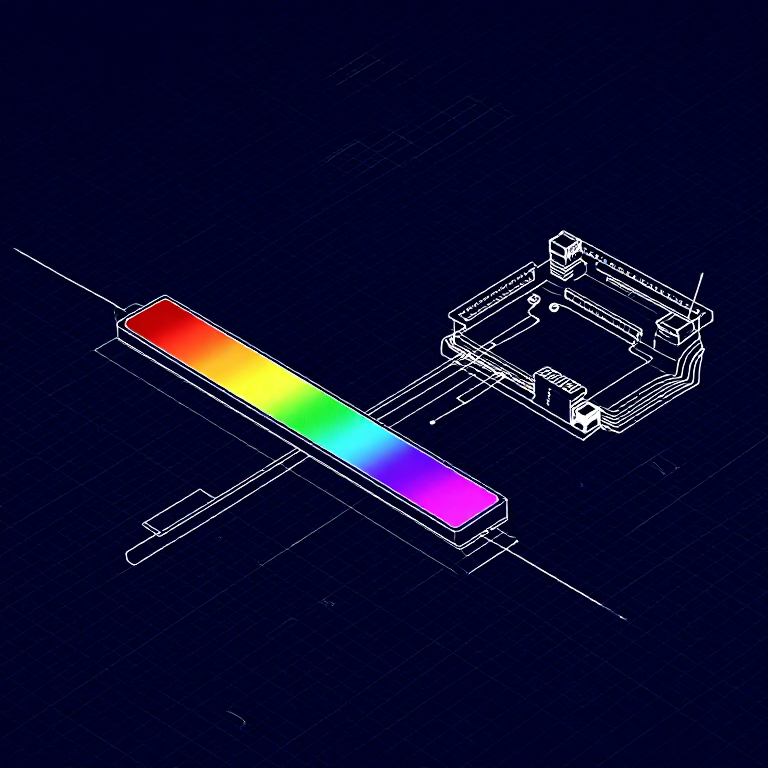
A soft potentiometer is a thin, flexible strip that acts as a variable resistor based on where you press. Combined with an RGB LED, you can create an intuitive color picker — slide your finger to change colors!
Parts Needed
- 1x Arduino Uno + USB cable
- 1x Breadboard
- 1x Soft Potentiometer
- 1x RGB LED (Common Cathode)
- 3x 330Ω Resistors
- 1x 10KΩ Resistor (pull-down)
- 9x Jumper Wires
مواد مورد نیاز این مرحله:
 کیت مخترع SparkFun - V3.21 کیت
ابزارهای مورد نیاز:
 رایانه با Arduino IDE
Hardware Hookup
Hardware Hookup
Wiring Instructions
Soft Potentiometer
- Connect the middle pin to Analog Pin A0.
- Connect one side pin to 5V.
- Connect the other side pin to GND.
- Add a 10K pull-down resistor from Analog Pin A0 to GND.
RGB LED (pin order from flat edge: Red, GND, Green, Blue)
- Connect Red through 330Ω resistor to Pin 9.
- Connect GND (longest pin) to GND rail.
- Connect Green through 330Ω resistor to Pin 10.
- Connect Blue through 330Ω resistor to Pin 11.
مواد مورد نیاز این مرحله:
 نوار LED آرجیبی ۵۰۵۰ (بدون آدرسدهی)1 قطعه
 سیم رابط8 قطعه
ابزارهای مورد نیاز:
 بردبورد
Arduino Code
Arduino Code
Open the Arduino IDE and upload the following sketch to your Arduino board.
مواد مورد نیاز این مرحله:
 Arduino Uno R31 قطعه
ابزارهای مورد نیاز:
رایانه با Arduino IDETest & Experiment
Test & Experiment
What You Should See
The RGB LED changes color as you slide your finger along the soft potentiometer strip. The color smoothly transitions through the spectrum: red → green → blue → red.
Troubleshooting
- LED dark or wrong color: Four pins close together are easy to misplace. Verify each RGB LED connection.
- Bizarre color jumps: Pressing the soft pot in multiple spots simultaneously gives unpredictable results. Use one finger.
Experiments to Try
- Add Serial output to see the raw sensor values as you slide.
- Map the soft pot to servo position instead of color.
مواد
7- کیت مخترع SparkFun - V3.210% کمیسیون1 کیت$108.26
- جایگزین
- جایگزین
- جایگزین
- 1 قطعهجایگزین
- 3 قطعهجایگزین
- جایگزین
ابزارهای لازم
2- جایگزین
- 1 vendor sell this, none ship to you yetجایگزین
CC0 مالکیت عمومی
این نقشه تحت مجوز CC0 منتشر شده است. شما آزاد هستید آن را کپی، ویرایش، توزیع و برای هر هدفی بدون نیاز به اجازه استفاده کنید.
با خرید محصولات از طریق نقشه از سازنده حمایت کنید و او کمیسیون سازنده تعیین شده توسط فروشندگان، دریافت میکند یا یک نسخه جدید از این نقشه ایجاد کنید و آن را به عنوان اتصال در نقشه خود قرار دهید تا درآمد به اشتراک گذاشته شود.