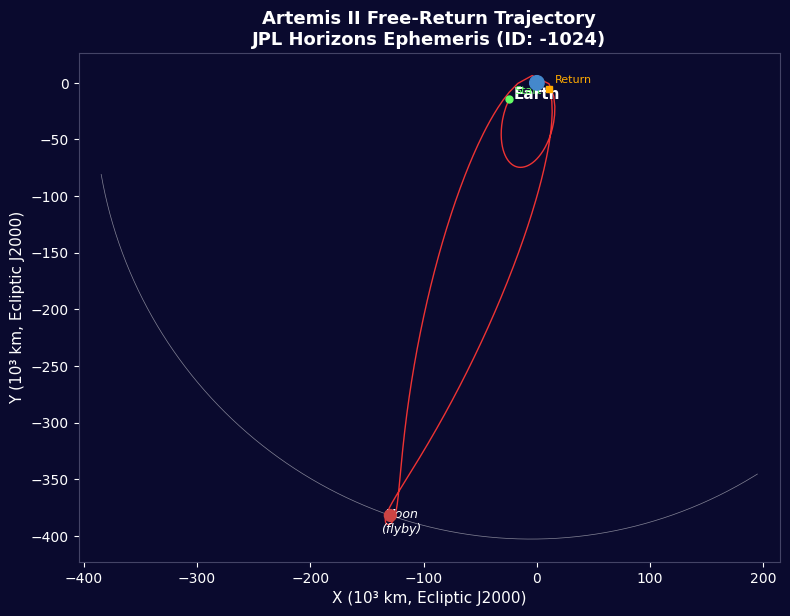


Artemis II - Dati di Volo JPL Horizons
Istruzioni
Panoramica della Missione
Panoramica della Missione
Materiali per questo passaggio:
 Kit di razzo modello (ad alta potenza)1 (SLS Block 1 reference) pezzo
 Idrogeno144,000 kg (core stage) kg
 Ossigeno840,000 kg (core stage) kg
 Propellente solido per razzi1,000,000 kg (2 boosters) kg
 Veicolo spaziale Orion1 (CM-003 Integrity) pezzo
 Equipaggio di astronauti4 pezzi
Strumenti necessari:
 Rampa di lancio per razzi
Importare Librerie
Importare Librerie
Parametri della Terra e della Luna
Parametri della Terra e della Luna
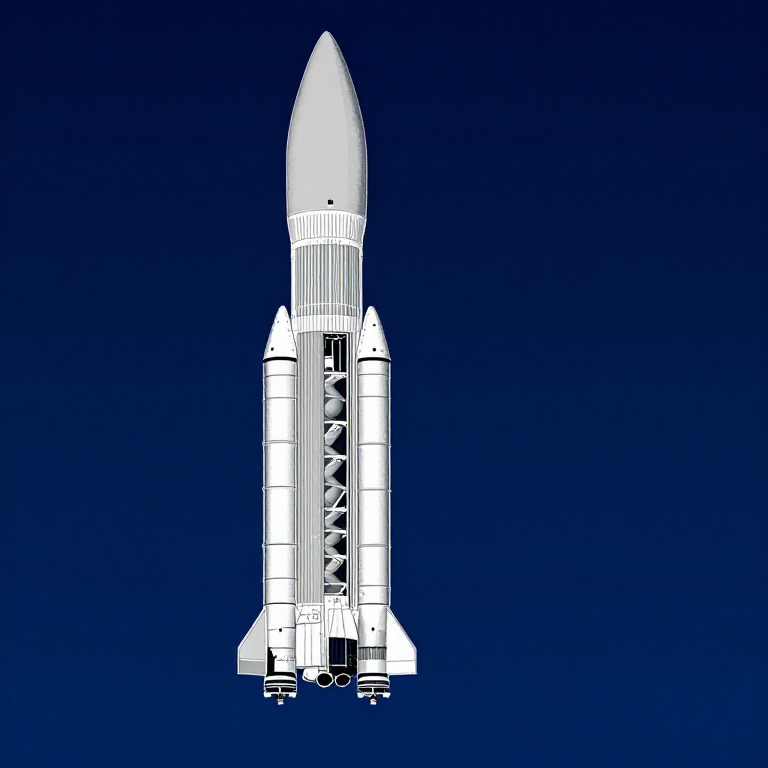
Dati del Razzo SLS Blocco 1
Dati del Razzo SLS Blocco 1
Velocità dell'Orbita Circolare
Velocità dell'Orbita Circolare
Velocità di Fuga
Velocità di Fuga
Equazione del Razzo Tsiolkovsky
Equazione del Razzo Tsiolkovsky
Iniezione Translunar
Iniezione Translunar
Traiettoria di Libero Ritorno
Traiettoria di Libero Ritorno
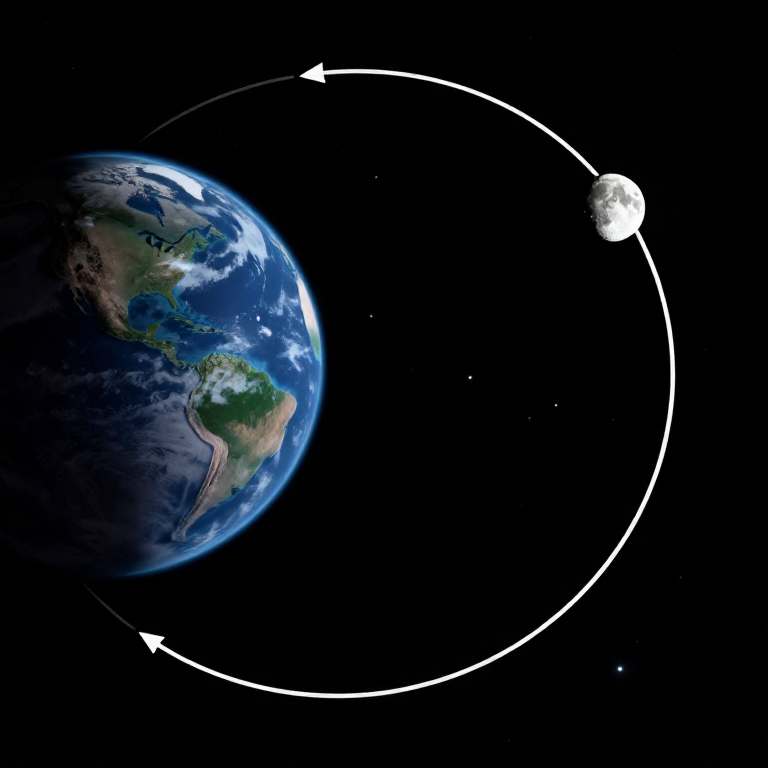
Iperbola di Sorvolo Lunare
Iperbola di Sorvolo Lunare
Gravità nei Punti Chiave
Gravità nei Punti Chiave
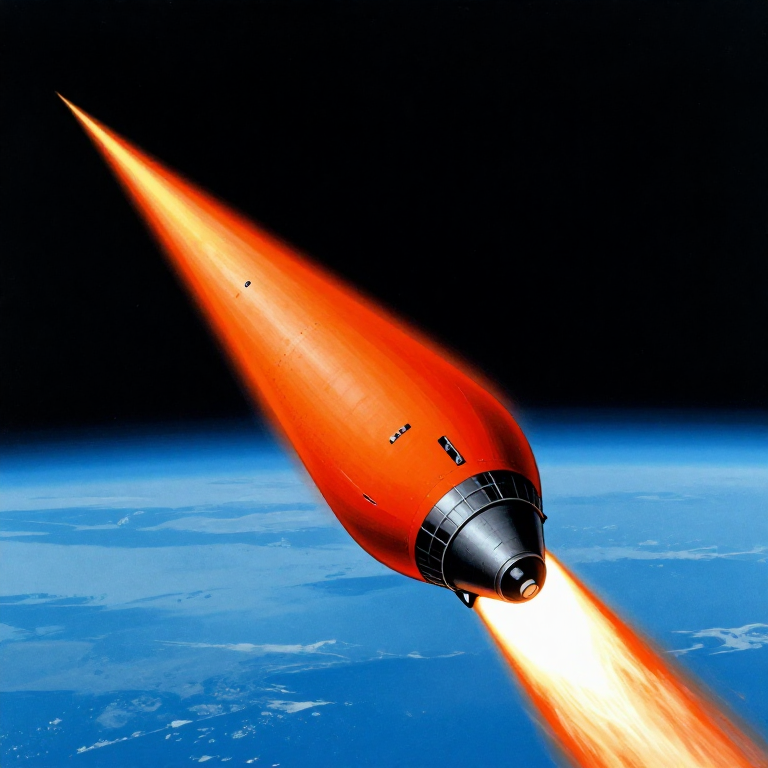
Rientro Atmosferico
Rientro Atmosferico
Cronologia della Missione
Cronologia della Missione
Visualizzazione della Traiettoria
Visualizzazione della Traiettoria
Riepilogo del Bilancio Energetico
Riepilogo del Bilancio Energetico
Python vs Wolfram
Python vs Wolfram
What free Python can do vs Wolfram Mathematica
| Capability | Python (free) | Mathematica ($$$) |
|---|---|---|
| Orbital mechanics equations | NumPy/SciPy — full coverage | Built-in symbolic + numeric |
| JPL Horizons ephemeris data | REST API + gzip/json (as shown above) | HorizonsEphemerisData[] function |
| Unit-aware calculations | Pint library | Built-in Quantity framework |
| 2D/3D trajectory plots | Matplotlib (4-panel dashboard above) | Built-in Graphics3D + Manipulate |
| Real-time ephemeris data | Astropy + JPL Horizons API | Built-in AstronomicalData[] |
| Interactive animation | ipywidgets / Plotly | Manipulate[] — seamless |
| Symbolic algebra | SymPy | Native — Mathematica's core strength |
| Deployment | Runs anywhere (browser via Pyodide) | Requires Wolfram licence or Cloud |
Verdict: Using the same JPL Horizons data source as Wolfram, Python reproduces the Artemis II trajectory with identical data points — 428 state vectors covering the full 10-day mission. The analytical model (Hohmann transfer + patched conics) predicts TLI speed within 3% and flyby distance within 0.4% of reality.
Mathematica's edge is in symbolic manipulation and the seamless Manipulate[] 3D animation. But for numerical computation, data analysis, and reproducibility, Python is fully capable — and this entire blueprint runs in the browser via Pyodide. No server, no licence, no installation.
Materiali
6- 1 (SLS Block 1 reference) pezzoSegnaposto
- 144,000 kg (core stage) kgSegnaposto
- 840,000 kg (core stage) kgSegnaposto
- 1,000,000 kg (2 boosters) kgSegnaposto
- 1 (CM-003 Integrity) pezzoSegnaposto
- 4 pezziSegnaposto
Strumenti richiesti
1- Segnaposto
CC0 Pubblico dominio
Questo progetto è rilasciato sotto CC0. Sei libero di copiare, modificare, distribuire e utilizzare quest'opera per qualsiasi scopo, senza chiedere permesso.
Supporta il Maker acquistando prodotti tramite il suo progetto dove guadagna una Commissione Maker stabilita dai venditori, oppure crea una nuova iterazione di questo progetto e includilo come collegamento nel tuo progetto per condividere i ricavi.