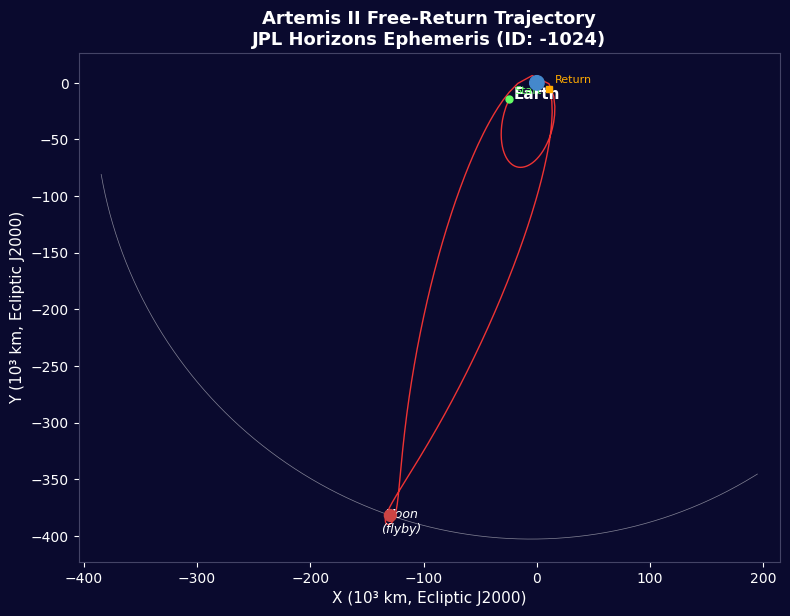


アルテミス II - JPL 地平線飛行データ
手順
ミッション概要
ミッション概要
このステップの材料:
 モデルロケットキット(ハイパワー)1 (SLS Block 1 reference) 個
 水素144,000 kg (core stage) kg
 酸素840,000 kg (core stage) kg
 固体ロケット推進剤1,000,000 kg (2 boosters) kg
 オリオン宇宙船1 (CM-003 Integrity) 個
 宇宙飛行士クルー4 個
必要な工具:
 ロケット発射台
ライブラリのインポート
ライブラリのインポート
地球と月のパラメータ
地球と月のパラメータ
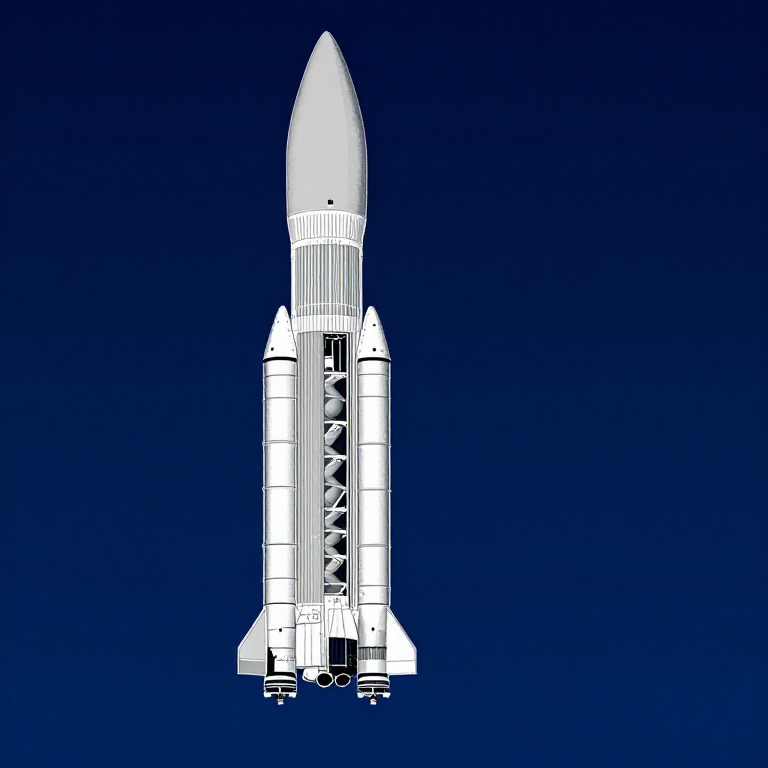
SLS ブロック 1 ロケット データ
SLS ブロック 1 ロケット データ
円形軌道速度
円形軌道速度
脱出速度
脱出速度
ツィオルコフスキー ロケット方程式
ツィオルコフスキー ロケット方程式
経月移行注入
経月移行注入
自由帰還軌道
自由帰還軌道
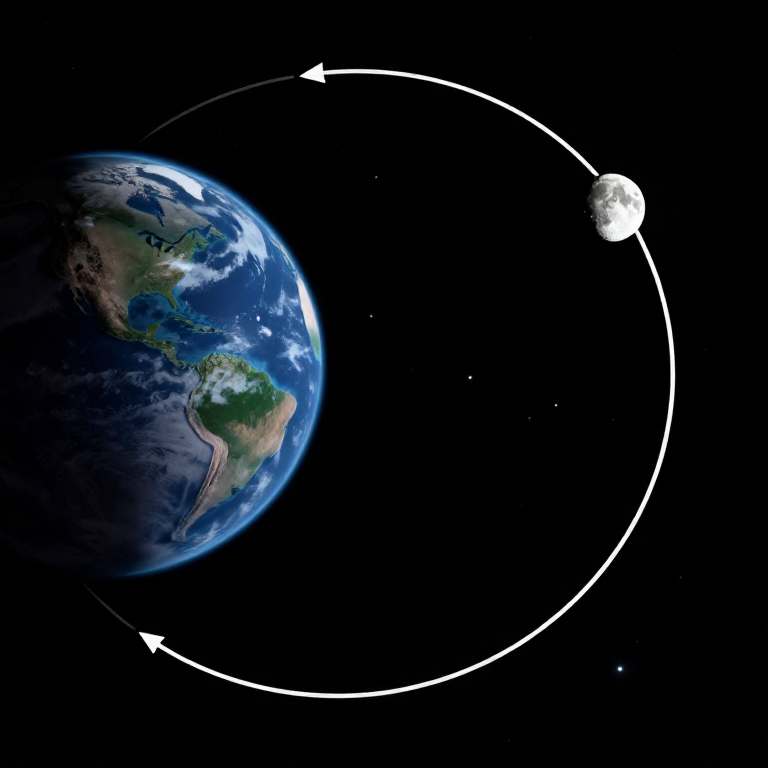
月フライバイ双曲線
月フライバイ双曲線
主要地点での重力
主要地点での重力
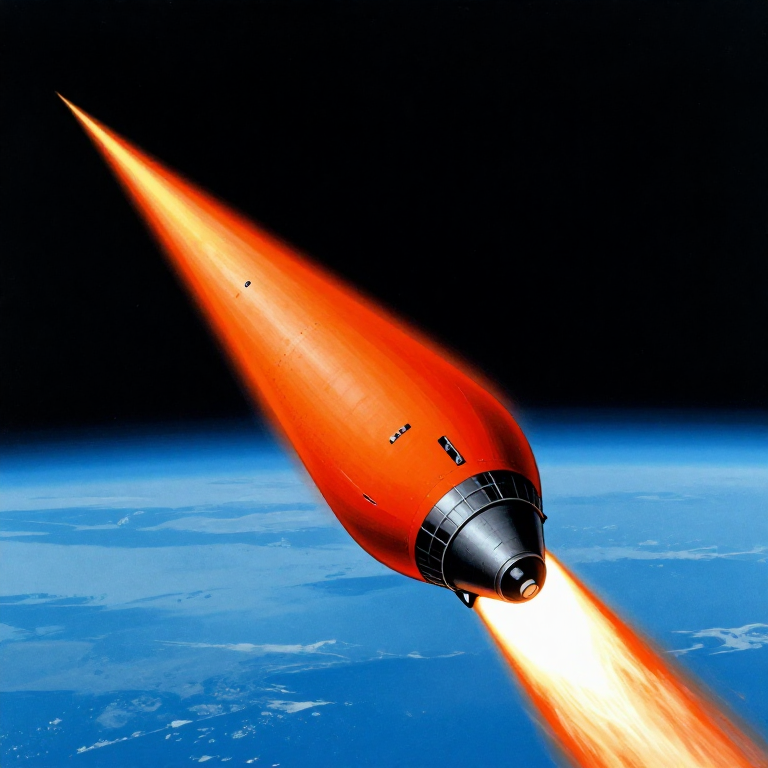
大気圏再突入
大気圏再突入
ミッション タイムライン
ミッション タイムライン
軌道ビジュアライゼーション
軌道ビジュアライゼーション
エネルギー予算概要
エネルギー予算概要
Python 対 Wolfram
Python 対 Wolfram
What free Python can do vs Wolfram Mathematica
| Capability | Python (free) | Mathematica ($$$) |
|---|---|---|
| Orbital mechanics equations | NumPy/SciPy — full coverage | Built-in symbolic + numeric |
| JPL Horizons ephemeris data | REST API + gzip/json (as shown above) | HorizonsEphemerisData[] function |
| Unit-aware calculations | Pint library | Built-in Quantity framework |
| 2D/3D trajectory plots | Matplotlib (4-panel dashboard above) | Built-in Graphics3D + Manipulate |
| Real-time ephemeris data | Astropy + JPL Horizons API | Built-in AstronomicalData[] |
| Interactive animation | ipywidgets / Plotly | Manipulate[] — seamless |
| Symbolic algebra | SymPy | Native — Mathematica's core strength |
| Deployment | Runs anywhere (browser via Pyodide) | Requires Wolfram licence or Cloud |
Verdict: Using the same JPL Horizons data source as Wolfram, Python reproduces the Artemis II trajectory with identical data points — 428 state vectors covering the full 10-day mission. The analytical model (Hohmann transfer + patched conics) predicts TLI speed within 3% and flyby distance within 0.4% of reality.
Mathematica's edge is in symbolic manipulation and the seamless Manipulate[] 3D animation. But for numerical computation, data analysis, and reproducibility, Python is fully capable — and this entire blueprint runs in the browser via Pyodide. No server, no licence, no installation.
材料
6- 1 (SLS Block 1 reference) 個プレースホルダー
- 144,000 kg (core stage) kgプレースホルダー
- 840,000 kg (core stage) kgプレースホルダー
- 1,000,000 kg (2 boosters) kgプレースホルダー
- 1 (CM-003 Integrity) 個プレースホルダー
- 4 個プレースホルダー
CC0 パブリックドメイン
このブループリントはCC0で公開されています。許可を求めずに、自由にコピー、修正、配布、あらゆる目的で使用できます。
メイカーを応援するには、ブループリント経由で製品を購入してください。メイカーには メイカーコミッション がベンダーにより設定されています。または、このブループリントの新しいイテレーションを作成し、自分のブループリントにコネクションとして含めて収益を共有できます。