アート
美容とウェルネス
工芸
文化と歴史
エンターテインメント
環境
食品と飲料
リバースエンジニアリング
科学
スポーツ
テクノロジー
ウェアラブル

Thermal Printing
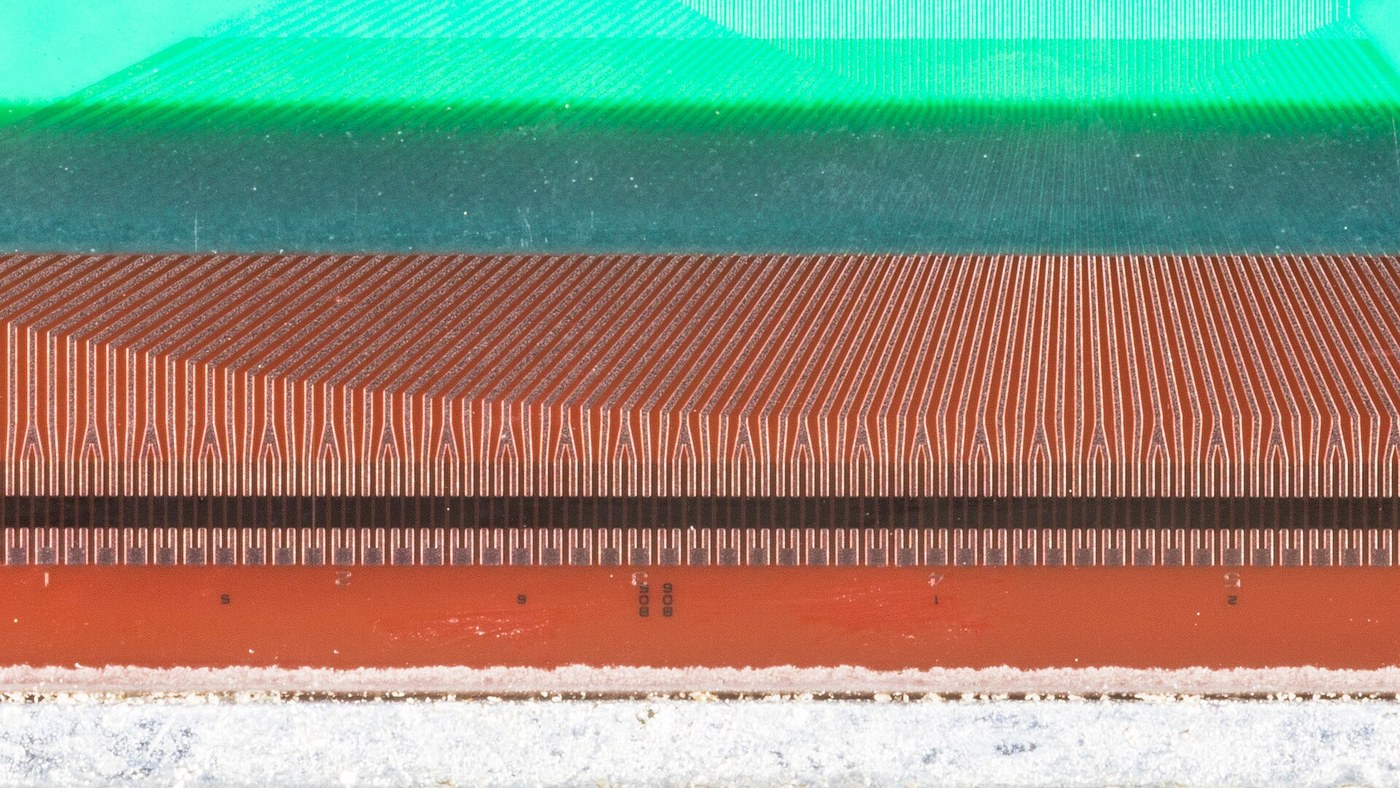
Every other printing process brings the colourant with it. Thermal printing does not: the colourant is already in the paper, sitting in two layers that are not allowed to touch. One is a leuco dye, a colourless ring-closed molecule; the other is a weak acid developer. Warm the coating past about 90 degrees Celsius, the matrix holding them apart melts, the two meet, the dye ring opens, and that spot turns black. Cool it and it stays black.
So the print head has nothing to deliver. It is a row of small resistors on an alumina substrate under a hard wear glaze, and printing is just switching them. Texas Instruments shipped that as the Silent 700 in 1969: a terminal with no ribbon, no ink, no hammers and almost no noise, at a time when the alternative on a desk was a teleprinter you could hear through a wall.
The interesting engineering is not the dye, it is the pulse. Heat spreads sideways through the substrate as fast as it goes forward into the paper, so if you drive an element for too long the warm patch grows wider than the dot spacing and the dots merge. Working that out sets the pulse length at a fraction of a millisecond, which in turn sets the element resistance, the drive voltage, and how many elements you can afford to fire at the same instant.
It also explains the two things everyone notices about thermal prints. They fade, because anything that made the dye change once - heat, sunlight, a solvent, the plasticiser in a wallet - can go on changing it. And a long receipt goes darker towards the end, unless the firmware shortens its pulses as the head warms up.
初心者
2 hours
手順
1
1
Find the threshold by hand
Find the threshold by hand
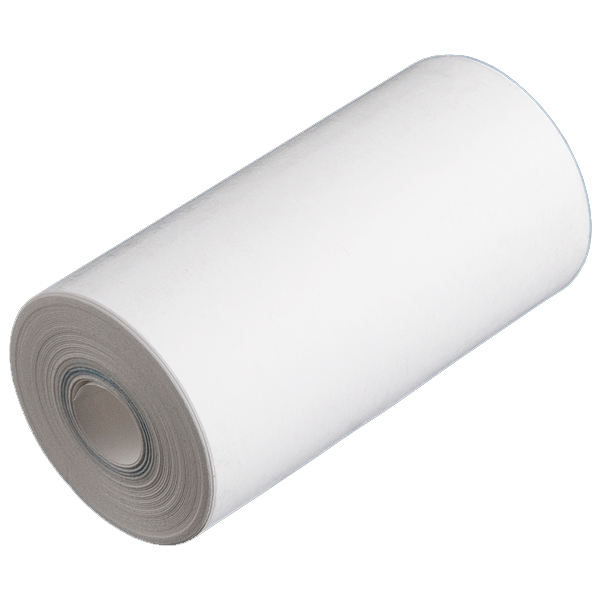
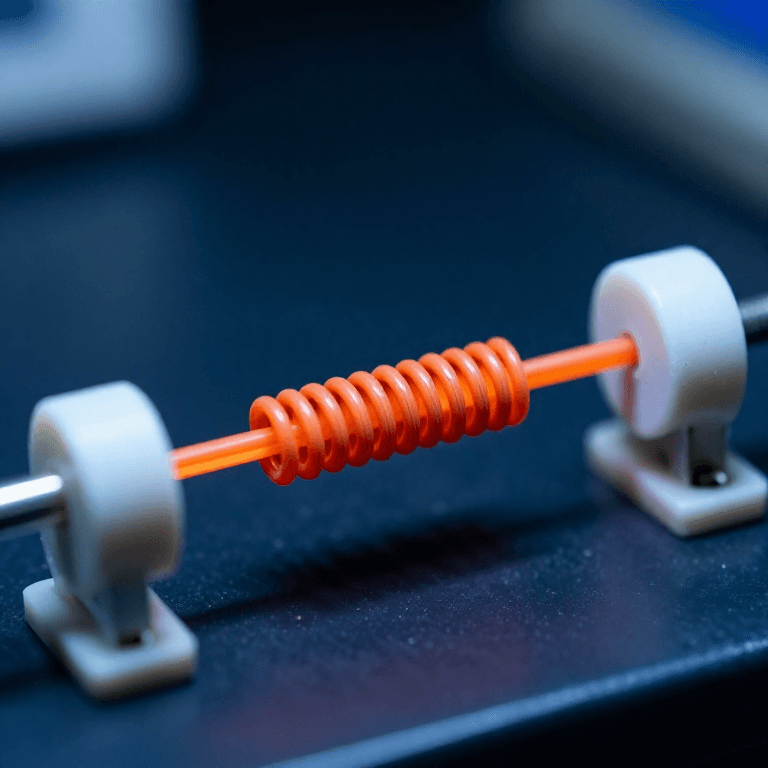
Stretch a short length of nichrome across two terminals and press a strip of receipt paper against it, coated side down.
Pulse it from the bench supply through the MOSFET, starting far too short. Lengthen the pulse until a mark appears, then keep going until it browns and spreads. Record the threshold and the smear point; the working window sits between them.
このステップの材料:
 Thermal Printer Paper - 34'1 巻
 ニクロム線100 mm
必要な工具:
 直流安定化電源
 IRF540N Nチャネル MOSFET
 ファンクションジェネレータ
 デジタルオシロスコープ
 拡大ルーペ
拡大ルーペ2
2
Prove the paper is doing the work
Prove the paper is doing the work
Take three marked strips. Leave one on a sunny windowsill, tape one inside a book, and wipe one with hand sanitiser.
Also touch a soldering iron at 120 C to a scrap of ordinary copy paper: nothing. The chemistry is in the sheet, not in the head - which is the entire trade this process makes.
このステップの材料:
Thermal Printer Paper - 34'1 巻 紙3 枚
紙3 枚必要な工具:
 はんだごて
はんだごて デジタル顕微鏡
3
3
Diffusion length, drive current, and four ways to mark paper
Diffusion length, drive current, and four ways to mark paper
Jupyter ノートブックを読み込み中…
必要な工具:
 デスクトップパソコン
4
4
Compendium: what fades, and what replaced the developer
Compendium: what fades, and what replaced the developer
The reaction is not locked. The leuco dye and the developer are still mixed together in the melted matrix, so anything that mobilises them keeps working: sunlight, a warm car, the plasticiser in a PVC wallet, an alcohol wipe, or the oil from a fingerprint. A receipt black from heat can go white again from solvent. This is a chemistry with no fixing step, which is why no archive is kept on it and why shops photocopy warranty slips.
The classic developer was bisphenol A, chosen for being a cheap solid acid with the right melting point. Because it sits unbound on the surface it transfers to skin, and the EU banned it in thermal paper from January 2020. Replacements - bisphenol S, then non-phenolic developers such as Pergafast 201 and urea-urethane types - had to hit the same melting window, so the physics in the notebook is unchanged while the molecule underneath it has been swapped twice.
必要な工具
8- プレースホルダー
- プレースホルダー
- プレースホルダー
- 1 vendor sell this, none ship to you yetプレースホルダー
- プレースホルダー
- 2 vendors sell this, none ship to you yetプレースホルダー
- プレースホルダー
- プレースホルダー
見積もり合計
作った人が買ったもの。価格のない材料は、購入する店で入手します。
関連ブループリント
これらのブループリントは知識を共有しています — 技術、材料、原理


CC0 パブリックドメイン
このブループリントはCC0で公開されています。許可を求めずに、自由にコピー、修正、配布、あらゆる目的で使用できます。
メイカーを応援するには、ブループリント経由で製品を購入してください。メイカーには メイカーコミッション がベンダーにより設定されています。または、このブループリントの新しいイテレーションを作成し、自分のブループリントにコネクションとして含めて収益を共有できます。