コラボレーション
アート
美容とウェルネス
工芸
文化と歴史
エンターテインメント
環境
食品と飲料
リバースエンジニアリング
科学
スポーツ
テクノロジー
ウェアラブル
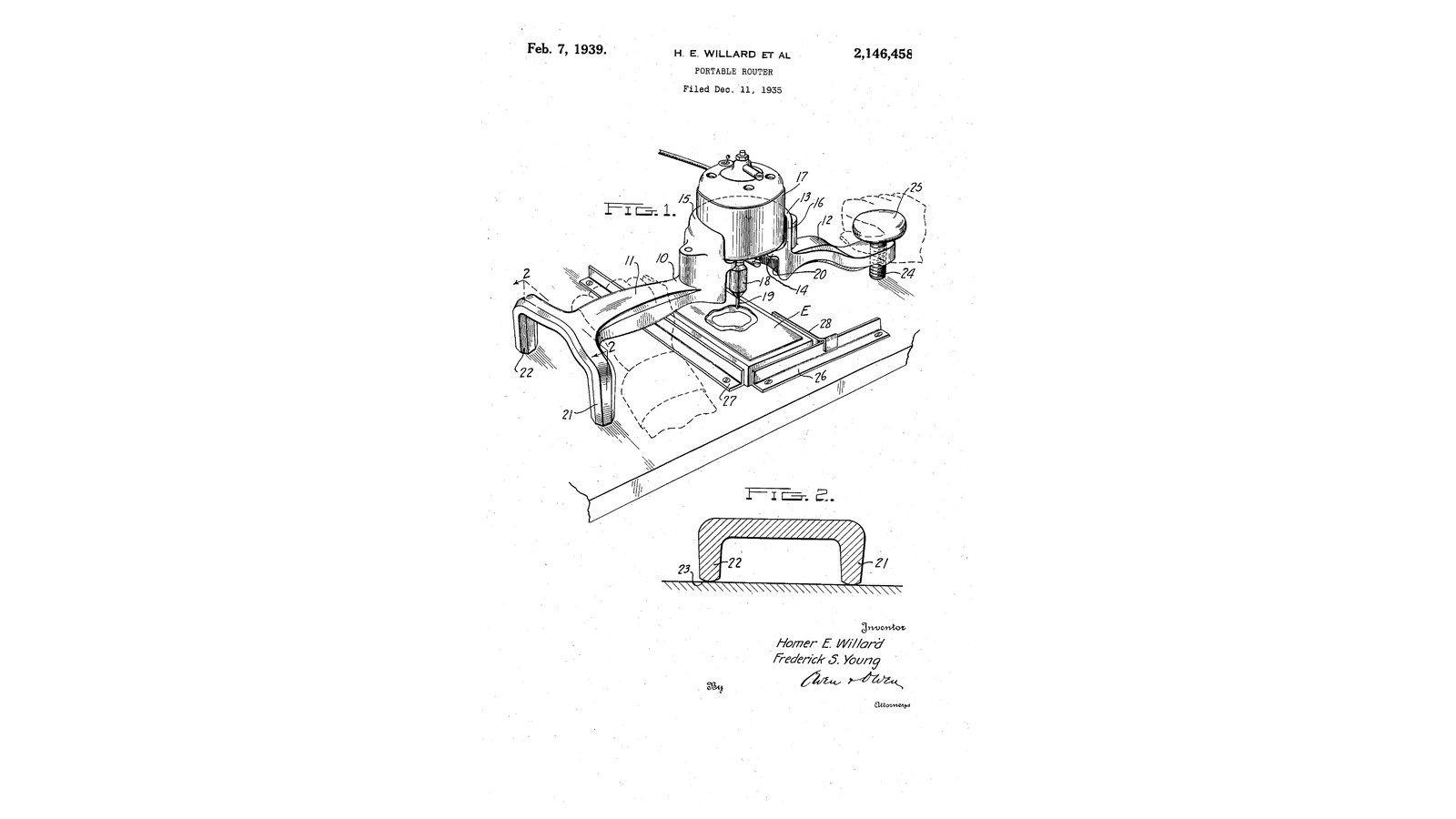


Three-Legged Router: A T-Frame on the Table Beside the Work, Its Depth Set by a Knob While Cutting (Willard & Young, 1939)
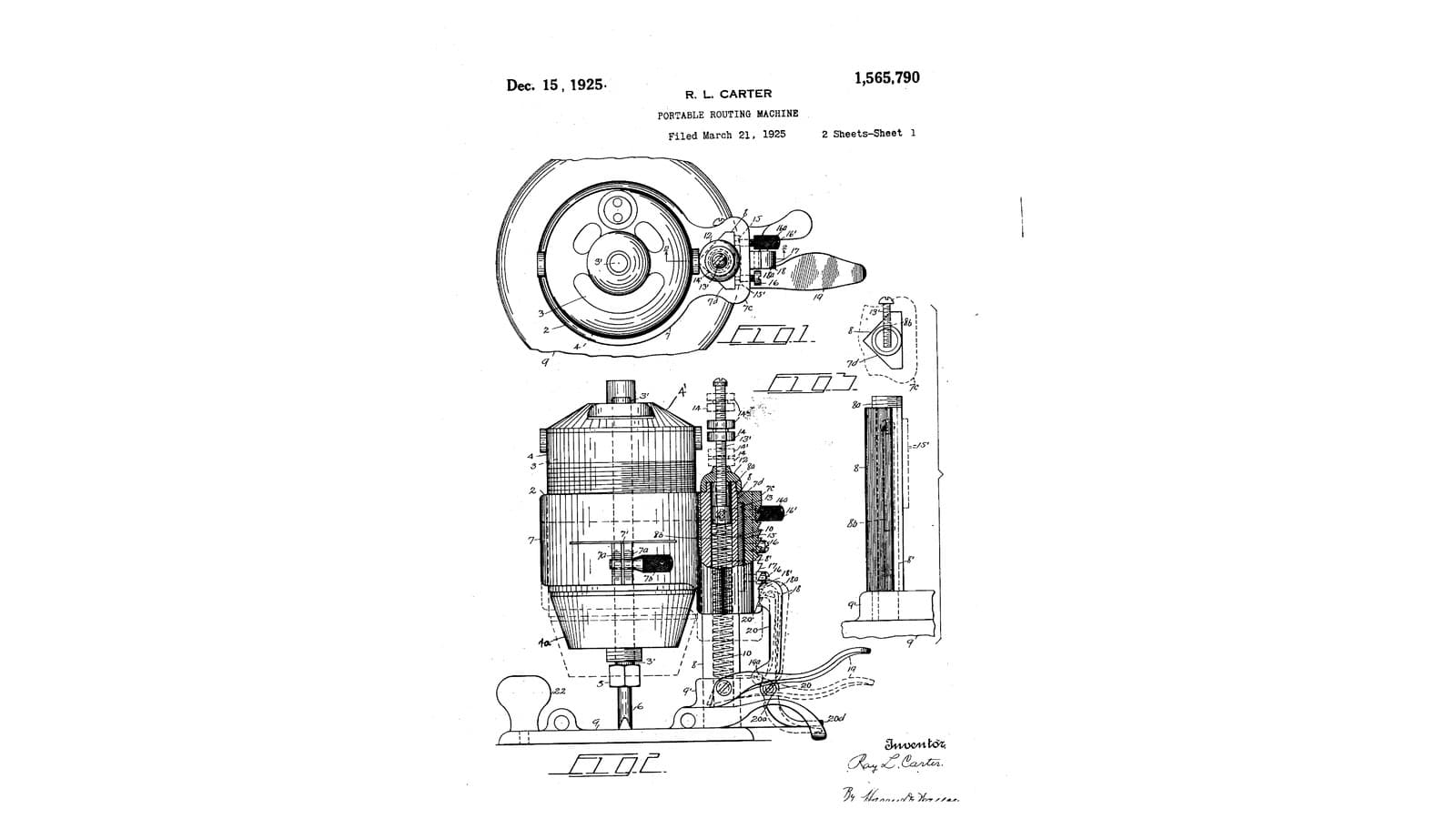
Homer E. Willard and Frederick S. Young of Toledo, Ohio, received US 2,146,458, dated 7 February 1939, for a simple portable router with few moving parts. The motor sits in an open-fronted support in the middle of a T-shaped frame, so the bit and the work are always in view. The frame stands on three legs on the table beside the clamped work: two curved legs at one end, and at the other a screw with a knob. Turning the knob with one hand raises or lowers the bit while it cuts.
We print the frame in PETG round a small DC motor. The sizes are ours.
中級者
About 1 day
手順
1
1
Depth by the knob
Depth by the knob
Jupyter ノートブックを読み込み中…
2
2
Read US 2,146,458
Read US 2,146,458
"Thus, by turning the wrist in one direction or the other, the bit 19 may be raised or lowered, as required, without stopping the motor and without removing the hands from the tool."
3
3
Print the frame
Print the frame
The T-shaped frame 10: the motor support 13 with its ledge 14 (an 18 mm hole and two M4 holes 29 mm apart) and curved wall 15, open at the front 16; arm 11 to the cross with two curved legs 21, 22; arm 12 to a boss with an M10 nut trap for the screw leg 24. PETG, 0.2 mm layers, 40 % infill, 5 walls; print it legs up, ledge on the bed.
4
4
Fit the motor
Fit the motor
Print the frame. Fit the collet adapter on the motor's shaft, stand the motor in the support with its face on the ledge and the collet through the hole, and screw it down with two M4 screws. Wire it through a toggle switch to the DC supply as for our 1924 router.
このステップの材料:
 PETGフィラメント1 個
 電動機1 個
 Motor Shaft Collet Adapter1 個
 六角穴付きボルト2 個
 トグルスイッチ1 個
 配線用ワイヤー1 個
 熱収縮チューブ1 個
必要な工具:
 FDM 3D プリンター
 直流電源
 電気はんだごて
 六角レンチセット
5
5
The screw leg and knob
The screw leg and knob
Press an M10 nut into the trap under the boss. Cut 100 mm of M10 threaded rod, round its lower end with a file so it slides on the table, and screw it up through the nut. Turn a hardwood knob 25, bore it, and glue it on the rod's top with a nut locked under it.
このステップの材料:
 六角ナット2 個
 全ねじ棒1 個
 堅木の板1 個
 木工用接着剤1 個
必要な工具:
 金切りのこ(ハクソー)
 ヤスリセット
 木工旋盤
 コードレスドリル
 ドリルビットセット
 モンキーレンチ
6
6
Rout
Rout
Clamp the work down on the table between two strips. Fit a bit and stand the router on the table so its legs are beside the work and the bit is over it. Turn the knob until the bit just clears the work, switch on, and turn it down a little while moving the router over the area to be cut, one hand on arm 11 and the other on the knob.
必要な工具:
 ルータービットセット堅木の板
 バークランプ
 デジタルノギス 6インチ
 保護めがね
7
7
Troubleshooting
Troubleshooting
Three-legged router troubleshooting.
Flow
Loading...
8
8
History and honest limits
History and honest limits
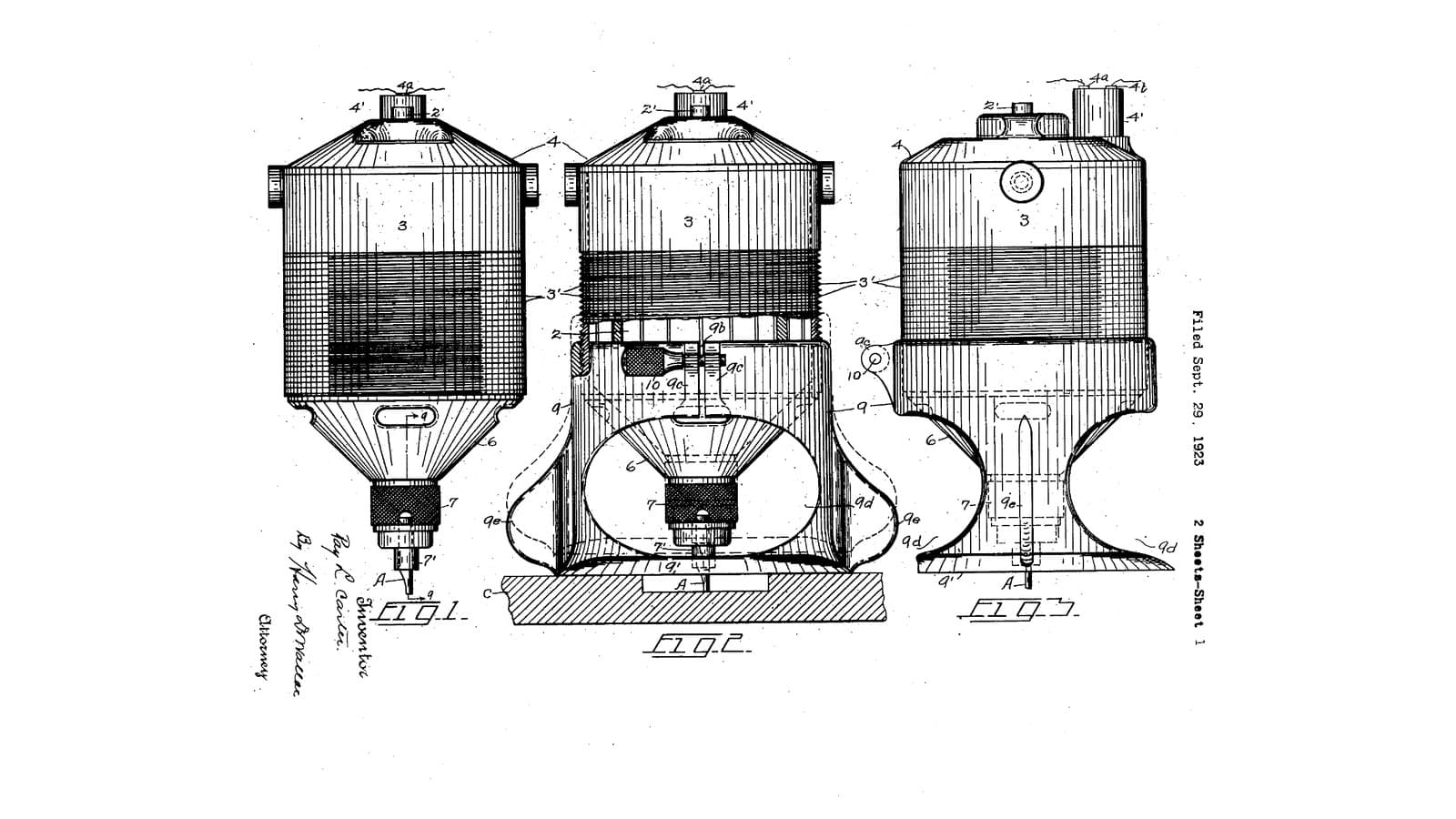
**Homer E. Willard** and **Frederick S. Young** of Toledo, Ohio, US 2,146,458, dated 7 February 1939, filed 11 December 1935. They claimed "a portable router comprising a T-shaped frame having a semi-circular recess in the stem of the T, a bit-operating motor mounted in said recess and a leg projecting in the same direction as the bit from each of the ends of the frame", one leg "screw-threaded through the arm and terminating above the arm in an operating knob". Their work was an electrotype clamped on the table; their motor ran on mains. Ours is a small DC motor in a printed frame. They give no sizes; every size here is ours.
材料
11- 1 個プレースホルダー
- 1 個プレースホルダー
- プレースホルダー
- 2 個プレースホルダー
- プレースホルダー
- プレースホルダー
- 1 個プレースホルダー
- 2 個プレースホルダー
- 1 個プレースホルダー
- 1 個プレースホルダー
- 1 個プレースホルダー
必要な工具
15- プレースホルダー
- プレースホルダー
- プレースホルダー
- プレースホルダー
- プレースホルダー
- プレースホルダー
- プレースホルダー
- 1 vendor sell this, none ship to you yetプレースホルダー
- プレースホルダー
- プレースホルダー
- 1 vendor sell this, none ship to you yetプレースホルダー
- プレースホルダー
- プレースホルダー
- プレースホルダー
- プレースホルダー
設計ファイル
1この設計図で作るもの

関連ブループリント
これらのブループリントは知識を共有しています — 技術、材料、原理
CC0 パブリックドメイン
このブループリントはCC0で公開されています。許可を求めずに、自由にコピー、修正、配布、あらゆる目的で使用できます。
メイカーを応援するには、ブループリント経由で製品を購入してください。メイカーには メイカーコミッション がベンダーにより設定されています。または、このブループリントの新しいイテレーションを作成し、自分のブループリントにコネクションとして含めて収益を共有できます。