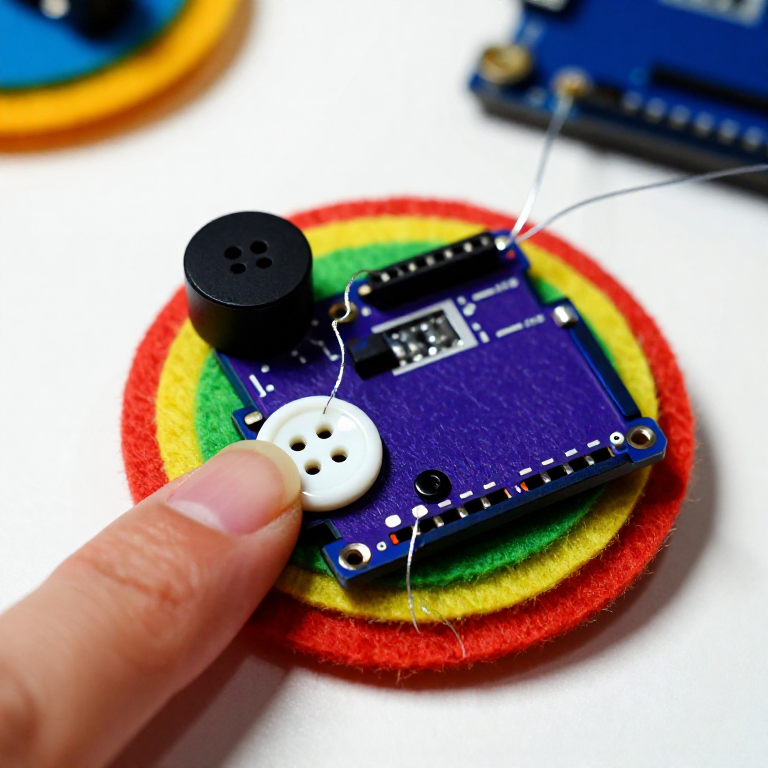


Making a LilyPad Musical Patch
Sew a patch that plays a tune. A LilyPad buzzer and a button let the microcontroller sing a short melody whenever you press it — a musical badge, a fabric greeting card, or a costume piece. This project introduces the buzzer and the Arduino tone() function that turns pin signals into notes.
Maagizo
Sew the board, buzzer and button
Sew the board, buzzer and button
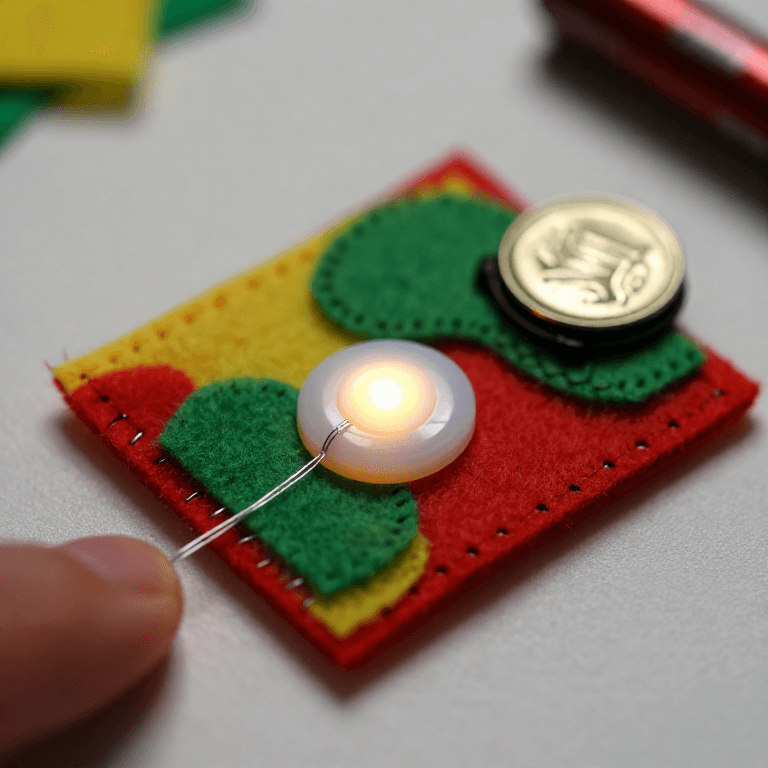
Sew a LilyPad Arduino, a LilyPad buzzer and a LilyPad button onto felt. Wire it: the buzzer's + tab to pin 9 and its - tab to -; the button's tabs to analog pin A2 and to -. Keep the lines from crossing.
Vifaa kwa hatua hii:
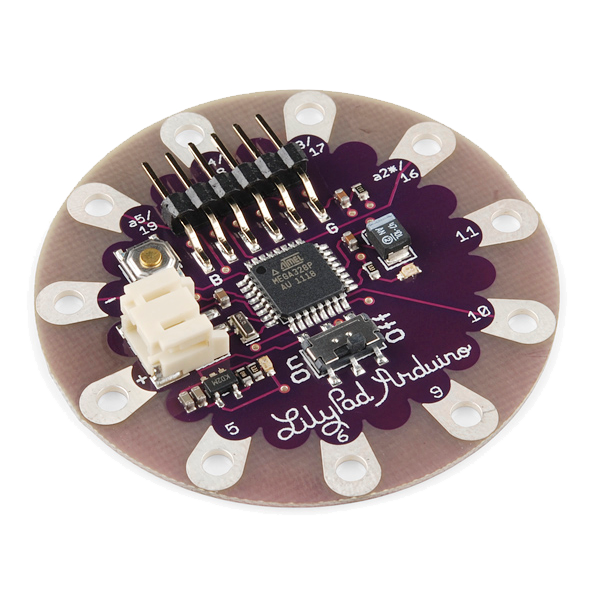 LilyPad Arduino Simple Board1 kipande
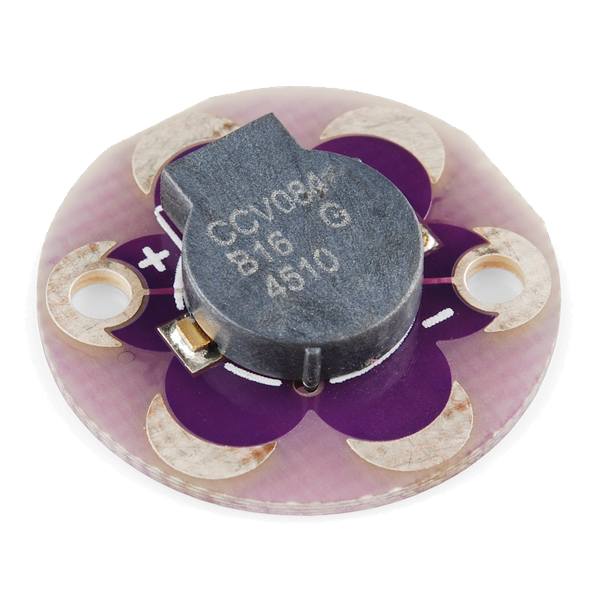 LilyPad Buzzer1 kipande
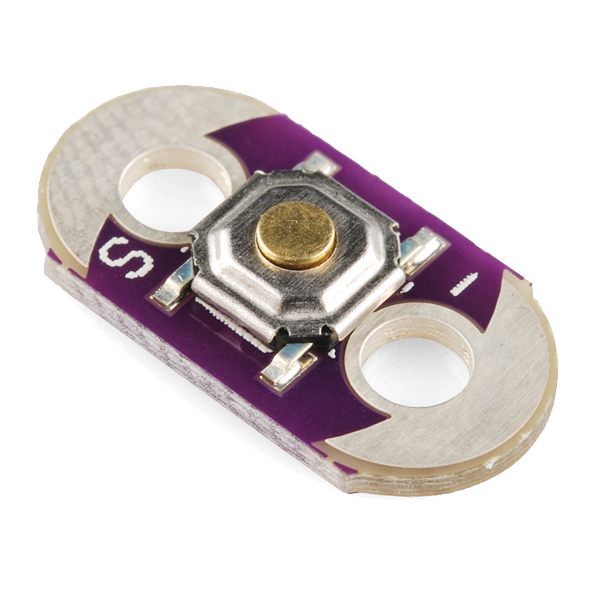 LilyPad Button Board1 kipande
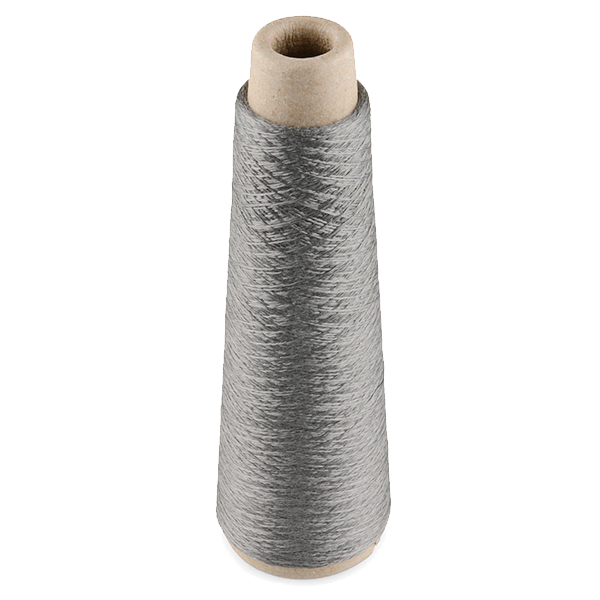 Conductive Thread - 60g (Stainless Steel)1 spu
 Karatasi ya sufu iliyoshindiliwa1 karatasi
Zana zinazohitajika:
 Sindano za kushona kwa mkono
Connect the programmer
Connect the programmer
Plug the LilyPad FTDI onto the programming header and connect the USB cable. Open the Arduino IDE and select the LilyPad Arduino board and its serial port.
Zana zinazohitajika:
 Kompyuta yenye IDE ya Arduino
 LilyPad FTDI Basic Breakout - 5V
 Kebo ya USB-B
Upload the melody sketch
Upload the melody sketch
Paste this sketch and upload. Pressing the button plays a short rising scale on the buzzer.
Press to play, then compose
Press to play, then compose
Press the button — you should hear the five notes. Change the tune by editing the melody[] frequencies (higher number = higher note) and the durations[] in milliseconds, then re-upload. Add more notes to both arrays to make a longer song.
Go wireless and wear it
Go wireless and wear it
Unplug the FTDI, sew a LilyPad coin-cell holder to the board (+ to +, - to -), drop in a CR2032 and switch on. Sew the felt onto a badge or card — press it to play your tune anywhere.
Vifaa kwa hatua hii:
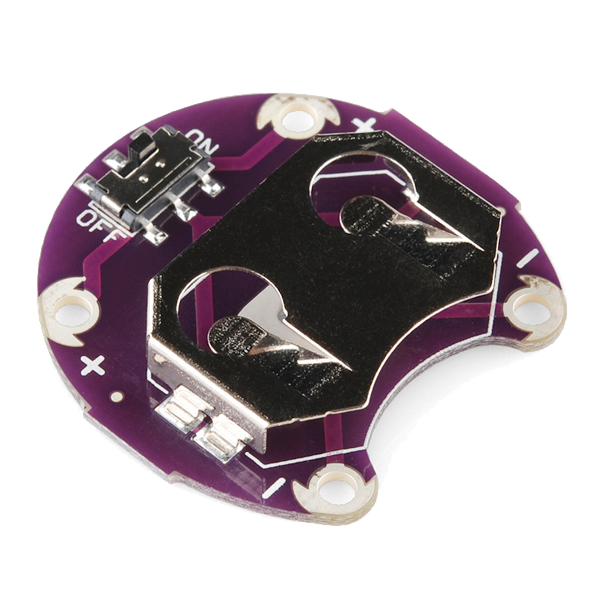 LilyPad Coin Cell Battery Holder - w/Switch - 20mm1 kipande
 Betri ya sarafu CR20321 kipande
Vifaa
7- LilyPad Arduino Simple BoardKamisheni 10%1 kipande$19.60
- LilyPad BuzzerKamisheni 10%1 kipande$7.62
- LilyPad Button BoardKamisheni 10%1 kipande$2.23
- Conductive Thread - 60g (Stainless Steel)Kamisheni 10%1 spu$40.13
- 1 karatasiKishikilia Nafasi
- LilyPad Coin Cell Battery Holder - w/Switch - 20mmKamisheni 10%1 kipande$5.05
- 1 kipandeKishikilia Nafasi
Zana Zinazohitajika
4- Kishikilia Nafasi
- Kishikilia Nafasi
- LilyPad FTDI Basic Breakout - 5VKamisheni 10%$14.38
- 1 vendor sell this, none ship to you yetKishikilia Nafasi
Blueprint zinazohusiana
Blueprint hizi zinashiriki maarifa — mbinu, vifaa au kanuni
CC0 Umma Wote
Mchoro huu umetolewa chini ya CC0. Uko huru kunakili, kubadilisha, kusambaza, na kutumia kazi hii kwa madhumuni yoyote, bila kuomba ruhusa.
Saidia Mtengenezaji kwa kununua bidhaa kupitia Mchoro wao ambapo wanapata Kamisheni ya Mtengenezaji iliyowekwa na Wachuuzi, au unda marudio mapya ya Mchoro huu na uiunganishe kama kiungo katika Mchoro wako kuchangia mapato.