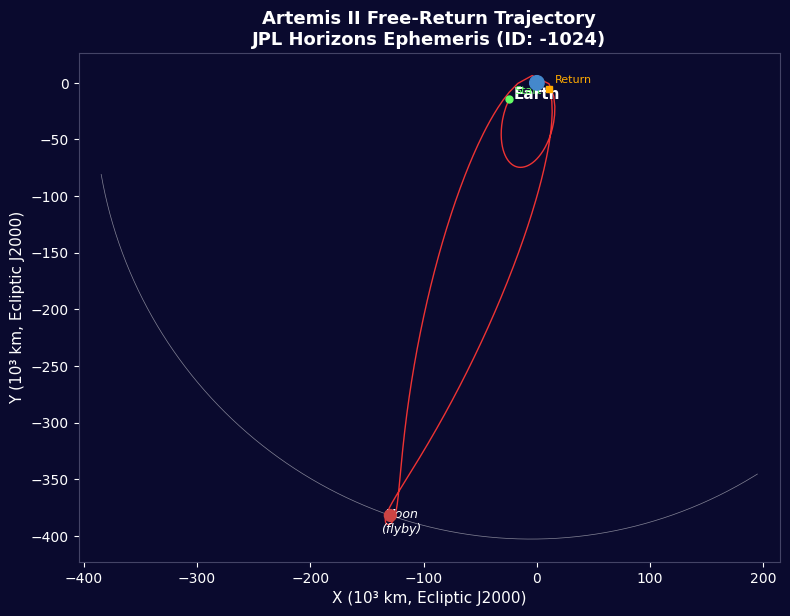


아르테미스 II - JPL 지평선 비행 데이터
안내
미션 개요
미션 개요
이 단계의 재료:
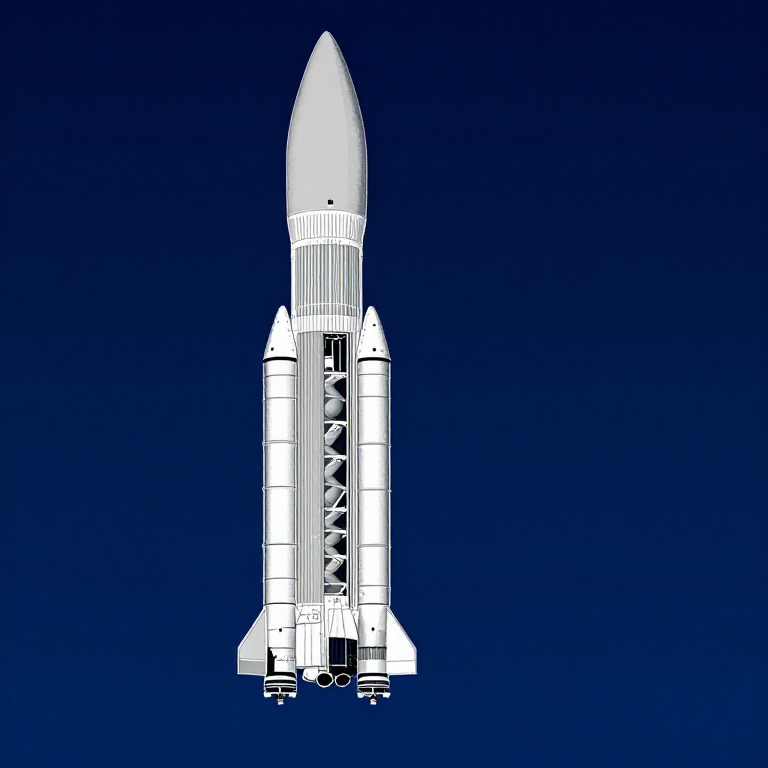
 모형 로켓 키트(고출력)1 (SLS Block 1 reference) 개
 수소144,000 kg (core stage) kg
 산소840,000 kg (core stage) kg
 고체 로켓 추진제1,000,000 kg (2 boosters) kg
 오리온 우주선1 (CM-003 Integrity) 개
 우주비행사 승무원4 개
필요한 도구:
 로켓 발사대
라이브러리 가져오기
라이브러리 가져오기
지구 및 달 매개변수
지구 및 달 매개변수
SLS Block 1 로켓 데이터
SLS Block 1 로켓 데이터
원형 궤도 속도
원형 궤도 속도
탈출 속도
탈출 속도
치올콥스키 로켓 방정식
치올콥스키 로켓 방정식
경월 이동 주입
경월 이동 주입
자유 귀환 궤도
자유 귀환 궤도
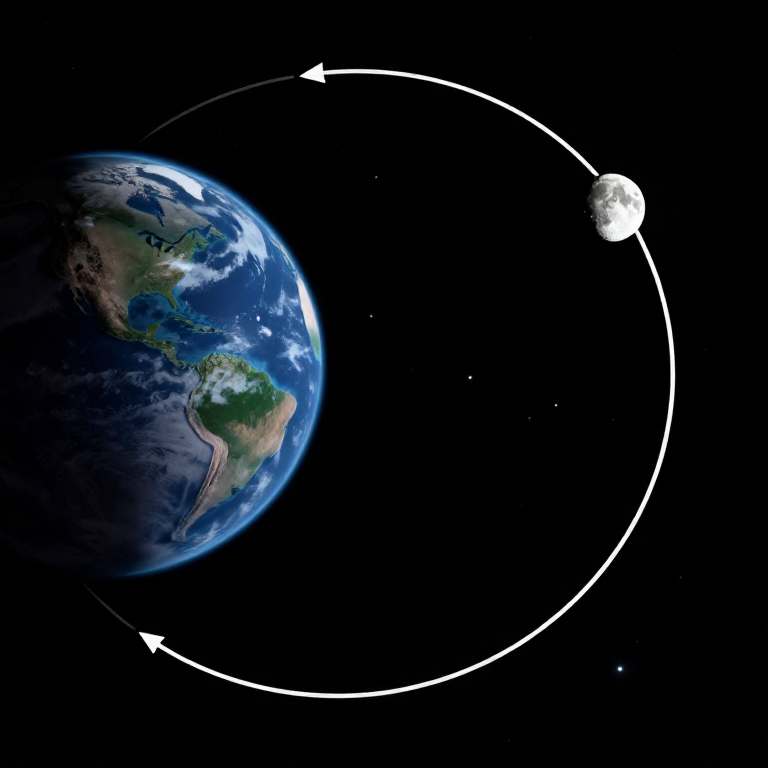
달 근접 비행 쌍곡선
달 근접 비행 쌍곡선
주요 지점의 중력
주요 지점의 중력
대기 재진입
대기 재진입
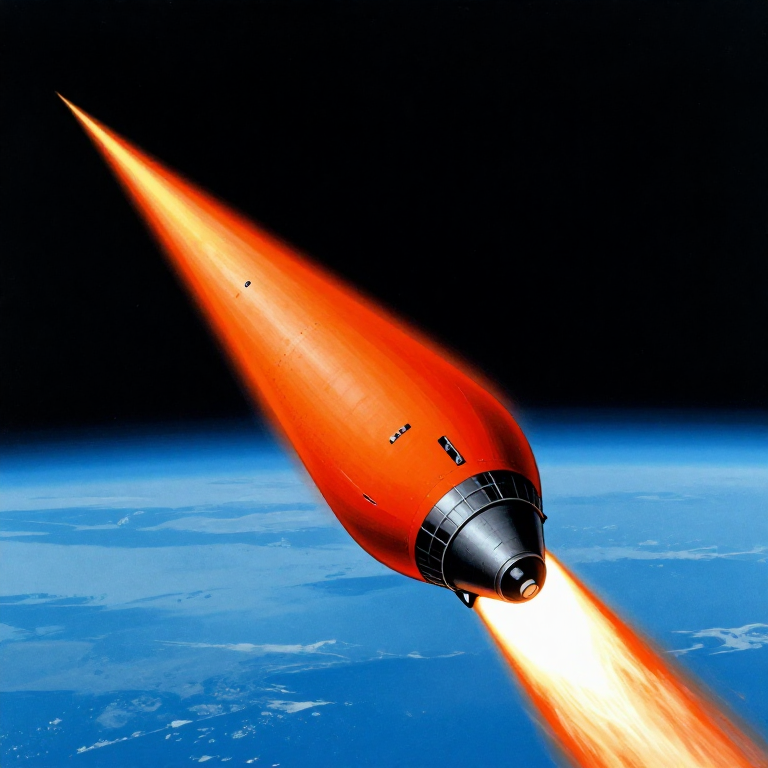
미션 타임라인
미션 타임라인
궤도 시각화
궤도 시각화
에너지 예산 요약
에너지 예산 요약
Python vs Wolfram
Python vs Wolfram
What free Python can do vs Wolfram Mathematica
| Capability | Python (free) | Mathematica ($$$) |
|---|---|---|
| Orbital mechanics equations | NumPy/SciPy — full coverage | Built-in symbolic + numeric |
| JPL Horizons ephemeris data | REST API + gzip/json (as shown above) | HorizonsEphemerisData[] function |
| Unit-aware calculations | Pint library | Built-in Quantity framework |
| 2D/3D trajectory plots | Matplotlib (4-panel dashboard above) | Built-in Graphics3D + Manipulate |
| Real-time ephemeris data | Astropy + JPL Horizons API | Built-in AstronomicalData[] |
| Interactive animation | ipywidgets / Plotly | Manipulate[] — seamless |
| Symbolic algebra | SymPy | Native — Mathematica's core strength |
| Deployment | Runs anywhere (browser via Pyodide) | Requires Wolfram licence or Cloud |
Verdict: Using the same JPL Horizons data source as Wolfram, Python reproduces the Artemis II trajectory with identical data points — 428 state vectors covering the full 10-day mission. The analytical model (Hohmann transfer + patched conics) predicts TLI speed within 3% and flyby distance within 0.4% of reality.
Mathematica's edge is in symbolic manipulation and the seamless Manipulate[] 3D animation. But for numerical computation, data analysis, and reproducibility, Python is fully capable — and this entire blueprint runs in the browser via Pyodide. No server, no licence, no installation.
재료
6- 1 (SLS Block 1 reference) 개플레이스홀더
- 144,000 kg (core stage) kg플레이스홀더
- 840,000 kg (core stage) kg플레이스홀더
- 1,000,000 kg (2 boosters) kg플레이스홀더
- 1 (CM-003 Integrity) 개플레이스홀더
- 4 개플레이스홀더
CC0 퍼블릭 도메인
이 블루프린트는 CC0로 공개되었습니다. 어떤 목적으로든 자유롭게 복사, 수정, 배포 및 사용할 수 있습니다.
제품 구매를 통해 메이커를 지원하세요. 판매자가 설정한 메이커 커미션 을 받거나, 이 블루프린트의 새로운 반복을 만들어 연결로 포함시킬 수 있습니다.