예술
뷰티 및 웰니스
공예
문화 및 역사
엔터테인먼트
환경
음식 및 음료
역공학
과학
스포츠
기술
웨어러블
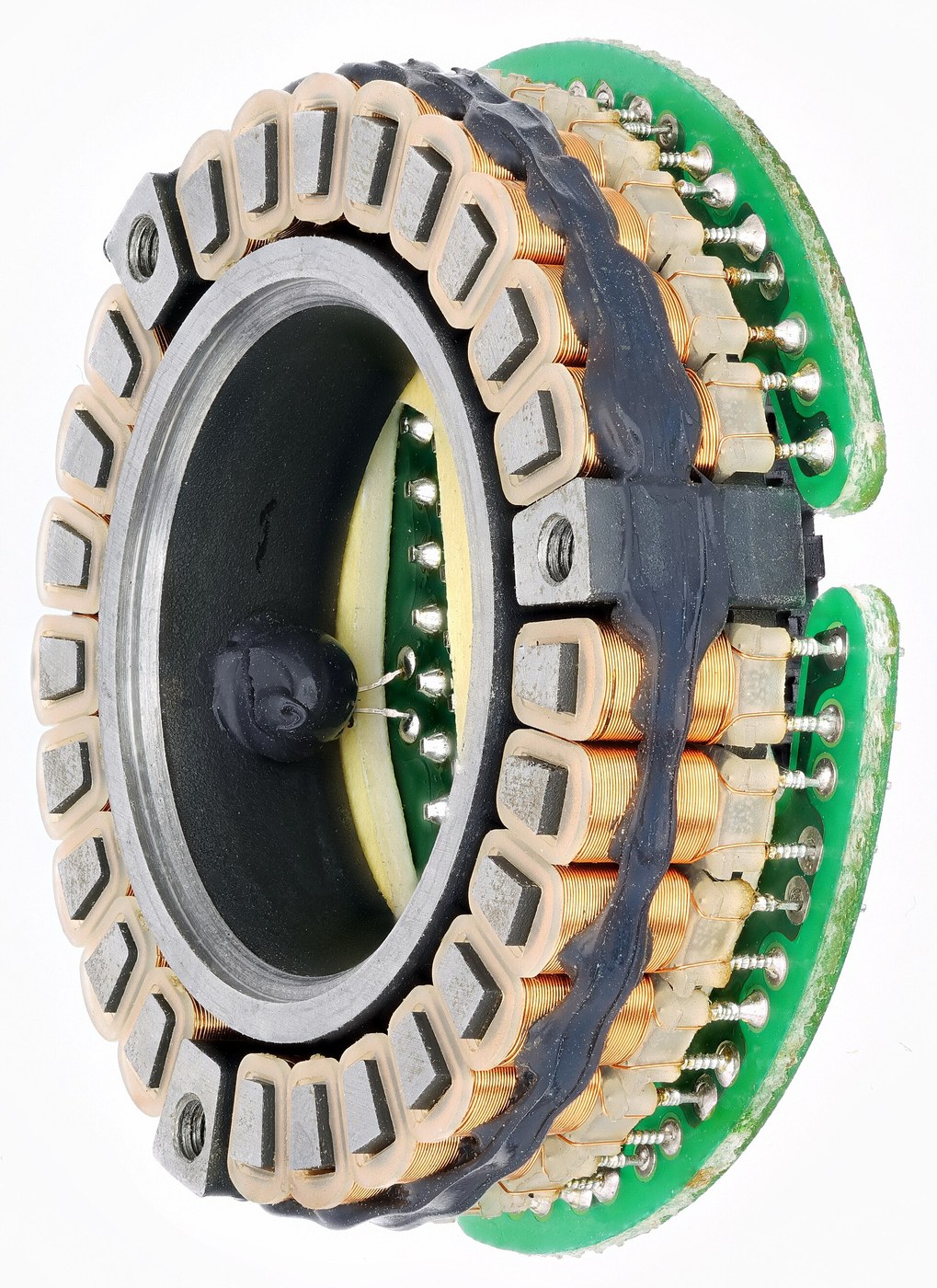


The Dot Matrix Impact Head
A typewriter carries every letter it can print, cast in metal, one piece per character. To print something it did not come with - a currency symbol, a Greek letter, a bar chart - you cannot. The type is the vocabulary.
The dot matrix head throws that away. It has no letters at all, only a vertical column of steel wires, each with a solenoid behind it, and it builds every shape out of dots as it sweeps across the page. OKI shipped the Wiredot in 1968 and Centronics put the idea on desks with the Model 101 in 1970, seven wires printing a five-by-seven grid. From that moment the printer stopped knowing what a letter was, and the character set moved into software.
The engineering is ballistic. Every dot is one round trip of a wire weighing a few tens of milligrams: accelerate it over half a millimetre, strike the ribbon, rebound, return, settle. Work out that cycle and you get a few thousand dots per second per wire, which divided by the columns in a character cell gives eighty to two hundred characters per second - exactly the range every 9-pin printer of the 1980s occupied. The speed of an entire generation of printers was set by the mass of nine small pieces of steel.
Going finer is not simply a matter of more wires. At 24 pins the vertical pitch is 0.141 mm and a 0.20 mm wire physically will not fit on it, so the head becomes two or three staggered columns fired at different instants as it sweeps. The geometry moves into the timing.
And it is still sold. A hammer transmits force through a stack of paper, so impact printing is the only desktop process that can make carbon copies - which is why delivery notes and dockets are still printed this way.
중급
3 hours
안내
1
1
Build one wire
Build one wire
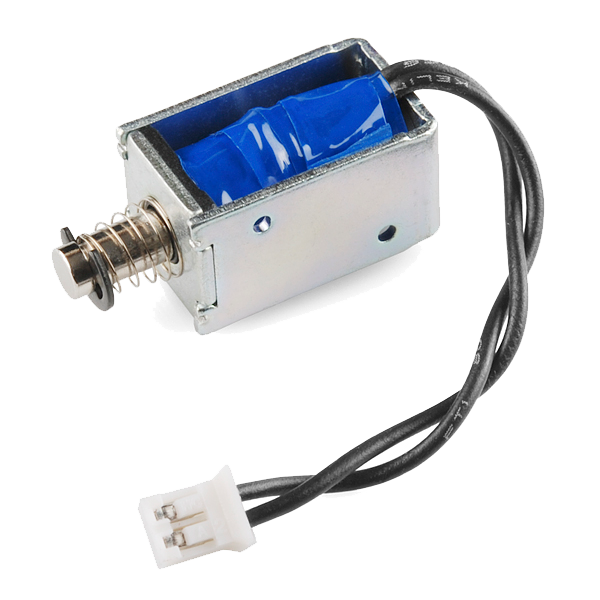
Cut a 25 mm length of 0.3 mm piano wire, dress the striking end square on a stone, and glue it to the plunger of the small solenoid so it stands proud by half a millimetre. Set the gap to the platen with the feeler gauge.
Pulse the solenoid through the MOSFET with paper, a strip of inked ribbon and a backing roller in the way. One dot.
이 단계의 재료:
 피아노선30 mm
 Solenoid - 5V (small)1 개
 프린터용 잉크 먹인 직물 리본1 개
 종이5 장
종이5 장필요한 도구:
 직류 전원 공급기
 IRF540N N채널 MOSFET
 함수 발생기
 틈새 게이지 세트
 숫돌
숫돌2
2
Find the cycle time, and the carbon copy
Find the cycle time, and the carbon copy
Raise the pulse rate until the dots stop appearing. Watch the solenoid current on the scope: the flat top means the wire has stopped moving, the wobble after it is the rebound. That is the limit in the notebook, measured.
Then print onto two sheets with carbon paper between them and look at the second sheet under the microscope. No other desktop process can do this.
이 단계의 재료:
종이10 장 먹지2 장
먹지2 장필요한 도구:
 디지털 오실로스코프
 디지털 현미경함수 발생기
3
3
Wire ballistics, staggered columns, and five printers
Wire ballistics, staggered columns, and five printers
Jupyter 노트북 불러오는 중…
필요한 도구:
 데스크톱 컴퓨터
4
4
Compendium: the ribbon and the sound
Compendium: the ribbon and the sound
The ribbon is a loop of woven nylon soaked in an oil-based ink, and it is re-inked by being wound back through itself so the same square is struck many hundreds of times. Ink migrates sideways through the weave to refill a struck spot, which is why print fades gradually rather than stopping, and why a tired ribbon prints paler at the top of a character than at the bottom - the top wires fire less often. Nothing meters the ink; the weave does it.
The noise is not a fault, it is the process. Nine wires hitting a steel platen through two sheets of paper radiate straight out of the case, and 55 to 65 dB(A) at a desk is loud enough that acoustic hoods were a standard accessory. Every quieter technology in the table gets there by not hitting anything - and pays for it with the multipart column.
재료
5- 30 mm플레이스홀더
- Solenoid - 5V (small)10% 수수료1 개₩67
- 플레이스홀더
- 15 장플레이스홀더
- 2 장플레이스홀더
필요 도구
8- 플레이스홀더
- 플레이스홀더
- 플레이스홀더
- 플레이스홀더
- 플레이스홀더
- 1 vendor sell this, none ship to you yet플레이스홀더
- 플레이스홀더
- 플레이스홀더
예상 총액
만든 사람이 산 것. 가격이 없는 재료는 구매하는 곳에서 구하면 됩니다.
관련 블루프린트
이 블루프린트들은 지식을 공유합니다 — 기술, 재료 또는 원리



CC0 퍼블릭 도메인
이 블루프린트는 CC0로 공개되었습니다. 어떤 목적으로든 자유롭게 복사, 수정, 배포 및 사용할 수 있습니다.
제품 구매를 통해 메이커를 지원하세요. 판매자가 설정한 메이커 커미션 을 받거나, 이 블루프린트의 새로운 반복을 만들어 연결로 포함시킬 수 있습니다.