

The Stored-Program Computer
안내
The fetch-decode-execute cycle
The fetch-decode-execute cycle
Trace the loop. Every general-purpose computer built since 1948 does exactly this, billions of times a second.
Read the last line twice, because it is the entire idea. There is no tag, no type, no marker distinguishing code from data. The same bits are an instruction if the program counter reaches them and a number if a LOAD reaches them.
That is what makes the machine universal — and it is also the root of an entire class of security failures. If an attacker can get data into a place the program counter will later reach, their data becomes your instructions. Buffer overflows, return-oriented programming and shellcode all live in the gap this design deliberately leaves open.
Modern processors claw some of it back with an execute-disable bit marking regions as data-only — which is, in effect, re-introducing the distinction von Neumann removed, seventy years later, for safety rather than for capability.Flow
필요한 도구:
 데스크톱 컴퓨터
Build and run a complete machine in software
Build and run a complete machine in software
필요한 도구:
데스크톱 컴퓨터Wire a program counter and instruction register
Wire a program counter and instruction register
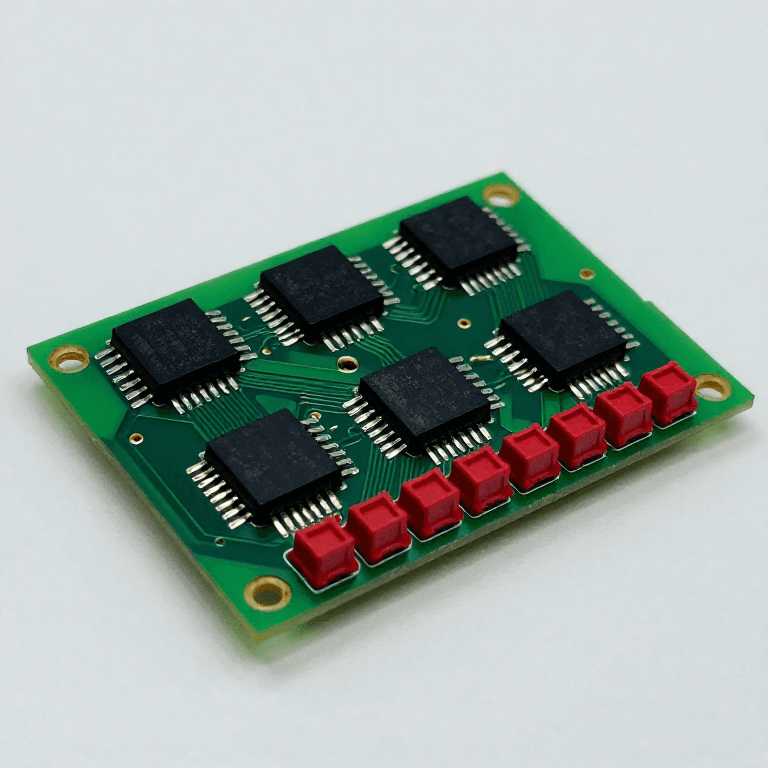
Build the control path in hardware from parts you already have.
- Make a 4-bit binary counter from the flip-flops of the earlier blueprint — that is the program counter.
- Add a register to hold the fetched word — the instruction register.
- Use the top bits of the instruction register to drive a decoder, one output per opcode.
- Wire the decoder outputs to enable the accumulator's load, the adder, and the counter's parallel-load input.
The decoder is the whole control unit: it turns a bit pattern into a set of enable signals, and that is all “executing an instruction” means.
Note the JUMP path especially. A jump is nothing more than loading the program counter from the instruction instead of incrementing it — no special machinery, just a different source for one register.
Reverse-engineering note: a hardwired decoder like this is fast and rigid. Wilkes proposed microprogramming in 1951 — a tiny ROM inside the processor holding a sequence of control patterns for each opcode — which made complex instruction sets practical and let a machine's instruction set be changed without rewiring. Nearly every CISC processor since has been microcoded.이 단계의 재료:
 논리 IC 모음1 키트
 표시등 LED 세트2 세트
 만능 기판2 개
 배선용 전선1 reel
 저항 키트1 키트
필요한 도구:
 납땜 스테이션
 오실로스코프
 함수 발생기
 실험실급 디지털 멀티미터
The bottleneck von Neumann built in
The bottleneck von Neumann built in
The architecture's great strength has a cost that has shaped computing ever since.
- Count memory accesses for one instruction on your simulator: one to fetch it, often one more to fetch its operand.
- Now note that instructions and data share ONE memory and ONE path to it.
- Work out what happens as the processor gets faster and the memory does not.
Code and data compete for the same channel, so the processor spends much of its time waiting for memory. That is the von Neumann bottleneck, and it has grown steadily worse because processor speed improved far faster than memory latency.
Every modern mitigation is an answer to it: caches keep recently used words close; pipelining fetches the next instruction while executing the current one; Harvard architecture gives code and data separate paths, which is why most microcontrollers and every CPU's L1 cache are split into instruction and data halves.
So the split von Neumann removed has quietly returned at the level where speed matters, while the unified view is preserved at the level where flexibility matters. The machine looks von Neumann to the programmer and Harvard to the silicon — which is a fair summary of a great deal of computer architecture.필요한 도구:
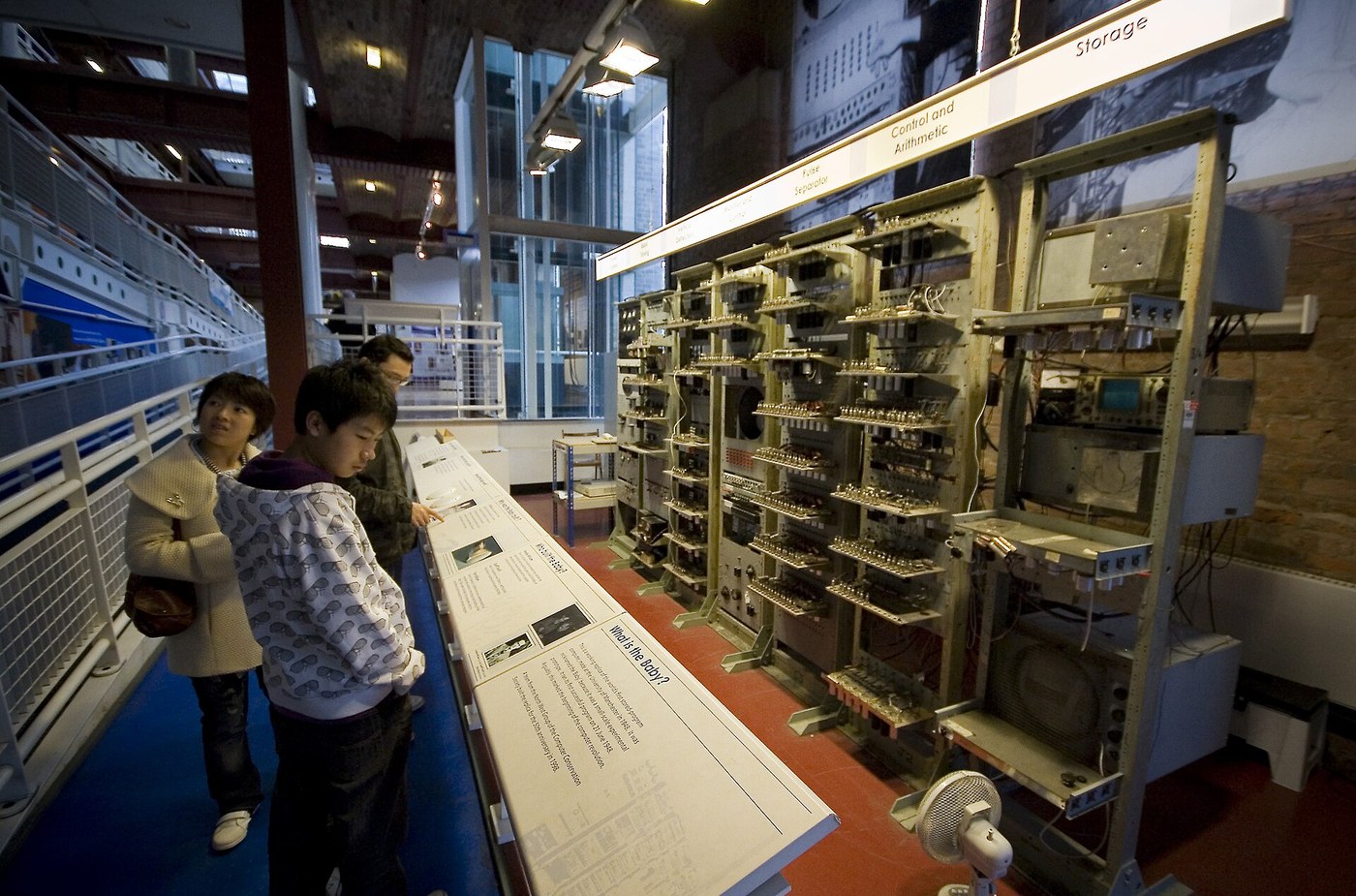
데스크톱 컴퓨터The Manchester Baby, and the first program to run
The Manchester Baby, and the first program to run
Put a date on it, because the moment is unusually well defined.
- On 21 June 1948 the Manchester Small-Scale Experimental Machine ran a program stored in its own memory — the first machine to do so.
- The program searched for the highest proper factor of a number, chosen because it was slow and would exercise the machine hard.
- It ran 52 minutes and about 3.5 million operations to find the answer for 2^18.
- The memory was a Williams tube — a cathode-ray tube storing bits as charge spots on the phosphor, and readable as a visible pattern on the screen.
The Baby had 32 words of 32 bits — 128 bytes — and seven instructions. Everything in this batch is present in it: gates, a store, an accumulator, a program counter, and a conditional jump.
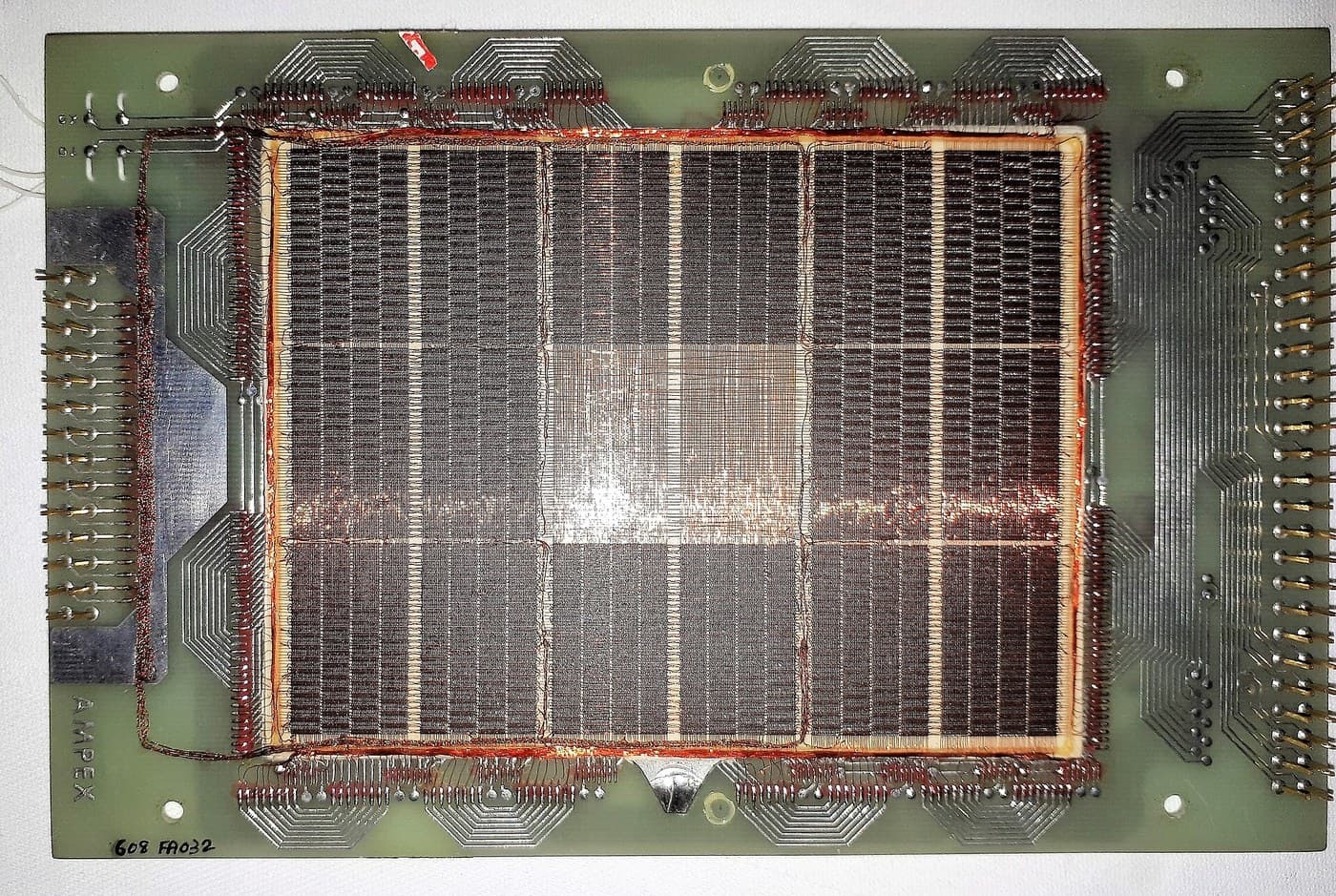
The Williams tube deserves its own note, because it is the CRT blueprint from the radio batch used as memory. The charge spot decays in a fraction of a second, so it is continuously read and rewritten — the same destructive-read-and-restore cycle as core memory, and the direct ancestor of DRAM refresh, which every computer still does thousands of times a second today.필요한 도구:
데스크톱 컴퓨터재료
5- 1 키트플레이스홀더
- 2 세트플레이스홀더
- 2 개플레이스홀더
- 1 reel플레이스홀더
- 플레이스홀더
관련 블루프린트
이 블루프린트들은 지식을 공유합니다 — 기술, 재료 또는 원리

CC0 퍼블릭 도메인
이 블루프린트는 CC0로 공개되었습니다. 어떤 목적으로든 자유롭게 복사, 수정, 배포 및 사용할 수 있습니다.
제품 구매를 통해 메이커를 지원하세요. 판매자가 설정한 메이커 커미션 을 받거나, 이 블루프린트의 새로운 반복을 만들어 연결로 포함시킬 수 있습니다.