සහයෝගීතාව
කලාව
රූපලාවණ්ය සහ සුවතාව
ශිල්පය
සංස්කෘතිය සහ ඉතිහාසය
විනෝදාස්වාදය
පරිසරය
ආහාර සහ පාන
ප්රතිලෝම ඉංජිනේරු
විද්යාවන්
ක්රීඩා
තාක්ෂණය
පැළඳිය හැකි
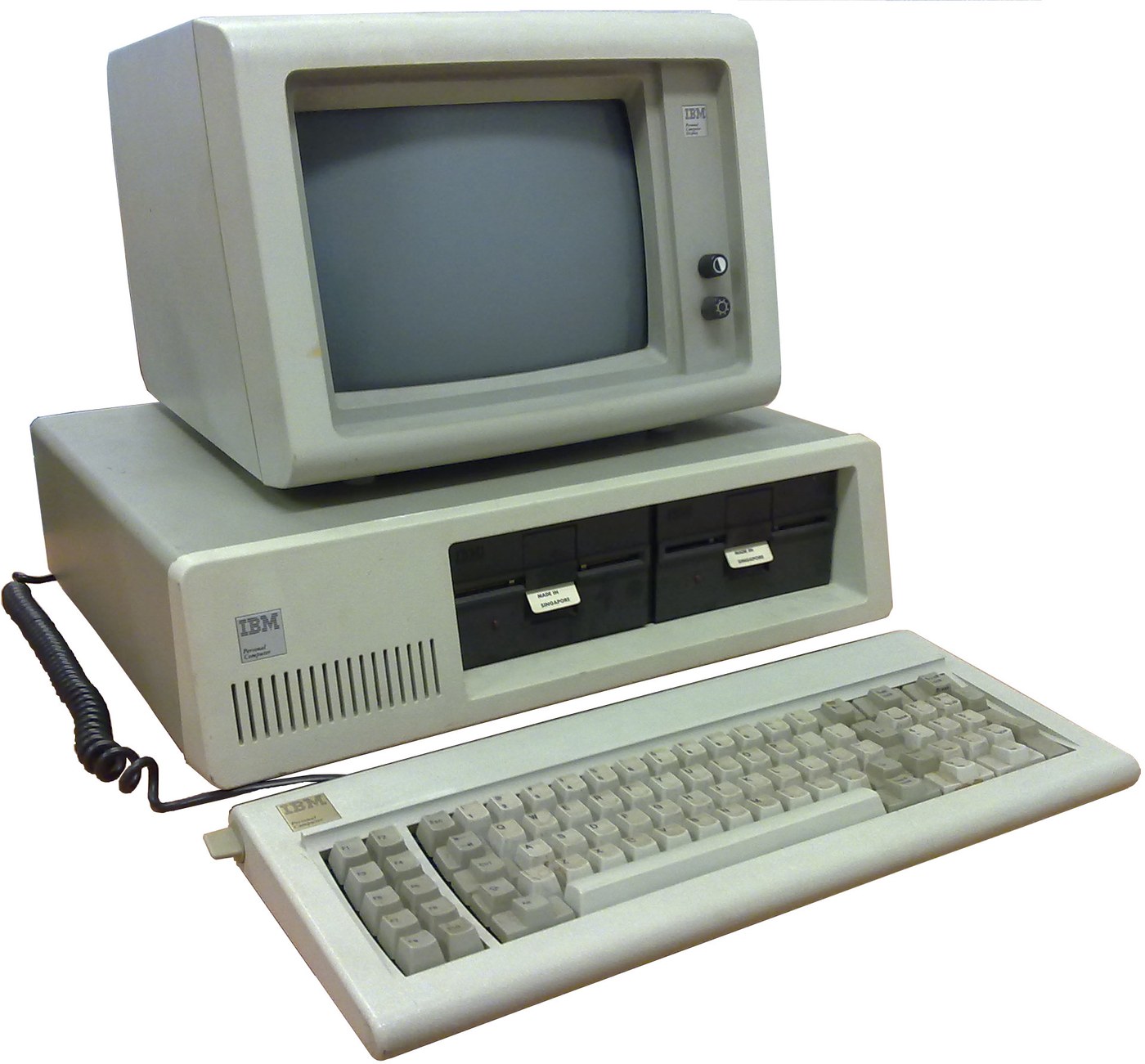

IBM Personal Computer (5150): System Unit, Keyboard and Display (IBM Technical Reference, 1981)
IBM's first personal computer, the machine today's desktop PCs descend from. One system unit holds an Intel 8088 system board, a power supply and five expansion slots. A keyboard, a display and 5-1/4 inch diskette drives complete it. IBM published its whole design, down to the BIOS program, in the Technical Reference.
Result: an IBM PC that tests itself at power-on and starts an operating system from diskette.
Source: IBM Personal Computer Technical Reference (1981; edition of April 1984). Unknown: the chassis and its sizes, the display and diskette adapter cards (described in IBM's separate Options and Adapters volumes), and how each part is made. Ours: the assembly order. Picture: Wikimedia Commons.
උසස්
1 week
උපදෙස්
1
1
Populate the system board
Populate the system board
On the system board, fit the Intel 8088 processor. It runs at 4.77 MHz, taken from a 14.31818 MHz crystal divided by 3; divided by 4, the same crystal gives the 3.58 MHz colour-burst signal for colour TVs. Fit its support chips: the 8237A-5 DMA controller, 8259A interrupt controller, 8253-5 timer and 8255A-5 peripheral interface. Add the ROM holding the BIOS, the read/write memory, the speaker circuit, five expansion slots, and 5-pin DIN sockets for the keyboard and a cassette recorder. The 8088 runs in maximum mode, so a coprocessor can be added later. Set switch SW1 to tell the machine what it has: whether to start from a 5-1/4 inch diskette drive, how much read/write memory is on the board, which display adapter is fitted, and how many diskette drives there are. Not given here: the board layout.
මෙම පියවර සඳහා ද්රව්ය:
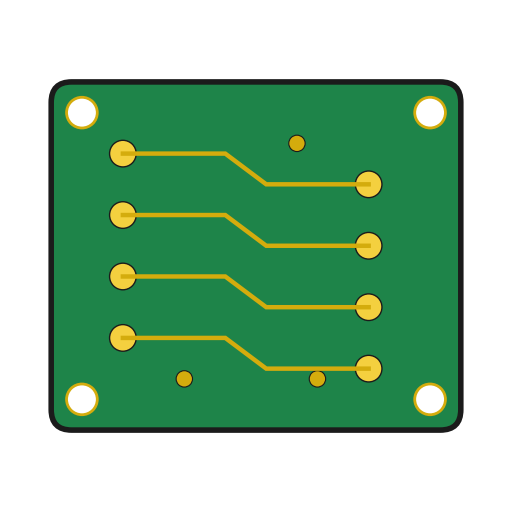 මුද්රිත පරිපථ පුවරුව1 system board
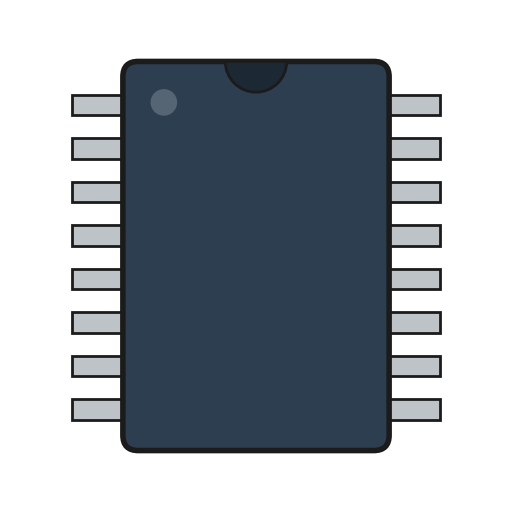 අනුකලිත පරිපථය1 8088, 8237A-5, 8259A, 8253-5, 8255A-5, ROM, RAM
 ක්වාර්ට්ස් ස්ඵටිකය1 14.31818 MHz
 IBM PC BIOS1 in ROM
 DIP ස්විචය1 SW1
 පාස්සන ඊයම් කම්බිය1 as needed
අවශ්ය මෙවලම්:
 පෑස්සුම් කූරු
2
2
Fit the board and power supply in the chassis
Fit the board and power supply in the chassis
Screw the system board into the system-unit chassis. Fit the power supply at the right rear; its housing supports the rear panel and its fan cools the whole machine. It is rated for 63.5 W continuous, from a fused 120 V or 220/240 V input. Its four protected outputs are +5 V at 7 A, +12 V at 2 A, -5 V at 0.3 A and -12 V at 0.25 A, bussed to all five slots. It also has a power-good signal, a switched mains socket for the monochrome display and two drive power plugs. Not given: the chassis metal and sizes.
මෙම පියවර සඳහා ද්රව්ය:
 නොදන්නා ලෝහය1 chassis
 පරිගණක බල සැපයුම1 63.5 W
 යන්ත්ර ඉස්කුරුප්පු1 කට්ටලය
අවශ්ය මෙවලම්:
 ඉස්කුරුප්පු නියන කට්ටලය
 නොදන්නා මිනුම්
 බහුමානකය
3
3
Add the drives and adapter cards
Add the drives and adapter cards
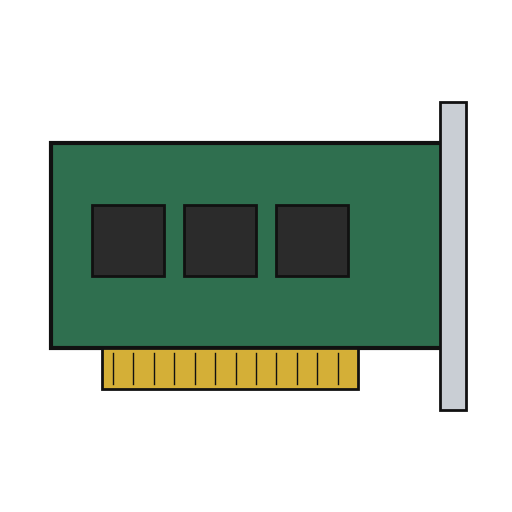
Fit up to two 5-1/4 inch diskette drives, each powered from its own plug on the supply. Only one drive runs at a time. Plug a diskette drive adapter and a display adapter (monochrome or colour/graphics) into expansion slots, and cable the drives to their adapter. Not given here: the adapter cards and cables, which IBM describes in its separate Options and Adapters volumes.
මෙම පියවර සඳහා ද්රව්ය:
 අඟල් 5¼ ඩිස්කට් ධාවකය2 up to two
 විස්තාරණ කාඩ්පත2 diskette adapter, display adapter
 රිබන් කේබලය1 drive cable
අවශ්ය මෙවලම්:
ඉස්කුරුප්පු නියන කට්ටලය4
4
Connect keyboard and display, and power on
Connect keyboard and display, and power on
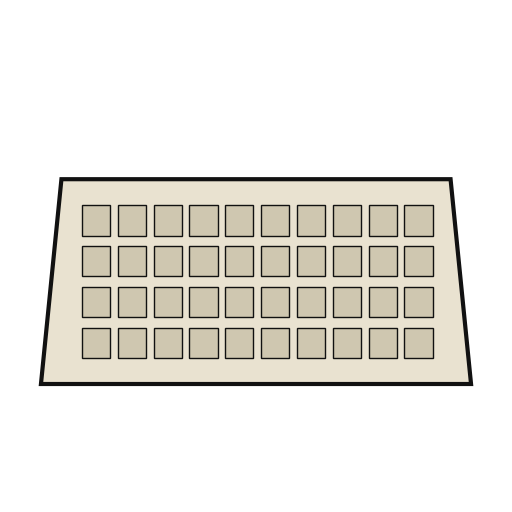
Plug in the keyboard: 83 keys, with the typewriter keys in the middle, 10 function keys on the left and a 15-key pad on the right. It sends scan codes, not letters, so the software decides what each key does. Connect the display to its adapter and to the switched socket. Switch on: the power-on self-test in the BIOS checks the machine, sets up its interrupt vectors, and looks for extra ROM on the adapter cards. The bootstrap loader then starts the operating system from a diskette.
මෙම පියවර සඳහා ද්රව්ය:
 පරිගණක යතුරු පුවරුව1 83 keys
 පරිගණක මොනිටරය1 කැබැල්ල
අවශ්ය මෙවලම්:
 ෆ්ලොපි තැටිය
ද්රව්ය
14- 1 system boardස්ථානගත
- 1 8088, 8237A-5, 8259A, 8253-5, 8255A-5, ROM, RAMස්ථානගත
- 1 14.31818 MHzස්ථානගත
- 1 in ROMස්ථානගත
- ස්ථානගත
- 1 as neededස්ථානගත
- 1 chassisස්ථානගත
- 1 63.5 Wස්ථානගත
- 1 කට්ටලයස්ථානගත
- 2 up to twoස්ථානගත
- 2 diskette adapter, display adapterස්ථානගත
- ස්ථානගත
- 1 83 keysස්ථානගත
- 1 කැබැල්ලස්ථානගත
අවශ්ය මෙවලම්
5- 2 vendors sell this, none ship to you yetස්ථානගත
- ස්ථානගත
- ස්ථානගත
- ස්ථානගත
- ස්ථානගත
සම්බන්ධිත සැලසුම්වල ද්රව්ය
මෙම සැලසුම සාදන්නේ
CC0 පොදු වසම
මෙම බ්ලූප්රින්ට් CC0 යටතේ නිකුත් කර ඇත. ඔබට අවසර නොමැතිව පිටපත් කිරීම, වෙනස් කිරීම, බෙදා හැරීම සහ භාවිතා කිරීම කළ හැක.
බ්ලූප්රින්ට් හරහා නිෂ්පාදන මිලදී ගැනීමෙන් නිර්මාතෘට සහාය වන්න නිර්මාතෘ කොමිසම විකුණුම්කරුවන් විසින් නියම කළ, හෝ මෙම බ්ලූප්රින්ට්හි නව අනුවාදයක් සාදා ආදායම බෙදා ගැනීමට ඔබේ බ්ලූප්රින්ට්හි සම්බන්ධතාවයක් ලෙස ඇතුළත් කරන්න.