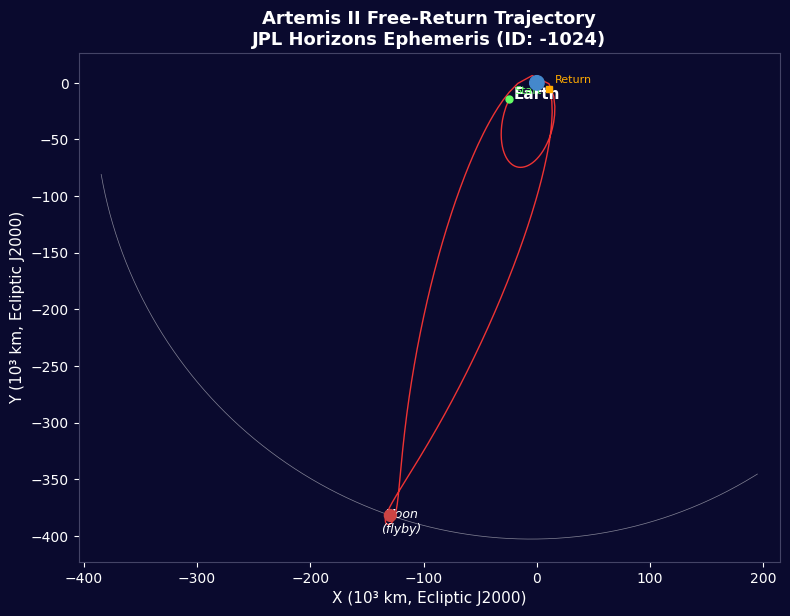


အာတီမစ် II - JPL Horizons ပျံသန်းမှုဒေတာ
ညွှန်ကြားချက်များ
လုပ်ငန်း အကျင်းအဆင်
လုပ်ငန်း အကျင်းအဆင်
ဤအဆင့်အတွက် ကုန်ကြမ်းများ:
 ပုံစံဒုံးပျံ အစုံ (စွမ်းအားမြင့်)1 (SLS Block 1 reference) ခု
 ဟိုက်ဒရိုဂျင်144,000 kg (core stage) ကီလို
 အောက်ဆီဂျင်840,000 kg (core stage) ကီလို
 အစိုင်အခဲ ဒုံးပျံလောင်စာ1,000,000 kg (2 boosters) ကီလို
 အိုရိုင်အန် အာကာသယာဉ်1 (CM-003 Integrity) ခု
 အာကာသယာဉ်မှူး အဖွဲ့4 ခု
လိုအပ်သော ကိရိယာများ:
 ဒုံးပျံလွှတ်တင်ရာ ကွင်း
စာကြည်းများတင်ပို့ခြင်း
စာကြည်းများတင်ပို့ခြင်း
ကမ္ဘာ့လည်သည့်ကွန်ပ်ယူတာ အကျင်းအဆင်များ
ကမ္ဘာ့လည်သည့်ကွန်ပ်ယူတာ အကျင်းအဆင်များ
SLS Block 1 အရည်အခွင်မှုစီမံခန့်ခွဲမှုယန်း ဒေတာ
SLS Block 1 အရည်အခွင်မှုစီမံခန့်ခွဲမှုယန်း ဒေတာ
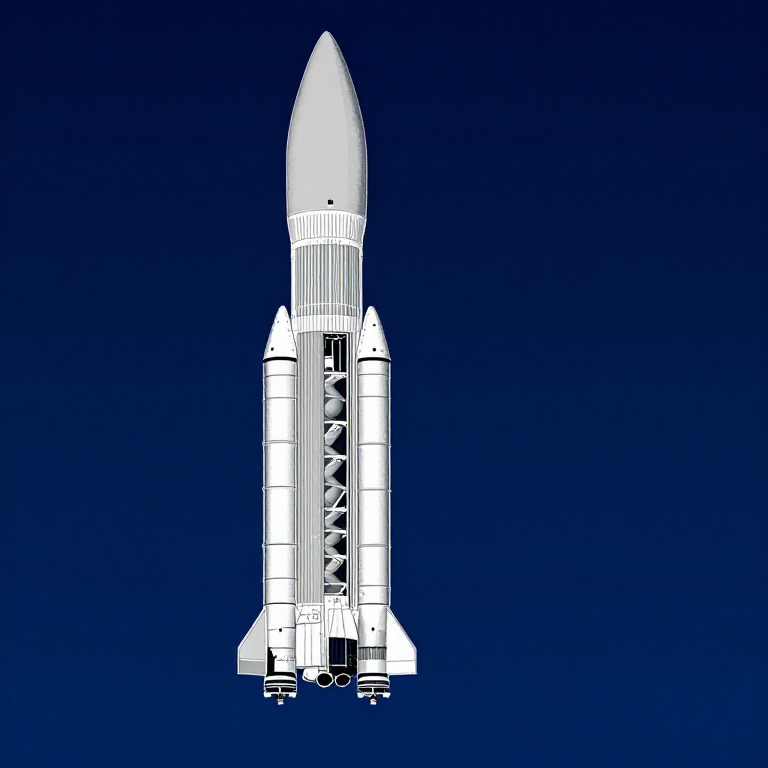
စက်ဝိုင်းလုံးအုပ်စုတည်ဆောက်ချက်အုပ်စုမြန်ဆန်သည်
စက်ဝိုင်းလုံးအုပ်စုတည်ဆောက်ချက်အုပ်စုမြန်ဆန်သည်
ထွက်ပြေးမြန်ဆန်သည်
ထွက်ပြေးမြန်ဆန်သည်
Tsiolkovsky အရည်အခွင်မှုစီမံခန့်ခွဲမှုယန်း
Tsiolkovsky အရည်အခွင်မှုစီမံခန့်ခွဲမှုယန်း
Trans-Lunar တင်ပို့ခြင်း
Trans-Lunar တင်ပို့ခြင်း
အုပ်စုလည်သည့်ကွန်ပ်ယူတာတည်ဆောက်ချက်
အုပ်စုလည်သည့်ကွန်ပ်ယူတာတည်ဆောက်ချက်
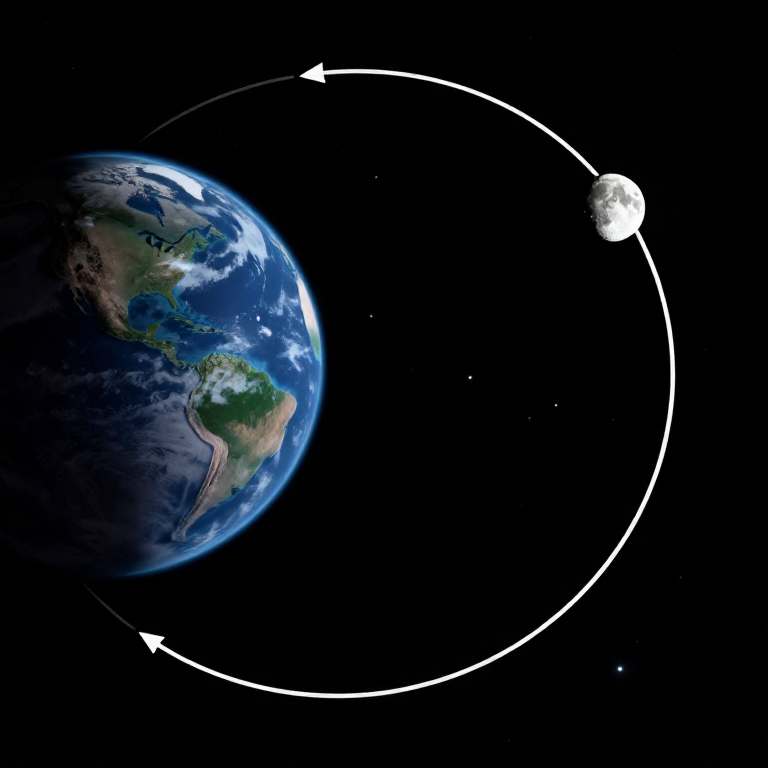
လည်သည့်ကွန်ပ်ယူတာ hyperbolic
လည်သည့်ကွန်ပ်ယူတာ hyperbolic
အဓိကအချက်များတွင် အလုံးခွဲခြင်း
အဓိကအချက်များတွင် အလုံးခွဲခြင်း
လေထုအားထွက်ပြေးခြင်း
လေထုအားထွက်ပြေးခြင်း
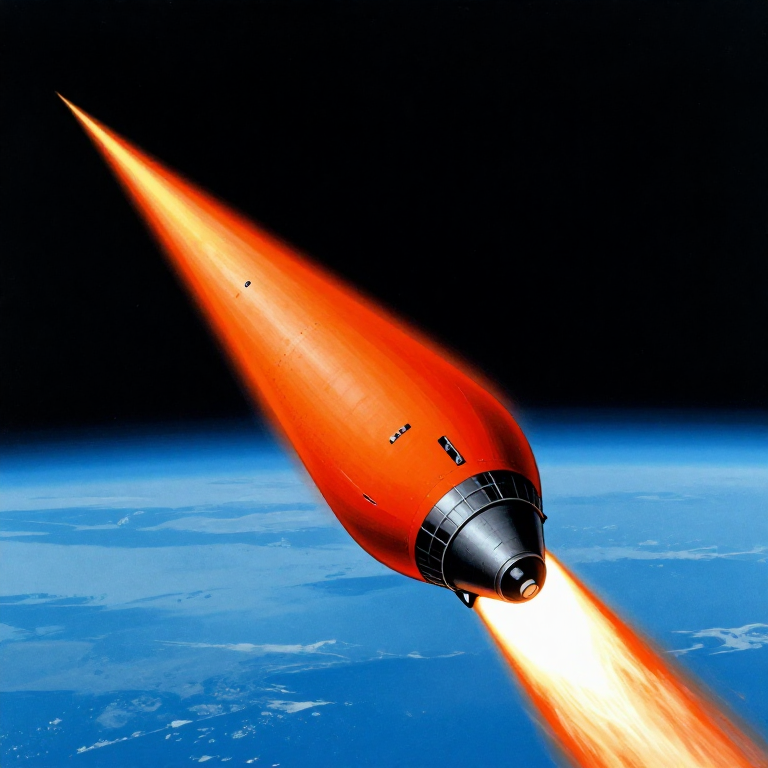
လုပ်ငန်းအားတစ်ပြိုင်နက်ကြိုးဆွဲခြင်း
လုပ်ငန်းအားတစ်ပြိုင်နက်ကြိုးဆွဲခြင်း
တည်ဆောက်ချက်အုပ်စုမြင်ကွင်းဖြည့်စွက်
တည်ဆောက်ချက်အုပ်စုမြင်ကွင်းဖြည့်စွက်
စွမ်းအဆောင်မျုးပုံခွဲခြင်း
စွမ်းအဆောင်မျုးပုံခွဲခြင်း
Python vs Wolfram
Python vs Wolfram
What free Python can do vs Wolfram Mathematica
| Capability | Python (free) | Mathematica ($$$) |
|---|---|---|
| Orbital mechanics equations | NumPy/SciPy — full coverage | Built-in symbolic + numeric |
| JPL Horizons ephemeris data | REST API + gzip/json (as shown above) | HorizonsEphemerisData[] function |
| Unit-aware calculations | Pint library | Built-in Quantity framework |
| 2D/3D trajectory plots | Matplotlib (4-panel dashboard above) | Built-in Graphics3D + Manipulate |
| Real-time ephemeris data | Astropy + JPL Horizons API | Built-in AstronomicalData[] |
| Interactive animation | ipywidgets / Plotly | Manipulate[] — seamless |
| Symbolic algebra | SymPy | Native — Mathematica's core strength |
| Deployment | Runs anywhere (browser via Pyodide) | Requires Wolfram licence or Cloud |
Verdict: Using the same JPL Horizons data source as Wolfram, Python reproduces the Artemis II trajectory with identical data points — 428 state vectors covering the full 10-day mission. The analytical model (Hohmann transfer + patched conics) predicts TLI speed within 3% and flyby distance within 0.4% of reality.
Mathematica's edge is in symbolic manipulation and the seamless Manipulate[] 3D animation. But for numerical computation, data analysis, and reproducibility, Python is fully capable — and this entire blueprint runs in the browser via Pyodide. No server, no licence, no installation.
ပစ္စည်းများ
6- 1 (SLS Block 1 reference) ခုနေရာယူပစ္စည်း
- 144,000 kg (core stage) ကီလိုနေရာယူပစ္စည်း
- 840,000 kg (core stage) ကီလိုနေရာယူပစ္စည်း
- 1,000,000 kg (2 boosters) ကီလိုနေရာယူပစ္စည်း
- 1 (CM-003 Integrity) ခုနေရာယူပစ္စည်း
- နေရာယူပစ္စည်း
လိုအပ်သော ကိရိယာများ
1- နေရာယူပစ္စည်း
CC0 အများပိုင်
ဤအစီအစဉ်ကို CC0 အောက်တွင် ထုတ်ဝေထားသည်။ ခွင့်ပြုချက်မလိုဘဲ ကူးယူ၊ ပြင်ဆင်၊ ဖြန့်ဝေ နှင့် အသုံးပြုနိုင်သည်။
အစီအစဉ်မှတစ်ဆင့် ကုန်ပစ္စည်းများဝယ်ယူ၍ လက်မှုပညာရှင်ကို ပံ့ပိုးပါ လက်မှုပညာရှင် ကော်မရှင် ရောင်းချသူက သတ်မှတ်သည်၊ သို့မဟုတ် ဤအစီအစဉ်၏ ဗားရှင်းအသစ်ဖန်တီး၍ ဝင်ငွေခွဲဝေရန် သင့်အစီအစဉ်တွင် ချိတ်ဆက်မှုအဖြစ် ထည့်သွင်းပါ။