Хамтын ажиллагаа
УРЛАГ
ГОО САЙХАН БА ЭРҮҮЛ МЭНД
ГАРААР ХИЙСЭН
СОЁЛ БА ТҮҮХ
ҮЗВЭР НААДАМ
БАЙГАЛЬ ОРЧИН
ХООЛ БА УНДАА
УРВУУ ИНЖЕНЕРЧЛЭЛ
ШИНЖЛЭХ УХААН
СПОРТ
ТЕХНОЛОГИ
ӨМСДӨГ ХЭРЭГСЭЛ
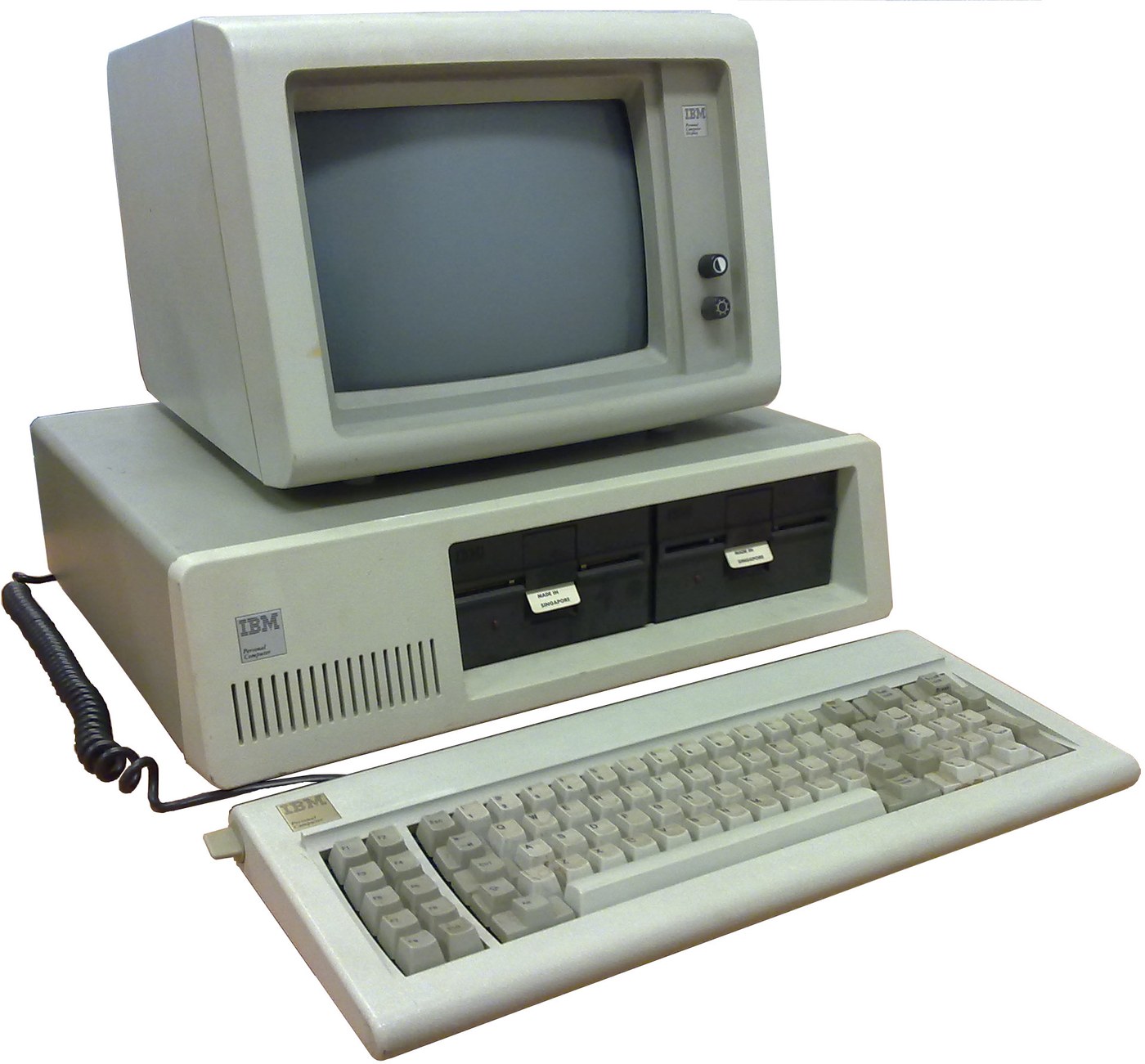

IBM Personal Computer (5150): System Unit, Keyboard and Display (IBM Technical Reference, 1981)
IBM's first personal computer, the machine today's desktop PCs descend from. One system unit holds an Intel 8088 system board, a power supply and five expansion slots. A keyboard, a display and 5-1/4 inch diskette drives complete it. IBM published its whole design, down to the BIOS program, in the Technical Reference.
Result: an IBM PC that tests itself at power-on and starts an operating system from diskette.
Source: IBM Personal Computer Technical Reference (1981; edition of April 1984). Unknown: the chassis and its sizes, the display and diskette adapter cards (described in IBM's separate Options and Adapters volumes), and how each part is made. Ours: the assembly order. Picture: Wikimedia Commons.
Дээд шат
1 week
Зааварчилгаа
1
1
Populate the system board
Populate the system board
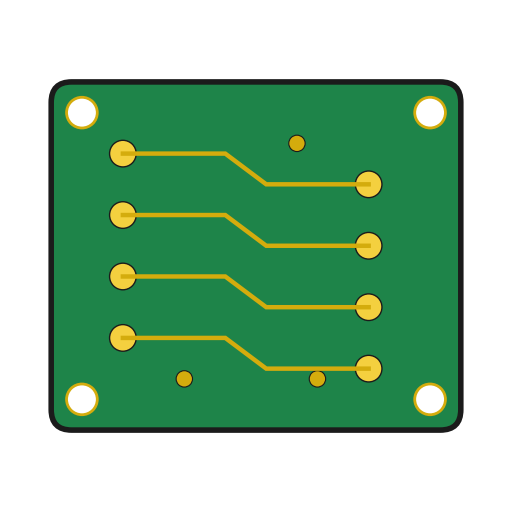
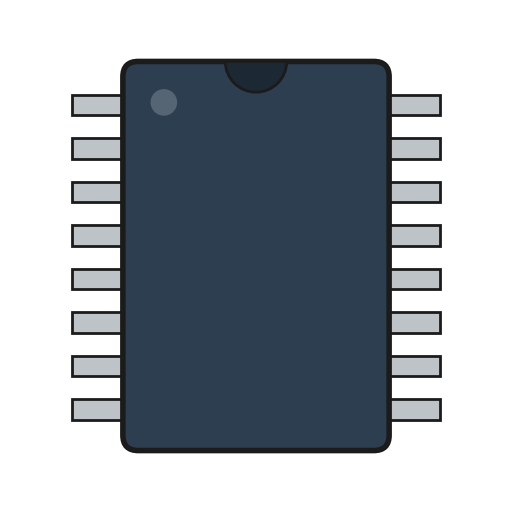
On the system board, fit the Intel 8088 processor. It runs at 4.77 MHz, taken from a 14.31818 MHz crystal divided by 3; divided by 4, the same crystal gives the 3.58 MHz colour-burst signal for colour TVs. Fit its support chips: the 8237A-5 DMA controller, 8259A interrupt controller, 8253-5 timer and 8255A-5 peripheral interface. Add the ROM holding the BIOS, the read/write memory, the speaker circuit, five expansion slots, and 5-pin DIN sockets for the keyboard and a cassette recorder. The 8088 runs in maximum mode, so a coprocessor can be added later. Set switch SW1 to tell the machine what it has: whether to start from a 5-1/4 inch diskette drive, how much read/write memory is on the board, which display adapter is fitted, and how many diskette drives there are. Not given here: the board layout.
Энэ алхмын материал:
 Хэвлэмэл хэлхээний хавтан1 system board
 Интеграл схем1 8088, 8237A-5, 8259A, 8253-5, 8255A-5, ROM, RAM
 Кварцын болор1 14.31818 MHz
 IBM PC-ийн BIOS1 in ROM
 DIP унтраалга1 SW1
 Гагнуурын утас1 as needed
Шаардлагатай багаж:
 Гагнуурын хэрэгсэл
2
2
Fit the board and power supply in the chassis
Fit the board and power supply in the chassis
Screw the system board into the system-unit chassis. Fit the power supply at the right rear; its housing supports the rear panel and its fan cools the whole machine. It is rated for 63.5 W continuous, from a fused 120 V or 220/240 V input. Its four protected outputs are +5 V at 7 A, +12 V at 2 A, -5 V at 0.3 A and -12 V at 0.25 A, bussed to all five slots. It also has a power-good signal, a switched mains socket for the monochrome display and two drive power plugs. Not given: the chassis metal and sizes.
Энэ алхмын материал:
 Тодорхойгүй металл1 chassis
 Компьютерийн тэжээлийн блок1 63.5 W
 Машины шураг1 багц
Шаардлагатай багаж:
 Халив иж бүрдэл
 Тодорхойгүй хэмжээс
 Мультиметр
3
3
Add the drives and adapter cards
Add the drives and adapter cards
Fit up to two 5-1/4 inch diskette drives, each powered from its own plug on the supply. Only one drive runs at a time. Plug a diskette drive adapter and a display adapter (monochrome or colour/graphics) into expansion slots, and cable the drives to their adapter. Not given here: the adapter cards and cables, which IBM describes in its separate Options and Adapters volumes.
Энэ алхмын материал:
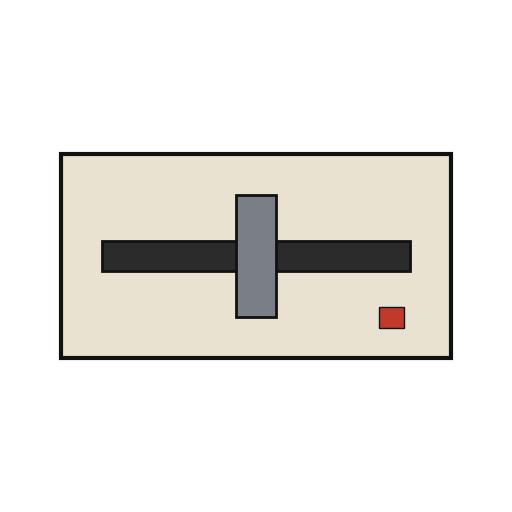 5¼ инчийн дискетийн хөтөч2 up to two
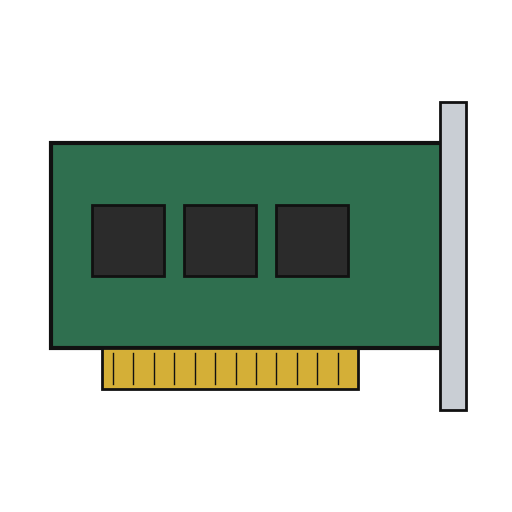 Өргөтгөлийн карт2 diskette adapter, display adapter
 Хавтгай кабель1 drive cable
Шаардлагатай багаж:
Халив иж бүрдэл4
4
Connect keyboard and display, and power on
Connect keyboard and display, and power on
Plug in the keyboard: 83 keys, with the typewriter keys in the middle, 10 function keys on the left and a 15-key pad on the right. It sends scan codes, not letters, so the software decides what each key does. Connect the display to its adapter and to the switched socket. Switch on: the power-on self-test in the BIOS checks the machine, sets up its interrupt vectors, and looks for extra ROM on the adapter cards. The bootstrap loader then starts the operating system from a diskette.
Энэ алхмын материал:
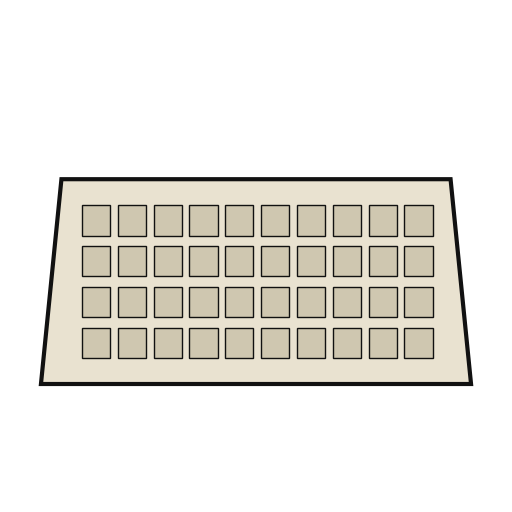 Компьютерийн гар1 83 keys
 Компьютерийн дэлгэц1 ширхэг
Шаардлагатай багаж:
 Уян диск
Материал
14- 1 system boardТүр орлуулагч
- 1 8088, 8237A-5, 8259A, 8253-5, 8255A-5, ROM, RAMТүр орлуулагч
- 1 14.31818 MHzТүр орлуулагч
- 1 in ROMТүр орлуулагч
- Түр орлуулагч
- 1 as neededТүр орлуулагч
- 1 chassisТүр орлуулагч
- 1 63.5 WТүр орлуулагч
- 1 багцТүр орлуулагч
- 2 up to twoТүр орлуулагч
- 2 diskette adapter, display adapterТүр орлуулагч
- Түр орлуулагч
- 1 83 keysТүр орлуулагч
- 1 ширхэгТүр орлуулагч
Шаардлагатай багаж
5- 2 vendors sell this, none ship to you yetТүр орлуулагч
- Түр орлуулагч
- Түр орлуулагч
- Түр орлуулагч
- Түр орлуулагч
Холбогдсон загварын материал
Энэ загвараар хийдэг
CC0 Нийтийн домэйн
Энэ загвар CC0 дор гаргагдсан. Та зөвшөөрөл авахгүйгээр хуулах, өөрчлөх, түгээх, ашиглах боломжтой.
Загвараар дамжуулан бүтээгдэхүүн худалдаж авч Бүтээгчийг дэмжээрэй Бүтээгчийн шимтгэл Борлуулагчаар тогтоосон, эсвэл энэ загварын шинэ хувилбар үүсгэж орлогоо хуваахын тулд өөрийн загварт холбоос болгон оруулна уу.