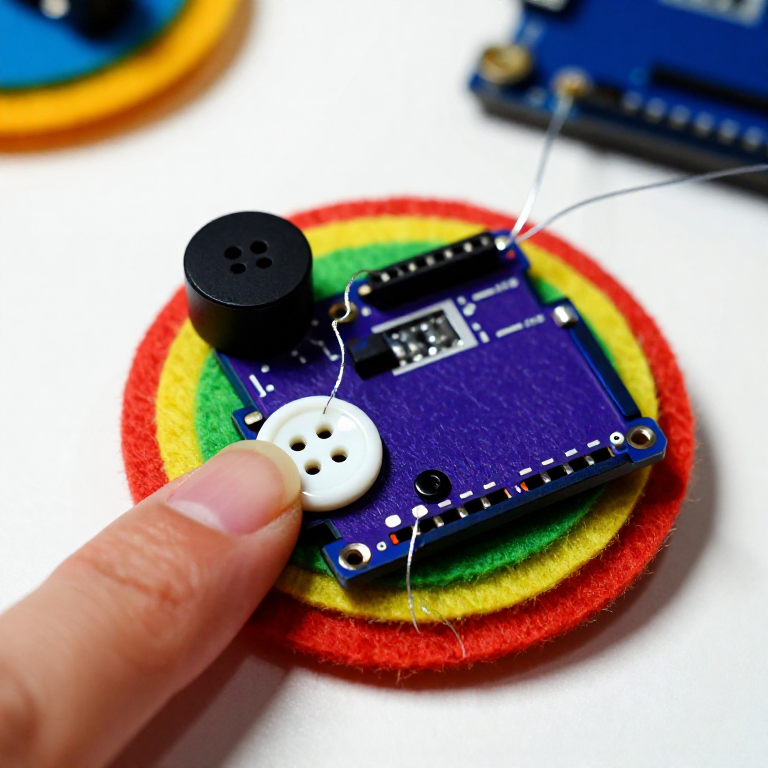


Making a LilyPad Musical Patch
Sew a patch that plays a tune. A LilyPad buzzer and a button let the microcontroller sing a short melody whenever you press it — a musical badge, a fabric greeting card, or a costume piece. This project introduces the buzzer and the Arduino tone() function that turns pin signals into notes.
Зааварчилгаа
Sew the board, buzzer and button
Sew the board, buzzer and button
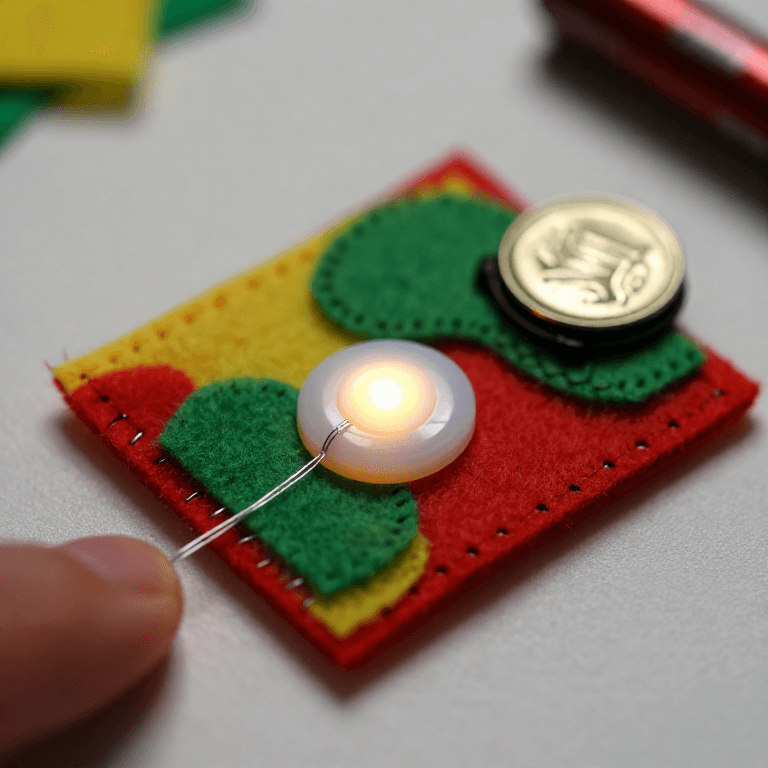
Sew a LilyPad Arduino, a LilyPad buzzer and a LilyPad button onto felt. Wire it: the buzzer's + tab to pin 9 and its - tab to -; the button's tabs to analog pin A2 and to -. Keep the lines from crossing.
Энэ алхмын материал:
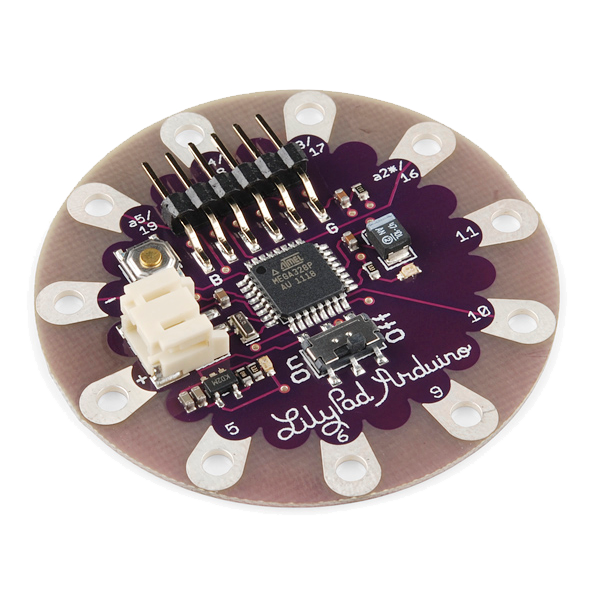 LilyPad Arduino Simple Board1 ширхэг
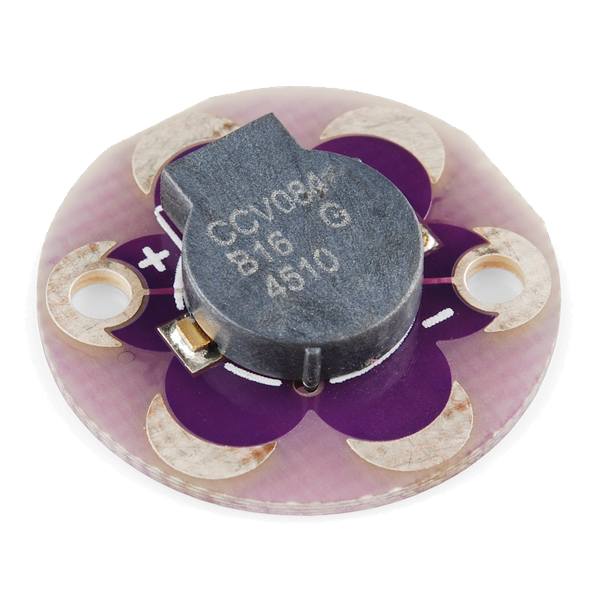 LilyPad Buzzer1 ширхэг
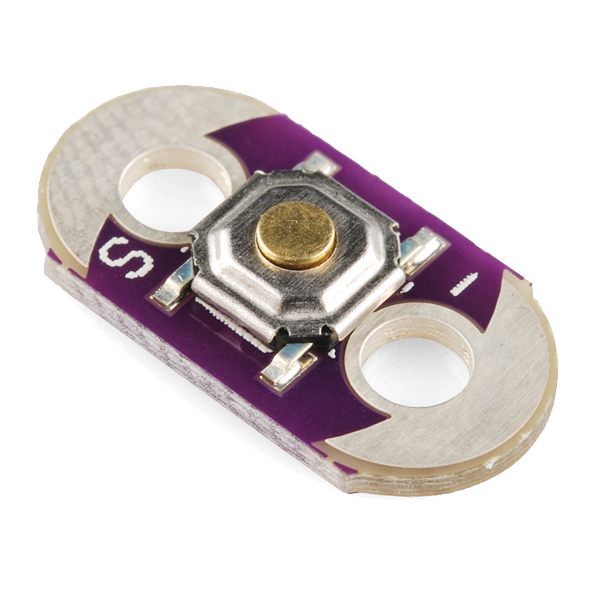 LilyPad Button Board1 ширхэг
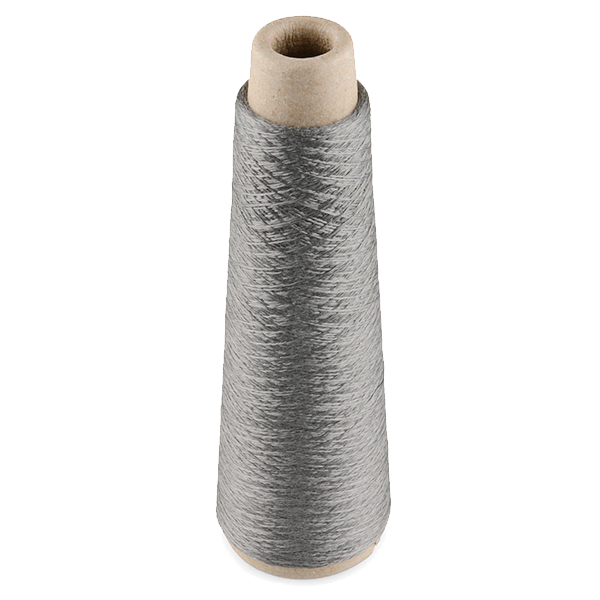 Conductive Thread - 60g (Stainless Steel)1 дамжуулга
 Ноосон эсгий хуудас1 хуудас
Шаардлагатай багаж:
 Гар оёдлын зүү
Connect the programmer
Connect the programmer
Plug the LilyPad FTDI onto the programming header and connect the USB cable. Open the Arduino IDE and select the LilyPad Arduino board and its serial port.
Шаардлагатай багаж:
 Arduino IDE суулгасан компьютер
 LilyPad FTDI Basic Breakout - 5V
 USB-B кабель
Upload the melody sketch
Upload the melody sketch
Paste this sketch and upload. Pressing the button plays a short rising scale on the buzzer.
Press to play, then compose
Press to play, then compose
Press the button — you should hear the five notes. Change the tune by editing the melody[] frequencies (higher number = higher note) and the durations[] in milliseconds, then re-upload. Add more notes to both arrays to make a longer song.
Go wireless and wear it
Go wireless and wear it
Unplug the FTDI, sew a LilyPad coin-cell holder to the board (+ to +, - to -), drop in a CR2032 and switch on. Sew the felt onto a badge or card — press it to play your tune anywhere.
Энэ алхмын материал:
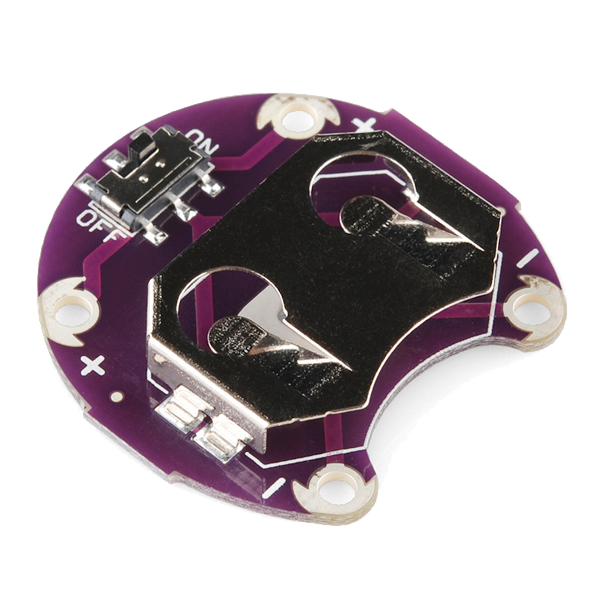 LilyPad Coin Cell Battery Holder - w/Switch - 20mm1 ширхэг
 CR2032 зоос батарей1 ширхэг
Материал
7- LilyPad Arduino Simple Board10% комисс1 ширхэг$19.60
- LilyPad Buzzer10% комисс1 ширхэг$7.62
- LilyPad Button Board10% комисс1 ширхэг$2.23
- 1 дамжуулга$40.13
- 1 хуудасТүр орлуулагч
- 1 ширхэг$5.05
- 1 ширхэгТүр орлуулагч
Шаардлагатай багаж
4- Түр орлуулагч
- Түр орлуулагч
- LilyPad FTDI Basic Breakout - 5V10% комисс$14.38
- 1 vendor sell this, none ship to you yetТүр орлуулагч
Холбоотой загварууд
Эдгээр загварууд мэдлэг хуваалцдаг — арга техник, материал эсвэл зарчим
CC0 Нийтийн домэйн
Энэ загвар CC0 дор гаргагдсан. Та зөвшөөрөл авахгүйгээр хуулах, өөрчлөх, түгээх, ашиглах боломжтой.
Загвараар дамжуулан бүтээгдэхүүн худалдаж авч Бүтээгчийг дэмжээрэй Бүтээгчийн шимтгэл Борлуулагчаар тогтоосон, эсвэл энэ загварын шинэ хувилбар үүсгэж орлогоо хуваахын тулд өөрийн загварт холбоос болгон оруулна уу.