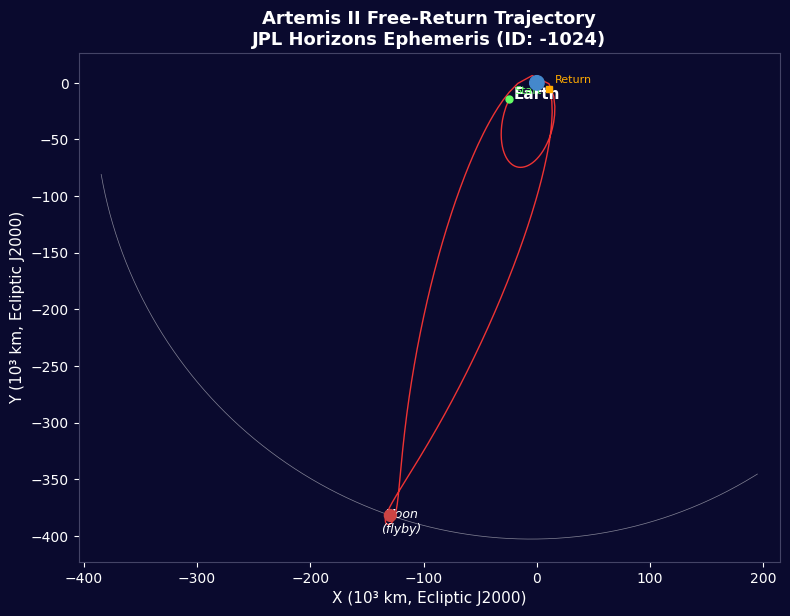


Artemis II - Datos de Vuelo JPL Horizons
Instrucciones
Descripción General de la Misión
Descripción General de la Misión
Materiales para este paso:
 Kit de cohete a escala (de gran potencia)1 (SLS Block 1 reference) pieza
 Hidrógeno144,000 kg (core stage) kg
 Oxígeno840,000 kg (core stage) kg
 Propelente sólido de cohete1,000,000 kg (2 boosters) kg
 Nave espacial Orion1 (CM-003 Integrity) pieza
 Tripulación de astronautas4 piezas
Herramientas necesarias:
 Plataforma de lanzamiento de cohetes
Importar Bibliotecas
Importar Bibliotecas
Parámetros de la Tierra y la Luna
Parámetros de la Tierra y la Luna
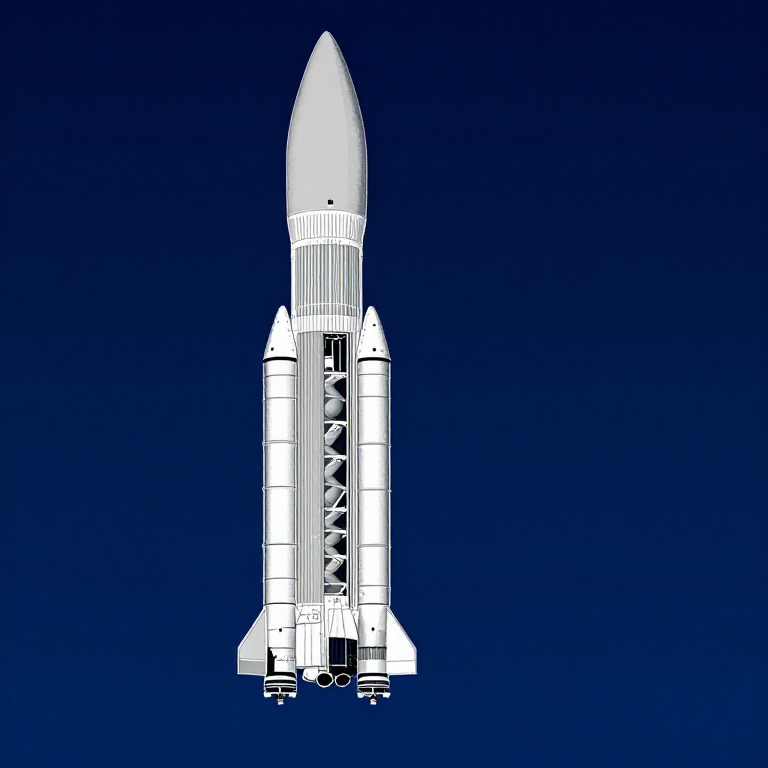
Datos del Cohete SLS Bloque 1
Datos del Cohete SLS Bloque 1
Velocidad de Órbita Circular
Velocidad de Órbita Circular
Velocidad de Escape
Velocidad de Escape
Ecuación de Cohete de Tsiolkovsky
Ecuación de Cohete de Tsiolkovsky
Inyección Translunar
Inyección Translunar
Trayectoria de Retorno Libre
Trayectoria de Retorno Libre
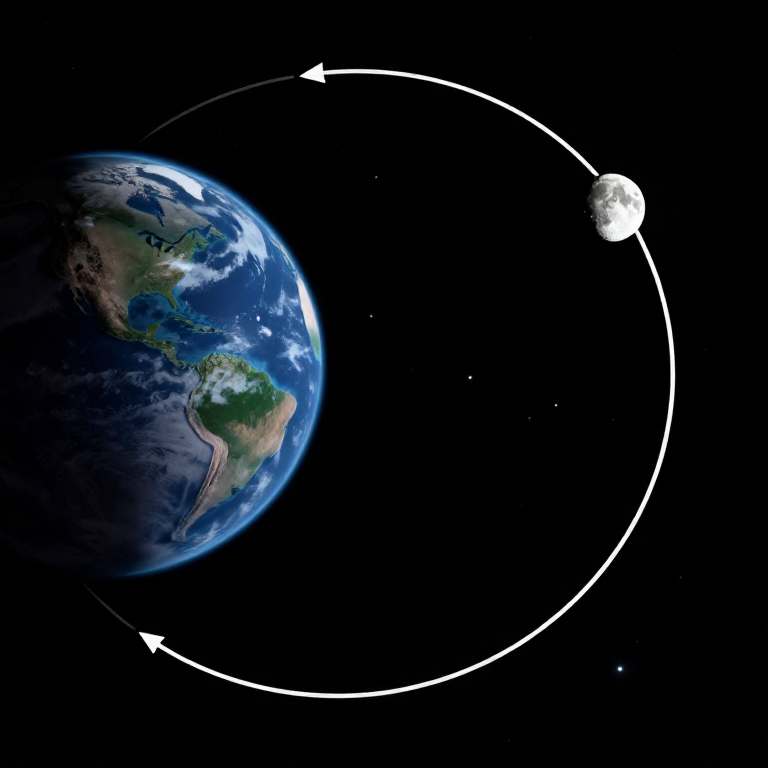
Hipérbola de Sobrevuelo Lunar
Hipérbola de Sobrevuelo Lunar
Gravedad en Puntos Clave
Gravedad en Puntos Clave
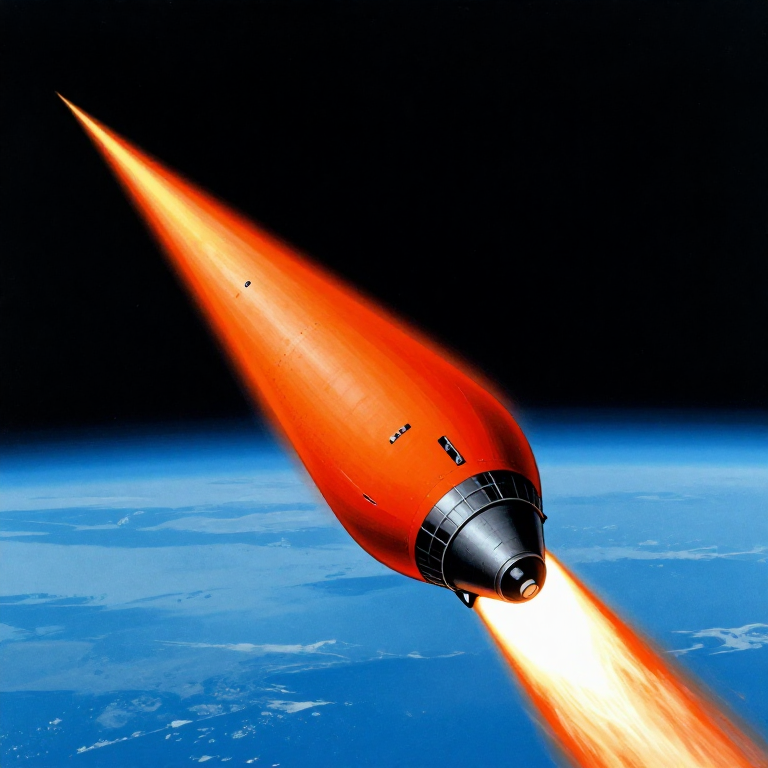
Reentrada Atmosférica
Reentrada Atmosférica
Línea de Tiempo de la Misión
Línea de Tiempo de la Misión
Visualización de Trayectoria
Visualización de Trayectoria
Resumen de Presupuesto Energético
Resumen de Presupuesto Energético
Python vs Wolfram
Python vs Wolfram
What free Python can do vs Wolfram Mathematica
| Capability | Python (free) | Mathematica ($$$) |
|---|---|---|
| Orbital mechanics equations | NumPy/SciPy — full coverage | Built-in symbolic + numeric |
| JPL Horizons ephemeris data | REST API + gzip/json (as shown above) | HorizonsEphemerisData[] function |
| Unit-aware calculations | Pint library | Built-in Quantity framework |
| 2D/3D trajectory plots | Matplotlib (4-panel dashboard above) | Built-in Graphics3D + Manipulate |
| Real-time ephemeris data | Astropy + JPL Horizons API | Built-in AstronomicalData[] |
| Interactive animation | ipywidgets / Plotly | Manipulate[] — seamless |
| Symbolic algebra | SymPy | Native — Mathematica's core strength |
| Deployment | Runs anywhere (browser via Pyodide) | Requires Wolfram licence or Cloud |
Verdict: Using the same JPL Horizons data source as Wolfram, Python reproduces the Artemis II trajectory with identical data points — 428 state vectors covering the full 10-day mission. The analytical model (Hohmann transfer + patched conics) predicts TLI speed within 3% and flyby distance within 0.4% of reality.
Mathematica's edge is in symbolic manipulation and the seamless Manipulate[] 3D animation. But for numerical computation, data analysis, and reproducibility, Python is fully capable — and this entire blueprint runs in the browser via Pyodide. No server, no licence, no installation.
Materiales
6- 1 (SLS Block 1 reference) piezaMarcador de posición
- 144,000 kg (core stage) kgMarcador de posición
- 840,000 kg (core stage) kgMarcador de posición
- 1,000,000 kg (2 boosters) kgMarcador de posición
- 1 (CM-003 Integrity) piezaMarcador de posición
- 4 piezasMarcador de posición
Herramientas requeridas
1- Marcador de posición
CC0 Dominio público
Este Blueprint se publica bajo CC0. Eres libre de copiar, modificar, distribuir y usar este trabajo para cualquier propósito, sin pedir permiso.
Apoya al Maker comprando productos a través de su Blueprint, donde gana una Comisión del Maker establecida por los vendedores, o crea una nueva iteración de este Blueprint e inclúyela como conexión en tu propio Blueprint para compartir ingresos.