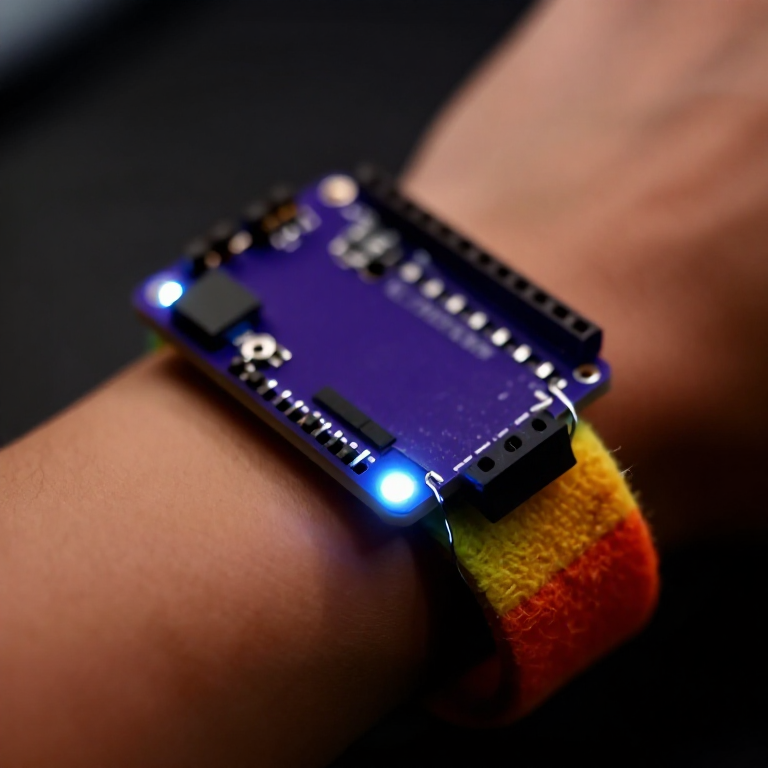


Making a Motion-Reactive LilyPad Patch
Sew a patch that lights up when it moves. A LilyPad accelerometer senses motion in three directions, and a short program flashes an LED whenever you shake or swing it — a reactive costume piece, a dance accessory, or a 'don't-touch' bag alarm. Introduces the accelerometer and reading three sensor axes at once.
Arahan
Sew the board, accelerometer and LED
Sew the board, accelerometer and LED
Sew a LilyPad Arduino, a LilyPad accelerometer and a LilyPad LED onto felt. Wire it: the accelerometer's + to the board's +, its - to -, and its X, Y and Z tabs to analog pins A2, A3 and A4; the LED to pin 5 and to -. Keep every line separate.
Bahan untuk langkah ini:
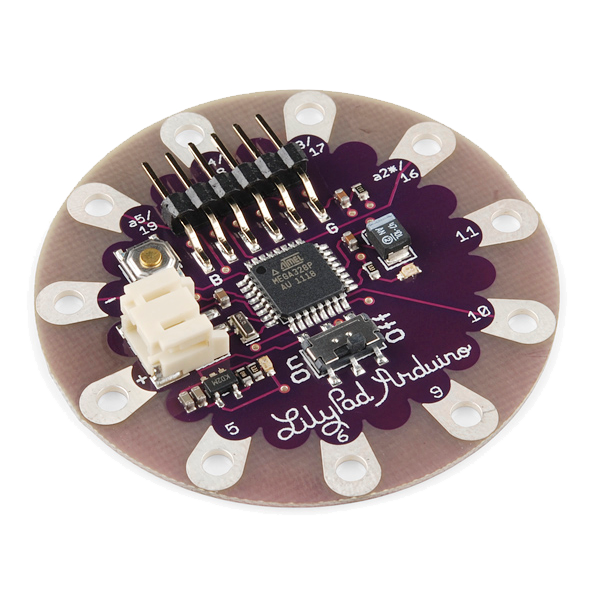 LilyPad Arduino Simple Board1 keping
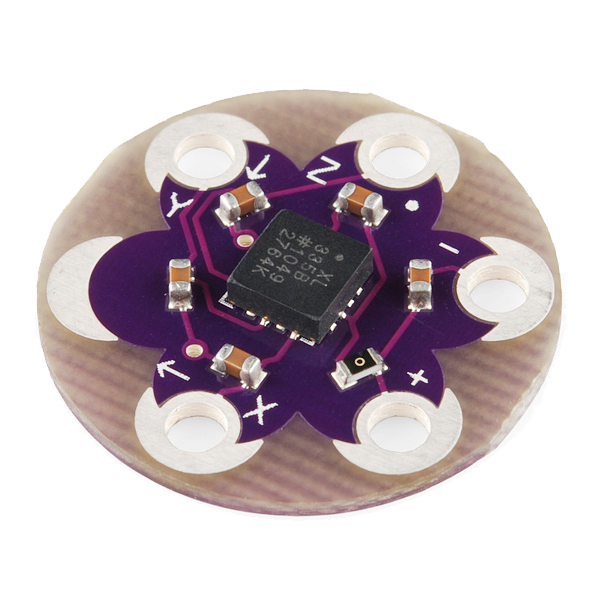 LilyPad Accelerometer ADXL3351 keping
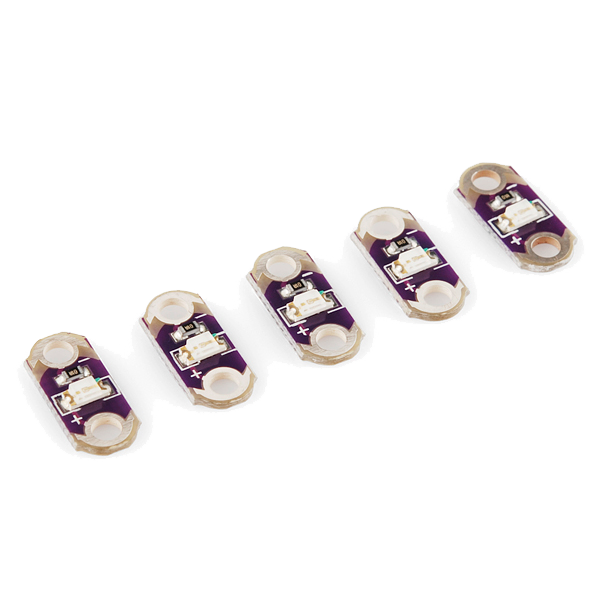 LilyPad LED - 5 pcs1 bungkus
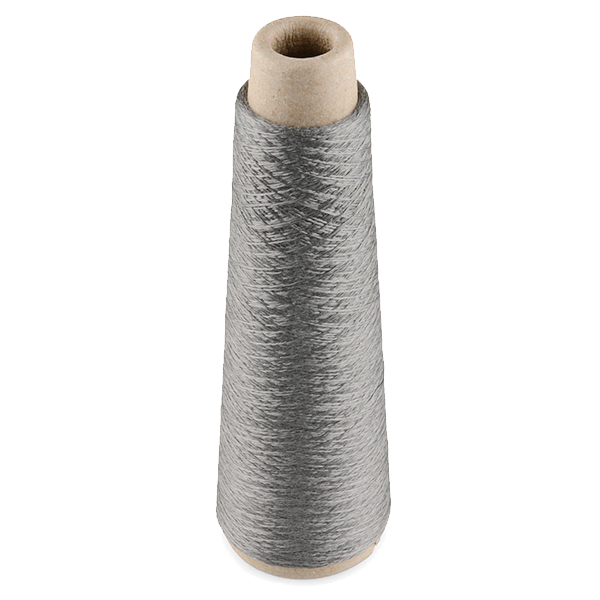 Conductive Thread - 60g (Stainless Steel)1 gelendong
 Hand Sewing Needles (Assorted, 30-Pack)1 bungkus
 Wool Felt Sheet1 helaian
Connect the programmer
Connect the programmer
Plug the LilyPad FTDI onto the programming header and connect the USB cable. Open the Arduino IDE and select the LilyPad Arduino board and its serial port.
Bahan untuk langkah ini:
 LilyPad FTDI Basic Breakout - 5V1 keping
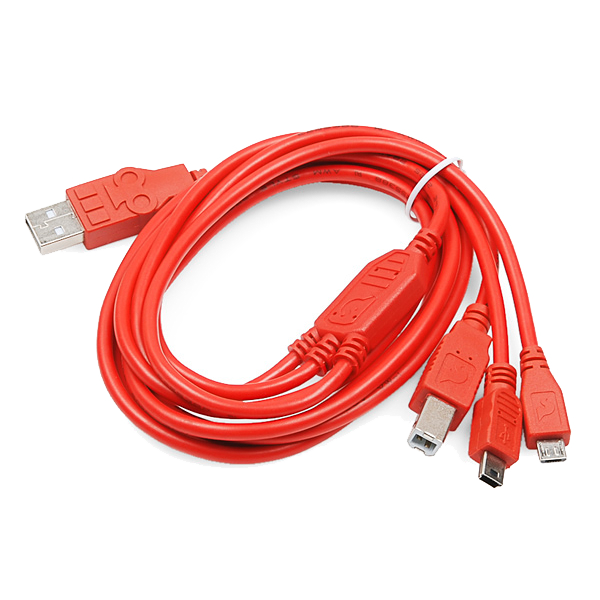 SparkFun Cerberus USB Cable - 1.8 meter1 keping
Alatan diperlukan:
 Computer with Arduino IDE
Upload the motion sketch
Upload the motion sketch
Paste this sketch and upload. It watches how much the three axes change between readings and lights the LED when the patch moves.
Test and tune the sensitivity
Test and tune the sensitivity
Hold the patch still — the LED stays off. Shake or swing it — the LED lights. If it's too twitchy or not sensitive enough, change moveThreshold in the sketch (higher = needs a bigger movement) and re-upload.
Go wireless and wear it
Go wireless and wear it
Unplug the FTDI, sew a LilyPad coin-cell holder to the board (+ to +, - to -), drop in a CR2032 and switch on. Sew the felt onto a sleeve, shoe or bag — it flashes whenever you move.
Bahan untuk langkah ini:
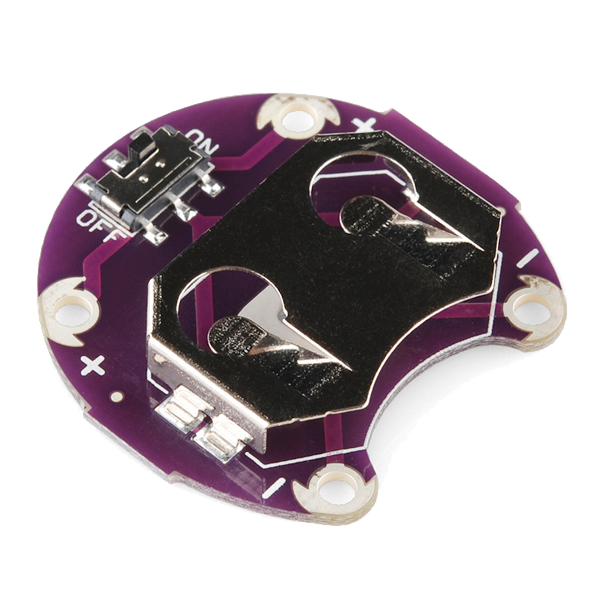 LilyPad Coin Cell Battery Holder - w/Switch - 20mm1 keping
 CR2032 Coin Cell Battery1 keping
Bahan
10- 1 keping$20.00
- 1 keping$14.00
- 1 bungkus$5.00
- 1 gelendong$40.00
- Pemegang Tempat
- 1 helaianPemegang Tempat
- 1 keping$14.00
- $6.00
- 1 kepingPemegang Tempat
Alatan Diperlukan
1- Pemegang Tempat
Blueprint berkaitan
Blueprint ini berkongsi pengetahuan — teknik, bahan atau prinsip
Related blueprints
Other builds that share materials, tools, or techniques with this one.
CC0 Domain Awam
Blueprint ini dikeluarkan di bawah CC0. Anda bebas menyalin, mengubah, mengedar, dan menggunakan karya ini untuk sebarang tujuan, tanpa meminta kebenaran.
Sokong Pembuat dengan membeli produk melalui Blueprint mereka di mana mereka memperoleh Komisen Pembuat ditetapkan oleh Penjual, atau cipta iterasi baru Blueprint ini dan sertakan ia sebagai sambungan dalam Blueprint anda sendiri untuk berkongsi hasil.