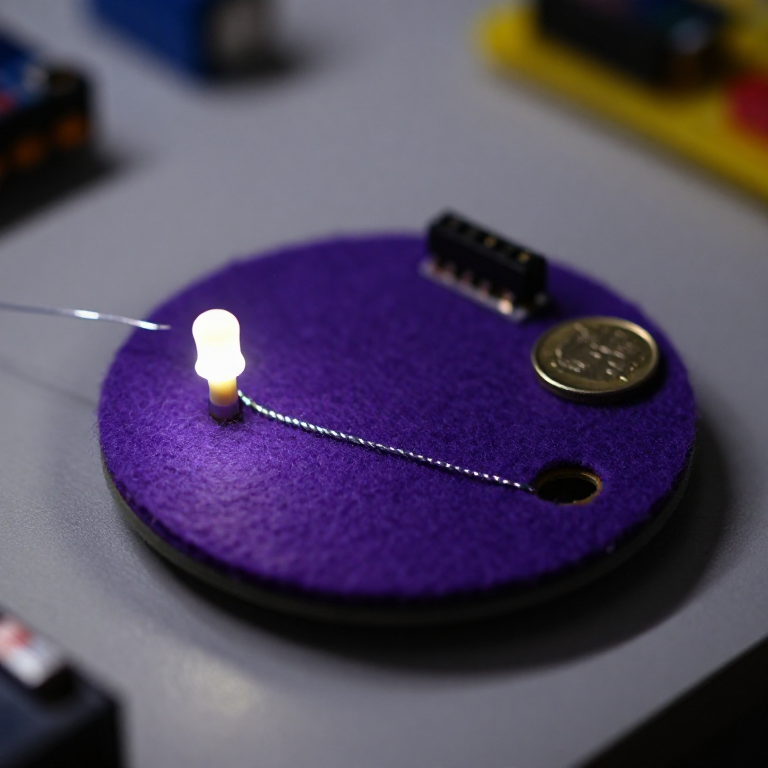


Blinking an LED with LilyPad Arduino
Step up from a plain sewn circuit to a sewable computer. The LilyPad Arduino is a washable microcontroller you program from your PC, then run on a coin cell — so your fabric can blink, fade and react on its own. This project sews an LED to the board and uploads the classic 'blink' sketch: the gateway to every sensor-driven wearable that follows.
Ìlànà
Sew the LilyPad Arduino and an LED
Sew the LilyPad Arduino and an LED
Sew a LilyPad Arduino Simple board and a LilyPad LED onto felt with conductive thread: the LED's + tab to numbered pin 5, and the LED's - tab to the board's - tab. Loop 3–4 times through each hole, trim tails, and keep the two lines from crossing.
Àwọn ohun èlò fún ìgbésẹ̀ yìí:
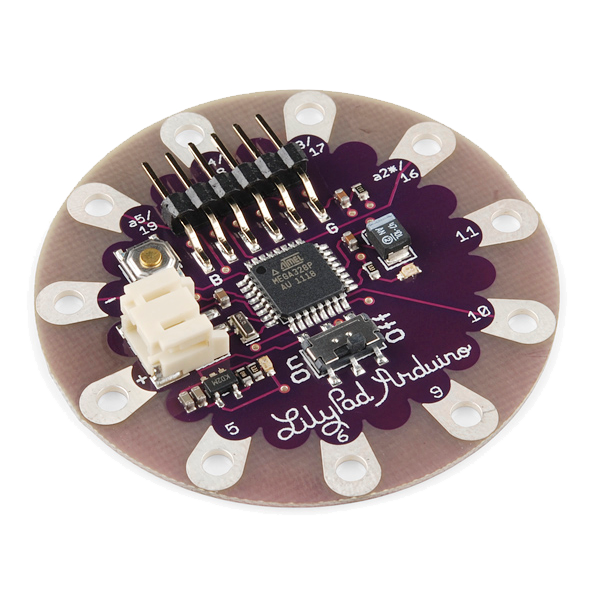 LilyPad Arduino Simple Board1 ẹyọ
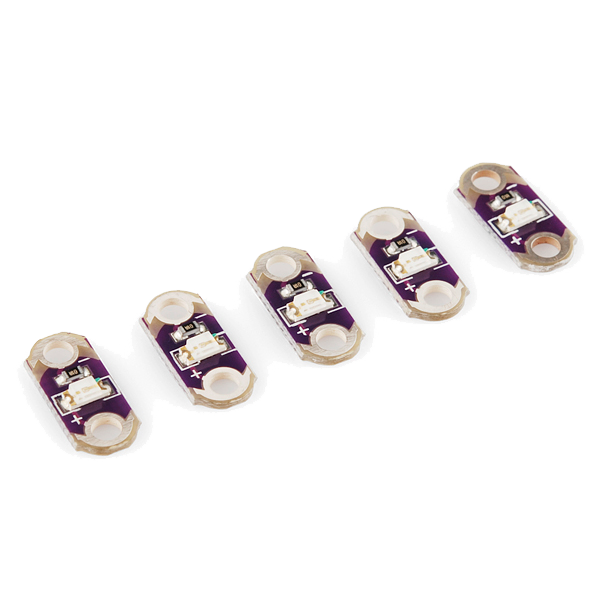 LilyPad LED - 5 pcs1 àkópọ̀
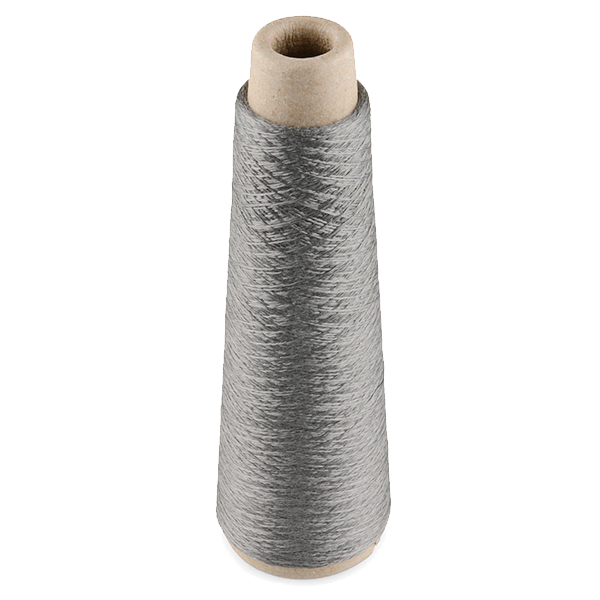 Conductive Thread - 60g (Stainless Steel)1 ìkẹ́kẹ́ okùn
 Àwo aṣọ irun àgùtàn1 ewé
Àwọn irinṣẹ́ tí a nílò:
 Abẹ́rẹ́ ìránṣọ ọwọ́
Connect the FTDI programmer
Connect the FTDI programmer
Plug a LilyPad FTDI Basic Breakout onto the board's 6-pin programming header (line up GND to GND, DTR to DTR) and connect it to your computer with a USB cable. Install the free Arduino IDE, then choose the LilyPad Arduino board and the FTDI's serial port under Tools.
Àwọn irinṣẹ́ tí a nílò:
 Kọ̀ǹpútà Tí Ó Ní Arduino IDE
 LilyPad FTDI Basic Breakout - 5V
 Okùn USB-B
Upload the blink sketch
Upload the blink sketch
Paste this sketch into the Arduino IDE and click Upload. It flashes the LED on pin 5 on and off twice a second.
Go wireless on a coin cell
Go wireless on a coin cell
Unplug the FTDI. Sew a LilyPad coin-cell battery holder to the board — + tab to +, - tab to - — and drop in a CR2032. Switch it on and the LED blinks on its own, no computer attached. Your fabric now runs its own program.
Àwọn ohun èlò fún ìgbésẹ̀ yìí:
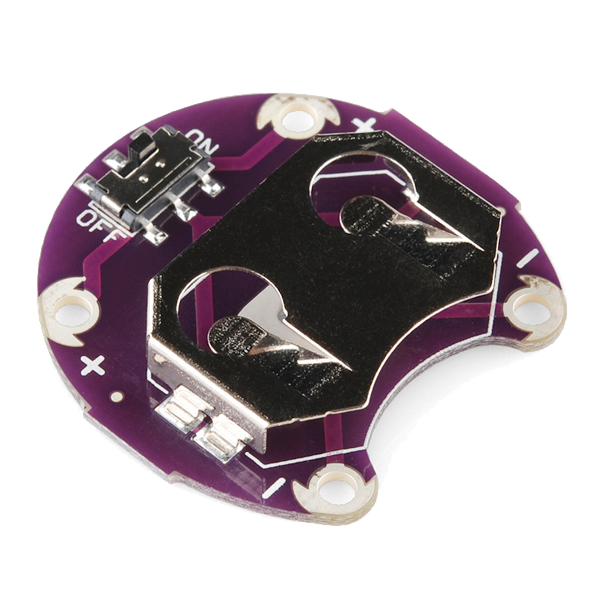 LilyPad Coin Cell Battery Holder - w/Switch - 20mm1 ẹyọ
 Bátìrì owó ẹyọ CR20321 ẹyọ
Experiment
Experiment
Re-attach the FTDI and change the sketch: adjust the delays for a heartbeat rhythm, or sew a second LED to another pin and blink them in turn. This is the base every LilyPad sensor project builds on.
Àwọn ohun-èlò
6- LilyPad Arduino Simple Boardìdá 10%1 ẹyọ$19.81
- LilyPad LED - 5 pcsìdá 10%1 àkópọ̀$4.24
- 1 ìkẹ́kẹ́ okùn$40.56
- 1 ewéÀyè
- $5.11
- Àyè
Àwọn irinṣẹ́ tó nílò
4- $14.53
- 1 vendor sell this, none ship to you yetÀyè
Blueprint tó jọra
Àwọn blueprint wọ̀nyí pín ìmọ̀ — ọ̀nà, ohun-èlò tàbí ìlànà

CC0 Àgbègbè Gbogbogbò
Blueprint yìí ti jáde lábẹ́ CC0. O lè ṣe àdàkọ, yí padà, pín, àti lò láìsí ìyọ̀ǹda.
Ṣàtìlẹ́yìn Olùṣẹ́dá nípa rírà àwọn ọjà nipasẹ̀ Blueprint wọn Ẹ̀san Olùṣẹ́dá tí àwọn Olùtajà gbé kalẹ̀, tàbí ṣẹ̀dá àtúnṣe tuntun ti Blueprint yìí kí o sì fi sínú Blueprint rẹ gẹ́gẹ́ bí ìsopọ̀ láti pín owó-wíwọlé.