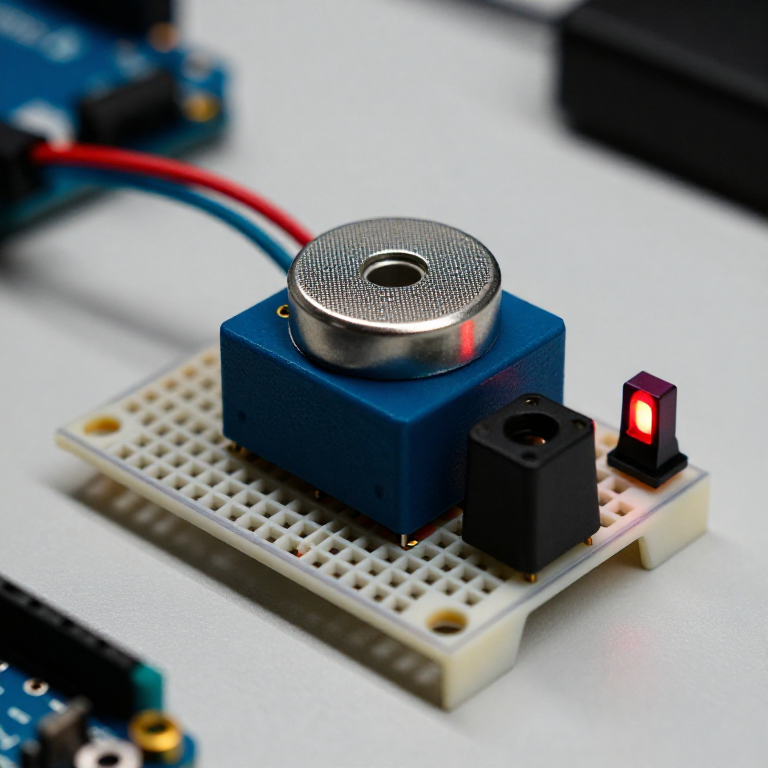


Building a Carbon Monoxide Detector
Build a circuit that senses carbon monoxide (CO) — the invisible, odourless gas from any incomplete combustion — and raises an alarm when it rises. An MQ-7 sensor gives the Arduino a reading that climbs with CO; the code compares it to a clean-air baseline and triggers a buzzer and red LED. A great way to learn gas sensing — but read the safety note: this is a demonstration, NOT a certified life-safety CO alarm.
Ìlànà
Wire the sensor, buzzer and LED
Wire the sensor, buzzer and LED
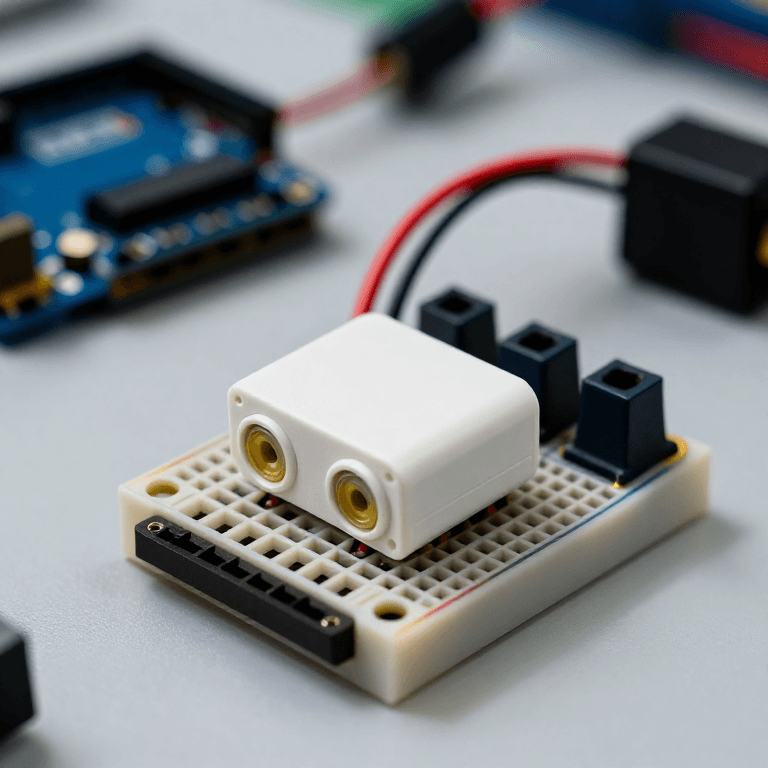
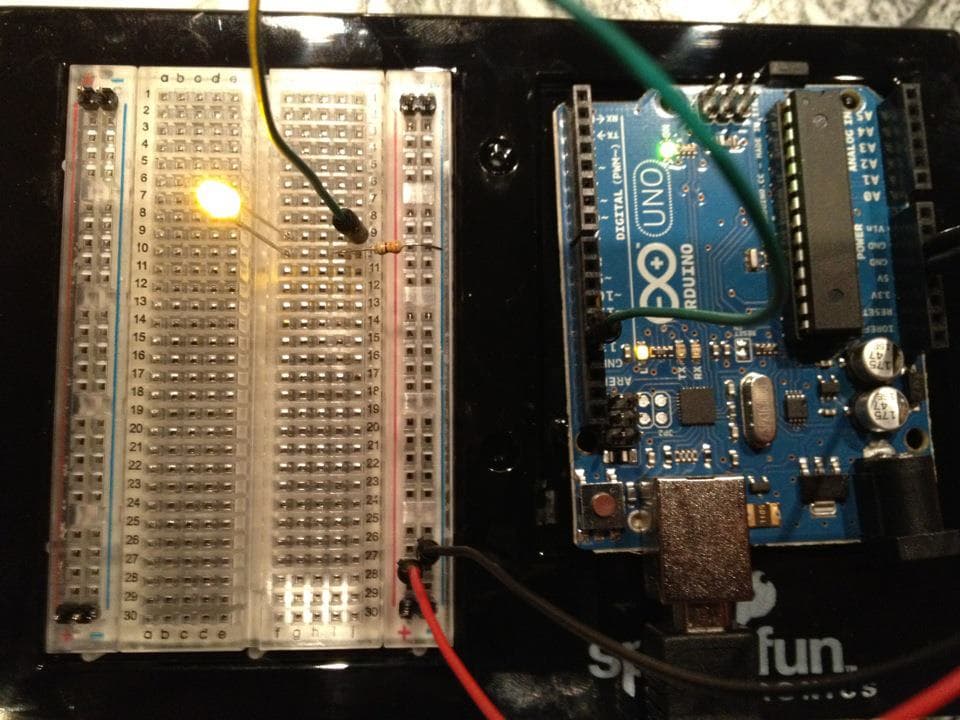
On the breadboard: MQ-7 VCC to Arduino 5V, GND to GND, and its analog output (AOUT) to Arduino A0. Active buzzer + to pin 8, - to GND. Red LED anode to pin 7 through a 330 Ω resistor, cathode to GND.
Àwọn ohun èlò fún ìgbésẹ̀ yìí:
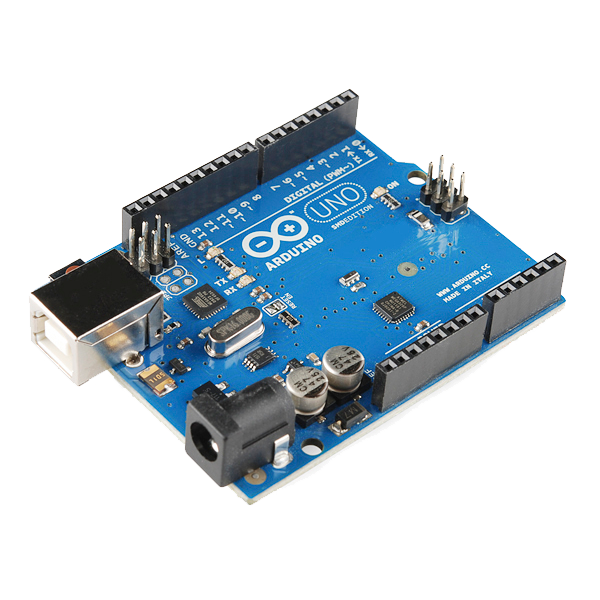 Arduino Uno R31 ẹyọ
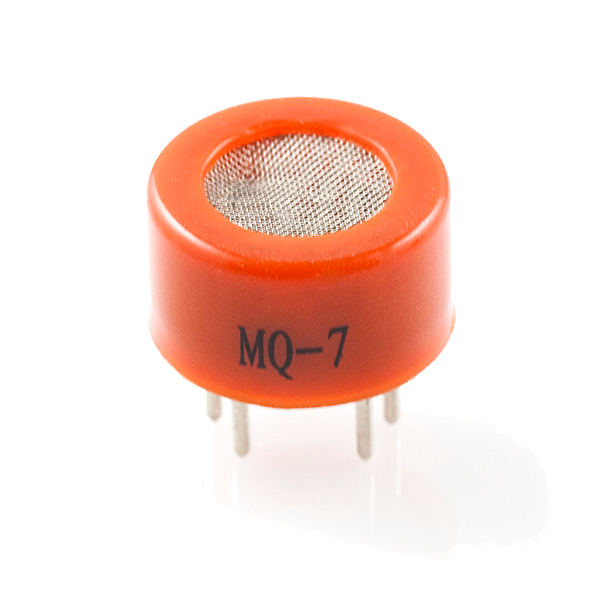 Carbon Monoxide Sensor - MQ-71 ẹyọ
 Modulu buzzer tí ń ṣiṣẹ́1 ẹyọ
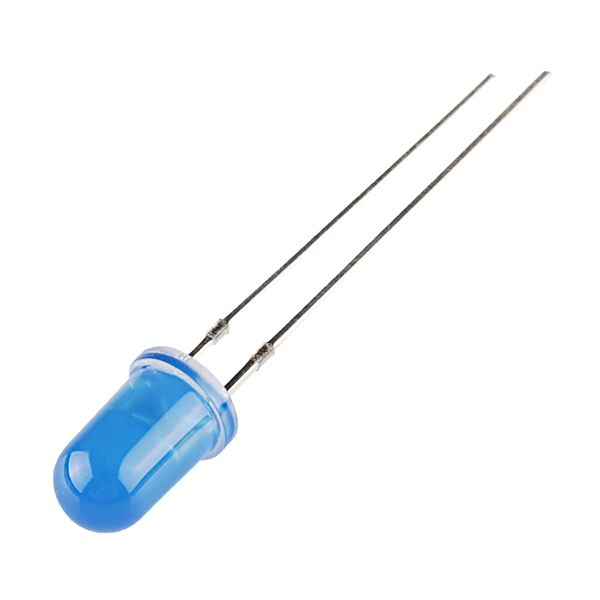 LED - Basic 5mm1 ẹyọ
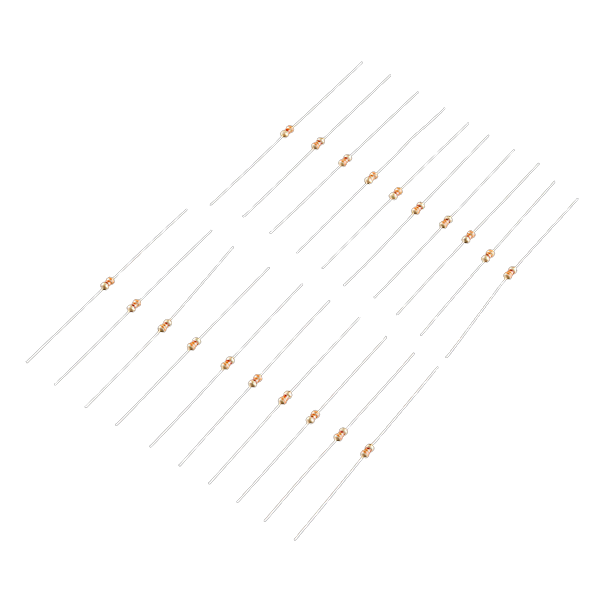 Resistor 330 Ohm 1/6 Watt PTH - 20 pack1 ẹyọ
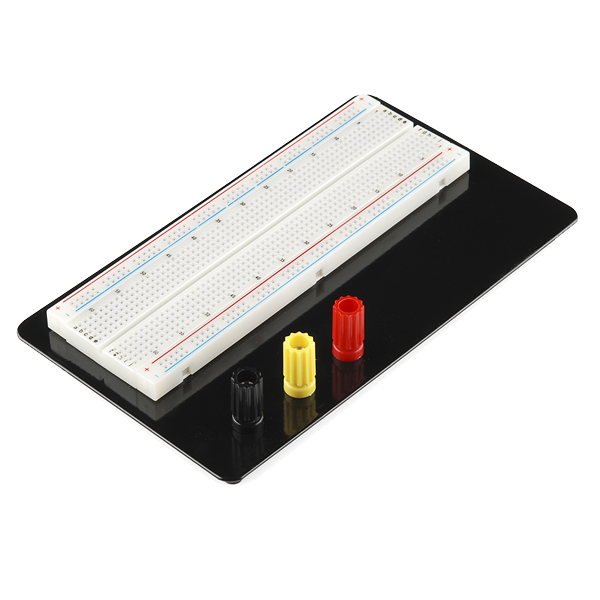 Breadboard1 ẹyọ
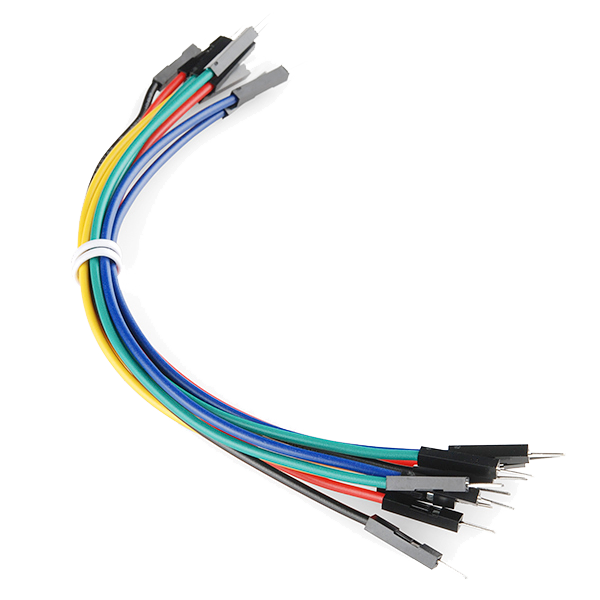 Jumper Wires (Male-to-Male)1 àkópọ̀
Connect and open the IDE
Connect and open the IDE
Plug the Arduino into your computer with the USB cable, open the Arduino IDE, and select Arduino Uno and its serial port.
Àwọn ohun èlò fún ìgbésẹ̀ yìí:
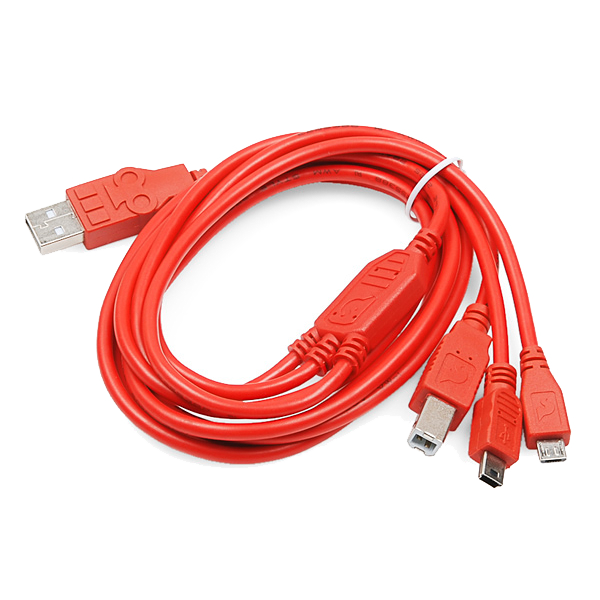 USB-B Cable1 ẹyọ
Àwọn irinṣẹ́ tí a nílò:
 Kọ̀ǹpútà Tí Ó Ní Arduino IDE
Upload the detector sketch
Upload the detector sketch
Paste this sketch and upload. It warms the sensor for two minutes, records a clean-air baseline, then sounds the buzzer and lights the LED whenever the reading climbs above that baseline.
Warm up, baseline and test
Warm up, baseline and test
Power it in fresh air and let the 2-minute warm-up set the clean-air baseline (a brand-new MQ-7 also needs a longer 24–48 h burn-in before its readings settle). Then hold a small CO source nearby in a ventilated room — the smoke from a just-blown-out match works — and the buzzer and LED should trigger. Change ALARM_MARGIN to make it more or less sensitive.
Important safety limits
Important safety limits
This is a LEARNING project and, at best, a supplementary indicator — it is NOT a certified life-safety device. A hobby MQ-7 gives a relative reading, not a calibrated ppm; it drifts over time and needs regular re-baselining, and it also responds to smoke and other gases. Carbon monoxide is invisible, odourless and can be fatal: for real protection always use a UL- or EN-certified CO alarm. Never rely on this circuit to keep anyone safe.
Àwọn ohun-èlò
8- Arduino Uno R3 SMDìdá 10%1 ẹyọ$26.69
- 1 ẹyọ$6.95
- Àyè
- LED - Basic 5mmìdá 10%1 ẹyọ$0.76
- 1 ẹyọ$1.18
- Breadboard - Classicìdá 10%1 ẹyọ$9.38
- 1 àkópọ̀$4.94
- 1 ẹyọ$5.61
Àwọn irinṣẹ́ tó nílò
2- Breadboard - Classicìdá 10%$9.38
Blueprint tó jọra
Àwọn blueprint wọ̀nyí pín ìmọ̀ — ọ̀nà, ohun-èlò tàbí ìlànà

CC0 Àgbègbè Gbogbogbò
Blueprint yìí ti jáde lábẹ́ CC0. O lè ṣe àdàkọ, yí padà, pín, àti lò láìsí ìyọ̀ǹda.
Ṣàtìlẹ́yìn Olùṣẹ́dá nípa rírà àwọn ọjà nipasẹ̀ Blueprint wọn Ẹ̀san Olùṣẹ́dá tí àwọn Olùtajà gbé kalẹ̀, tàbí ṣẹ̀dá àtúnṣe tuntun ti Blueprint yìí kí o sì fi sínú Blueprint rẹ gẹ́gẹ́ bí ìsopọ̀ láti pín owó-wíwọlé.