
ART
BEAUTY & WELLNESS
CRAFT
CULTURE & HISTORY
ENTERTAINMENT
ENVIRONMENT
FOOD & DRINKS
GREEN FUTURE
REVERSE ENGINEERING
SCHOOL PROJECTS
SCIENCES
SPORTS
TECHNOLOGY
WEARABLES
Building Leonardo da Vinci's Self-Propelled Cart — The First Programmable Robot
Emma

Nilikha ni

Emma

2. Hulyo 2026SE
10
0
0
0
0

Building Leonardo da Vinci's Self-Propelled Cart — The First Programmable Robot

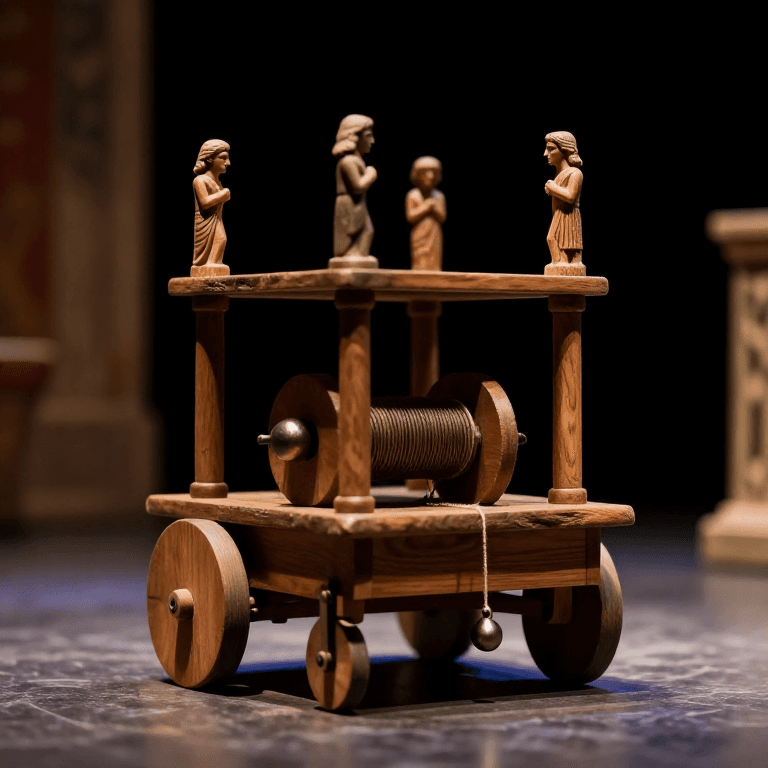
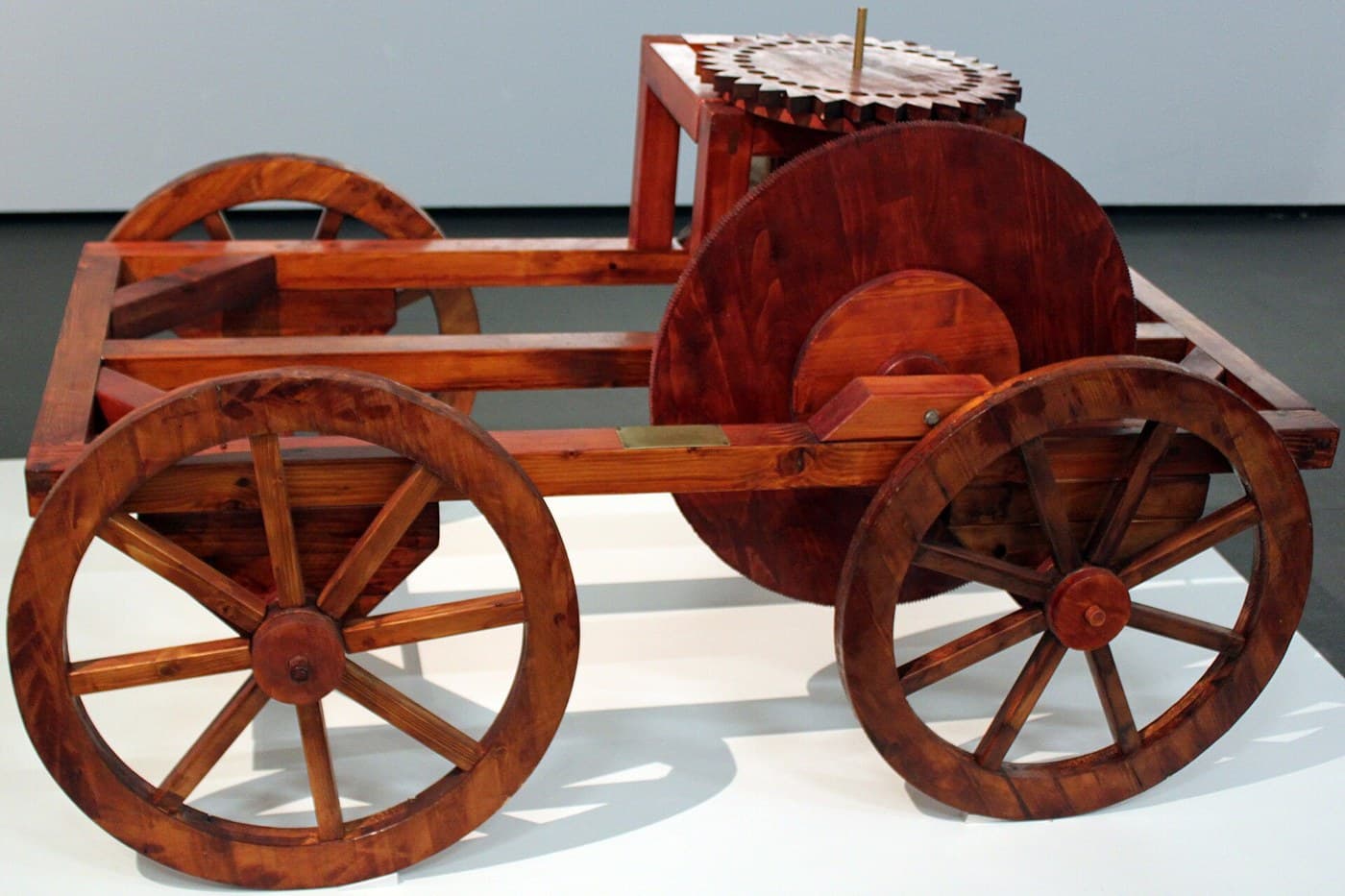
Around 1478 Leonardo da Vinci designed a cart that drives itself: no ox, no push, no rider. Coiled springs store the power, wooden gears carry it to the wheels, an escapement doles it out evenly, and pegs set into a control wheel steer the cart along a route decided in advance. It is spring power, gear reduction, escapement timing and programmable control in one machine — an ancestor of both the automobile and the robot. In 2004 a museum in Florence built it to his drawings and it ran exactly as designed. This blueprint reconstructs that remarkable machine.
Abantado
30

Mga Tagubilin

1

Understand the machine

Leonardo's cart carries its own power source and steers itself. Wound springs drive it, gears set the speed, an escapement keeps it steady, and pegs on a control wheel turn it left or right on cue. Often called the first robot, it was reconstructed in Florence in 2004 and ran just as he drew it.
2

Build the frame and wheels

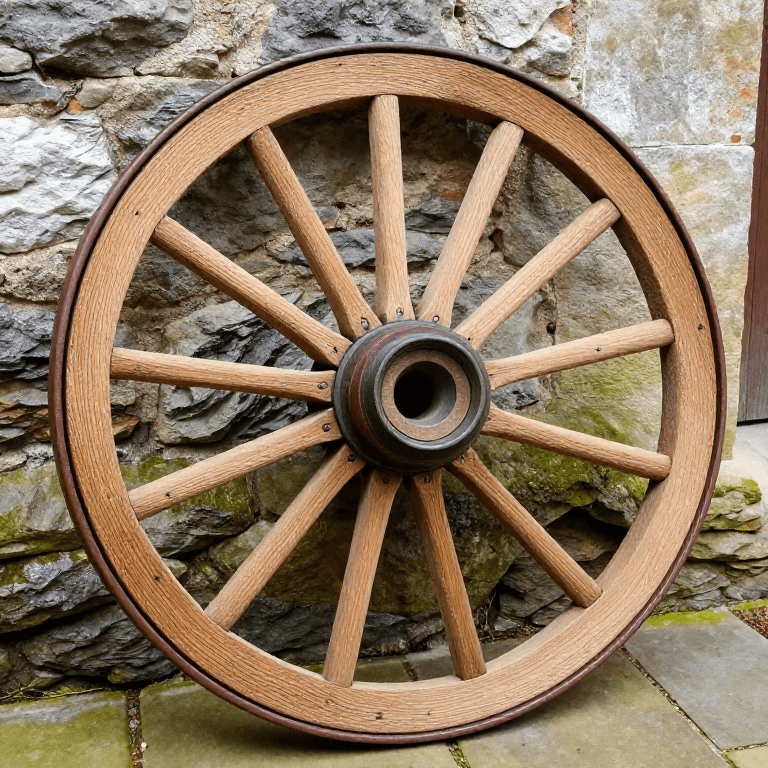
Build a low, sturdy wooden frame carrying an axle front and rear. Cut round wheels and mount them so they turn freely, and bore the axle bearings cleanly so there is little friction to waste the spring's energy.

Materials for this step:

Beech LumberBeech Lumber3 piece

Tools needed:

Hand SawHand Saw
Hand AugerHand Auger
3

Make the coiled springs

The power comes from two coiled leaf springs set in drums beneath the frame. Winding them stores energy; as they slowly unwind they turn the drive. This clockwork-style spring drive — not a falling weight — is Leonardo's key idea.

Materials for this step:

Leaf SpringLeaf Spring2 piece

Tools needed:

Wooden MalletWooden Mallet
4

Cut and fit the wooden gears

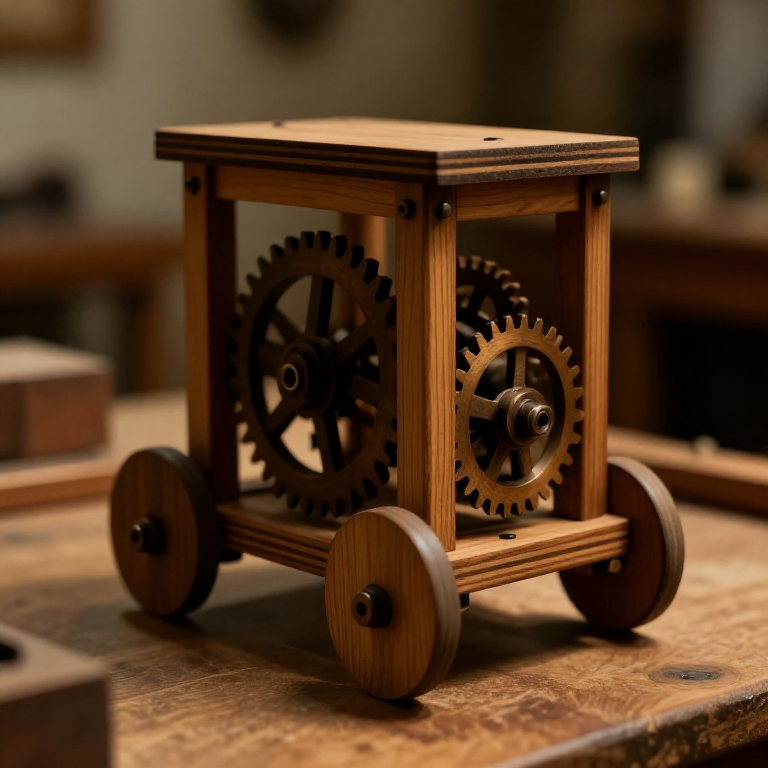
Cut cogged wooden gearwheels that take the drive from the spring drums and gear it down to the road wheels, so the stored energy is delivered at a slow, steady, useful speed instead of one violent burst.

Materials for this step:

Wooden GearWooden Gear4 piece

Tools needed:

GougeGouge
KnifeKnife
5

Add the escapement

Fit an escapement — the same regulating trick used in clocks — between the springs and the gears. It releases the spring's energy in small, even steps, keeping the cart's speed controlled rather than letting it bolt and stop.

Materials for this step:

Wooden GearWooden Gear1 piece

Tools needed:

KnifeKnife
6

Build the programmable steering

Set removable pegs into a horizontal control wheel geared to the drive. As that wheel turns, each peg nudges the steering to a preset angle, so the cart follows a path you program in advance by where you place the pegs — turn the pegs, change the route.

Materials for this step:

Beech LumberBeech Lumber1 piece
Binding RopeBinding Rope5 meter

Tools needed:

Hand AugerHand Auger
7

Wind, set down, release

Wind the springs to store energy, place the cart on the floor, and release the catch. It rolls away under its own power and steers itself left and right exactly as the pegs command, with no one touching it.
8

See why it was centuries ahead

Spring power, gear reduction, escapement regulation and programmable control together in one device — roughly 400 years before the automobile and the programmable machine. The 2004 Florence reconstruction proved these were not fantasies: Leonardo's cart genuinely works.

Mga Materyales

4

Mga Kinakailangang Kasangkapan

5

Connected Blueprint Materials

You can swap these in

Can't get one of the materials? Swap it for an equivalent — these work just as well.

Kaugnay na Blueprint

Ang mga blueprint na ito ay nagbabahagi ng kaalaman — mga teknik, materyales, o prinsipyo
CC0 Pampublikong Domain

Ang blueprint na ito ay inilabas sa ilalim ng CC0. Malaya kang kumopya, magbago, mamahagi, at gumamit nang walang pahintulot.

Suportahan ang Maker sa pamamagitan ng pagbili ng mga produkto sa kanilang Blueprint Komisyon ng Maker itinakda ng mga Vendor, o lumikha ng bagong bersyon ng Blueprint na ito at isama bilang koneksyon sa iyong Blueprint upang ibahagi ang kita.

Talakayan

(0)

Mag-login upang sumali sa talakayan

Loading comments...