

Reading a Temperature Sensor — SIK Circuit 7
Mga Tagubilin
Parts & Introduction
Parts & Introduction
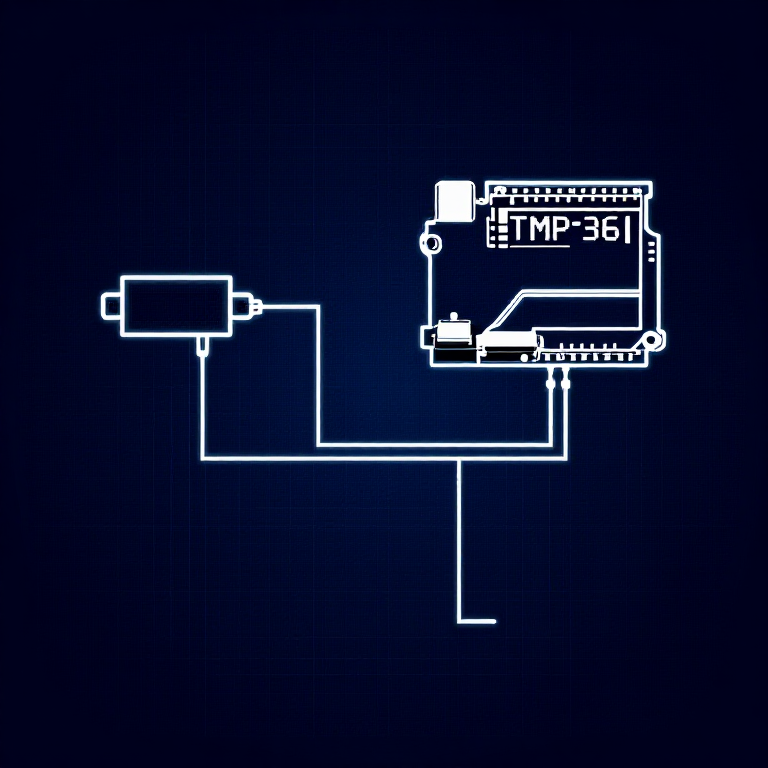
The TMP36 is an analog temperature sensor that outputs a voltage proportional to temperature. You'll learn to use the Serial Monitor to display real-time readings — an essential debugging tool.
Parts Needed
- 1x Arduino Uno + USB cable
- 1x Breadboard
- 1x TMP36 Temperature Sensor
- 5x Jumper Wires
Warning: The TMP36 looks similar to the transistor. Look for "TMP" in tiny letters and a triangle logo. The transistor has "222" printed on it. Inserting the wrong component can damage it!
Mga materyales para sa hakbang na ito:
 SparkFun Inventor's Kit - V3.21 kit
Mga kailangang kasangkapan:
 Kompyuter na May Arduino IDE
Hardware Hookup
Hardware Hookup
Wiring Instructions
With the TMP36 flat side facing you and pins pointing down, the pins are (left to right): 5V, Signal, GND.
- Connect the left pin to 5V.
- Connect the middle pin (signal) to Analog Pin A0.
- Connect the right pin to GND.
That's it — just 3 wires! The TMP36 can only be connected in one direction. Double-check before powering on.
Mga materyales para sa hakbang na ito:
 Lapad na Pansubok1 piraso
 Mga Jumper Wire3 piraso
Arduino Code
Arduino Code
Open the Arduino IDE and upload the following sketch to your Arduino board.
Mga materyales para sa hakbang na ito:
 Arduino Uno R31 piraso
Mga kailangang kasangkapan:
Kompyuter na May Arduino IDETest & Experiment
Test & Experiment
What You Should See
Open the Serial Monitor (magnifying glass icon in Arduino IDE, or Ctrl+Shift+M). You'll see lines updating once per second:
voltage: 0.73 deg C: 23.24 deg F: 73.84
Troubleshooting
- Nothing happens: Open the Serial Monitor! The output goes there, not to the LEDs.
- Gibberish text: Set the Serial Monitor baud rate dropdown to 9600.
- Temperature unchanged: Pinch the sensor with your fingers to warm it up, or apply ice to cool it down.
Experiments to Try
- Add an LED that turns on above a temperature threshold (like a heat warning).
- Log data over time to see temperature trends.
- Combine with the LCD (Circuit 15) to display temperature without a computer.
Mga Materyales
5- SparkFun Inventor's Kit - V3.210% komisyon1 kit$105.50
- Placeholder
- Placeholder
- Placeholder
- 1 pirasoPlaceholder
Mga Kinakailangang Kasangkapan
1- Placeholder
CC0 Pampublikong Domain
Ang blueprint na ito ay inilabas sa ilalim ng CC0. Malaya kang kumopya, magbago, mamahagi, at gumamit nang walang pahintulot.
Suportahan ang Maker sa pamamagitan ng pagbili ng mga produkto sa kanilang Blueprint Komisyon ng Maker itinakda ng mga Vendor, o lumikha ng bagong bersyon ng Blueprint na ito at isama bilang koneksyon sa iyong Blueprint upang ibahagi ang kita.