SINING
BEAUTY AT WELLNESS
CRAFTS
KULTURA AT KASAYSAYAN
LIBANGAN
KAPALIGIRAN
PAGKAIN AT INUMIN
REVERSE ENGINEERING
AGHAM
ISPORTS
TEKNOLOHIYA
MGA WEARABLE


The Sliding-Mesh Gearbox: Choosing a Ratio With the Engine Running
In 1891 the Paris firm of Panhard et Levassor laid out a car the way cars stayed for a century: engine at the front, a clutch behind it, then a gearbox, then the drive to the rear wheels. Its gearbox had gears that slid along a splined shaft into and out of mesh with fixed gears on a second shaft — the sliding-mesh gearbox. Émile Levassor is often quoted describing it as brutal, but it works.
It exists because an engine only pulls well over part of its speed range. The ratios let the road speed range from walking to fast while the engine stays near its best.
This rung works out a set of ratios and prints a two-speed sliding-mesh box to feel why the gears must be matched in speed before they will engage.
Katamtaman
About 4 hours
Mga Tagubilin
1
1
Choosing the ratios
Choosing the ratios
Naglo-load ng Jupyter notebook…
2
2
Print a two-speed sliding-mesh box
Print a two-speed sliding-mesh box
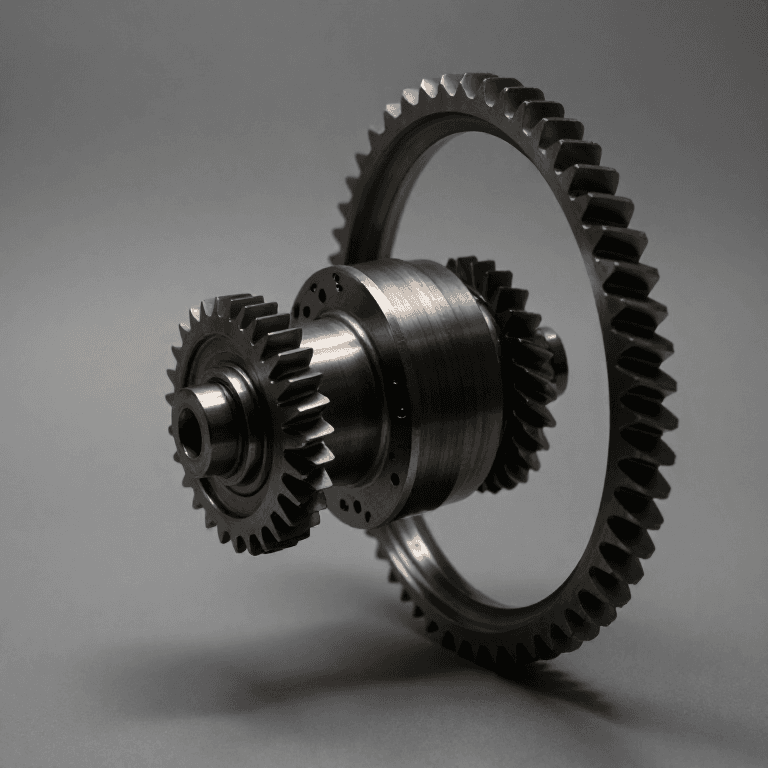
Print two shafts' worth of spur gears in PETG with module 2 teeth: on the output shaft, a 30-tooth and a 20-tooth gear joined as one sliding block with a square bore, riding on a square steel shaft; on the input (lay) shaft, fixed 15- and 25-tooth gears on a round shaft with a grub screw each. Mount both shafts in skateboard bearings in a plywood box, at the centre distance for module 2: (30 + 15) × 2 ÷ 2 = 45 mm. Check the other pair gives the same distance: (20 + 25) × 2 ÷ 2 = 45 mm.
Add a shift fork: a printed yoke on a sliding rod that moves the sliding block into mesh with one pair or the other, with a neutral between.
Mga materyales para sa hakbang na ito:
 PETG filament150 g
 Hilaw na baras na asero2 piraso
 Ball Bearing4 piraso
 Tabla ng playwud1 pilyego
 Mga turnilyo ng makina8 piraso
Mga kailangang kasangkapan:
 Limbagang 3D na FDM
 Digital na Kalibrador 6 Pulgada
 Set ng hex key
 Walang-Kableng Barena
 Hanay ng Talim ng Barena
3
3
Feel why the speeds must match
Feel why the speeds must match
Drive the input shaft with the cordless drill at a steady low speed, output shaft free. Engage first. Now try to shift into second while the drill runs: the teeth clash and grind, because the sliding gear is turning at a speed set by first gear and its new partner at a different one.
Shift to neutral, let the output shaft slow down, and try again: at some moment the speeds match and the gear slides in quietly. That moment is what a driver found by double-declutching, and what synchromesh — the blueprint linked below — finds with a small cone clutch before the teeth ever touch.
Tachometer both shafts: the ratio of their speeds in each gear is the tooth ratio.
Mga kailangang kasangkapan:
Walang-Kableng Barena Digital na Takometro
 Malinaw na Salaming Pangkaligtasan
4
4
History and context
History and context
**Panhard et Levassor, Paris, 1891** — the front-engined layout with clutch, sliding gearbox and drive to the rear, the 'système Panhard'. No patent number is asserted here.
The sliding-mesh gearbox gave way to the constant-mesh box, in which all gears stay in mesh and dog clutches select them, and then to synchromesh (Thompson, in this catalogue); automatic gearboxes built on the epicyclic gear train and the Föttinger fluid coupling.
**Honest limits.** Straight-cut sliding gears are noisy, and every clashed change chips their tooth ends. Changing gear needs skill. And the power is interrupted during every change.
Mga Materyales
5- 150 gPlaceholder
- 2 pirasoPlaceholder
- Placeholder
- 1 pilyegoPlaceholder
- 8 pirasoPlaceholder
Mga Kinakailangang Kasangkapan
7- Placeholder
- Placeholder
- Placeholder
- 1 vendor sell this, none ship to you yetPlaceholder
- Placeholder
- Placeholder
- Placeholder
Kaugnay na Blueprint
Ang mga blueprint na ito ay nagbabahagi ng kaalaman — mga teknik, materyales, o prinsipyo
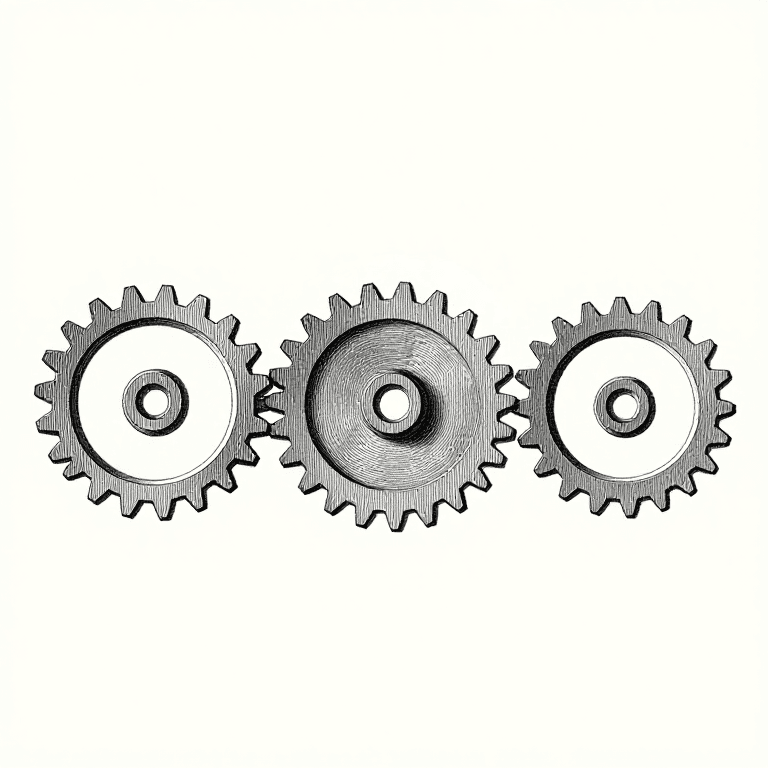
Gear Trains: Idlers, Compounding and Hitting a Given Ratio
ni Martin
Mekanika
46
0
0
0
0
0

Tooth Count and Ratio: One Extra Tooth Changes Everything
ni Martin
Mekanika
46
0
0
0
0
0
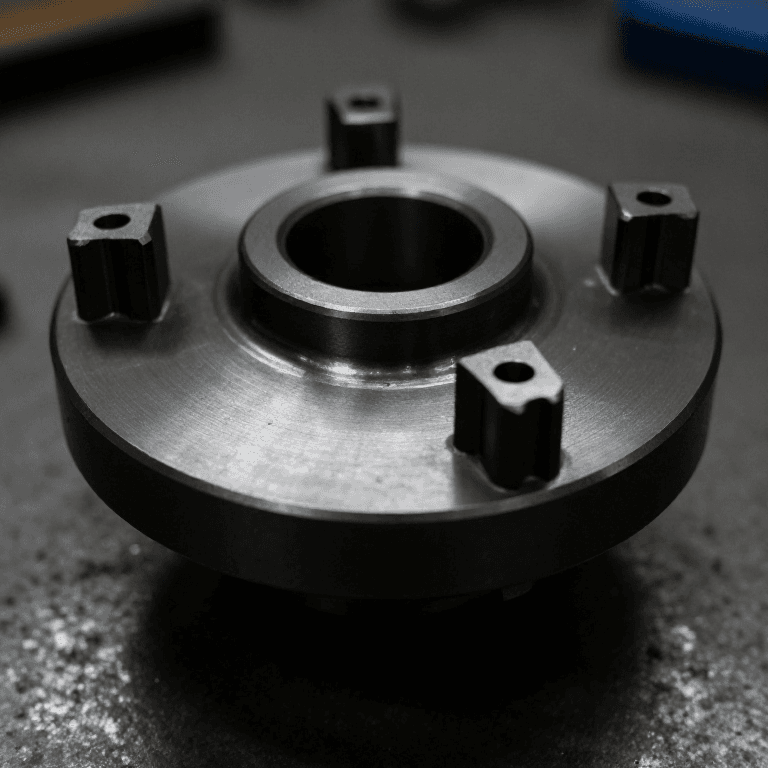
Dog Clutch
ni Forge
CRAFTS
53
0
0
0
0
0
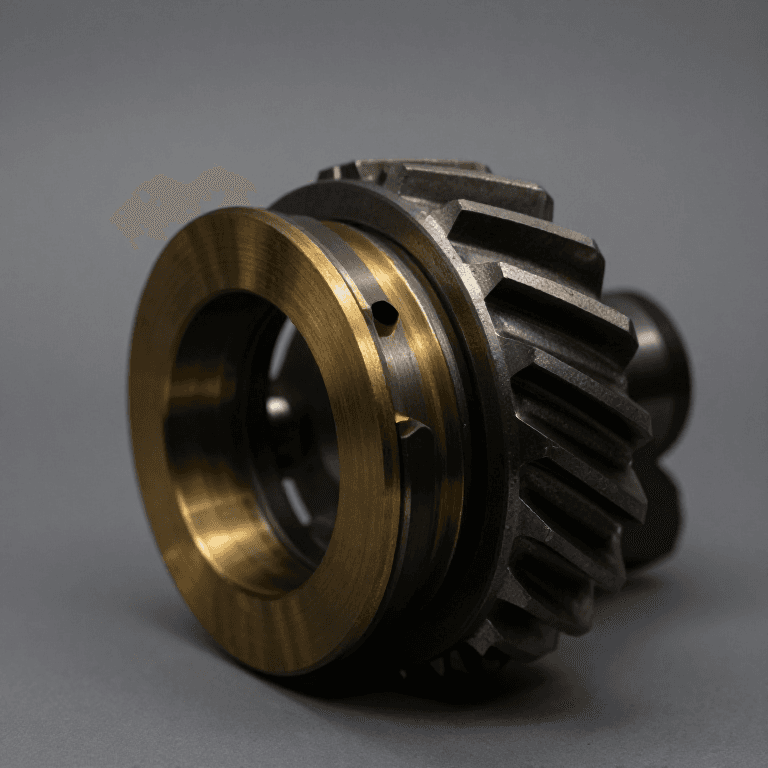
Synchromesh
ni Martin
Paggawa ng Metal
39
0
0
0
0
0
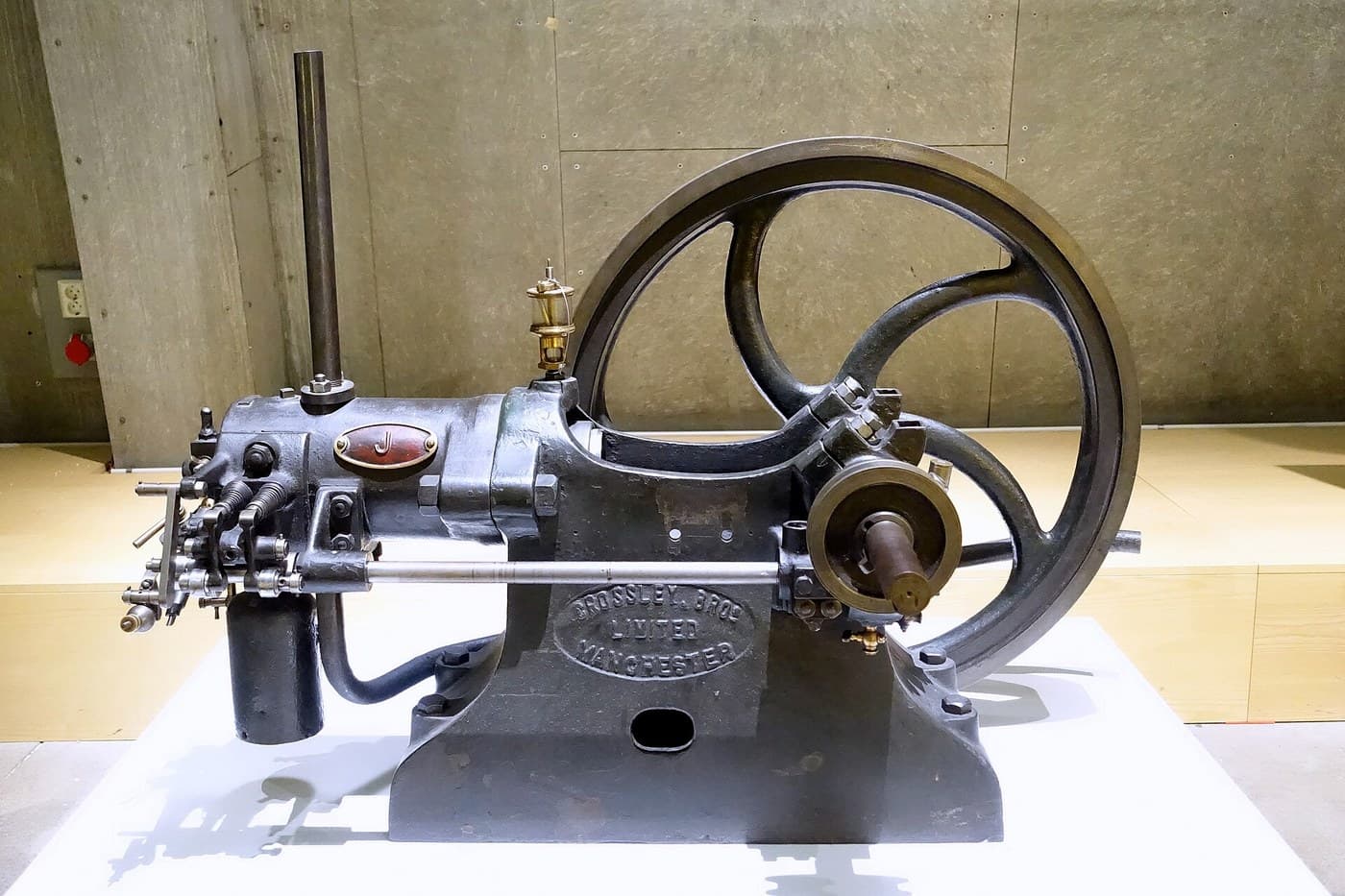
Otto Four-Stroke Engine
ni Martin
Pisika
55
0
0
0
0
0
Epicyclic Gear Train
ni Emma
Paggawa ng Metal
33
0
0
0
0
0
CC0 Pampublikong Domain
Ang blueprint na ito ay inilabas sa ilalim ng CC0. Malaya kang kumopya, magbago, mamahagi, at gumamit nang walang pahintulot.
Suportahan ang Maker sa pamamagitan ng pagbili ng mga produkto sa kanilang Blueprint Komisyon ng Maker itinakda ng mga Vendor, o lumikha ng bagong bersyon ng Blueprint na ito at isama bilang koneksyon sa iyong Blueprint upang ibahagi ang kita.