Pakikipagtulungan
SINING
BEAUTY AT WELLNESS
CRAFTS
KULTURA AT KASAYSAYAN
LIBANGAN
KAPALIGIRAN
PAGKAIN AT INUMIN
REVERSE ENGINEERING
AGHAM
ISPORTS
TEKNOLOHIYA
MGA WEARABLE
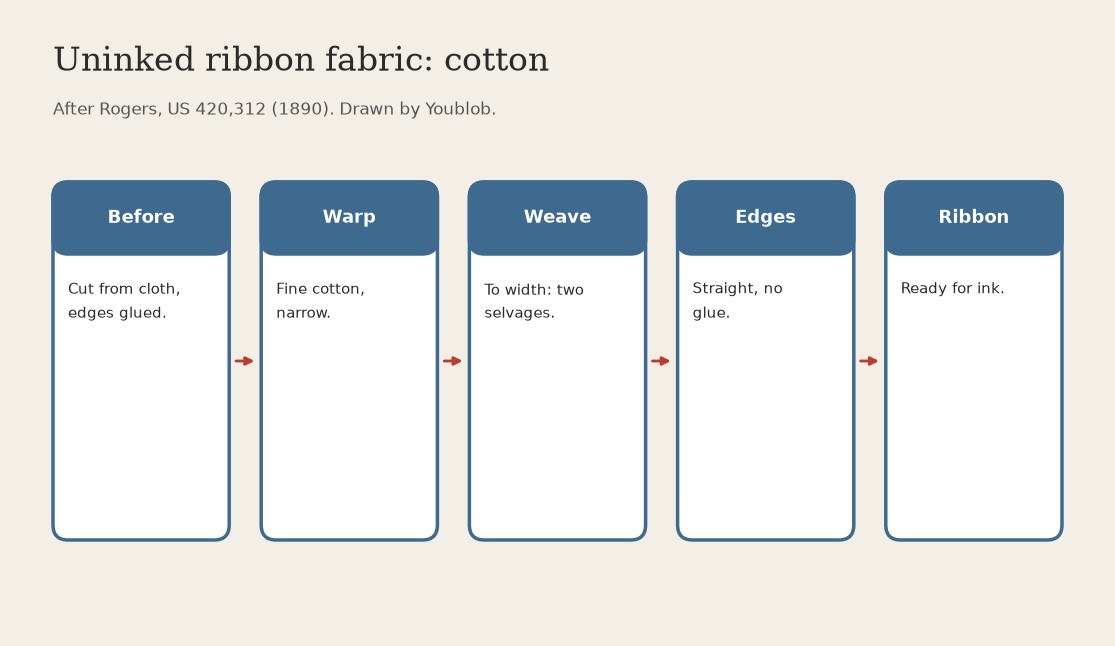


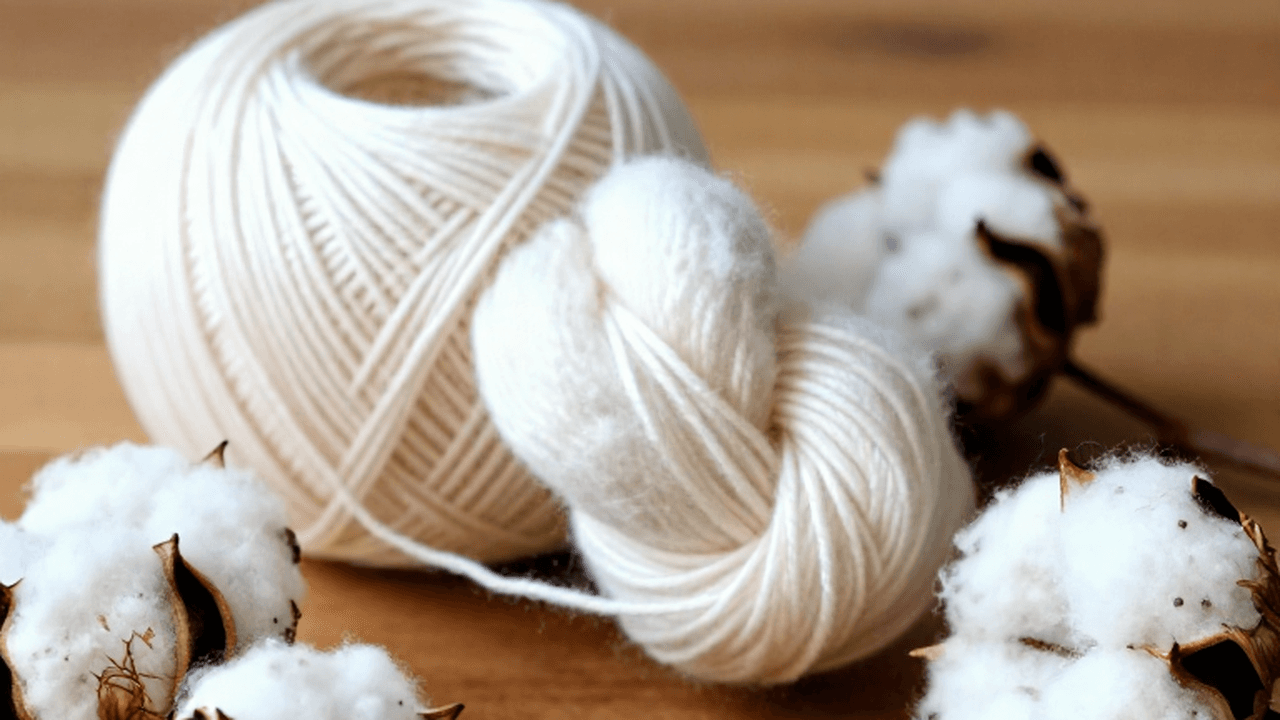
Uninked Ribbon Fabric: Narrow Woven Cotton Strip with Two Selvages (Rogers, US 420,312, 1890)
Early typewriter ribbons were cut from a roll of fine cotton cloth and the cut edges glued; the edges came out zigzag and the glue spoiled the inking surface. Rogers wove the ribbon to width instead, so it has two true selvages and needs no glue.
Result: a narrow cotton ribbon with straight woven edges, ready for inking.
Source: Rogers, US 420,312 (1890). He chose cotton over silk: silk cost more, held less ink and sagged in the middle. Not given: width, thread count. Picture drawn by Youblob.
Katamtaman
Factory process
Mga Tagubilin
1
1
Warp a narrow loom with fine cotton
Warp a narrow loom with fine cotton
Set up the loom for a ribbon of typewriter width, not a wide bolt. Rogers used fine cotton; width and thread count: not given. Ours: a power loom (Rogers built his own machinery).
Mga materyales para sa hakbang na ito:
 Sinulid na Bulak1 as required
Mga kailangang kasangkapan:
 Makinang panghabi
2
2
Weave the ribbon to width
Weave the ribbon to width
Weave the strip at its final width so both edges are selvages: straight, unravelling-free, with no cut edge to glue.
Mga materyales para sa hakbang na ito:
Sinulid na Bulak1 as requiredMga kailangang kasangkapan:
Makinang panghabi3
3
Wind it off for inking
Wind it off for inking
Take the woven ribbon off the loom; its whole surface is free for ink. Rogers then inks it on one side only.
Mga kailangang kasangkapan:
Makinang panghabiMga Materyales
1- 2 as requiredPlaceholder
Ang blueprint na ito ay gumagawa ng
Kaugnay na Blueprint
Ang mga blueprint na ito ay nagbabahagi ng kaalaman — mga teknik, materyales, o prinsipyo

CC0 Pampublikong Domain
Ang blueprint na ito ay inilabas sa ilalim ng CC0. Malaya kang kumopya, magbago, mamahagi, at gumamit nang walang pahintulot.
Suportahan ang Maker sa pamamagitan ng pagbili ng mga produkto sa kanilang Blueprint Komisyon ng Maker itinakda ng mga Vendor, o lumikha ng bagong bersyon ng Blueprint na ito at isama bilang koneksyon sa iyong Blueprint upang ibahagi ang kita.