تعاون
فن
خوبصورتی اور تندرستی
دستکاری
ثقافت اور تاریخ
تفریح
ماحول
خوراک اور مشروبات
ریورس انجینئرنگ
سائنسز
کھیل
ٹیکنالوجی
پہننے والے آلات
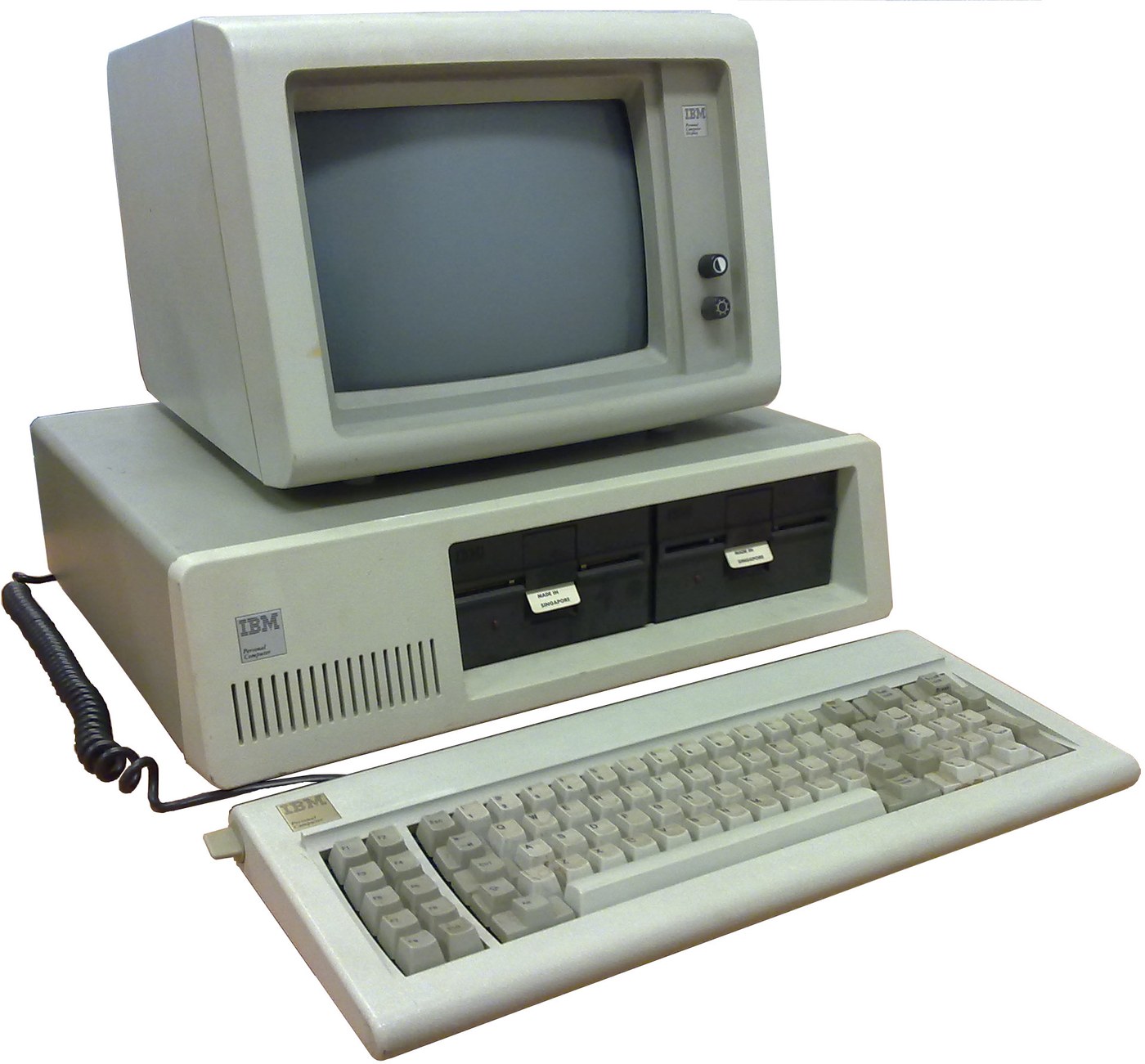

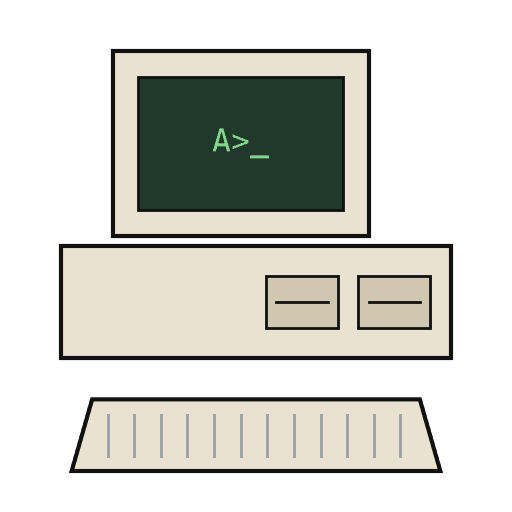
IBM Personal Computer (5150): System Unit, Keyboard and Display (IBM Technical Reference, 1981)
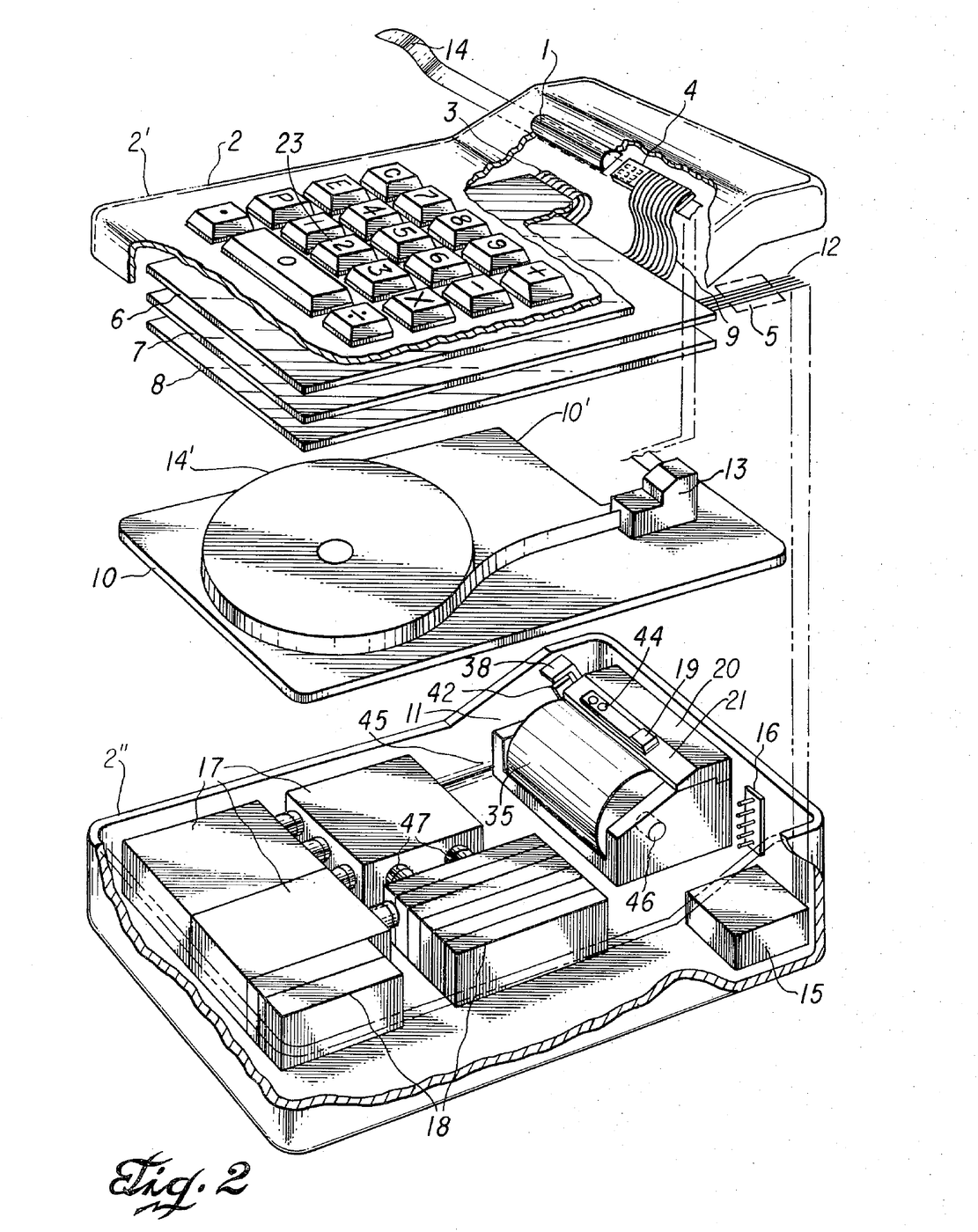
IBM's first personal computer, the machine today's desktop PCs descend from. One system unit holds an Intel 8088 system board, a power supply and five expansion slots. A keyboard, a display and 5-1/4 inch diskette drives complete it. IBM published its whole design, down to the BIOS program, in the Technical Reference.
Result: an IBM PC that tests itself at power-on and starts an operating system from diskette.
Source: IBM Personal Computer Technical Reference (1981; edition of April 1984). Unknown: the chassis and its sizes, the display and diskette adapter cards (described in IBM's separate Options and Adapters volumes), and how each part is made. Ours: the assembly order. Picture: Wikimedia Commons.
اعلیٰ
1 week
ہدایات
1
1
Populate the system board
Populate the system board
On the system board, fit the Intel 8088 processor. It runs at 4.77 MHz, taken from a 14.31818 MHz crystal divided by 3; divided by 4, the same crystal gives the 3.58 MHz colour-burst signal for colour TVs. Fit its support chips: the 8237A-5 DMA controller, 8259A interrupt controller, 8253-5 timer and 8255A-5 peripheral interface. Add the ROM holding the BIOS, the read/write memory, the speaker circuit, five expansion slots, and 5-pin DIN sockets for the keyboard and a cassette recorder. The 8088 runs in maximum mode, so a coprocessor can be added later. Set switch SW1 to tell the machine what it has: whether to start from a 5-1/4 inch diskette drive, how much read/write memory is on the board, which display adapter is fitted, and how many diskette drives there are. Not given here: the board layout.
اس مرحلے کے لیے مواد:
 چھپا ہوا سرکٹ بورڈ1 system board
 انٹیگریٹڈ سرکٹ (IC)1 8088, 8237A-5, 8259A, 8253-5, 8255A-5, ROM, RAM
 کوارٹز کرسٹل1 14.31818 MHz
 IBM PC کا BIOS1 in ROM
 DIP سوئچ1 SW1
 ٹانکے کا تار1 as needed
درکار اوزار:
 ٹانکا لگانے کی سلاخ
2
2
Fit the board and power supply in the chassis
Fit the board and power supply in the chassis
Screw the system board into the system-unit chassis. Fit the power supply at the right rear; its housing supports the rear panel and its fan cools the whole machine. It is rated for 63.5 W continuous, from a fused 120 V or 220/240 V input. Its four protected outputs are +5 V at 7 A, +12 V at 2 A, -5 V at 0.3 A and -12 V at 0.25 A, bussed to all five slots. It also has a power-good signal, a switched mains socket for the monochrome display and two drive power plugs. Not given: the chassis metal and sizes.
اس مرحلے کے لیے مواد:
 نامعلوم دھات1 chassis
 کمپیوٹر پاور سپلائی1 63.5 W
 مشینی پیچ1 سیٹ
درکار اوزار:
 پیچ کس سیٹ
 نامعلوم پیمائش
 ملٹی میٹر
3
3
Add the drives and adapter cards
Add the drives and adapter cards
Fit up to two 5-1/4 inch diskette drives, each powered from its own plug on the supply. Only one drive runs at a time. Plug a diskette drive adapter and a display adapter (monochrome or colour/graphics) into expansion slots, and cable the drives to their adapter. Not given here: the adapter cards and cables, which IBM describes in its separate Options and Adapters volumes.
اس مرحلے کے لیے مواد:
 5¼ انچ ڈسکیٹ ڈرائیو2 up to two
 ایکسپینشن کارڈ2 diskette adapter, display adapter
 ربن کیبل1 drive cable
درکار اوزار:
پیچ کس سیٹ4
4
Connect keyboard and display, and power on
Connect keyboard and display, and power on
Plug in the keyboard: 83 keys, with the typewriter keys in the middle, 10 function keys on the left and a 15-key pad on the right. It sends scan codes, not letters, so the software decides what each key does. Connect the display to its adapter and to the switched socket. Switch on: the power-on self-test in the BIOS checks the machine, sets up its interrupt vectors, and looks for extra ROM on the adapter cards. The bootstrap loader then starts the operating system from a diskette.
اس مرحلے کے لیے مواد:
 کمپیوٹر کی بورڈ1 83 keys
 کمپیوٹر مانیٹر1 ٹکڑا
درکار اوزار:
 فلاپی ڈسک
مواد
14- 1 system boardپلیس ہولڈر
- 1 8088, 8237A-5, 8259A, 8253-5, 8255A-5, ROM, RAMپلیس ہولڈر
- 1 14.31818 MHzپلیس ہولڈر
- 1 in ROMپلیس ہولڈر
- پلیس ہولڈر
- 1 as neededپلیس ہولڈر
- 1 chassisپلیس ہولڈر
- 1 63.5 Wپلیس ہولڈر
- 1 سیٹپلیس ہولڈر
- 2 up to twoپلیس ہولڈر
- 2 diskette adapter, display adapterپلیس ہولڈر
- پلیس ہولڈر
- 1 83 keysپلیس ہولڈر
- 1 ٹکڑاپلیس ہولڈر
منسلک بلیو پرنٹ مواد
یہ بلوپرنٹ بناتا ہے
CC0 پبلک ڈومین
یہ بلیو پرنٹ CC0 کے تحت جاری کیا گیا ہے۔ آپ اجازت لیے بغیر اس کام کو نقل، ترمیم، تقسیم اور کسی بھی مقصد کے لیے استعمال کرنے کے لیے آزاد ہیں۔
میکر کی حمایت کریں ان کے بلیو پرنٹ کے ذریعے پروڈکٹس خرید کر جہاں وہ میکر کمیشن وینڈرز کی طرف سے مقرر، کماتے ہیں، یا اس بلیو پرنٹ کی نئی تکرار بنائیں اور آمدنی شیئر کرنے کے لیے اسے اپنے بلیو پرنٹ میں کنکشن کے طور پر شامل کریں۔