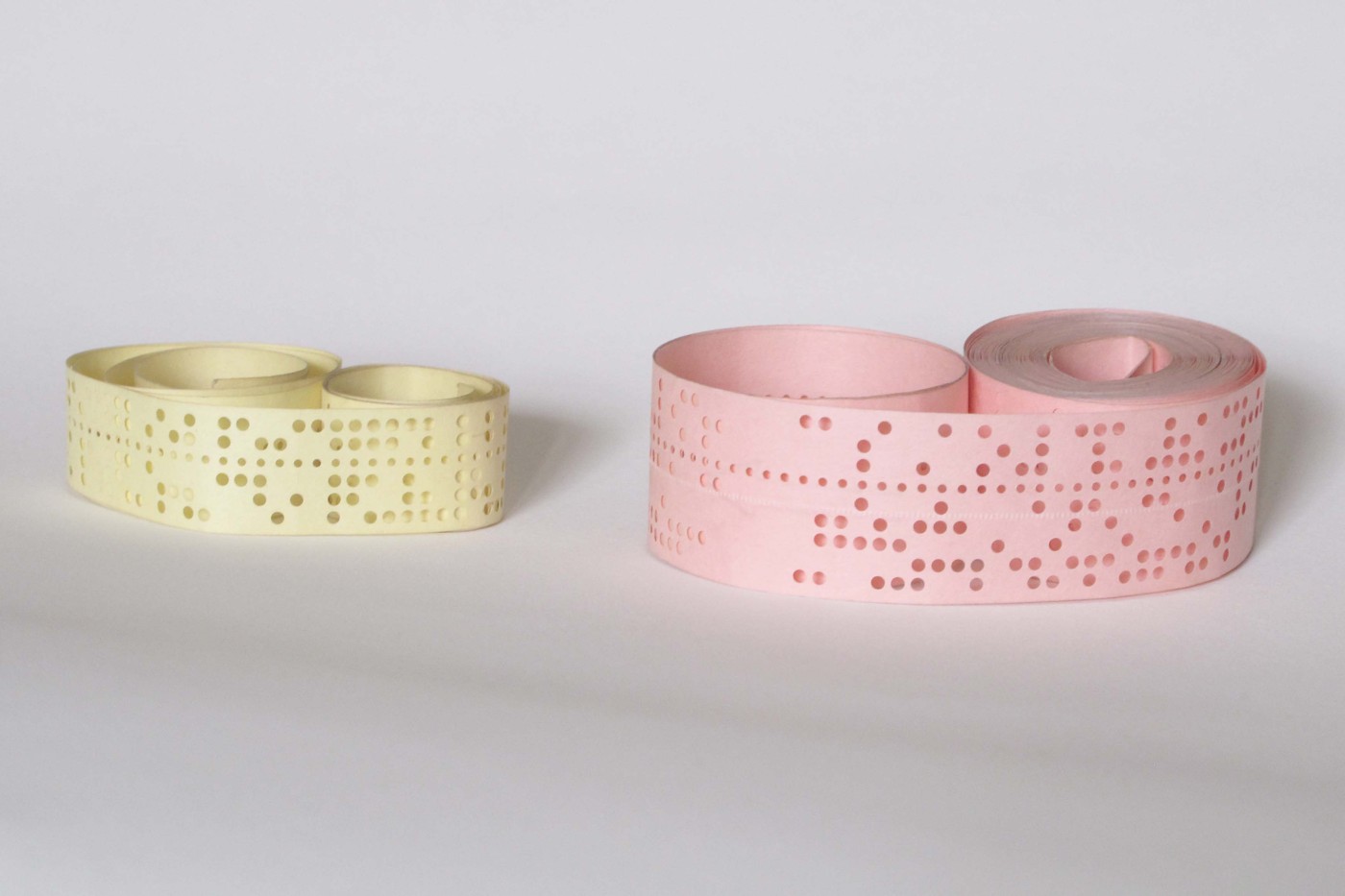


Machine Code and the Assembler
ہدایات
Hand-assemble a program and then insert one line
Hand-assemble a program and then insert one line
Do it the 1949 way once. The lesson arrives in step 4 of the exercise, not step 1.
- Take the countdown program from the stored-program blueprint and write it out on paper as a table: address, instruction, meaning.
- Convert each mnemonic to its opcode number by hand and write the final memory image.
- Check it by walking the program on paper.
- Now INSERT one extra instruction near the top — and fix everything that breaks.
Every jump target after the insertion point is now wrong, and every data address has moved. One added line means recomputing the whole program by hand, and a single missed jump gives a machine that runs and produces nonsense.
This is the actual daily experience of early programming, and it is why the first tools were not compilers or debuggers but simply things that tracked addresses for you. The bottleneck was never the thinking — it was the clerical work, and clerical work is exactly what machines are good at.اس مرحلے کے لیے مواد:
 خانہ دار کاغذ1 pad
درکار اوزار:
 ڈیسک ٹاپ کمپیوٹر
Write a two-pass assembler
Write a two-pass assembler
Run it, then do the experiment that matters: insert an extra instruction near the top and run it again. Every address and every jump target is recomputed automatically — the thing that cost you an hour in step 1.
The comment block explains why it needs two passes: a forward jump refers to a label that has not been defined yet, so pass 1 assigns addresses and collects labels, and pass 2 emits code once every name is known.
That unresolved-forward-reference problem never really goes away. When an assembler cannot see the target at all — because it is in a different file — it emits a placeholder and a note saying “fill this in later”. Something must then do the filling in, and that something is the linker. Linkers exist because of exactly the problem this assembler solves within one file.درکار اوزار:
ڈیسک ٹاپ کمپیوٹر Arduino IDE والا کمپیوٹر
Assemble, load, run
Assemble, load, run
Follow the pipeline. The names exist only in the source and in the assembler's symbol table — the machine never sees them. They are entirely for the human, and they cost nothing at run time.
Notice where the errors are caught. Pass 1 catches duplicate labels, pass 2 catches undefined ones, and both fail BEFORE anything is loaded. The assembler is the first program that checks your work, and refusing to produce output is the useful behaviour.
Keeping the symbol table around instead of discarding it is what makes a debugger possible: it is the only thing that can map an address back to the name you wrote. That is precisely what a “debug build” and a stripped binary differ by, and why a crash in a stripped binary gives you hex addresses instead of function names.Flow
درکار اوزار:
ڈیسک ٹاپ کمپیوٹرMeasure what the abstraction costs and buys
Measure what the abstraction costs and buys
درکار اوزار:
ڈیسک ٹاپ کمپیوٹرBootstrapping: the program that builds itself
Bootstrapping: the program that builds itself
The assembler is written in something. Follow that back and you meet a genuine chicken-and-egg problem.
- Your assembler is written in Python, which is itself a program, which was compiled by a C compiler, which is written in C.
- Ask what compiled the first C compiler.
- Now consider writing an assembler FOR your machine, IN the assembly language of your machine.
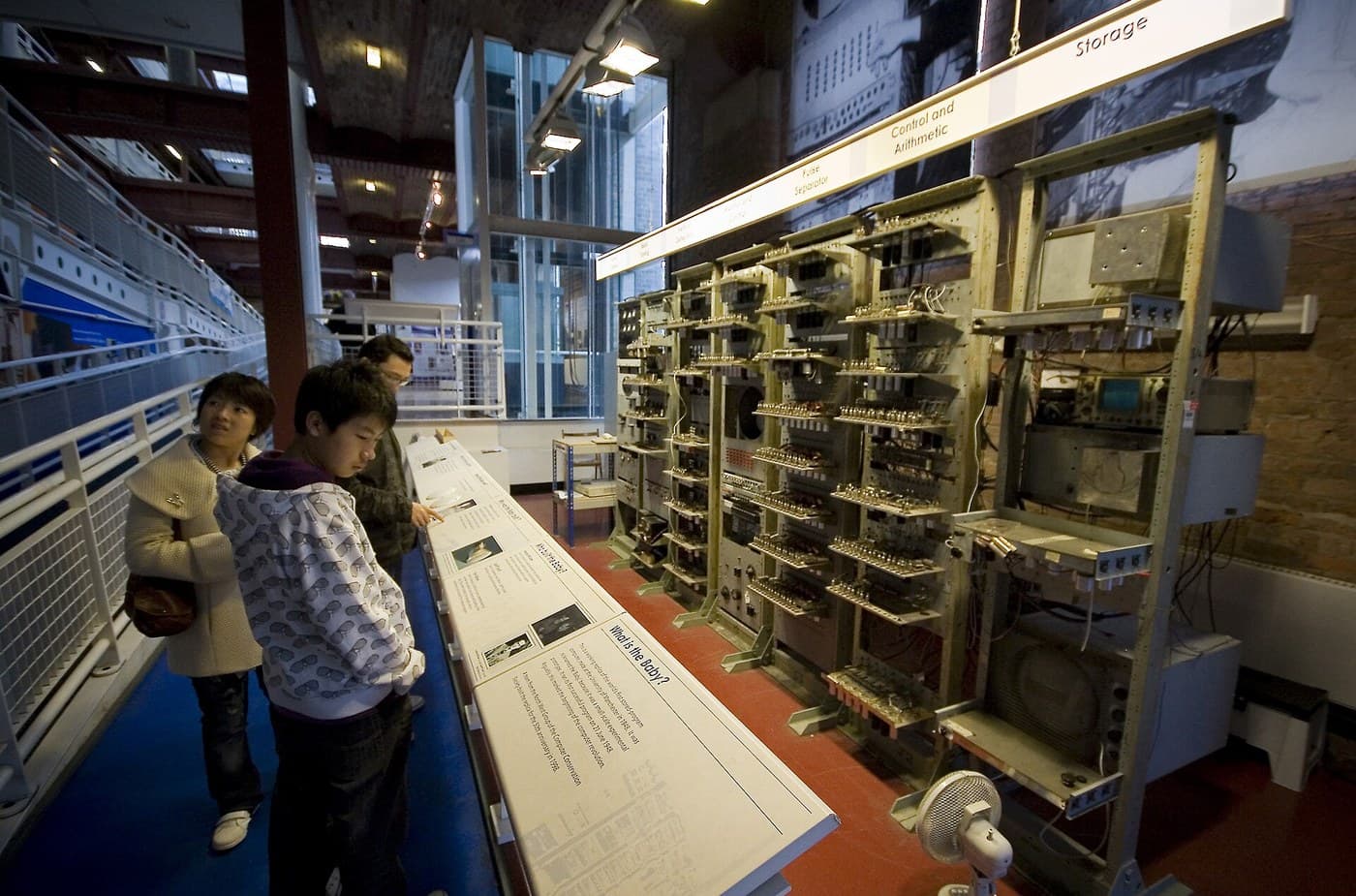
The chain terminates in something written by hand in raw machine code. Someone hand-assembled the first assembler; that assembler then assembled a better one; and every tool since has been built with the tools before it.
Once a language can express its own translator, you can write version two in version one, assemble it with version one, and from then on the language builds itself. That is bootstrapping, and it is why compilers for a language are usually written in that language.
Ken Thompson's 1984 lecture “Reflections on Trusting Trust” takes this somewhere uncomfortable: a compiler can be taught to insert a backdoor into a program AND into any future compiler it compiles, then have that instruction removed from its own source. The bug persists in every descendant with nothing visible in any source file. It is the deepest consequence of the stored-program idea — if code is data, then code can be made to lie about code — and it is unfixable by reading source alone.درکار اوزار:
ڈیسک ٹاپ کمپیوٹرمواد
1- 1 padپلیس ہولڈر
متعلقہ بلیو پرنٹ
یہ بلیو پرنٹ علم بانٹتے ہیں — تکنیک، مواد یا اصول

CC0 پبلک ڈومین
یہ بلیو پرنٹ CC0 کے تحت جاری کیا گیا ہے۔ آپ اجازت لیے بغیر اس کام کو نقل، ترمیم، تقسیم اور کسی بھی مقصد کے لیے استعمال کرنے کے لیے آزاد ہیں۔
میکر کی حمایت کریں ان کے بلیو پرنٹ کے ذریعے پروڈکٹس خرید کر جہاں وہ میکر کمیشن وینڈرز کی طرف سے مقرر، کماتے ہیں، یا اس بلیو پرنٹ کی نئی تکرار بنائیں اور آمدنی شیئر کرنے کے لیے اسے اپنے بلیو پرنٹ میں کنکشن کے طور پر شامل کریں۔