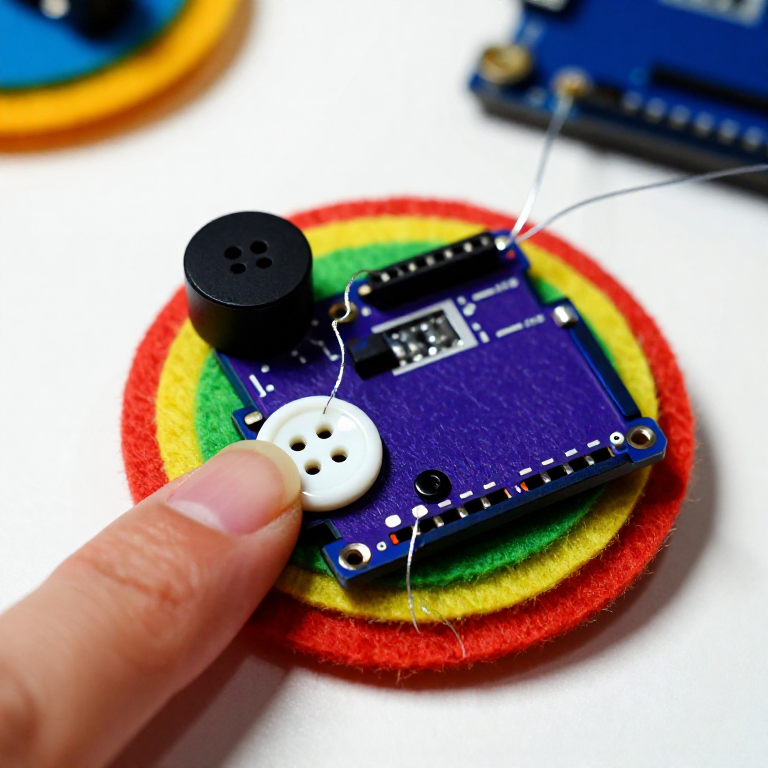


Making a LilyPad Musical Patch
Sew a patch that plays a tune. A LilyPad buzzer and a button let the microcontroller sing a short melody whenever you press it — a musical badge, a fabric greeting card, or a costume piece. This project introduces the buzzer and the Arduino tone() function that turns pin signals into notes.
Инструкции
Sew the board, buzzer and button
Sew the board, buzzer and button
Sew a LilyPad Arduino, a LilyPad buzzer and a LilyPad button onto felt. Wire it: the buzzer's + tab to pin 9 and its - tab to -; the button's tabs to analog pin A2 and to -. Keep the lines from crossing.
Материалы для этого шага:
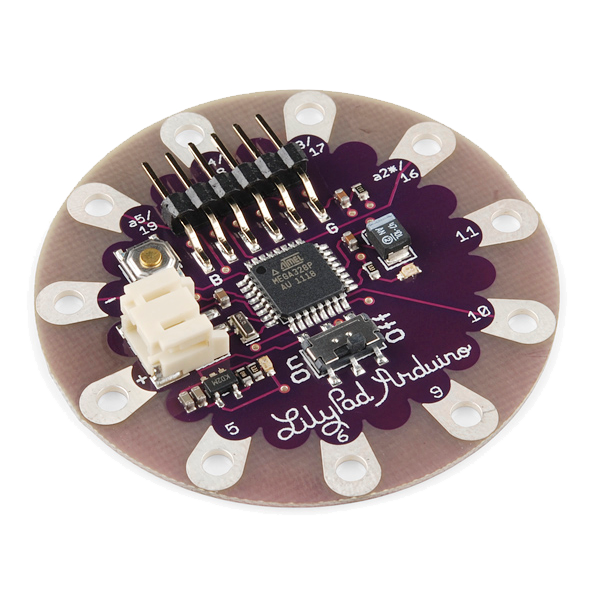 LilyPad Arduino Simple Board1 штука
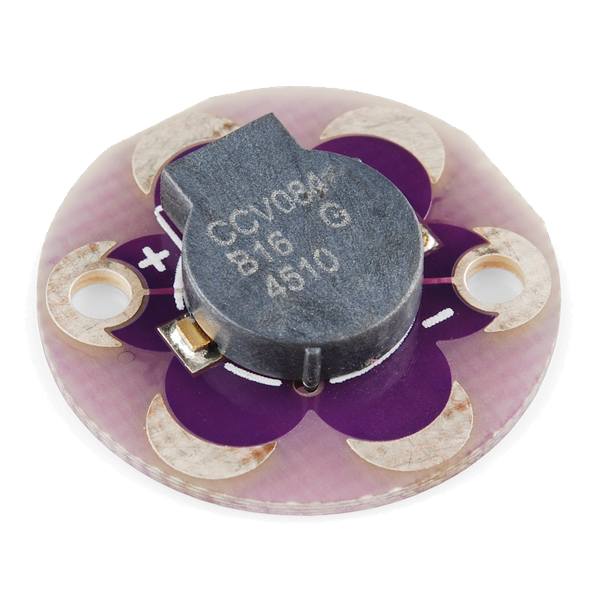 LilyPad Buzzer1 штука
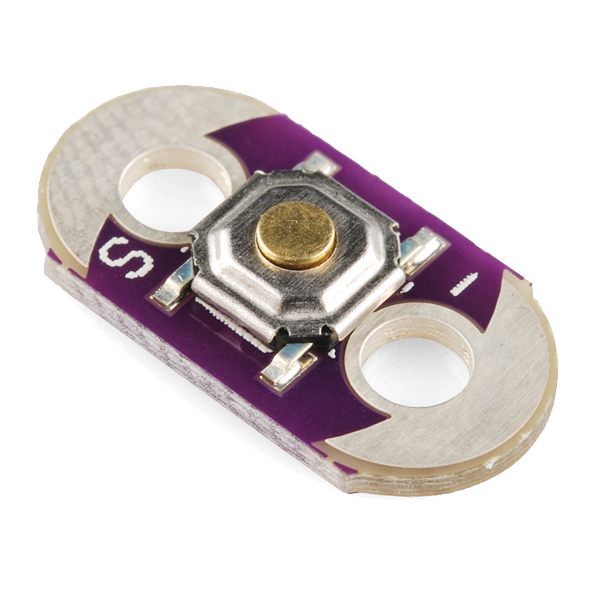 LilyPad Button Board1 штука
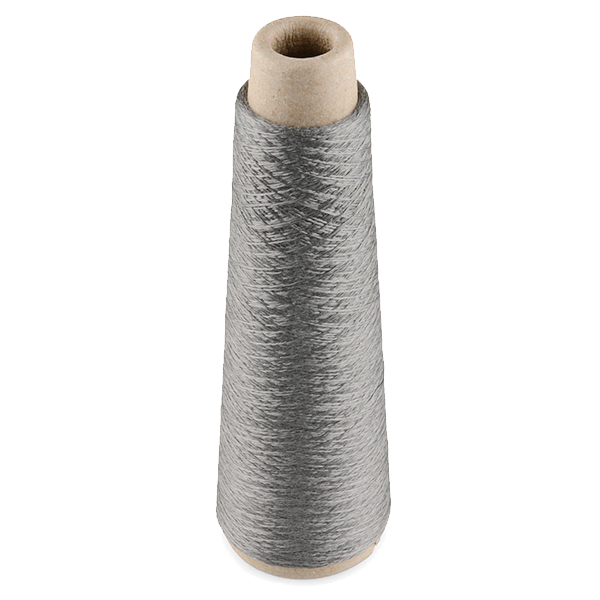 Conductive Thread - 60g (Stainless Steel)1 катушка
 Лист войлока из шерсти1 лист
Необходимые инструменты:
 Иглы для ручного шитья
Connect the programmer
Connect the programmer
Plug the LilyPad FTDI onto the programming header and connect the USB cable. Open the Arduino IDE and select the LilyPad Arduino board and its serial port.
Необходимые инструменты:
 Компьютер с Arduino IDE
 LilyPad FTDI Basic Breakout - 5V
 Кабель USB-B
Upload the melody sketch
Upload the melody sketch
Paste this sketch and upload. Pressing the button plays a short rising scale on the buzzer.
Press to play, then compose
Press to play, then compose
Press the button — you should hear the five notes. Change the tune by editing the melody[] frequencies (higher number = higher note) and the durations[] in milliseconds, then re-upload. Add more notes to both arrays to make a longer song.
Go wireless and wear it
Go wireless and wear it
Unplug the FTDI, sew a LilyPad coin-cell holder to the board (+ to +, - to -), drop in a CR2032 and switch on. Sew the felt onto a badge or card — press it to play your tune anywhere.
Материалы для этого шага:
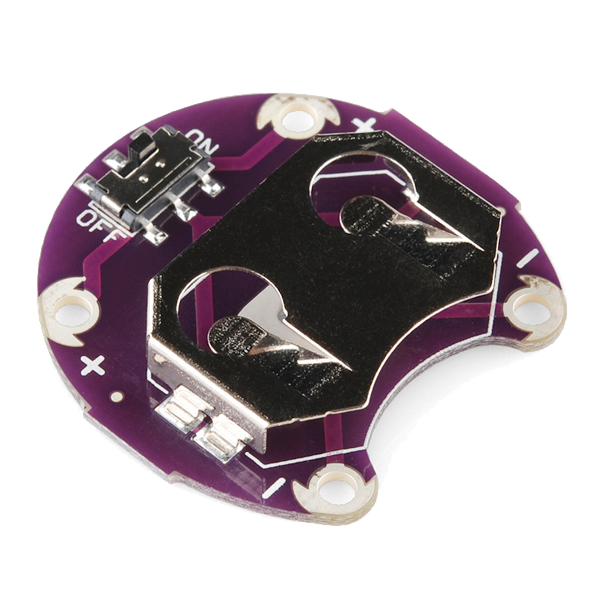 LilyPad Coin Cell Battery Holder - w/Switch - 20mm1 штука
 Батарейка-таблетка CR20321 штука
Материалы
7- LilyPad Arduino Simple Board10% комиссия1 штука$19.60
- LilyPad Buzzer10% комиссия1 штука$7.62
- LilyPad Button Board10% комиссия1 штука$2.23
- Conductive Thread - 60g (Stainless Steel)10% комиссия1 катушка$40.13
- 1 листЗаполнитель
- 1 штука$5.05
- 1 штукаЗаполнитель
Требуемые инструменты
4- Заполнитель
- Заполнитель
- LilyPad FTDI Basic Breakout - 5V10% комиссия$14.38
- 1 vendor sell this, none ship to you yetЗаполнитель
Связанные чертежи
Эти чертежи делятся знаниями — техники, материалы или принципы
CC0 Общественное достояние
Этот чертёж выпущен под лицензией CC0. Вы можете свободно копировать, изменять, распространять и использовать эту работу в любых целях без запроса разрешения.
Поддержите мейкера, покупая товары через его чертёж, где он получает Комиссию мейкера установленную продавцами, или создайте новую итерацию этого чертежа и включите его как связь в свой чертёж для распределения дохода.