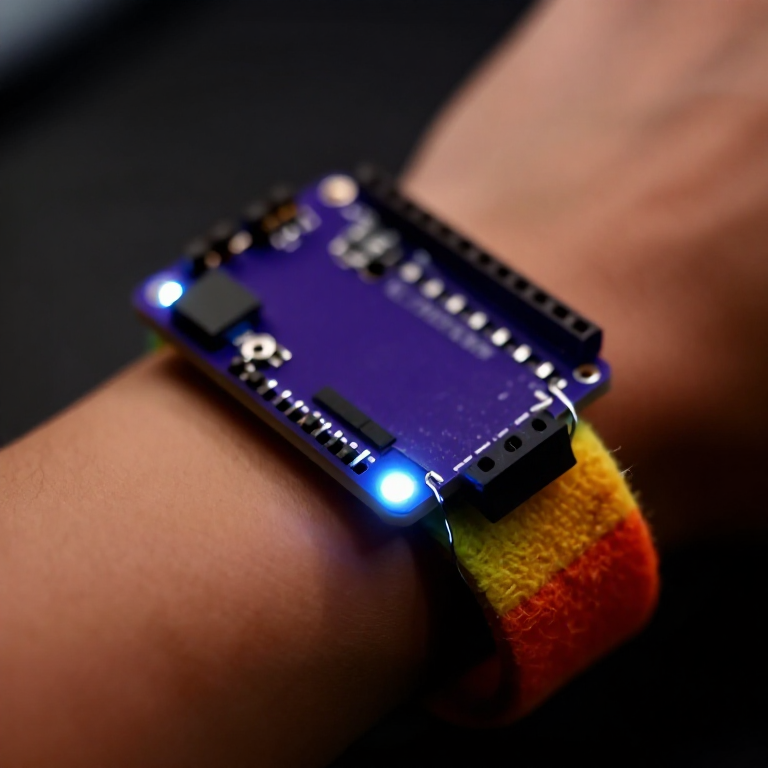


Making a Motion-Reactive LilyPad Patch
Sew a patch that lights up when it moves. A LilyPad accelerometer senses motion in three directions, and a short program flashes an LED whenever you shake or swing it — a reactive costume piece, a dance accessory, or a 'don't-touch' bag alarm. Introduces the accelerometer and reading three sensor axes at once.
Инструкции
Sew the board, accelerometer and LED
Sew the board, accelerometer and LED
Sew a LilyPad Arduino, a LilyPad accelerometer and a LilyPad LED onto felt. Wire it: the accelerometer's + to the board's +, its - to -, and its X, Y and Z tabs to analog pins A2, A3 and A4; the LED to pin 5 and to -. Keep every line separate.
Материалы для этого шага:
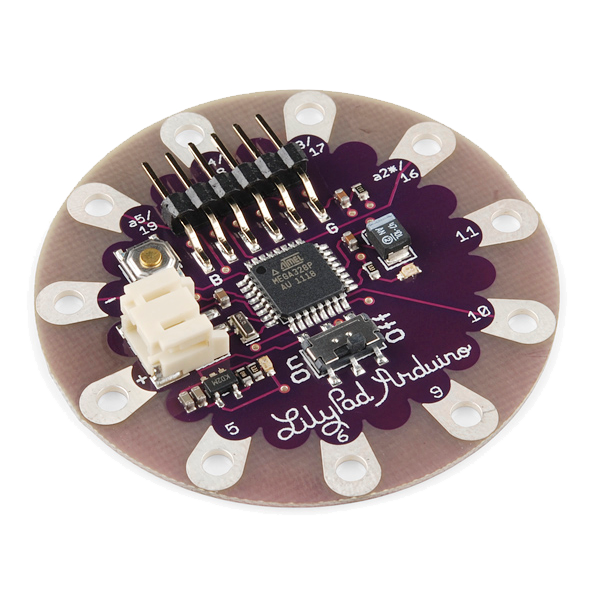 LilyPad Arduino Simple Board1 штука
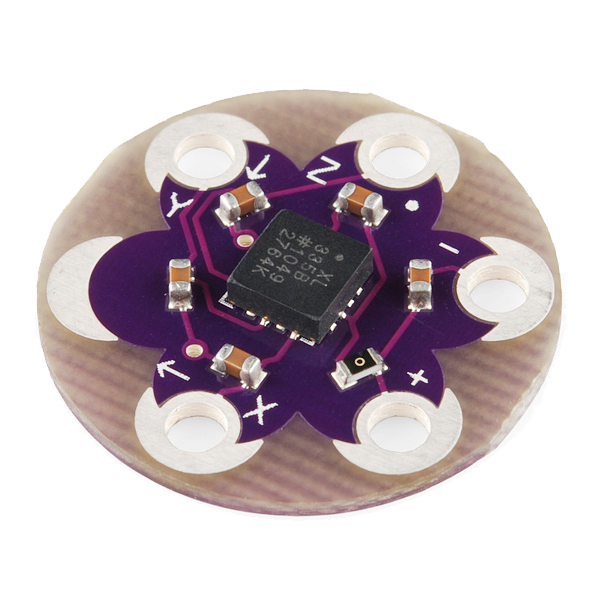 LilyPad Accelerometer ADXL3351 штука
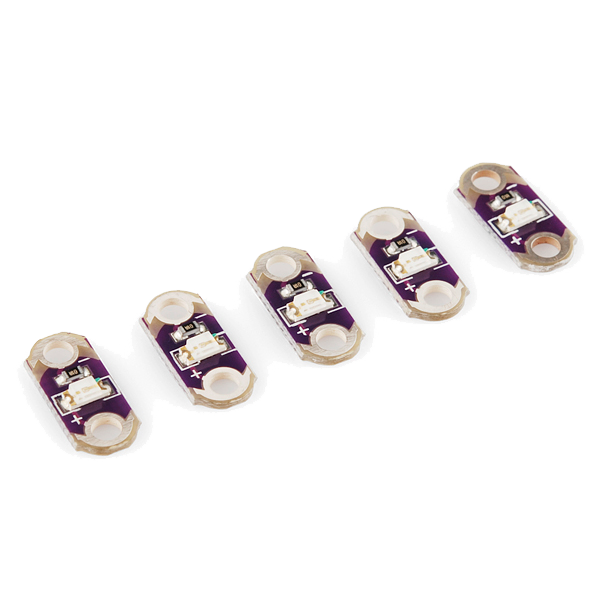 LilyPad LED - 5 pcs1 упаковка
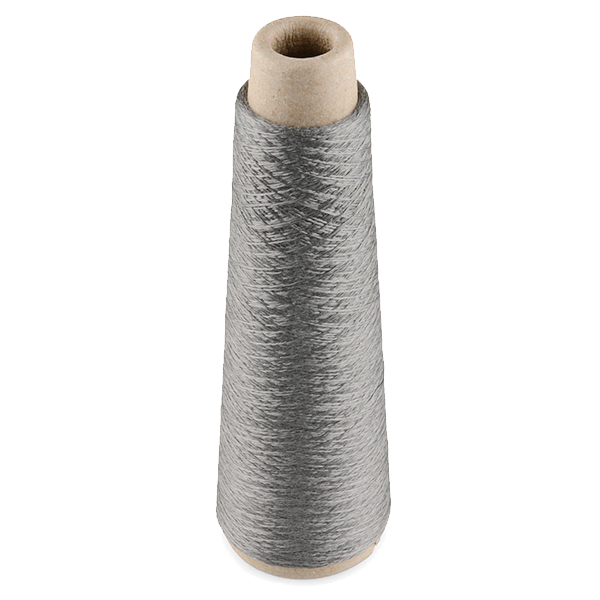 Conductive Thread - 60g (Stainless Steel)1 катушка
 Hand Sewing Needles (Assorted, 30-Pack)1 упаковка
 Wool Felt Sheet1 лист
Connect the programmer
Connect the programmer
Plug the LilyPad FTDI onto the programming header and connect the USB cable. Open the Arduino IDE and select the LilyPad Arduino board and its serial port.
Материалы для этого шага:
 LilyPad FTDI Basic Breakout - 5V1 штука
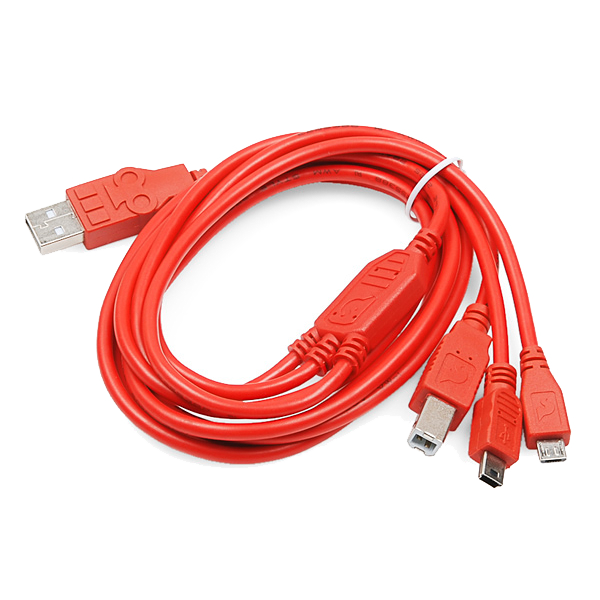 SparkFun Cerberus USB Cable - 1.8 meter1 штука
Необходимые инструменты:
 Computer with Arduino IDE
Upload the motion sketch
Upload the motion sketch
Paste this sketch and upload. It watches how much the three axes change between readings and lights the LED when the patch moves.
Test and tune the sensitivity
Test and tune the sensitivity
Hold the patch still — the LED stays off. Shake or swing it — the LED lights. If it's too twitchy or not sensitive enough, change moveThreshold in the sketch (higher = needs a bigger movement) and re-upload.
Go wireless and wear it
Go wireless and wear it
Unplug the FTDI, sew a LilyPad coin-cell holder to the board (+ to +, - to -), drop in a CR2032 and switch on. Sew the felt onto a sleeve, shoe or bag — it flashes whenever you move.
Материалы для этого шага:
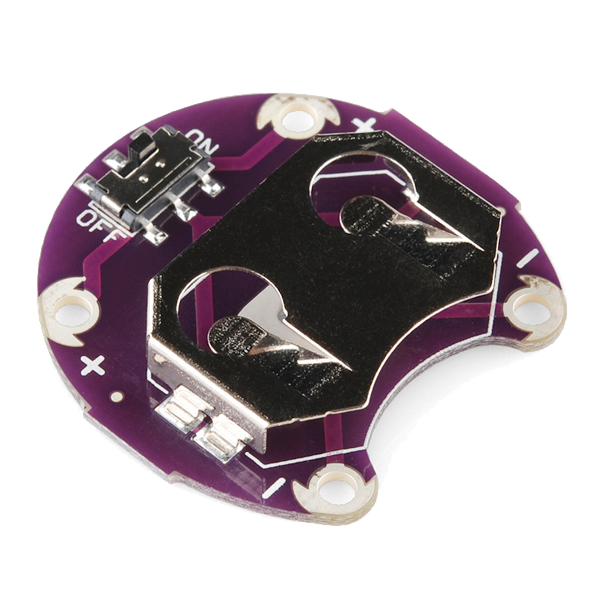 LilyPad Coin Cell Battery Holder - w/Switch - 20mm1 штука
 CR2032 Coin Cell Battery1 штука
Материалы
10- 1 штука$20.00
- $14.00
- 1 упаковка$5.00
- $40.00
- 1 упаковкаЗаполнитель
- 1 листЗаполнитель
- $14.00
- $6.00
- 1 штукаЗаполнитель
Требуемые инструменты
1- Заполнитель
Связанные чертежи
Эти чертежи делятся знаниями — техники, материалы или принципы
Related blueprints
Other builds that share materials, tools, or techniques with this one.
CC0 Общественное достояние
Этот чертёж выпущен под лицензией CC0. Вы можете свободно копировать, изменять, распространять и использовать эту работу в любых целях без запроса разрешения.
Поддержите мейкера, покупая товары через его чертёж, где он получает Комиссию мейкера установленную продавцами, или создайте новую итерацию этого чертежа и включите его как связь в свой чертёж для распределения дохода.