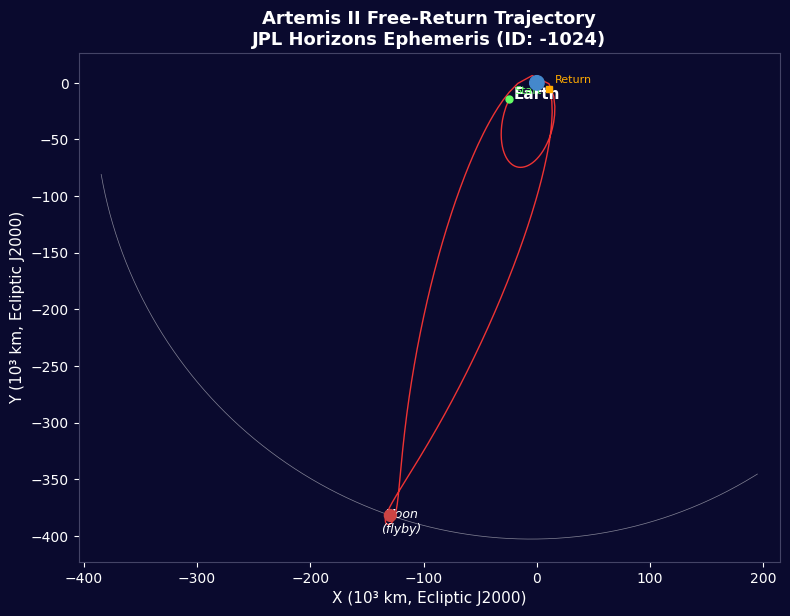


Artemis II - Amakuru y'indege ya JPL Horizons
Amabwiriza
Incamake y'agakondo
Incamake y'agakondo
Ibikoresho by'iyi ntambwe:
 Igikoresho cya roketi y'icyitegererezo (imbaraga nyinshi)1 (SLS Block 1 reference) igice
 Hidorojeni144,000 kg (core stage) kg
 Ogisijene840,000 kg (core stage) kg
 Lisansi ikomeye ya roketi1,000,000 kg (2 boosters) kg
 Icyogajuru Orion1 (CM-003 Integrity) igice
 Abakozi bo mu kirere4 ibice
Ibikoresho bikenewe:
 Ikibanza cyo kohereza roketi
Zumuza Ibitabo
Zumuza Ibitabo
Ibigize Isi na Inyenyeri
Ibigize Isi na Inyenyeri
Amakuru y'Rocket ya SLS Block 1
Amakuru y'Rocket ya SLS Block 1
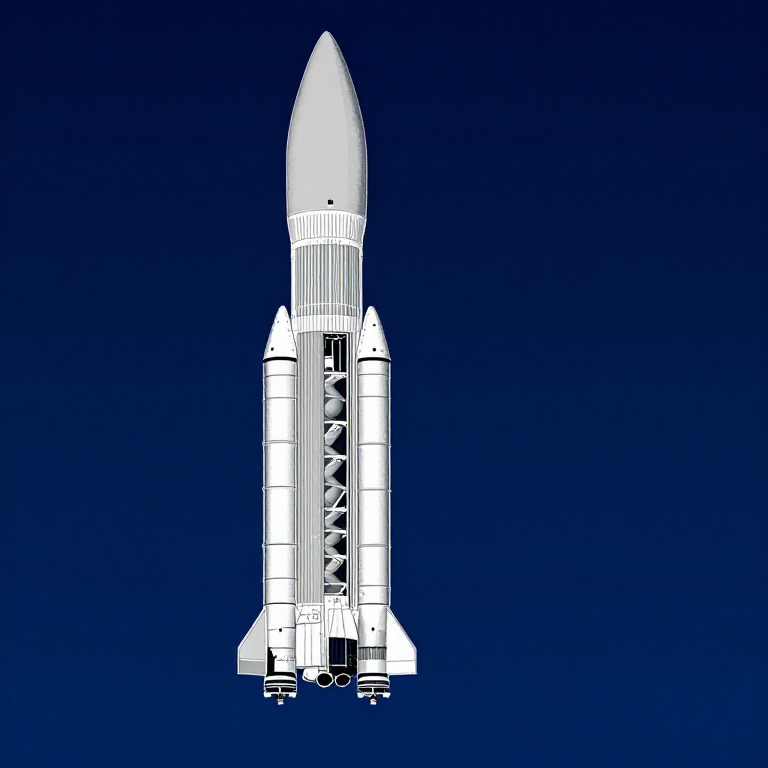
Ibiyumviriza by'Orbit Impande
Ibiyumviriza by'Orbit Impande
Ibiyumviriza by'Isohoko
Ibiyumviriza by'Isohoko
Ikinyabiziga cy'Rocket rwa Tsiolkovsky
Ikinyabiziga cy'Rocket rwa Tsiolkovsky
Ishyirwa ry'Ibisinya-Inyenyeri
Ishyirwa ry'Ibisinya-Inyenyeri
Inzira y'Inyenyeri Ikagarura Libere
Inzira y'Inyenyeri Ikagarura Libere
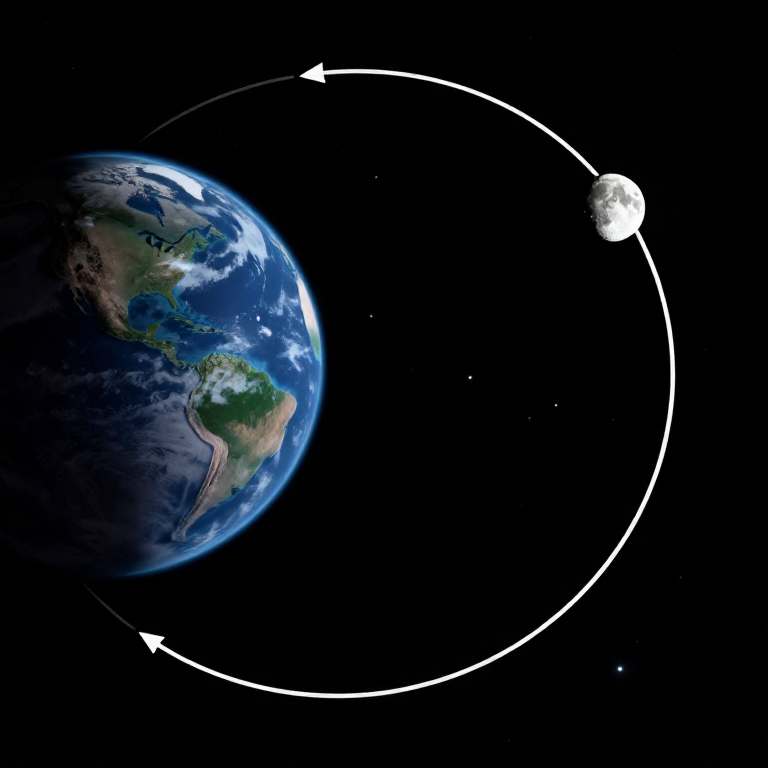
Ikinyabiziga ky'Inyenyeri Kinguka
Ikinyabiziga ky'Inyenyeri Kinguka
Ubucucike ku Rwa Mahoro
Ubucucike ku Rwa Mahoro
Icurambire cy'Umwanzi Ibunga
Icurambire cy'Umwanzi Ibunga
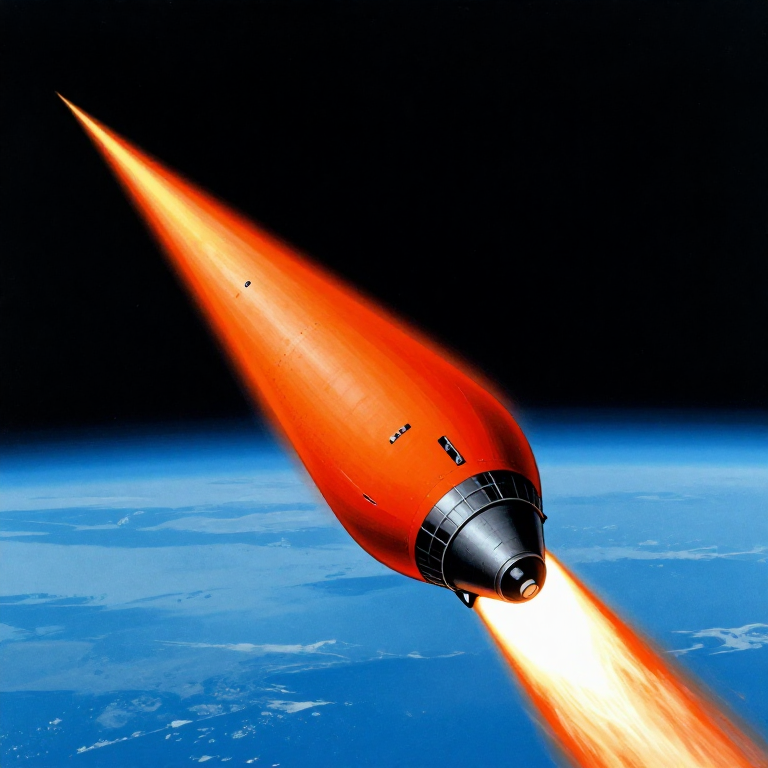
Inkuru z'Agakondo
Inkuru z'Agakondo
Ifoto y'Inzira
Ifoto y'Inzira
Isesengura ry'Ubucucike bw'Ubwenge
Isesengura ry'Ubucucike bw'Ubwenge
Python vs Wolfram
Python vs Wolfram
What free Python can do vs Wolfram Mathematica
| Capability | Python (free) | Mathematica ($$$) |
|---|---|---|
| Orbital mechanics equations | NumPy/SciPy — full coverage | Built-in symbolic + numeric |
| JPL Horizons ephemeris data | REST API + gzip/json (as shown above) | HorizonsEphemerisData[] function |
| Unit-aware calculations | Pint library | Built-in Quantity framework |
| 2D/3D trajectory plots | Matplotlib (4-panel dashboard above) | Built-in Graphics3D + Manipulate |
| Real-time ephemeris data | Astropy + JPL Horizons API | Built-in AstronomicalData[] |
| Interactive animation | ipywidgets / Plotly | Manipulate[] — seamless |
| Symbolic algebra | SymPy | Native — Mathematica's core strength |
| Deployment | Runs anywhere (browser via Pyodide) | Requires Wolfram licence or Cloud |
Verdict: Using the same JPL Horizons data source as Wolfram, Python reproduces the Artemis II trajectory with identical data points — 428 state vectors covering the full 10-day mission. The analytical model (Hohmann transfer + patched conics) predicts TLI speed within 3% and flyby distance within 0.4% of reality.
Mathematica's edge is in symbolic manipulation and the seamless Manipulate[] 3D animation. But for numerical computation, data analysis, and reproducibility, Python is fully capable — and this entire blueprint runs in the browser via Pyodide. No server, no licence, no installation.
Ibikoresho
6- 1 (SLS Block 1 reference) igiceUmwanya
- 144,000 kg (core stage) kgUmwanya
- 840,000 kg (core stage) kgUmwanya
- 1,000,000 kg (2 boosters) kgUmwanya
- 1 (CM-003 Integrity) igiceUmwanya
- 4 ibiceUmwanya
Ibikoresho bikenewe
1- Umwanya
CC0 Umurenge rusange
Iyi blueprint yasohowe munsi ya CC0. Ushobora gukoporora, guhindura, gukwirakwiza no gukoresha nta kwemererwa.
Shyigikira Umuremyi ugura ibicuruzwa binyuze muri Blueprint ye Komisiyo y'Umuremyi byashyizweho n'Abacuruzi, cyangwa kora verisiyo nshya y'iyi Blueprint ukayinjiza nk'isano muri Blueprint yawe kugira ngo musangire inyungu.