UBUHANZI
UBWIZA N'UBUZIMA
UBUKORIKORI
UMUCO N'AMATEKA
IMYIDAGADURO
IBIDUKIKIJE
IBIRIBWA N'IBINYOBWA
UBWUBATSI BUSUBIRA INYUMA
UBUMENYI
SIPORO
IKORANABUHANGA
IBYAMBARWA
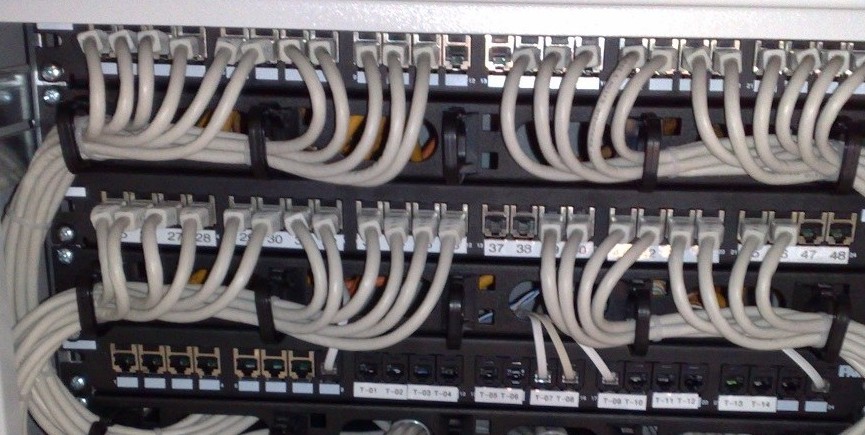


IP: The Datagram and the Routing Table
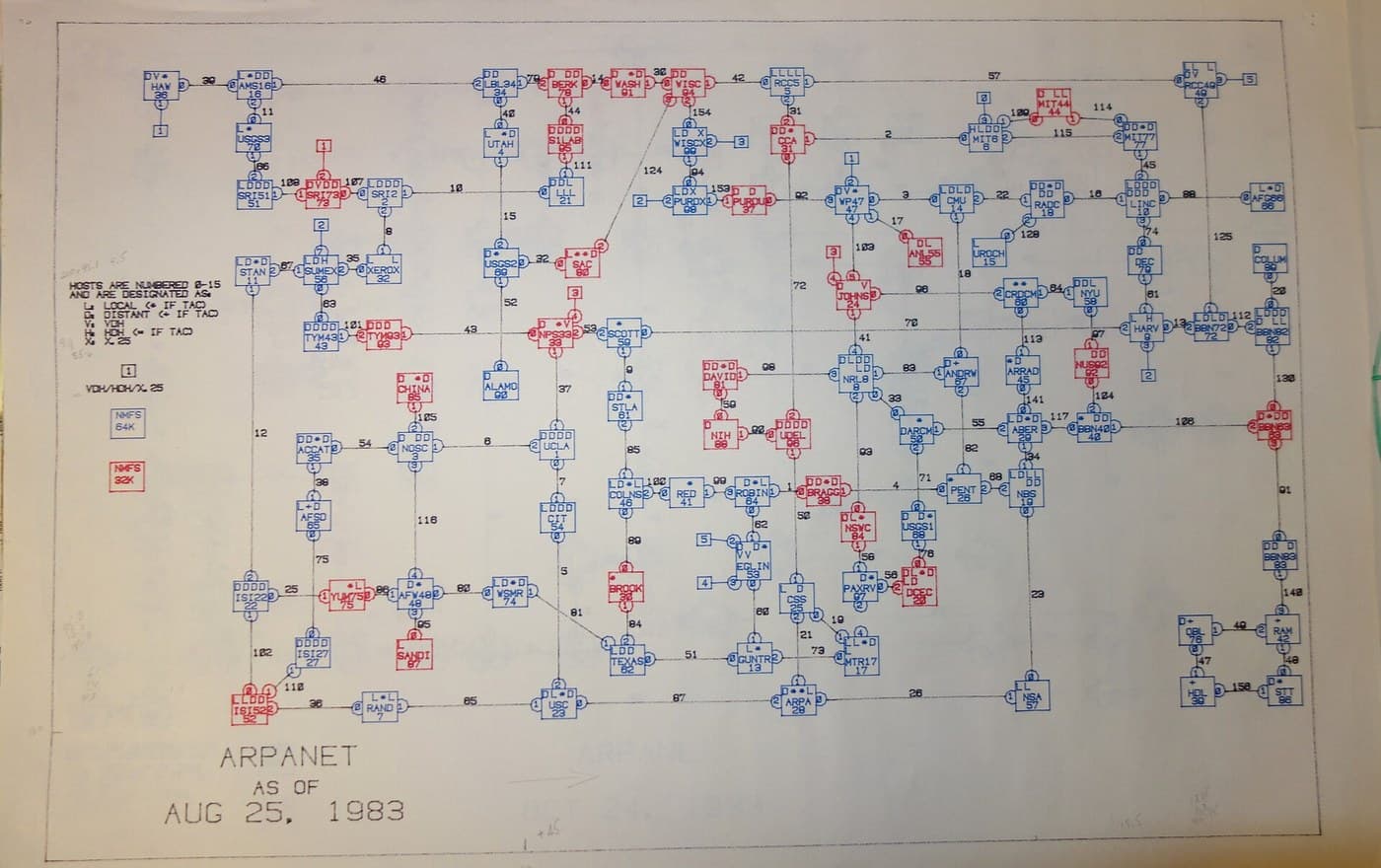
By 1973 there were several packet networks and they could not talk to each other. The ARPANET addressed IMPs; the Hawaiian radio network addressed stations; Ethernet addressed cards. Each was internally coherent and none of them meant anything to the others.
Vint Cerf and Robert Kahn's paper of May 1974 proposed a way through that is mostly a refusal. Do not build a network of networks by making them agree. Put a small, universal header in front of every packet — source address, destination address, a length, a checksum and a hop counter — and require every network merely to carry that opaque lump from one edge to the other by whatever means it likes. A gateway between two networks strips one wrapper and applies another.
What makes it work at scale is that the addresses have STRUCTURE. A router never holds a route to a machine; it holds routes to blocks, and forwards using the most specific block that contains the destination. That single tie-break makes the table hierarchical: an organisation is one line to the outside world and many lines inside itself, which is why the whole internet's routing table is a few hundred thousand entries rather than a few thousand million. Compare Ethernet's flat addresses, which cannot be summarised at all.
The price is that IP promises almost nothing. Packets may be dropped, delayed, duplicated or delivered out of order, and the network will not tell you. The one guarantee is that nothing loops forever, enforced by a counter every router decrements — and the error message sent when it hits zero is, entirely by accident, the mechanism that makes traceroute possible.
FULLY BUILDABLE ON A LAPTOP. Implement longest-prefix match, then verify every claim in this blueprint against your own machine's real routing table and a real traceroute.
Hagati
3 hours
Amabwiriza
1
1
Read your own routing table
Read your own routing table
Print the routing table on the machine in front of you — `ip route` on Linux, `netstat -rn` elsewhere. There will be fewer lines than you expect, usually three or four.
Identify them: one route for your own subnet, learned from your address and mask; one default route, 0.0.0.0/0, matching absolutely everything at the lowest possible priority; and perhaps a loopback and a container bridge.
Now work out by hand which line each of these uses: your own address, your neighbour's, your gateway's, and 8.8.8.8. Then check yourself with `ip route get `, which asks the kernel to do the same lookup.
The default route is worth staring at. A /0 prefix matches every address in existence, and it is used only when nothing else matches — which is longest-prefix match working exactly as designed, with the least specific entry as the fallback.
Do the lookups ON PAPER FIRST. Write one route per index card, then write each destination in binary on graph paper, one bit per square, and line the cards up against it. The matching prefix becomes something you can see rather than something you trust the machine about — and when a route misbehaves later, this is exactly how you will find it.
Ibikoresho by'iyi ntambwe:
 Amakarita y'ikirango1 igice
 Urupapuro rw'Imirongo2 impapuro
Ibikoresho bikenewe:
 Mudasobwa yo ku Meza
 Umurongo w'ipima
2
2
Provoke the errors that draw the map
Provoke the errors that draw the map
Run `traceroute` to somewhere far away, and understand what you are watching: it is not a special protocol. It sends ordinary packets with a time-to-live of 1, then 2, then 3, and collects the Time Exceeded messages from each router that discards one. The map is built entirely out of deliberately provoked failures.
Note the hop count and the round-trip times. Watch for a hop that answers with a much higher time and then LOWER times after it — that router was busy generating an error message, which is a low-priority task, and it does not mean the path is congested there. Misreading that is the commonest traceroute mistake.
Then run `ping` with increasing packet sizes and the do-not-fragment flag set until it stops working. The largest size that survives is the path MTU, and finding it this way is exactly what a host has to do when the ICMP messages that should tell it are being discarded by a firewall — which is branch 5 of the flow step and the most-missed fault on any network.
Ibikoresho bikenewe:
Mudasobwa yo ku Meza Isaha yo Guhagarika
3
3
The link is up and nothing works
The link is up and nothing works
The diagnostic tree, worked from the bottom up — because a fault at a low layer always presents as a fault at a high one, and diagnosing downward wastes hours.
Branch 5 deserves reading even if you never touch a router. A connection that opens perfectly and then hangs the instant real data flows is almost always a path-MTU problem: the handshake packets are tiny and get through, the data packets are large and do not, and the message that should explain it has been filtered away by somebody trying to be secure.
Flow
THE LINK IS UP AND NOTHING WORKS — the diagnostic order, and it is the order for
a reason: work UP the layers, because a fault below always looks like a fault above.

1. IS THERE A LINK AT ALL? (the physical layer -- blueprints 1, 3, 8)
   - no carrier, no lights -> cable, connector, or the far end is off. Stop here.
   - link light but errors climbing -> look at the interface counters. CRC errors
     mean blueprint 2 is doing its job on a bad cable; LATE collisions mean the
     segment is longer than blueprint 8's geometry allows, or a duplex mismatch.

2. CAN YOU REACH ANYTHING ON YOUR OWN SUBNET?
   - no -> address or mask is wrong. A wrong MASK is the classic: it changes which
     destinations you believe are local, so SOME hosts work and others do not, in a
     pattern that looks random until you write the addresses out in binary.
   - yes -> go to 3.

3. CAN YOU REACH THE GATEWAY, BUT NOTHING BEYOND?
   - the gateway has no route back, or no route onward. traceroute and count the
     hops: the last router that answers is the last one with a route.
   - packets leave and nothing returns -> ASYMMETRIC routing. The forward path
     works and the reverse does not, and only a capture at both ends shows it.

4. SOME DESTINATIONS WORK, OTHERS DO NOT, AND IT IS NOT RANDOM.
   Write the failing addresses in binary and look for the common prefix. This is
   almost always a longest-prefix-match problem: a more specific route than you
   expected is winning, and it points somewhere wrong.

5. SMALL PACKETS WORK AND LARGE ONES DO NOT.
   The single most-missed fault on this tree. Something on the path has a smaller
   MTU, the packet has the do-not-fragment bit set, and the ICMP message that
   should say so is being discarded by a firewall. Symptom: a connection opens
   perfectly and then hangs the moment real data flows -- because the handshake
   packets are tiny and the data packets are not.

6. IT ALL WORKS BUT IT IS SLOW.
   Now you are out of IP and into blueprint 10. Check loss and round-trip time
   before anything else: TCP throughput is bounded by window over RTT, so a link
   with plenty of bandwidth and a long delay will be slow for reasons that have
   nothing to do with the link.
Ibikoresho bikenewe:
Mudasobwa yo ku Meza4
4
Longest prefix, aggregation, and best effort
Longest prefix, aggregation, and best effort
Gupakira ikaye ya Jupyter…
Ibikoresho bikenewe:
Mudasobwa yo ku Meza5
5
Compendium: the layer that promises least
Compendium: the layer that promises least
THE HOURGLASS. IP is deliberately the narrowest part of the stack: many things above it, many things below it, and exactly one of it. Ethernet, WiFi, fibre and a serial cable all carry IP; TCP, UDP and everything above run over IP. That shape is why a network built for 50 kbit/s leased lines now runs over media its designers could not have imagined — the narrow waist is the part nobody is allowed to change, and keeping it nearly featureless is what made it survivable.
WHY THE MIDDLE REMEMBERS NOTHING. A router forwards each packet on its own merits and keeps no record of the conversation. Two packets of one transfer may take different paths, and if a router reboots mid-transfer nothing is lost that the endpoints cannot recover. This is the end-to-end argument in its strongest form: put function at the edges, because only the edges know what the application actually needs. It is also why the network cannot help you when things go wrong, and why blueprint 10 has to do all the work.
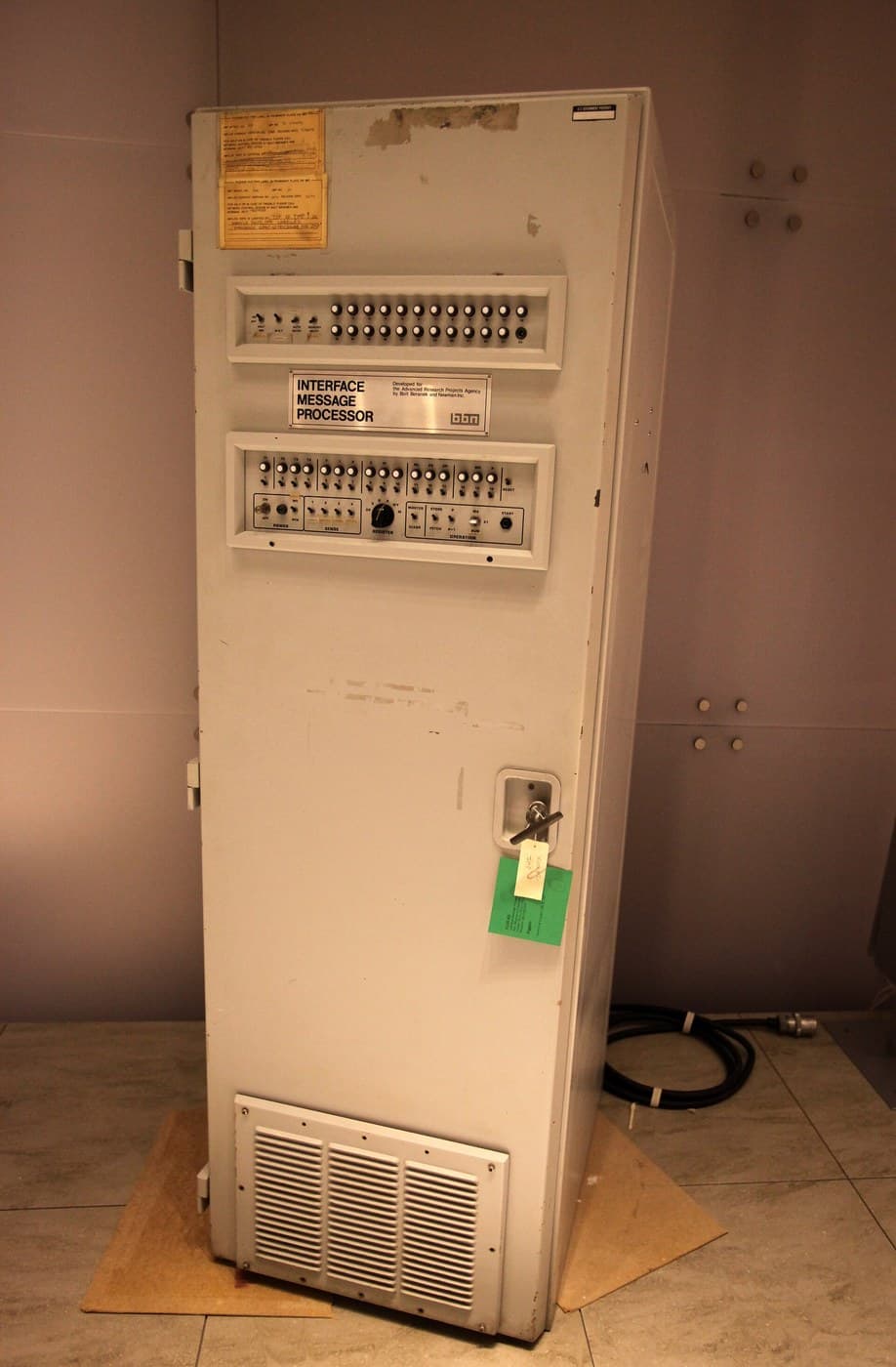
AGAINST THE IMP. The ARPANET's subnet promised in-order delivery between hosts and acknowledged every hop, because its links were genuinely unreliable and its addresses only meant something within one network. IP promises less and can therefore cross networks it knows nothing about. Giving up the guarantee is what bought universality, and that trade is the single most consequential decision in this batch.
Ibikoresho
2- 1 igiceUmwanya
- 2 impapuroUmwanya
Ibikoresho bikenewe
3- Umwanya
- Umwanya
- Umwanya
Blueprint zijyanye
Izi blueprint zisangira ubumenyi — uburyo, ibikoresho cyangwa amahame

CC0 Umurenge rusange
Iyi blueprint yasohowe munsi ya CC0. Ushobora gukoporora, guhindura, gukwirakwiza no gukoresha nta kwemererwa.
Shyigikira Umuremyi ugura ibicuruzwa binyuze muri Blueprint ye Komisiyo y'Umuremyi byashyizweho n'Abacuruzi, cyangwa kora verisiyo nshya y'iyi Blueprint ukayinjiza nk'isano muri Blueprint yawe kugira ngo musangire inyungu.