UBUHANZI
UBWIZA N'UBUZIMA
UBUKORIKORI
UMUCO N'AMATEKA
IMYIDAGADURO
IBIDUKIKIJE
IBIRIBWA N'IBINYOBWA
UBWUBATSI BUSUBIRA INYUMA
UBUMENYI
SIPORO
IKORANABUHANGA
IBYAMBARWA
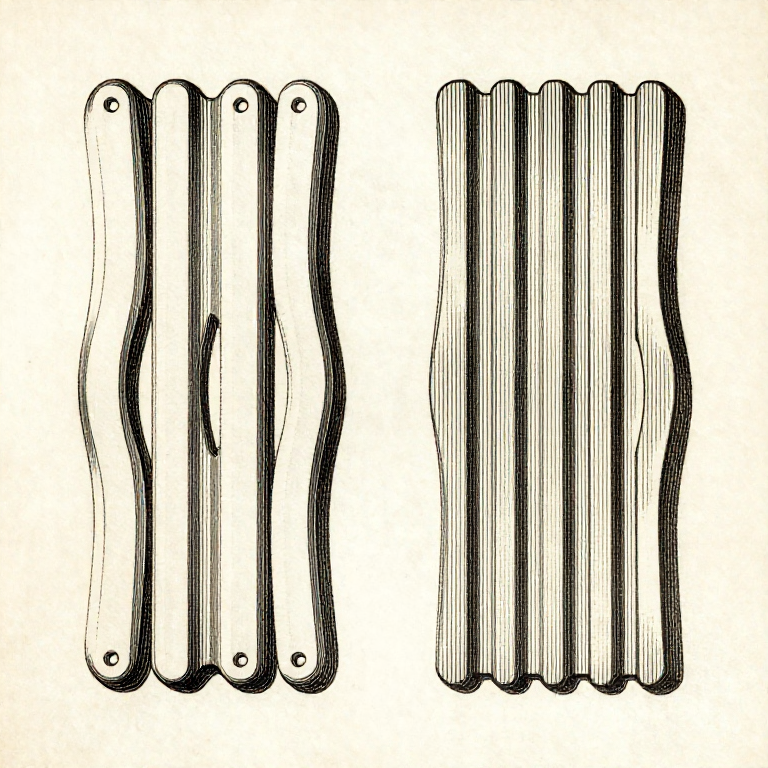


The First Layer Decides Everything Above It
Almost every print that fails, fails in the first layer — and almost every print that succeeds was decided there too. Everything above is built on it, so a first layer that is not stuck down and not flat has already lost.
What makes it work is the gap between nozzle and plate. Too large and the plastic is laid as a round thread that barely touches; too small and the nozzle ploughs, leaving ridges and eventually blocking. The window between them is a few hundredths of a millimetre.
Which is why levelling is not a chore to be got through but the main adjustment on the machine — and why a printer that has been moved, or has had its plate changed, needs it again.
Utangiye
2 hours
Amabwiriza
1
1
Level the bed, and level it warm
Level the bed, and level it warm
Heat the bed and the nozzle to printing temperature before levelling. Metal expands, and a plate levelled cold moves as it warms — so a cold level is a level for a machine that is not running.
The paper test is the traditional method and works: slide a sheet of ordinary paper under the nozzle and adjust until you feel a light drag but can still move it. That is roughly 0.10 mm, which is the batch-124 figure for printer paper arriving in a different workshop.
Do all four corners, then the middle, then go round again. The first pass changes the others, which is exactly the compounding problem the marking-out rungs warn about — two passes is the minimum and three is common.
Ibikoresho by'iyi ntambwe:
 Umugozi wo gucapa 3D (PLA)1 igice
Ibikoresho bikenewe:
 Imashini icapa 3D ikoresha umugozi (FDM)
 Ibikoresho bipima intera
 Igice cy'ibikoresho bya printeri ya 3D
2
2
Read the first layer and adjust while it prints
Read the first layer and adjust while it prints
Watch the first layer go down and judge it by its SURFACE. A good first layer is slightly squashed: the lines are flat-topped and just touching their neighbours with no gaps between them.
Round lines with visible grooves between them mean the nozzle is too high. A translucent, scraped-looking surface with ridges pushed up at the edges means it is too low. Both are obvious once you have seen them side by side and almost invisible if you only ever see one.
Most printers allow live adjustment during the first layer — babystepping the Z offset a few hundredths at a time. Change it in small steps and let a few centimetres print between changes, which is the change-one-thing-at-a-time rung with a very short feedback loop.
Ibikoresho by'iyi ntambwe:
Umugozi wo gucapa 3D (PLA)1 igiceIbikoresho bikenewe:
Imashini icapa 3D ikoresha umugozi (FDM) Lupu Yagura
3
3
The plate has to be clean, and clean means degreased
The plate has to be clean, and clean means degreased
Fingerprints are the commonest adhesion failure, and they are invisible. The oil from one touch is enough to stop PLA sticking to a spot the size of a thumb.
Wash the plate with warm water and detergent, or wipe it with isopropyl alcohol, and then handle it by the edges. A plate that has been 'cleaned' with a dry cloth has usually just spread the oil around.
Different surfaces want different treatment. Smooth PEI likes to be clean and nothing else; textured PEI grips better cold; glass often wants a thin film of adhesive. Adding glue to a surface that did not need it is a common way to make adhesion worse rather than better.
Ibikoresho by'iyi ntambwe:
 Ifatanyabikoresho ry'ikibaho cya printeri ya 3D1 igice
Ibikoresho bikenewe:
 Ikibaho cyo gucapaho cya printeri ya 3D (icyuma cy'urusenda gifite PEI)Igice cy'ibikoresho bya printeri ya 3D
 Igice cy'ibiyiko byo gukuraho ibicapo bya 3D
4
4
Temperature, speed and squish: change one at a time
Temperature, speed and squish: change one at a time
A hotter bed helps adhesion up to a point and then starts causing 'elephant foot' — the bottom few layers bulging outward because the plastic there stays soft under the weight above.
A slower first layer helps a great deal and costs almost nothing, because the first layer is a small fraction of the print. 20 mm/s is a common setting and half the speed of the layers above.
Print a small test square before a long print, not the long print itself. Twenty minutes of test squares saves a twelve-hour failure, and each square should change only one setting — which is what makes the results mean anything.
Ibikoresho by'iyi ntambwe:
Umugozi wo gucapa 3D (PLA)1 igiceIbikoresho bikenewe:
Imashini icapa 3D ikoresha umugozi (FDM) Porogaramu yo guca dosiye za 3MF
 Ikigereranyo cya Digitale cy'Amasentimetero 6
Ibikoresho
2- 3 ibiceUmwanya
- Ifatanyabikoresho ry'ikibaho cya printeri ya 3D10% komisiyo1 igiceUmwanya
Ibikoresho bikenewe
8- Umwanya
- Igice cy'ibikoresho bya printeri ya 3D10% komisiyoUmwanya
- Umwanya
- Umwanya
Blueprint zijyanye
Izi blueprint zisangira ubumenyi — uburyo, ibikoresho cyangwa amahame

CC0 Umurenge rusange
Iyi blueprint yasohowe munsi ya CC0. Ushobora gukoporora, guhindura, gukwirakwiza no gukoresha nta kwemererwa.
Shyigikira Umuremyi ugura ibicuruzwa binyuze muri Blueprint ye Komisiyo y'Umuremyi byashyizweho n'Abacuruzi, cyangwa kora verisiyo nshya y'iyi Blueprint ukayinjiza nk'isano muri Blueprint yawe kugira ngo musangire inyungu.