فنون
الجمال والعناية
حِرَف
الثقافة والتاريخ
ترفيه
البيئة
الطعام والمشروبات
الهندسة العكسية
العلوم
رياضة
التقنية
الأجهزة القابلة للارتداء
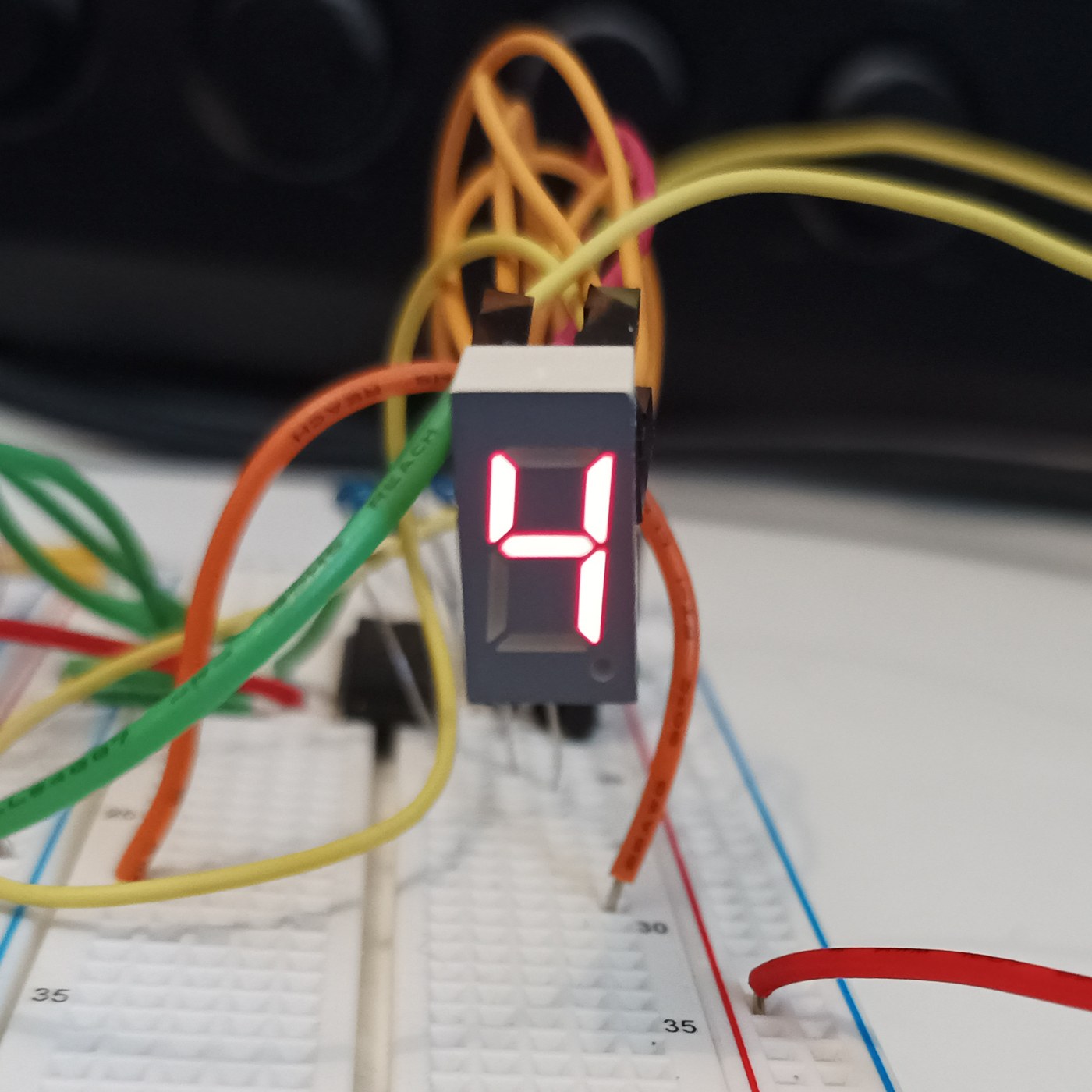


The Seven-Segment LED Display
The opposite of the Nixie: instead of a shaped numeral at 170 V, the fewest straight lines that still make every digit — seven bars in a figure eight, at 2 V and pennies. It looks like sticks and nobody cares, because it is seven LEDs and never wears out. You will build a four-digit display and confront its one clever idea, multiplexing, then measure the refresh rate at which the flicker vanishes for your own eyes.
مبتدئ
4 hours
التعليمات
1
1
Seven sticks, ten digits, and the sibling that used 170 volts
Seven sticks, ten digits, and the sibling that used 170 volts
Nixie versus seven-segment: the same job, opposite answers. The Nixie shows the real numeral shape at 170 V and poisons its cathodes; the seven-segment builds each digit from seven bars (a-g) at 2 V and never wears out. Before wiring, draw a figure eight, label the bars a-g, and write which bars light for each digit 0-9. That table is the whole interface and becomes the lookup table in the code step.
المواد لهذه الخطوة:
 شاشة سبعة أجزاء بأربع خانات (TM1637)1 قطعة
2
2
Wire it: seven segment resistors, one transistor per digit
Wire it: seven segment resistors, one transistor per digit
The multiplex wiring. All four digits' matching segments share one pin through ONE resistor — seven segment lines, seven resistors, whatever the digit count. Each digit's common cathode switches to ground through one NPN. Resistors go on the SEGMENTS, not the digits, or an 8 shares one resistor seven ways and dims. Four digits: eleven pins instead of twenty-eight. That saving is why you multiplex.
جارٍ تحميل عارض KiCanvas...
عارض تصميم PCB احترافي
المواد لهذه الخطوة:
شاشة سبعة أجزاء بأربع خانات (TM1637)1 قطعة طقم مقاومات1 طقم
 تشكيلة ترانزستورات1 طقم
الأدوات المطلوبة:
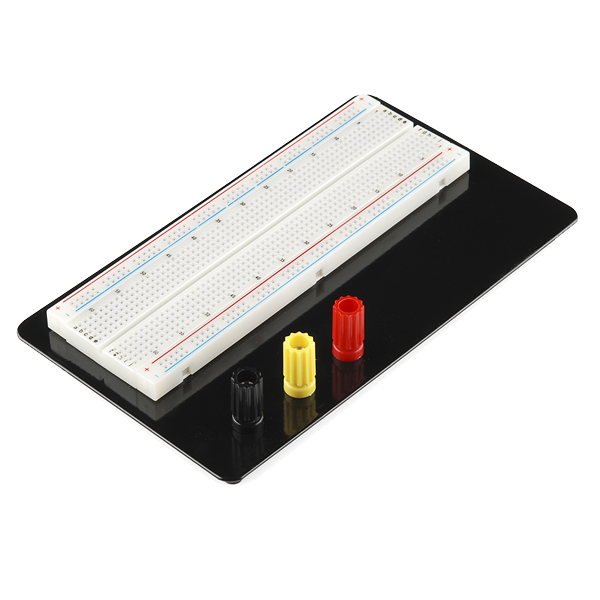 Breadboard
 محطة لحام
3
3
Drive it, and find the flicker frequency for your own eyes
Drive it, and find the flicker frequency for your own eyes
The sketch multiplexes the four digits, then sweeps the refresh rate down so YOU find the frequency at which the steady number breaks into flicker — your flicker-fusion threshold, higher in peripheral vision. Each digit is lit a quarter of the time, so to stay bright it must be driven harder while on: refresh too slow and it flickers, drive too hard and you exceed the LED peak current. You have measured one wall of that box.
sevenseg_mux.inocpp
المواد لهذه الخطوة:
شاشة سبعة أجزاء بأربع خانات (TM1637)1 قطعةالأدوات المطلوبة:
 لوحة تطوير ESP32
 طقم أسلاك توصيل
4
4
Multiplex duty cycle versus perceived brightness
Multiplex duty cycle versus perceived brightness
جارٍ تحميل دفتر Jupyter…
الأدوات المطلوبة:
 حاسوب مكتبي
المواد
3- عنصر نائب
- عنصر نائب
- 1 طقمعنصر نائب
الأدوات المطلوبة
5- Breadboard - Classicعمولة 10%$9.43
- عنصر نائب
- عنصر نائب
- عنصر نائب
- عنصر نائب
المخططات ذات الصلة
هذه المخططات تشارك المعرفة مع هذا — التقنيات والمواد والمبادئ

CC0 ملكية عامة
هذا المخطط مُصدر بموجب CC0. يحق لك نسخه وتعديله وتوزيعه واستخدامه لأي غرض، دون طلب إذن.
ادعم الصانع بشراء منتجات عبر مخططه حيث يكسب عمولة الصانع يحددها البائعون، أو أنشئ نسخة جديدة من هذا المخطط وضمّنه كرابط في مخططك لمشاركة الإيرادات.