فنون
الجمال والعناية
حِرَف
الثقافة والتاريخ
ترفيه
البيئة
الطعام والمشروبات
الهندسة العكسية
العلوم
رياضة
التقنية
الأجهزة القابلة للارتداء
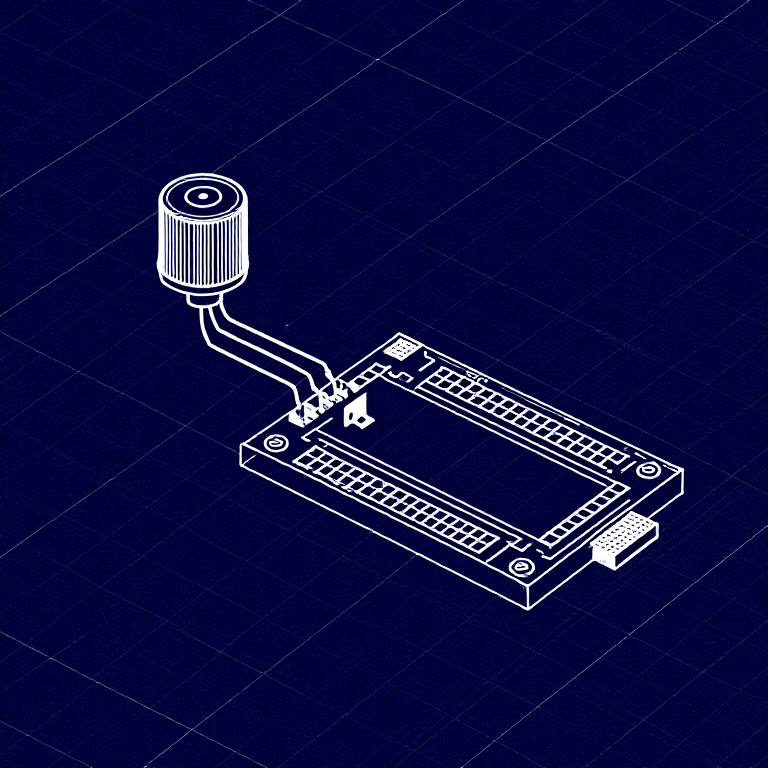


Reading a Potentiometer — SIK Circuit 2
Learn to read analog input from a potentiometer and use it to control LED blink speed. Turn the knob to make the LED blink faster or slower — your first step into analog sensors!
التعليمات
1
1
Parts & Introduction
Parts & Introduction
In this experiment you'll use a potentiometer (a variable resistor with a knob) to control how fast an LED blinks. This introduces analogRead() — reading voltage levels between 0 and 5V as values from 0 to 1023.
Parts Needed
- 1x Arduino Uno + USB cable
- 1x Breadboard
- 1x Potentiometer (10K)
- 1x LED (any color)
- 1x 330Ω Resistor
- 6x Jumper Wires
المواد لهذه الخطوة:
 مجموعة SparkFun للمخترعين - V3.21 طقم
الأدوات المطلوبة:
 حاسوب عليه بيئة Arduino IDE
2
2
Hardware Hookup
Hardware Hookup
Wiring Instructions
- Place the potentiometer in the breadboard. It has three pins.
- Connect the left pin to GND and the right pin to 5V (or vice versa).
- Connect the middle pin (wiper) to Analog Pin A0.
- Place an LED in the breadboard. Connect the positive leg (longer) to Digital Pin 13.
- Connect the negative leg (shorter) through a 330Ω resistor to GND.
- Connect the 5V and GND rails on the breadboard to the Arduino.
المواد لهذه الخطوة:
 لوحة تجارب1 قطعة
 أسلاك توصيل6 قطع
3
3
Arduino Code
Arduino Code
Open the Arduino IDE and upload the following sketch to your Arduino board.
potentiometer.inoarduino
المواد لهذه الخطوة:
 Arduino Uno R31 قطعة
الأدوات المطلوبة:
حاسوب عليه بيئة Arduino IDE4
4
Test & Experiment
Test & Experiment
What You Should See
The LED blinks faster or slower as you turn the potentiometer knob. At one extreme it blinks very fast, at the other it blinks slowly.
Troubleshooting
- Sporadically working: The potentiometer pins may not be making good contact. Press it firmly into the breadboard.
- Not working: Make sure the wiper (middle pin) goes to Analog pin 0, not Digital pin 0.
- LED not lighting: LEDs only work in one direction. Flip it around.
Experiments to Try
- Open the Serial Monitor and print the
sensorValueto see the raw numbers (0-1023). - Use
map()to convert the sensor range to a brightness range and control LED brightness withanalogWrite().
المواد
7- مجموعة SparkFun للمخترعين - V3.2عمولة 10%1 طقم$105.50
- عنصر نائب
- عنصر نائب
- عنصر نائب
- عنصر نائب
- عنصر نائب
- 1 قطعةعنصر نائب
الأدوات المطلوبة
1- عنصر نائب
التكلفة الإجمالية المقدرة
ما اشتراه صانع المشروع. المواد التي تظهر بلا سعر تُشترى من حيث تجدها.
CC0 ملكية عامة
هذا المخطط مُصدر بموجب CC0. يحق لك نسخه وتعديله وتوزيعه واستخدامه لأي غرض، دون طلب إذن.
ادعم الصانع بشراء منتجات عبر مخططه حيث يكسب عمولة الصانع يحددها البائعون، أو أنشئ نسخة جديدة من هذا المخطط وضمّنه كرابط في مخططك لمشاركة الإيرادات.