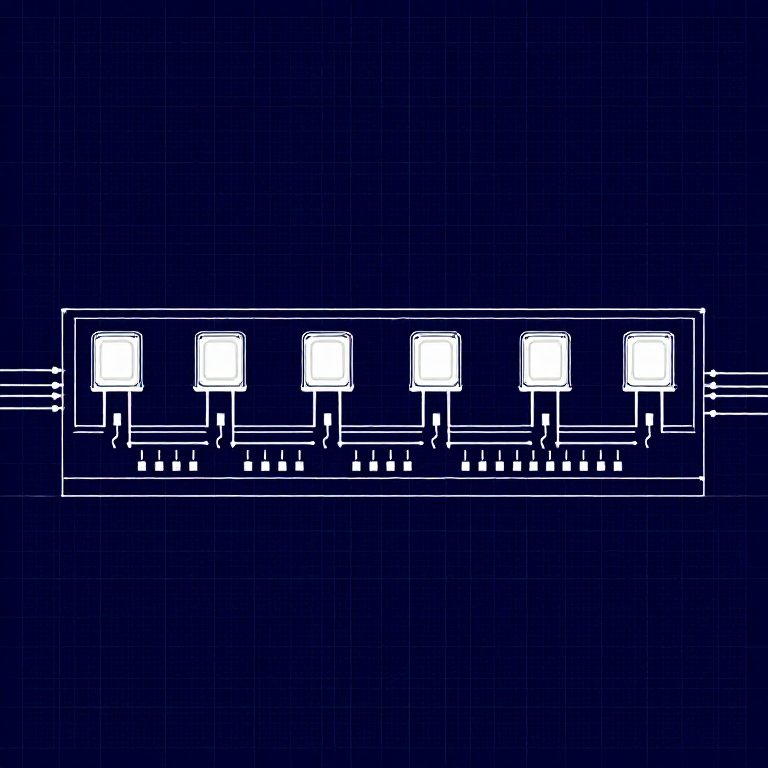

Driving Multiple LEDs — SIK Circuit 4
Make eight LEDs dance! Learn about arrays, for loops, and multiple output patterns including chase, ping-pong, marquee, and random blink effects.
التعليمات
Parts & Introduction
This experiment uses 8 LEDs to create light patterns. You'll learn about arrays (grouping related variables) and for loops (repeating actions efficiently). The sketch includes 6 different animation functions you can try.
Parts Needed
- 1x Arduino Uno + USB cable
- 1x Breadboard
- 8x LEDs (any color)
- 8x 330Ω Resistors
- 9x Jumper Wires
Hardware Hookup
Hardware Hookup
Wiring Instructions
- Place 8 LEDs in a row on the breadboard.
- For each LED, connect the negative leg (shorter) through a 330Ω resistor to GND.
- Connect the positive leg (longer) of each LED to Arduino digital pins 2 through 9 (LED 1 = pin 2, LED 2 = pin 3, etc.).
- Connect the GND rail on the breadboard to Arduino GND.
Tip: Keep the LEDs neatly spaced for the best visual effect.
Arduino Code
Arduino Code
Open the Arduino IDE and upload the following sketch to your Arduino board.
/*
SparkFun Inventor's Kit
Example sketch 04 — MULTIPLE LEDs
Make eight LEDs dance. Dance LEDs, dance!
Hardware connections:
8 LEDs with 330 ohm resistors on pins 2-9.
Negative sides through resistors to GND.
This code is completely free for any use.
*/
int ledPins[] = {2,3,4,5,6,7,8,9};
void setup()
{
int index;
for(index = 0; index <= 7; index++)
{
pinMode(ledPins[index], OUTPUT);
}
}
void loop()
{
oneAfterAnotherNoLoop();
//oneAfterAnotherLoop();
//oneOnAtATime();
//pingPong();
//marquee();
//randomLED();
}
void oneAfterAnotherNoLoop()
{
int delayTime = 100;
digitalWrite(ledPins[0], HIGH); delay(delayTime);
digitalWrite(ledPins[1], HIGH); delay(delayTime);
digitalWrite(ledPins[2], HIGH); delay(delayTime);
digitalWrite(ledPins[3], HIGH); delay(delayTime);
digitalWrite(ledPins[4], HIGH); delay(delayTime);
digitalWrite(ledPins[5], HIGH); delay(delayTime);
digitalWrite(ledPins[6], HIGH); delay(delayTime);
digitalWrite(ledPins[7], HIGH); delay(delayTime);
digitalWrite(ledPins[7], LOW); delay(delayTime);
digitalWrite(ledPins[6], LOW); delay(delayTime);
digitalWrite(ledPins[5], LOW); delay(delayTime);
digitalWrite(ledPins[4], LOW); delay(delayTime);
digitalWrite(ledPins[3], LOW); delay(delayTime);
digitalWrite(ledPins[2], LOW); delay(delayTime);
digitalWrite(ledPins[1], LOW); delay(delayTime);
digitalWrite(ledPins[0], LOW); delay(delayTime);
}
void oneAfterAnotherLoop()
{
int index;
int delayTime = 100;
for(index = 0; index <= 7; index++)
{
digitalWrite(ledPins[index], HIGH);
delay(delayTime);
}
for(index = 7; index >= 0; index--)
{
digitalWrite(ledPins[index], LOW);
delay(delayTime);
}
}
void oneOnAtATime()
{
int index;
int delayTime = 100;
for(index = 0; index <= 7; index++)
{
digitalWrite(ledPins[index], HIGH);
delay(delayTime);
digitalWrite(ledPins[index], LOW);
}
}
void pingPong()
{
int index;
int delayTime = 100;
for(index = 0; index <= 7; index++)
{
digitalWrite(ledPins[index], HIGH);
delay(delayTime);
digitalWrite(ledPins[index], LOW);
}
for(index = 7; index >= 0; index--)
{
digitalWrite(ledPins[index], HIGH);
delay(delayTime);
digitalWrite(ledPins[index], LOW);
}
}
void marquee()
{
int index;
int delayTime = 200;
for(index = 0; index <= 3; index++)
{
digitalWrite(ledPins[index], HIGH);
digitalWrite(ledPins[index+4], HIGH);
delay(delayTime);
digitalWrite(ledPins[index], LOW);
digitalWrite(ledPins[index+4], LOW);
}
}
void randomLED()
{
int index;
int delayTime = 100;
index = random(8);
digitalWrite(ledPins[index], HIGH);
delay(delayTime);
digitalWrite(ledPins[index], LOW);
}Test & Experiment
Test & Experiment
What You Should See
All 8 LEDs light up one after another, then turn off in reverse order. This repeats continuously.
Troubleshooting
- Some LEDs don't light: Easy to insert an LED backwards. Check polarity.
- Out of sequence: With 8 wires, it's easy to cross a couple. Verify LED 1 is on pin 2, then each pin in order.
- Starting fresh: Sometimes pulling everything out and re-wiring is faster than debugging.
Experiments to Try
- Uncomment the other functions in
loop()to try:oneOnAtATime(),pingPong(),marquee(),randomLED(). - Create your own animation pattern!
- Modify the delay times to change the speed.
المواد
- •SparkFun Inventor's Kit - V3.2 - 1 kitNOK 999.20
- •Arduino Uno R3 - 1 pieceعنصر نائب
- •Breadboard - 1 pieceعنصر نائب
- •5mm LED - 8 piecessعنصر نائب
- •330 Ohm Resistor - 8 piecessNOK 24.00
- •Jumper Wires - 9 piecessNOK 39.20
الأدوات المطلوبة
- Computer with Arduino IDE
CC0 ملكية عامة
هذا المخطط مُصدر بموجب CC0. يحق لك نسخه وتعديله وتوزيعه واستخدامه لأي غرض، دون طلب إذن.
ادعم الصانع بشراء منتجات عبر مخططه حيث يكسب عمولة الصانع يحددها البائعون، أو أنشئ نسخة جديدة من هذا المخطط وضمّنه كرابط في مخططك لمشاركة الإيرادات.




