

Reading a Temperature Sensor — SIK Circuit 7
التعليمات
Parts & Introduction
Parts & Introduction
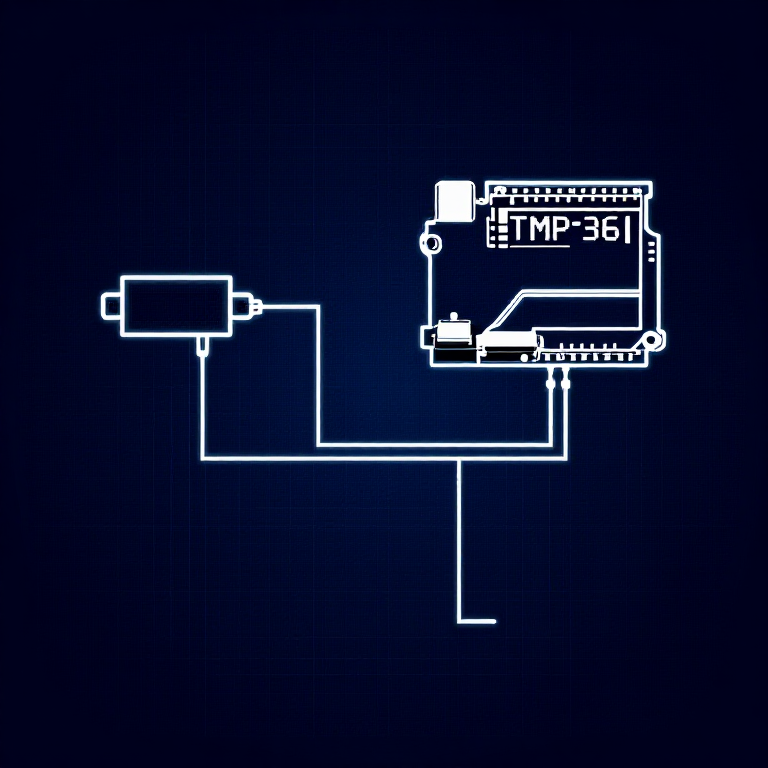
The TMP36 is an analog temperature sensor that outputs a voltage proportional to temperature. You'll learn to use the Serial Monitor to display real-time readings — an essential debugging tool.
Parts Needed
- 1x Arduino Uno + USB cable
- 1x Breadboard
- 1x TMP36 Temperature Sensor
- 5x Jumper Wires
Warning: The TMP36 looks similar to the transistor. Look for "TMP" in tiny letters and a triangle logo. The transistor has "222" printed on it. Inserting the wrong component can damage it!
المواد لهذه الخطوة:
 مجموعة SparkFun للمخترعين - V3.21 طقم
الأدوات المطلوبة:
 حاسوب عليه بيئة Arduino IDE
Hardware Hookup
Hardware Hookup
Wiring Instructions
With the TMP36 flat side facing you and pins pointing down, the pins are (left to right): 5V, Signal, GND.
- Connect the left pin to 5V.
- Connect the middle pin (signal) to Analog Pin A0.
- Connect the right pin to GND.
That's it — just 3 wires! The TMP36 can only be connected in one direction. Double-check before powering on.
المواد لهذه الخطوة:
 لوحة تجارب1 قطعة
 أسلاك توصيل3 قطع
Arduino Code
Arduino Code
Open the Arduino IDE and upload the following sketch to your Arduino board.
المواد لهذه الخطوة:
 Arduino Uno R31 قطعة
الأدوات المطلوبة:
حاسوب عليه بيئة Arduino IDETest & Experiment
Test & Experiment
What You Should See
Open the Serial Monitor (magnifying glass icon in Arduino IDE, or Ctrl+Shift+M). You'll see lines updating once per second:
voltage: 0.73 deg C: 23.24 deg F: 73.84
Troubleshooting
- Nothing happens: Open the Serial Monitor! The output goes there, not to the LEDs.
- Gibberish text: Set the Serial Monitor baud rate dropdown to 9600.
- Temperature unchanged: Pinch the sensor with your fingers to warm it up, or apply ice to cool it down.
Experiments to Try
- Add an LED that turns on above a temperature threshold (like a heat warning).
- Log data over time to see temperature trends.
- Combine with the LCD (Circuit 15) to display temperature without a computer.
المواد
5- مجموعة SparkFun للمخترعين - V3.2عمولة 10%1 طقم$105.50
- عنصر نائب
- عنصر نائب
- عنصر نائب
- 1 قطعةعنصر نائب
الأدوات المطلوبة
1- عنصر نائب
CC0 ملكية عامة
هذا المخطط مُصدر بموجب CC0. يحق لك نسخه وتعديله وتوزيعه واستخدامه لأي غرض، دون طلب إذن.
ادعم الصانع بشراء منتجات عبر مخططه حيث يكسب عمولة الصانع يحددها البائعون، أو أنشئ نسخة جديدة من هذا المخطط وضمّنه كرابط في مخططك لمشاركة الإيرادات.