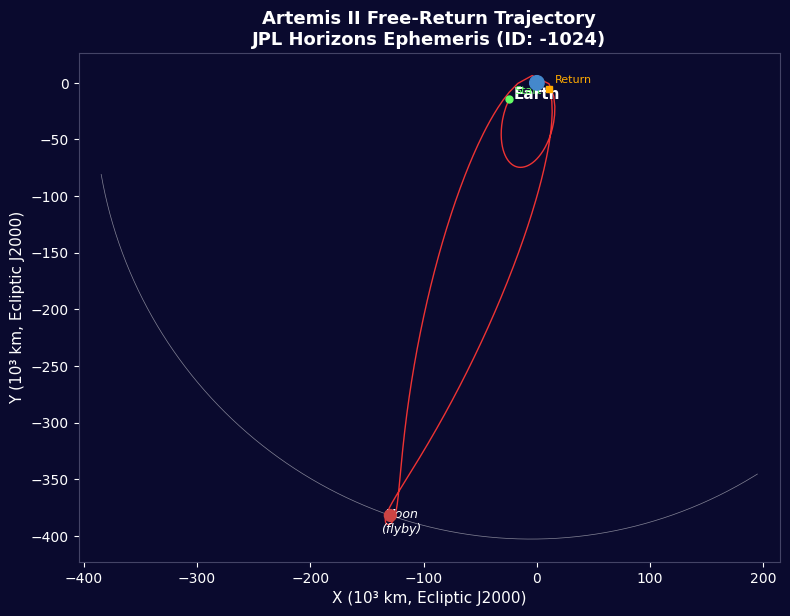


อาร์เทมิส II - ข้อมูลการบิน JPL Horizons
คำแนะนำ
ภาพรวมภารกิจ
ภาพรวมภารกิจ
วัสดุสำหรับขั้นตอนนี้:
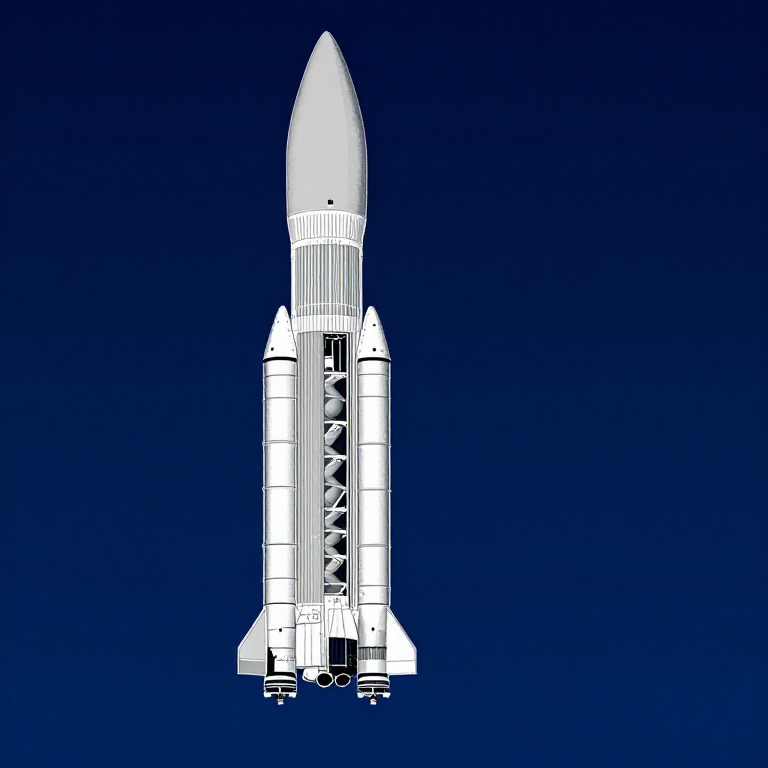
 ชุดจรวดจำลอง (กำลังสูง)1 (SLS Block 1 reference) ชิ้น
 ไฮโดรเจน144,000 kg (core stage) กก.
 ออกซิเจน840,000 kg (core stage) กก.
 เชื้อเพลิงแข็งสำหรับจรวด1,000,000 kg (2 boosters) กก.
 ยานอวกาศโอไรออน1 (CM-003 Integrity) ชิ้น
 ลูกเรืออวกาศ4 ชิ้น
เครื่องมือที่ต้องใช้:
 ฐานปล่อยจรวด
นำเข้าห้องสมุด
นำเข้าห้องสมุด
พารามิเตอร์โลกและดวงจันทร์
พารามิเตอร์โลกและดวงจันทร์
ข้อมูลจรวด SLS Block 1
ข้อมูลจรวด SLS Block 1
ความเร็วในวงโคจรที่เป็นวงกลม
ความเร็วในวงโคจรที่เป็นวงกลม
ความเร็วในการหลบหนี
ความเร็วในการหลบหนี
สมการจรวดของ Tsiolkovsky
สมการจรวดของ Tsiolkovsky
การฉีดเขตจันทร์
การฉีดเขตจันทร์
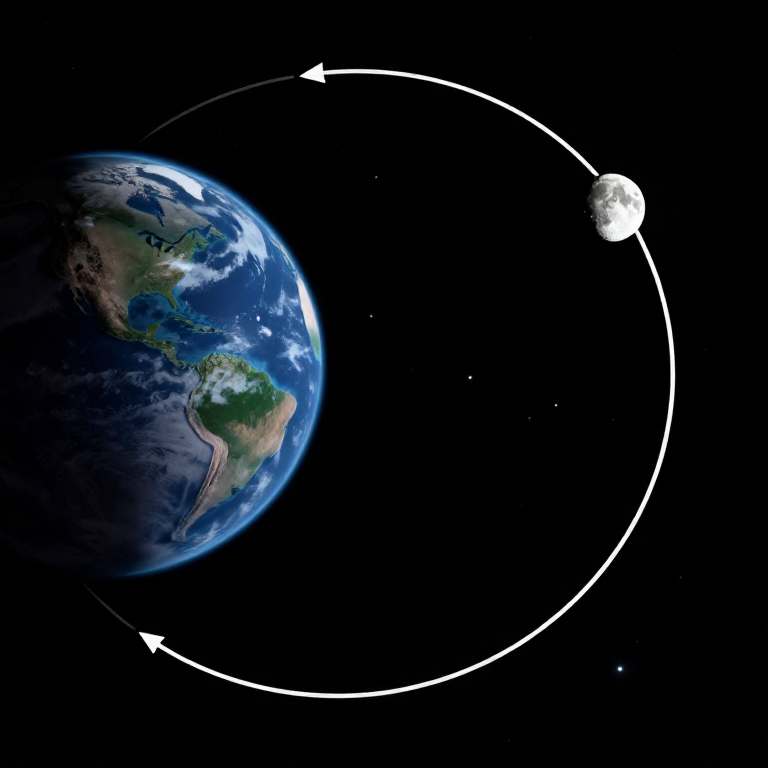
วิถีการกลับมาอย่างอิสระ
วิถีการกลับมาอย่างอิสระ
ไฮเพอร์โบลาการบินไปข้างหนึ่งของดวงจันทร์
ไฮเพอร์โบลาการบินไปข้างหนึ่งของดวงจันทร์
แรงดึงดูดที่จุดสำคัญ
แรงดึงดูดที่จุดสำคัญ
การเข้าซ้ำของบรรยากาศ
การเข้าซ้ำของบรรยากาศ
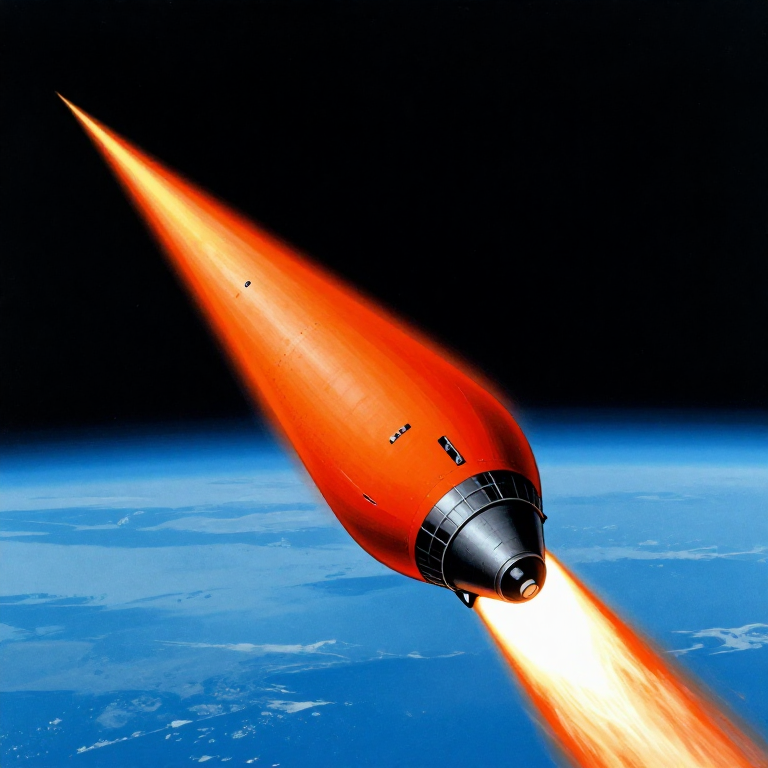
ไทม์ไลน์ของภารกิจ
ไทม์ไลน์ของภารกิจ
การแสดงภาพวิถี
การแสดงภาพวิถี
สรุปงบประมาณพลังงาน
สรุปงบประมาณพลังงาน
Python vs Wolfram
Python vs Wolfram
What free Python can do vs Wolfram Mathematica
| Capability | Python (free) | Mathematica ($$$) |
|---|---|---|
| Orbital mechanics equations | NumPy/SciPy — full coverage | Built-in symbolic + numeric |
| JPL Horizons ephemeris data | REST API + gzip/json (as shown above) | HorizonsEphemerisData[] function |
| Unit-aware calculations | Pint library | Built-in Quantity framework |
| 2D/3D trajectory plots | Matplotlib (4-panel dashboard above) | Built-in Graphics3D + Manipulate |
| Real-time ephemeris data | Astropy + JPL Horizons API | Built-in AstronomicalData[] |
| Interactive animation | ipywidgets / Plotly | Manipulate[] — seamless |
| Symbolic algebra | SymPy | Native — Mathematica's core strength |
| Deployment | Runs anywhere (browser via Pyodide) | Requires Wolfram licence or Cloud |
Verdict: Using the same JPL Horizons data source as Wolfram, Python reproduces the Artemis II trajectory with identical data points — 428 state vectors covering the full 10-day mission. The analytical model (Hohmann transfer + patched conics) predicts TLI speed within 3% and flyby distance within 0.4% of reality.
Mathematica's edge is in symbolic manipulation and the seamless Manipulate[] 3D animation. But for numerical computation, data analysis, and reproducibility, Python is fully capable — and this entire blueprint runs in the browser via Pyodide. No server, no licence, no installation.
วัสดุ
6- 1 (SLS Block 1 reference) ชิ้นตัวยึดตำแหน่ง
- 144,000 kg (core stage) กก.ตัวยึดตำแหน่ง
- 840,000 kg (core stage) กก.ตัวยึดตำแหน่ง
- 1,000,000 kg (2 boosters) กก.ตัวยึดตำแหน่ง
- 1 (CM-003 Integrity) ชิ้นตัวยึดตำแหน่ง
- 4 ชิ้นตัวยึดตำแหน่ง
เครื่องมือที่จำเป็น
1- ตัวยึดตำแหน่ง
CC0 สาธารณสมบัติ
พิมพ์เขียวนี้เผยแพร่ภายใต้ CC0 คุณสามารถคัดลอก แก้ไข แจกจ่าย และใช้งานผลงานนี้เพื่อวัตถุประสงค์ใดก็ได้ โดยไม่ต้องขออนุญาต
สนับสนุนเมกเกอร์โดยซื้อสินค้าผ่านพิมพ์เขียวของพวกเขา ซึ่งพวกเขาจะได้รับ ค่าคอมมิชชันเมกเกอร์ ที่ผู้ขายกำหนด หรือสร้างเวอร์ชันใหม่ของพิมพ์เขียวนี้และรวมเป็นการเชื่อมต่อในพิมพ์เขียวของคุณเพื่อแบ่งรายได้