ศิลปะ
ความงามและสุขภาพ
งานฝีมือ
วัฒนธรรมและประวัติศาสตร์
ความบันเทิง
สิ่งแวดล้อม
อาหารและเครื่องดื่ม
วิศวกรรมย้อนรอย
วิทยาศาสตร์
กีฬา
เทคโนโลยี
อุปกรณ์สวมใส่
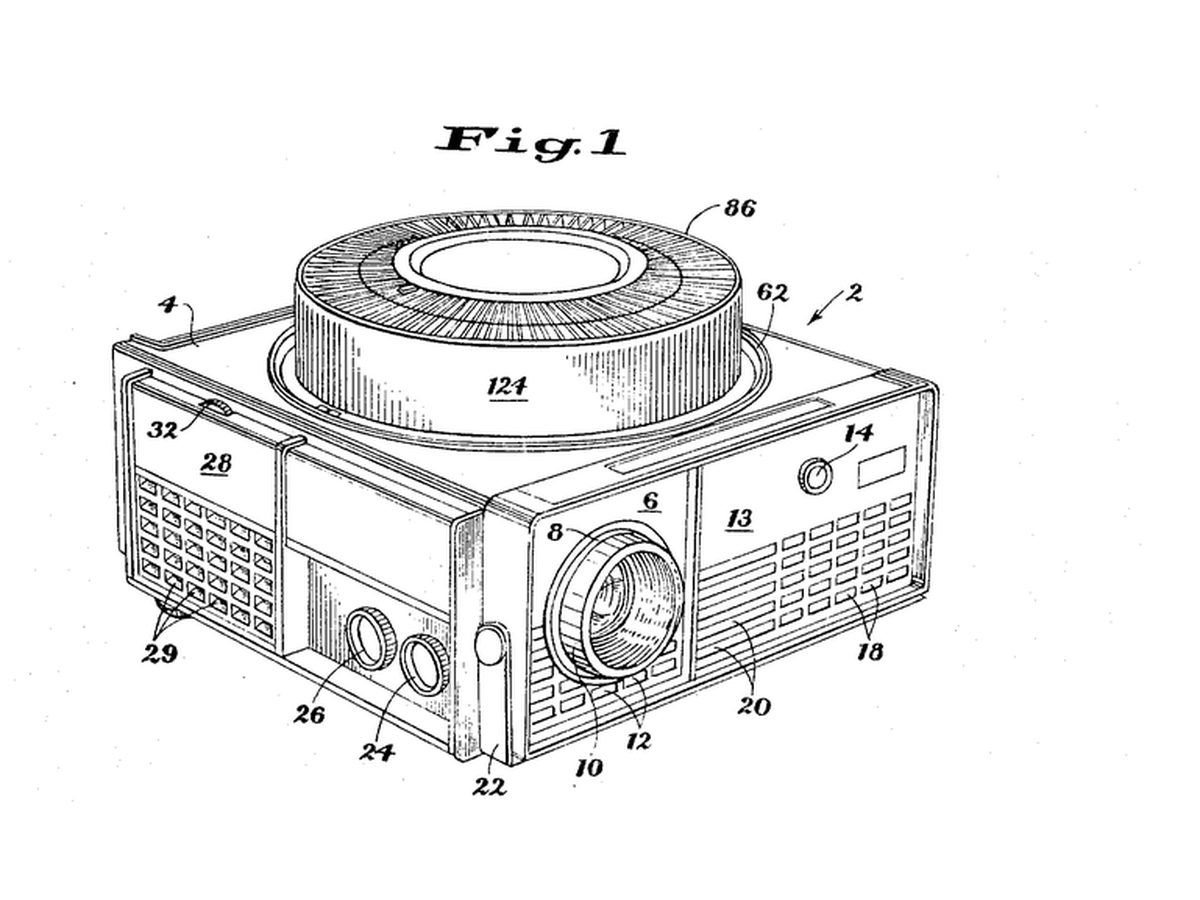


Rotary Gravity Slide Projector
Straight slide magazines pushed slides sideways and jammed. Kodak's round tray, designed by David E. Hansen, stood the slides on edge in a ring above the projector: each one fell into the gate by gravity when it reached the drop point and was lifted back when the tray moved on, so nothing had to push a slide sideways.
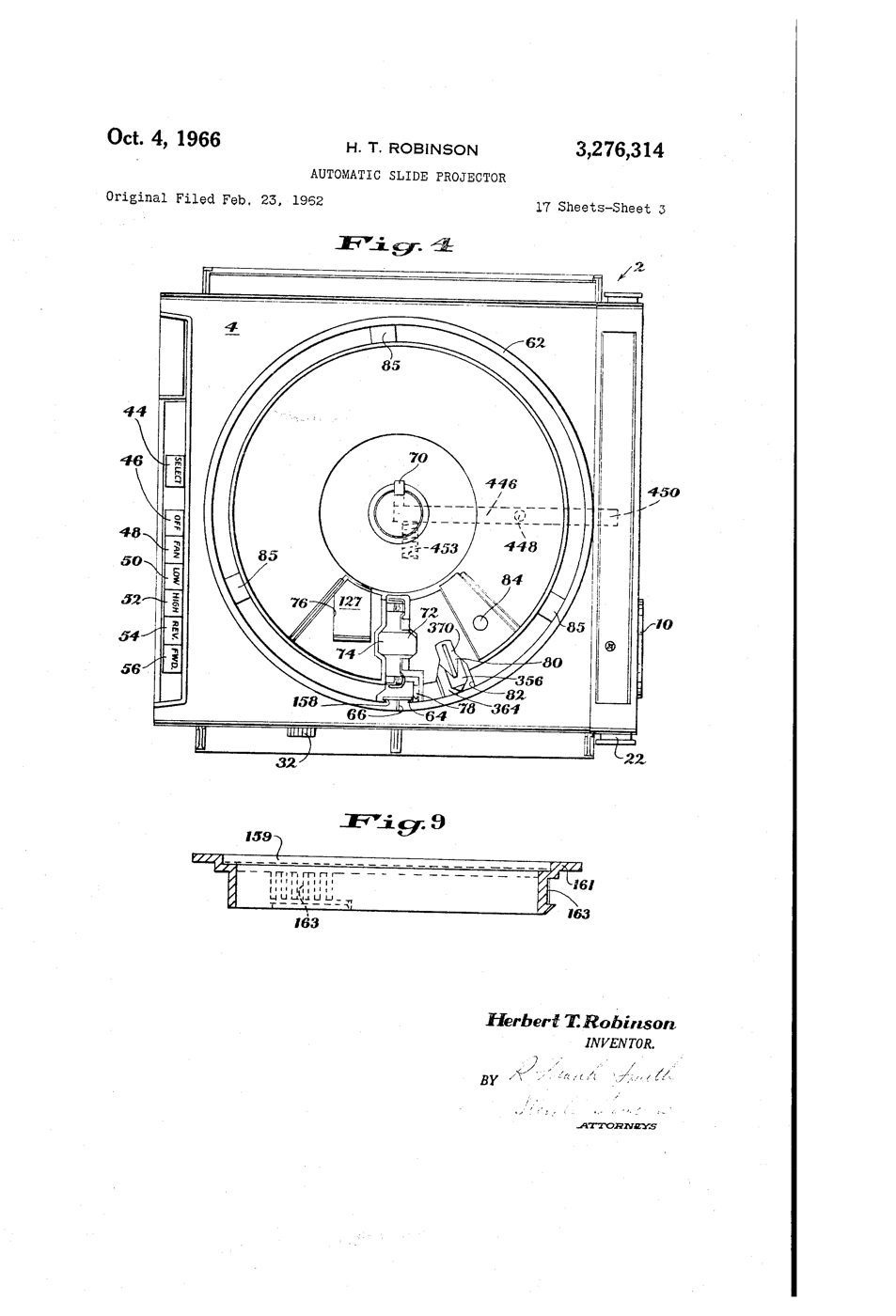
**US 3,276,314**, "Automatic slide projector", Herbert T. Robinson, assigned to Eastman Kodak, filed 1. June 1965 (continuing an application of 23. February 1962), granted 4. October 1966: a tray of two relatively movable portions with a passageway "through which the slides are adapted to pass substantially vertically, one at a time, in coordination with relative movement of the portions".
**You build the mechanism**: a 12-slot tray turned by a stepper, a servo that lifts each slide back, a torch and a lens to project it.
ขั้นสูง
6 hours
คำแนะนำ
1
1
Make twelve slides
Make twelve slides
Cut 50 x 50 mm frames from black card with a 36 x 24 mm window. Draw or print images on transparency film and tape one behind each window. Number them 0 to 11.
วัสดุสำหรับขั้นตอนนี้:
 กระดาษแข็งสีดำ2 แผ่น
 แผ่นใสอิงก์เจ็ต2 แผ่น
เครื่องมือที่ต้องใช้:
 มีดคัตเตอร์งานประดิษฐ์
 ปากกาเมจิกถาวร
 ไม้บรรทัด
2
2
Build the tray
Build the tray
Glue two 240 mm foam-board discs together. Cut 12 radial slots 4 mm wide and 55 mm long, 30 degrees apart, open underneath so a slide can fall through. Glue a hub on the motor shaft and the tray on the hub.
วัสดุสำหรับขั้นตอนนี้:
 แผ่นโฟมบอร์ดสำหรับทำหุ่นจำลอง2 แผ่น
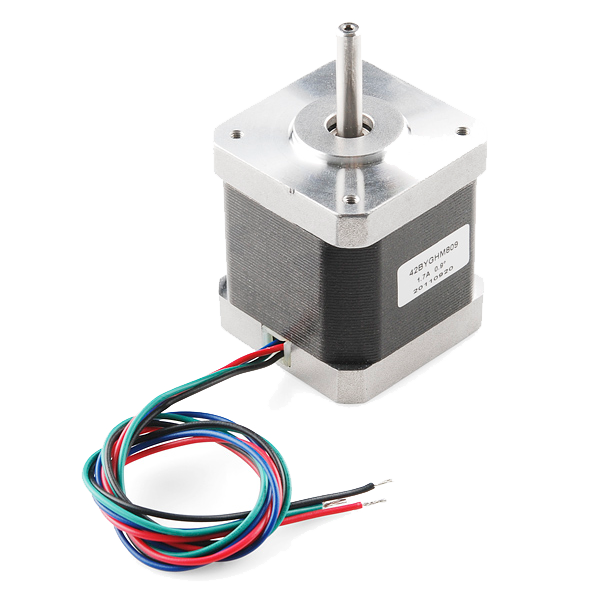 Stepper Motor - 68 oz.in (400 steps/rev)1 ชิ้น
เครื่องมือที่ต้องใช้:
มีดคัตเตอร์งานประดิษฐ์ ปืนกาวร้อน
3
3
Base, gate and lift
Base, gate and lift
On a plywood base cut one drop slot under the tray. Below it, build a foam-board gate channel that holds a dropped slide upright between the torch and a 100 mm convex lens. Mount the servo so its arm, raised, pushes the slide back up into the tray.
วัสดุสำหรับขั้นตอนนี้:
 แผ่นไม้อัด1 ชิ้น
 มอเตอร์เซอร์โวจิ๋ว SG90 (5 ตัว)1 แพ็ค
 ชุดเลนส์นูน1 ชุด
เครื่องมือที่ต้องใช้:
 เลื่อยมือปืนกาวร้อน
 ไฟฉาย LED สำหรับตรวจงาน
4
4
Wire and flash
Wire and flash
EasyDriver STEP to D3, DIR to D4, motor coils to A and B, 12 V supply to its power input, GND shared with the Uno. Servo signal D9. Button between D2 and GND. Set the EasyDriver current adjuster low - the tray is light. Turn the tray by hand so slot 0 is over the gate before powering up.
rotary_slide_tray.inocpp
วัสดุสำหรับขั้นตอนนี้:
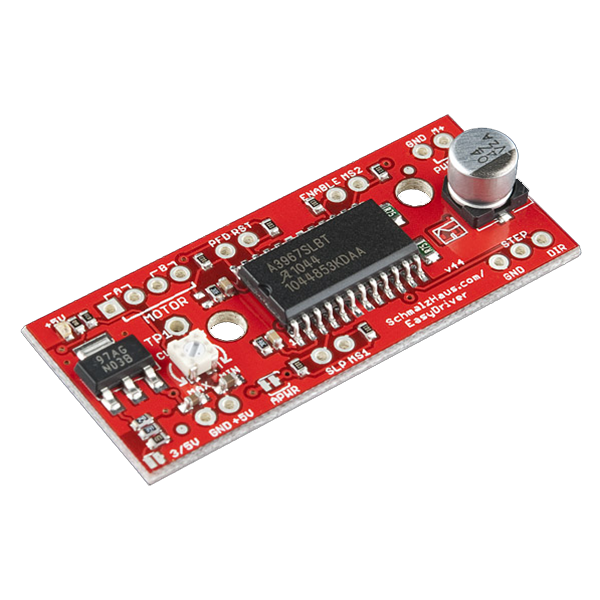 EasyDriver Stepper Motor Driver1 ชิ้น
 ไมโครสวิตช์ (ก้านกด)1 ชิ้น
 ชุดสาย Dupont (ผู้-เมีย)1 ชุด
เครื่องมือที่ต้องใช้:
 Arduino Uno R3
 แหล่งจ่ายไฟกระแสตรง
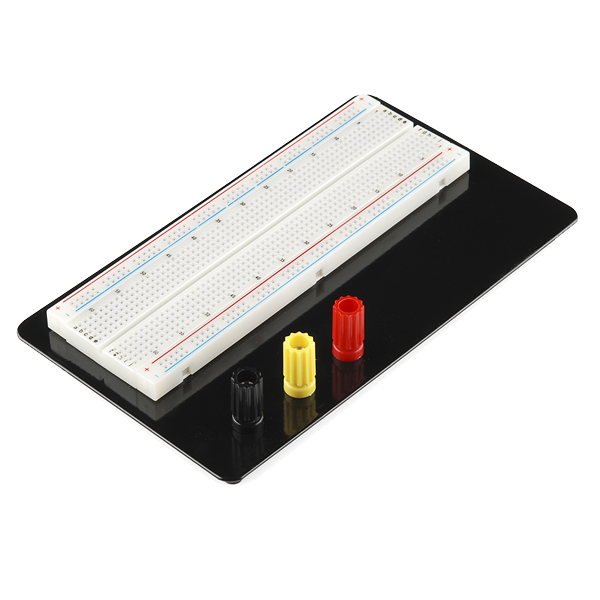 Breadboard - Classic
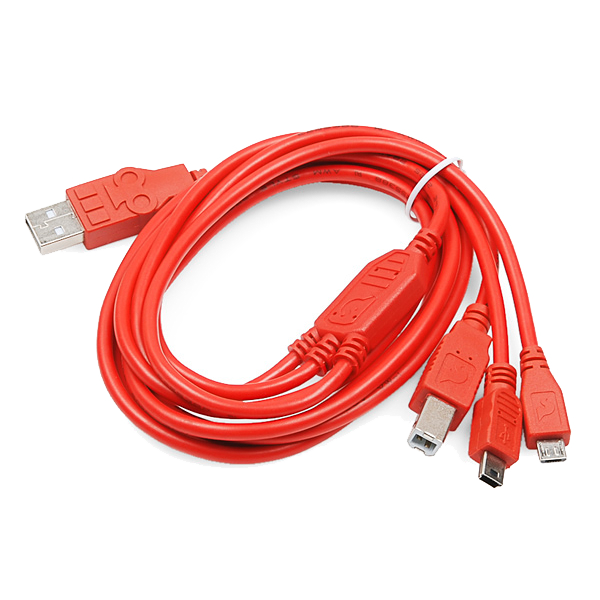 SparkFun Cerberus USB Cable - 1.8 meter
5
5
Why the steps must not drift
Why the steps must not drift
กำลังโหลดสมุด Jupyter…
6
6
Show
Show
Load the slides upside down and reversed (a projector inverts the image). Darken the room, focus the lens on a wall, and press to advance. Count misfeeds over two full turns.
เครื่องมือที่ต้องใช้:
 ตลับเมตร
7
7
History & Context
History & Context
**What the patent specifies:** a projector for a tray of two relatively movable portions, slides passing substantially vertically through a passageway one at a time in step with the tray's movement. **Modern build (derived):** foam-board tray, stepper, servo lift and a torch.
Kodak made Carousel projectors from 1961 until 2004; a round tray held 80 slides. The limits: bent or thick mounts jam the gate, and the gravity drop needs the projector level.
วัสดุ
10- 2 แผ่นตัวยึดตำแหน่ง
- 2 แผ่นตัวยึดตำแหน่ง
- ตัวยึดตำแหน่ง
- Stepper Motor - 68 oz.in (400 steps/rev)ค่าคอมมิชชัน 10%1 ชิ้น$15.57
- 1 ชิ้นตัวยึดตำแหน่ง
- ตัวยึดตำแหน่ง
- 1 ชุดตัวยึดตำแหน่ง
- EasyDriver Stepper Motor Driverค่าคอมมิชชัน 10%1 ชิ้น$14.06
- 1 ชิ้นตัวยึดตำแหน่ง
- ตัวยึดตำแหน่ง
เครื่องมือที่จำเป็น
11- ตัวยึดตำแหน่ง
- ตัวยึดตำแหน่ง
- ตัวยึดตำแหน่ง
- ตัวยึดตำแหน่ง
- ตัวยึดตำแหน่ง
- ตัวยึดตำแหน่ง
- 1 vendor sell this, none ship to you yetตัวยึดตำแหน่ง
- ตัวยึดตำแหน่ง
- Breadboard - Classicค่าคอมมิชชัน 10%$9.38
- SparkFun Cerberus USB Cable - 1.8 meterค่าคอมมิชชัน 10%$5.61
- 1 vendor sell this, none ship to you yetตัวยึดตำแหน่ง
ยอดรวมประมาณ
สิ่งที่ผู้ทำซื้อมา วัสดุที่ไม่แสดงราคาให้หาซื้อจากที่ที่คุณซื้อได้
บลูพริ้นท์ที่เกี่ยวข้อง
บลูพริ้นท์เหล่านี้แบ่งปันความรู้ — เทคนิค วัสดุ หรือหลักการ

CC0 สาธารณสมบัติ
พิมพ์เขียวนี้เผยแพร่ภายใต้ CC0 คุณสามารถคัดลอก แก้ไข แจกจ่าย และใช้งานผลงานนี้เพื่อวัตถุประสงค์ใดก็ได้ โดยไม่ต้องขออนุญาต
สนับสนุนเมกเกอร์โดยซื้อสินค้าผ่านพิมพ์เขียวของพวกเขา ซึ่งพวกเขาจะได้รับ ค่าคอมมิชชันเมกเกอร์ ที่ผู้ขายกำหนด หรือสร้างเวอร์ชันใหม่ของพิมพ์เขียวนี้และรวมเป็นการเชื่อมต่อในพิมพ์เขียวของคุณเพื่อแบ่งรายได้