ศิลปะ
ความงามและสุขภาพ
งานฝีมือ
วัฒนธรรมและประวัติศาสตร์
ความบันเทิง
สิ่งแวดล้อม
อาหารและเครื่องดื่ม
วิศวกรรมย้อนรอย
วิทยาศาสตร์
กีฬา
เทคโนโลยี
อุปกรณ์สวมใส่
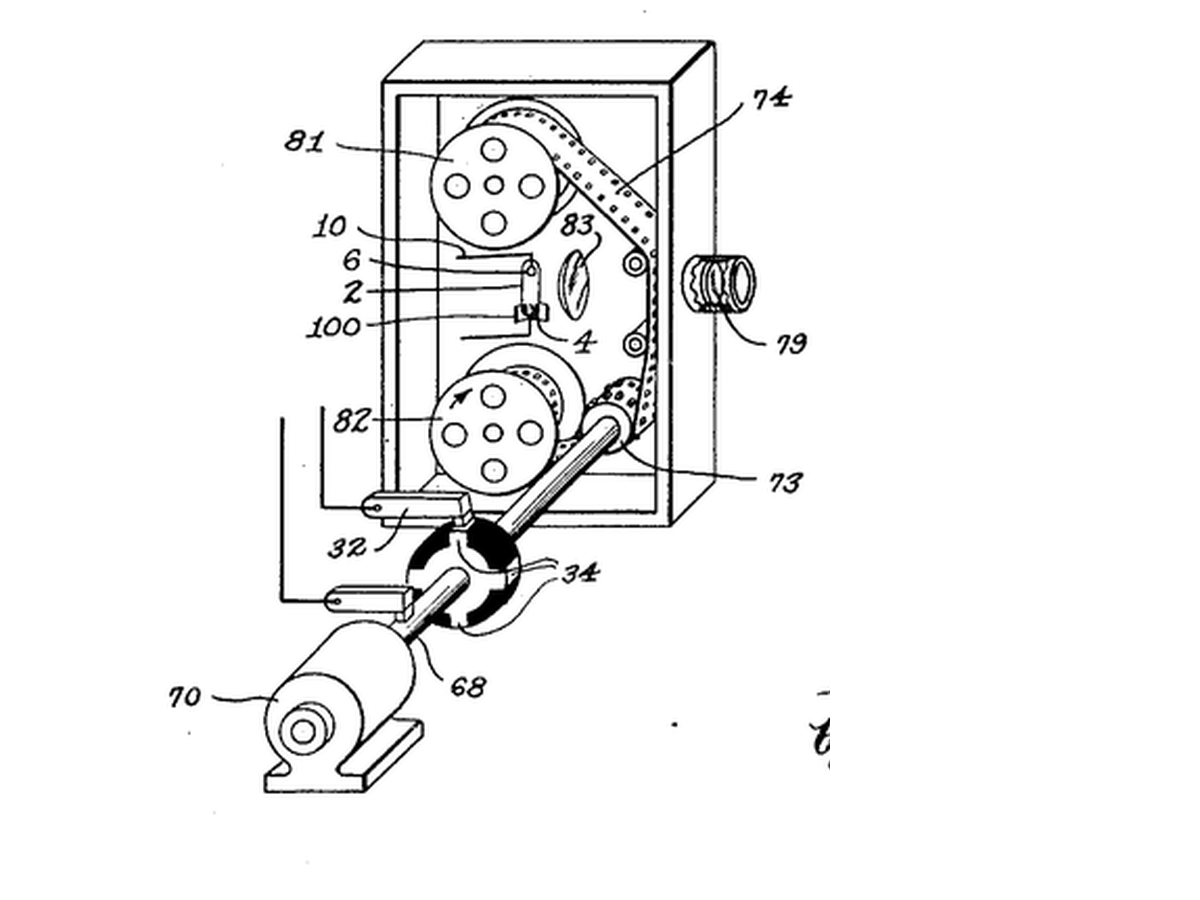


Stroboscope
**Warning: flashing light can trigger seizures in people with photosensitive epilepsy. Do not build or watch this if that applies to you or anyone in the room.**
Harold Edgerton at MIT, studying electric motors, used a gas-discharge lamp that could flash for a few microseconds, many times a second, in step with a machine. Moving parts appeared frozen, and photographs made by the flash stopped bullets, splashes and hummingbird wings.
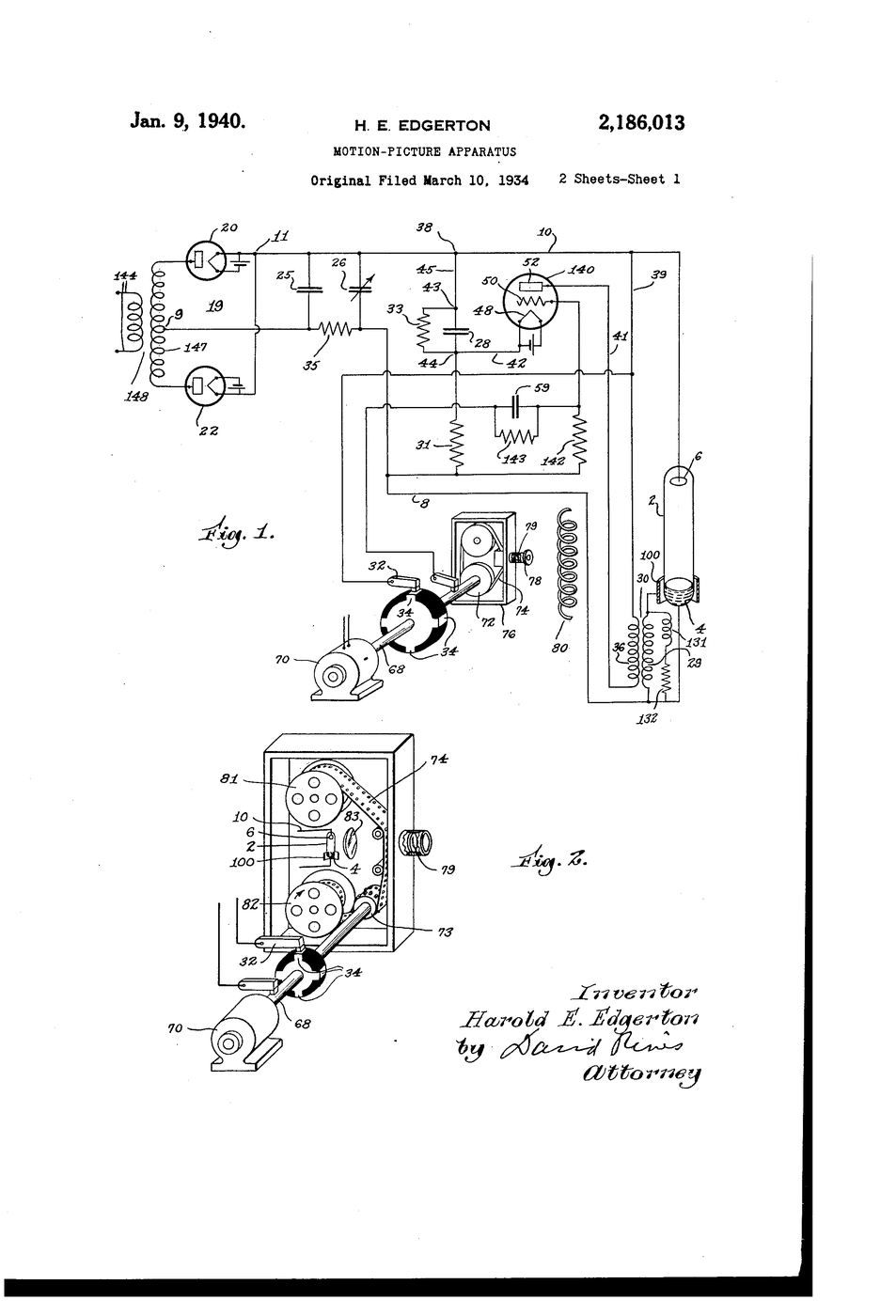
**US 2,186,013**, "Motion-picture apparatus", Edgerton, filed 10. March 1934, granted 9. January 1940, lights the subject with short, intense, repeated flashes instead of relying on a fast shutter, because "the time of exposure must be short" for rapidly moving objects.
**You build an LED stroboscope** with a speed knob, freeze a desk fan, and read its speed from the flash rate.
ระดับกลาง
2 hours
คำแนะนำ
1
1
Wire the strobe
Wire the strobe
Strip DIN to D6, 5V and GND. Potentiometer ends to 5V and GND, wiper to A0. Install the Adafruit NeoPixel library, upload, open the serial monitor to read the rate.
led_stroboscope.inocpp
วัสดุสำหรับขั้นตอนนี้:
 แถบไฟ LED Neopixel1 ชิ้น
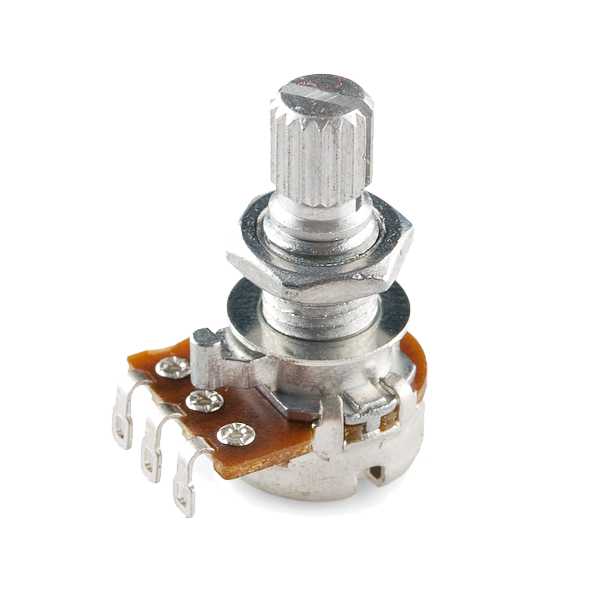 Rotary Potentiometer - 4.7k Ohm, Linear1 ชิ้น
 ชุดสาย Dupont (ผู้-เมีย)1 ชุด
เครื่องมือที่ต้องใช้:
 Arduino Uno R3
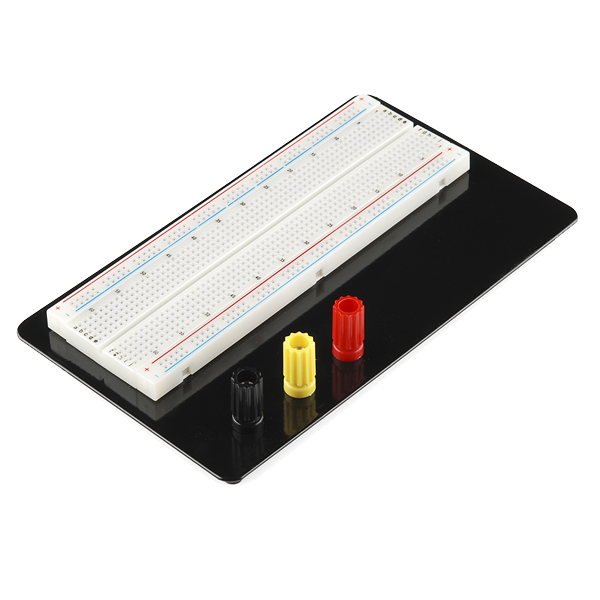 Breadboard - Classic
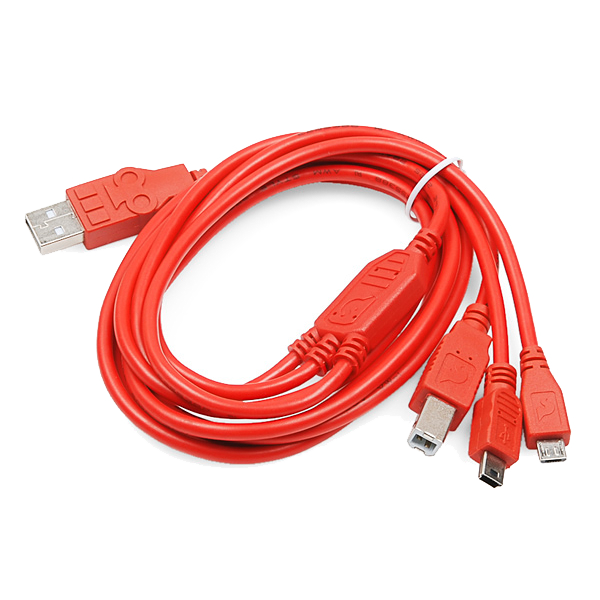 SparkFun Cerberus USB Cable - 1.8 meter
2
2
Mark a blade
Mark a blade
Put a strip of masking tape on ONE fan blade near its tip, guard on. Darken the room and aim the strip at the fan.
วัสดุสำหรับขั้นตอนนี้:
 เทปกาวย่นบังพื้นที่1 ม้วน
เครื่องมือที่ต้องใช้:
 พัดลมตั้งโต๊ะไฟฟ้า
3
3
Find the freezes
Find the freezes
Run the fan on one setting. Turn the knob slowly from high to low and note every rate where the TAPED blade stands still as a single image. Just above the highest one it appears doubled or drifting.
4
4
Rates to rpm
Rates to rpm
กำลังโหลดสมุด Jupyter…
5
5
History & Context
History & Context
**What the patent specifies:** a subject lit by short, intense, repeated flashes timed to the film, instead of continuous light and a fast shutter. **Modern build (derived):** an Arduino flashing an LED strip.
Edgerton's flash tubes became the electronic flash in every camera, and stroboscopes became workshop tools for checking engine timing and machine speed. Their limits: aliasing (a wheel frozen at a wrong speed), dim light from very short flashes, and the seizure risk of flicker.
วัสดุ
4- 1 ชิ้นตัวยึดตำแหน่ง
- Rotary Potentiometer - 4.7k Ohm, Linearค่าคอมมิชชัน 10%1 ชิ้น$1.18
- ตัวยึดตำแหน่ง
- 1 ม้วนตัวยึดตำแหน่ง
เครื่องมือที่จำเป็น
4- 1 vendor sell this, none ship to you yetตัวยึดตำแหน่ง
- Breadboard - Classicค่าคอมมิชชัน 10%$9.37
- SparkFun Cerberus USB Cable - 1.8 meterค่าคอมมิชชัน 10%$5.61
- ตัวยึดตำแหน่ง
ยอดรวมประมาณ
สิ่งที่ผู้ทำซื้อมา วัสดุที่ไม่แสดงราคาให้หาซื้อจากที่ที่คุณซื้อได้
บลูพริ้นท์ที่เกี่ยวข้อง
บลูพริ้นท์เหล่านี้แบ่งปันความรู้ — เทคนิค วัสดุ หรือหลักการ

CC0 สาธารณสมบัติ
พิมพ์เขียวนี้เผยแพร่ภายใต้ CC0 คุณสามารถคัดลอก แก้ไข แจกจ่าย และใช้งานผลงานนี้เพื่อวัตถุประสงค์ใดก็ได้ โดยไม่ต้องขออนุญาต
สนับสนุนเมกเกอร์โดยซื้อสินค้าผ่านพิมพ์เขียวของพวกเขา ซึ่งพวกเขาจะได้รับ ค่าคอมมิชชันเมกเกอร์ ที่ผู้ขายกำหนด หรือสร้างเวอร์ชันใหม่ของพิมพ์เขียวนี้และรวมเป็นการเชื่อมต่อในพิมพ์เขียวของคุณเพื่อแบ่งรายได้