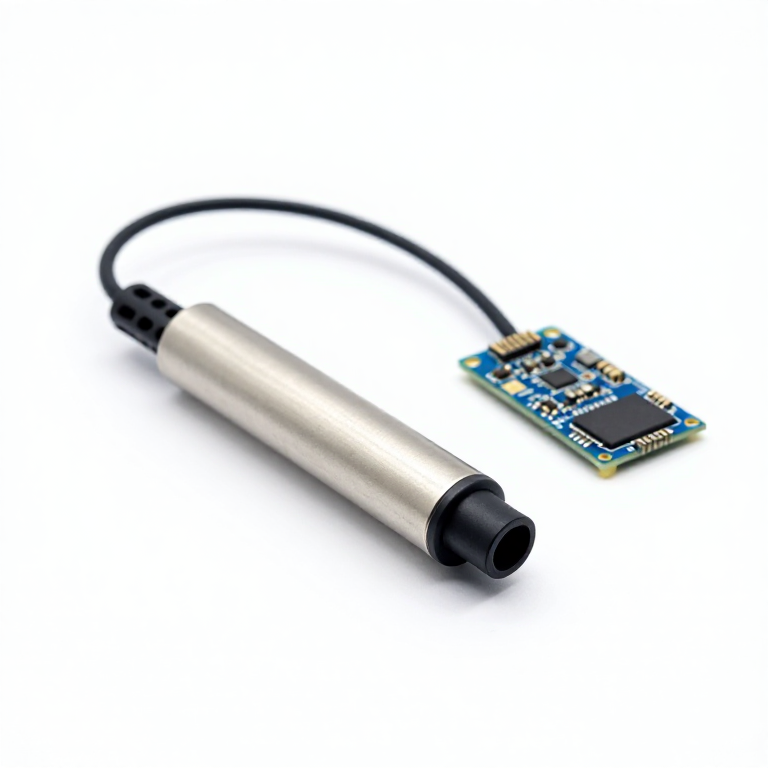


Data-Logging Thermometer
Talimatlar
Solder headers to the microSD shield
Solder headers to the microSD shield
Solder the stacking headers to the microSD shield.
- Seat the headers in the shield from the top.
- Tack one pin at each end first, then check the header sits square before doing the rest.
- Give each joint about two seconds of heat.
Bu adım için malzemeler:
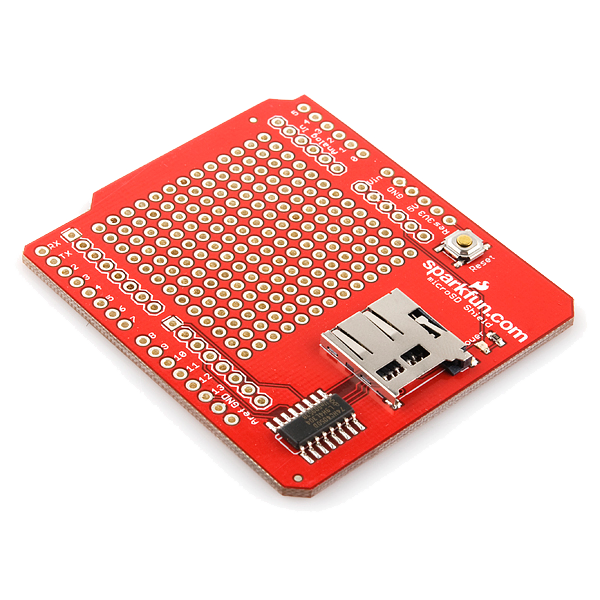 microSD Shield1 adet
Gerekli aletler:
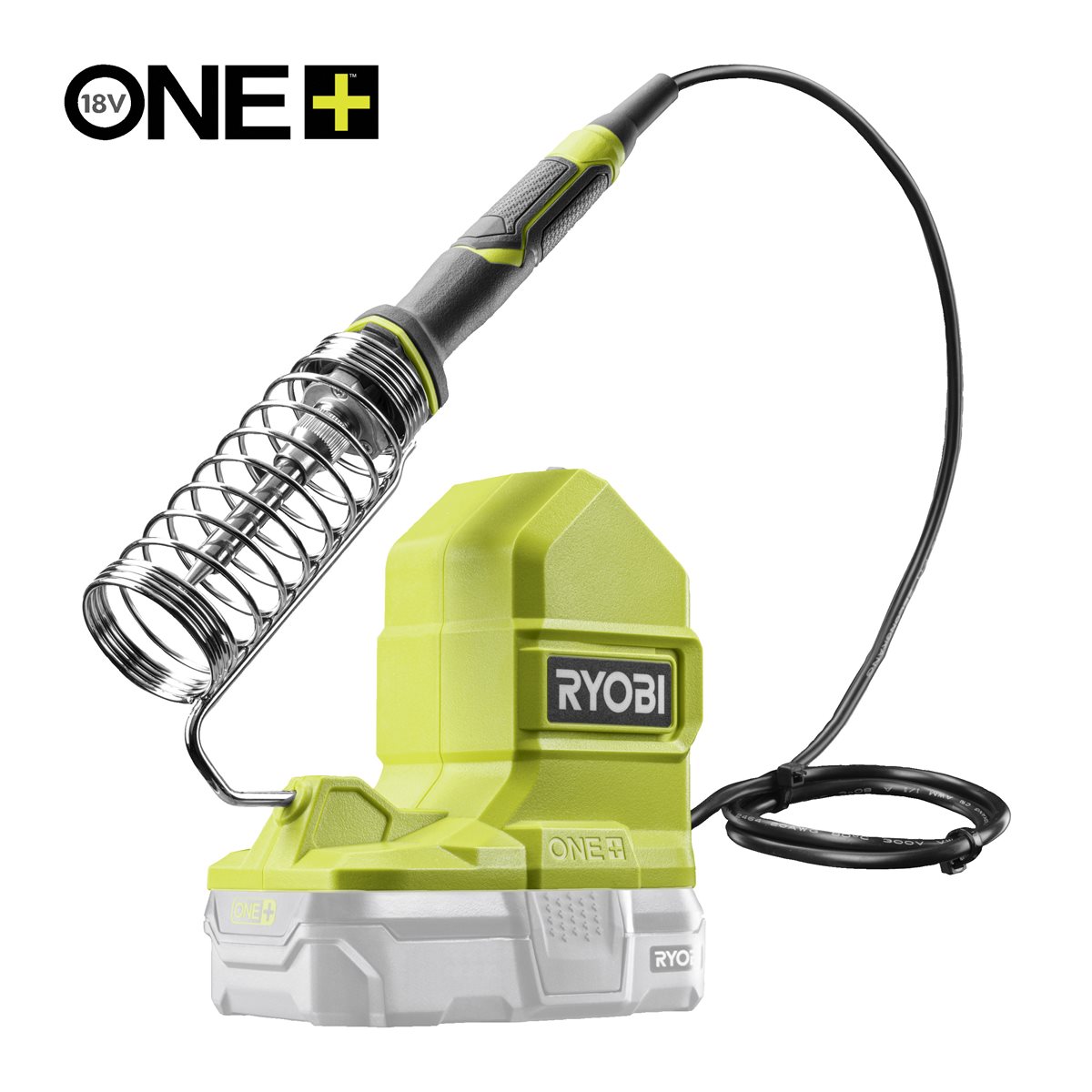 Ryobi ONE+ RSI18-0 Cordless Soldering Iron
Wire the probe — pin by pin
Wire the probe — pin by pin
Stack the shield on the Uno, then wire the probe on the breadboard.
- Probe red → Arduino 5V
- Probe black → Arduino GND
- Probe yellow (data) → Arduino D2
- 4.7 kΩ resistor between D2 and 5V
The shield already uses D11 MOSI, D12 MISO, D13 SCK and D8 as card select. Leave those four alone.
The 4.7 kΩ pull-up is not optional. The 1-Wire bus is open-drain: without it the bus never rises and every reading comes back -127.Bu adım için malzemeler:
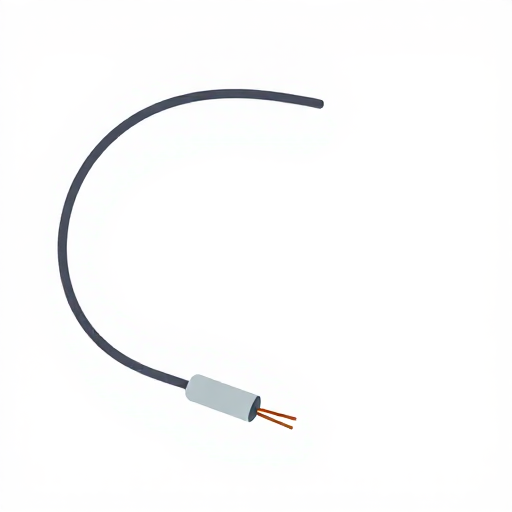 Sıcaklık sensörü1 adet
 Arduino Uno R31 adet
 1/4 W Direnç Seti1 takım
 Devre Tahtası1 adet
 Jumper Kablolar1 paket
Power it, and decide how it will run
Power it, and decide how it will run
For setup and for reading the serial monitor, the USB-B cable from the computer both powers the board and carries the upload.
To leave it logging away from a computer, feed 7–12 V into the Uno's barrel jack instead, or a regulated 5 V into the 5V pin. Do not do both at once.
The card only receives what was written and closed. Pulling power mid-write loses at most the sample in flight, because the sketch closes the file after every line.Gerekli aletler:
 USB-B kablosu
Format the card
Format the card
Format the microSD card as FAT32.
The Arduino SD library cannot read exFAT, which is what cards larger than 32 GB are formatted with from the factory. A card that 'does not work' is nearly always this.Upload the logging sketch
Upload the logging sketch
Install OneWire and DallasTemperature via Library Manager. SD and SPI ship with the IDE. Select Tools → Board → Arduino Uno, then Upload.
Verify against a known point
Verify against a known point
Put the probe in a stirred ice-water bath — ice and water together, not ice alone.
- A correct DS18B20 settles at 0.0 °C ± 0.5.
- A constant -127 means no sensor on the bus: pull-up missing or data on the wrong pin.
- A constant 85.0 is the sensor's power-on default — it was read before its first conversion finished.
Malzemeler
6- microSD Shield%10 komisyon1 adet$14.57
- Yer Tutucu
- Yer Tutucu
- 1 takımYer Tutucu
- Yer Tutucu
- Yer Tutucu
Gerekli Aletler
2- Ryobi ONE+ RSI18-0 Cordless Soldering Iron%3 komisyon$95.24
- 1 vendor sell this, none ship to you yetYer Tutucu
Bu planla yapılan
CC0 Kamu Malı
Bu plan CC0 lisansıyla yayınlanmıştır. İzin almadan kopyalayabilir, değiştirebilir, dağıtabilir ve herhangi bir amaçla kullanabilirsiniz.
Planı üzerinden ürün satın alarak Maker'ı destekleyin, böylece Maker Komisyonu Satıcılar tarafından belirlenen komisyonu kazanırlar veya bu Planın yeni bir versiyonunu oluşturun ve gelir paylaşımı için kendi Planınıza bağlantı olarak ekleyin.