SANAT
GÜZELLİK & SAĞLIK
ZANAAT
KÜLTÜR & TARİH
EĞLENCE
ÇEVRE
YİYECEK & İÇECEK
TERS MÜHENDİSLİK
BİLİMLER
SPOR
TEKNOLOJİ
GİYİLEBİLİR ÜRÜNLER
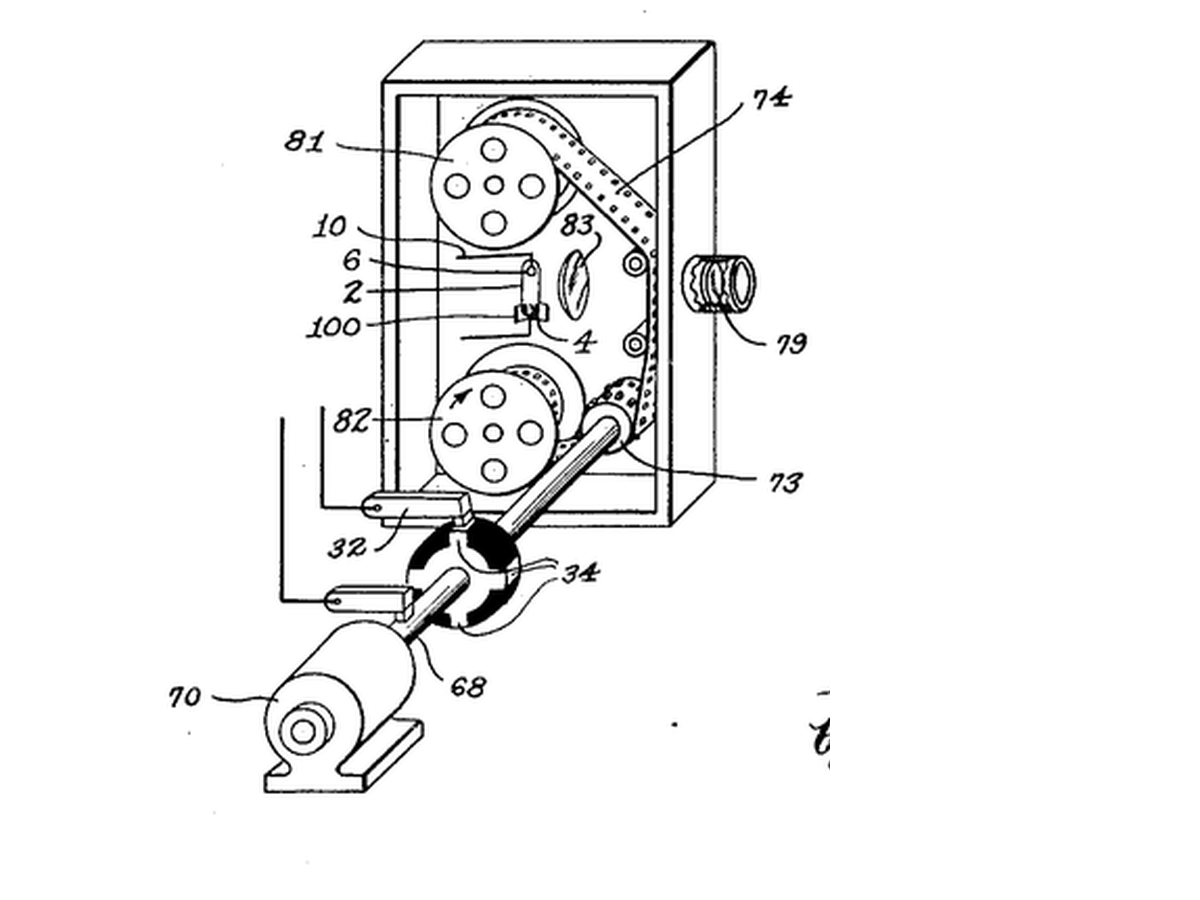


Stroboscope
**Warning: flashing light can trigger seizures in people with photosensitive epilepsy. Do not build or watch this if that applies to you or anyone in the room.**
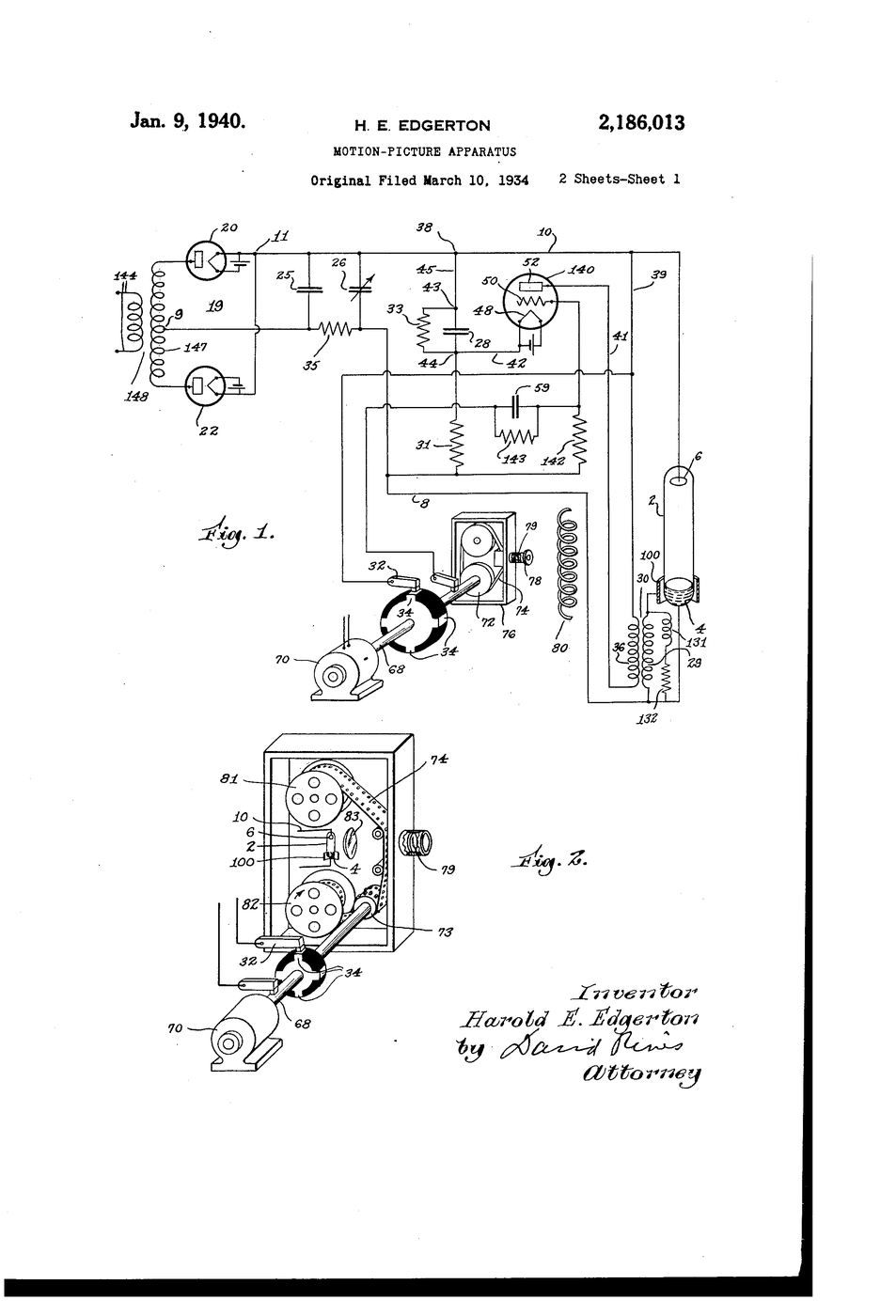
Harold Edgerton at MIT, studying electric motors, used a gas-discharge lamp that could flash for a few microseconds, many times a second, in step with a machine. Moving parts appeared frozen, and photographs made by the flash stopped bullets, splashes and hummingbird wings.
**US 2,186,013**, "Motion-picture apparatus", Edgerton, filed 10. March 1934, granted 9. January 1940, lights the subject with short, intense, repeated flashes instead of relying on a fast shutter, because "the time of exposure must be short" for rapidly moving objects.
**You build an LED stroboscope** with a speed knob, freeze a desk fan, and read its speed from the flash rate.
Orta
2 hours
Talimatlar
1
1
Wire the strobe
Wire the strobe
Strip DIN to D6, 5V and GND. Potentiometer ends to 5V and GND, wiper to A0. Install the Adafruit NeoPixel library, upload, open the serial monitor to read the rate.
led_stroboscope.inocpp
Bu adım için malzemeler:
 Neopixel LED şerit1 adet
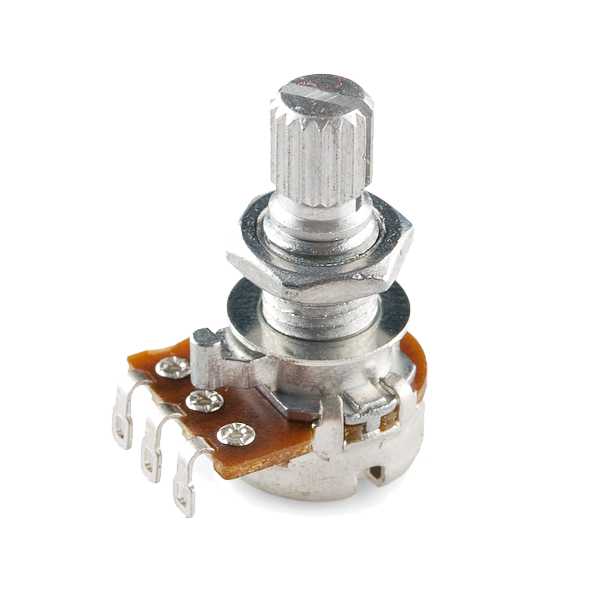 Rotary Potentiometer - 4.7k Ohm, Linear1 adet
 Dupont jumper kablo seti (erkek-dişi)1 takım
Gerekli aletler:
 Arduino Uno R3
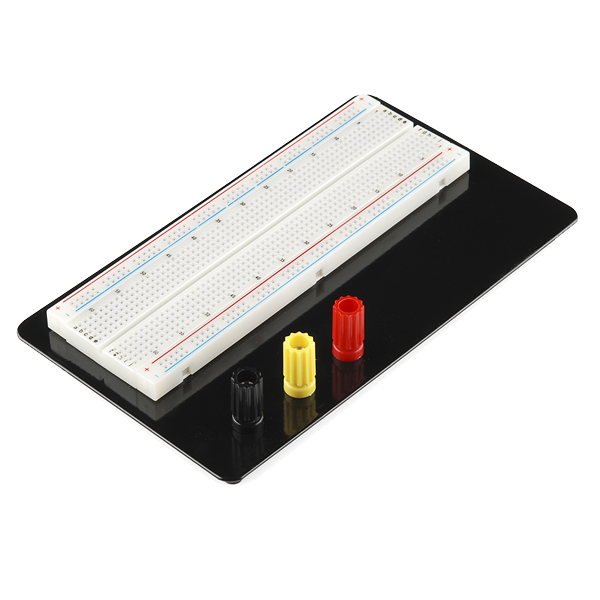 Breadboard - Classic
 SparkFun Cerberus USB Cable - 1.8 meter
2
2
Mark a blade
Mark a blade
Put a strip of masking tape on ONE fan blade near its tip, guard on. Darken the room and aim the strip at the fan.
Bu adım için malzemeler:
 Maskeleme bandı1 rulo
Gerekli aletler:
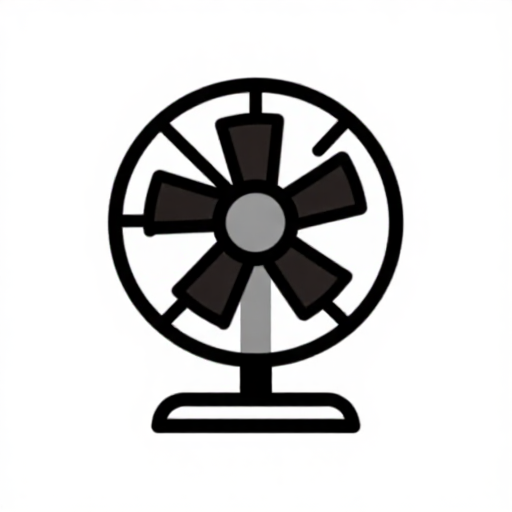 Elektrikli masa vantilatörü
3
3
Find the freezes
Find the freezes
Run the fan on one setting. Turn the knob slowly from high to low and note every rate where the TAPED blade stands still as a single image. Just above the highest one it appears doubled or drifting.
4
4
Rates to rpm
Rates to rpm
Jupyter defteri yükleniyor…
5
5
History & Context
History & Context
**What the patent specifies:** a subject lit by short, intense, repeated flashes timed to the film, instead of continuous light and a fast shutter. **Modern build (derived):** an Arduino flashing an LED strip.
Edgerton's flash tubes became the electronic flash in every camera, and stroboscopes became workshop tools for checking engine timing and machine speed. Their limits: aliasing (a wheel frozen at a wrong speed), dim light from very short flashes, and the seizure risk of flicker.
Malzemeler
4- Neopixel LED şerit%10 komisyon1 adetYer Tutucu
- Rotary Potentiometer - 4.7k Ohm, Linear%10 komisyon1 adet$1.20
- Yer Tutucu
- 1 ruloYer Tutucu
Gerekli Aletler
4- Arduino Uno R3%10 komisyonMagento Legacy Storeships internationallyYer Tutucu
- Breadboard - Classic%10 komisyon$9.53
- SparkFun Cerberus USB Cable - 1.8 meter%10 komisyon$5.70
- Yer Tutucu
Tahmini toplam
Yapan kişinin satın aldıkları. Fiyatsız görünen malzemeleri nereden alıyorsanız oradan temin edersiniz.
İlgili Blueprint'ler
Bu blueprint'ler bilgi paylaşır — teknikler, malzemeler veya ilkeler

CC0 Kamu Malı
Bu plan CC0 lisansıyla yayınlanmıştır. İzin almadan kopyalayabilir, değiştirebilir, dağıtabilir ve herhangi bir amaçla kullanabilirsiniz.
Planı üzerinden ürün satın alarak Maker'ı destekleyin, böylece Maker Komisyonu Satıcılar tarafından belirlenen komisyonu kazanırlar veya bu Planın yeni bir versiyonunu oluşturun ve gelir paylaşımı için kendi Planınıza bağlantı olarak ekleyin.