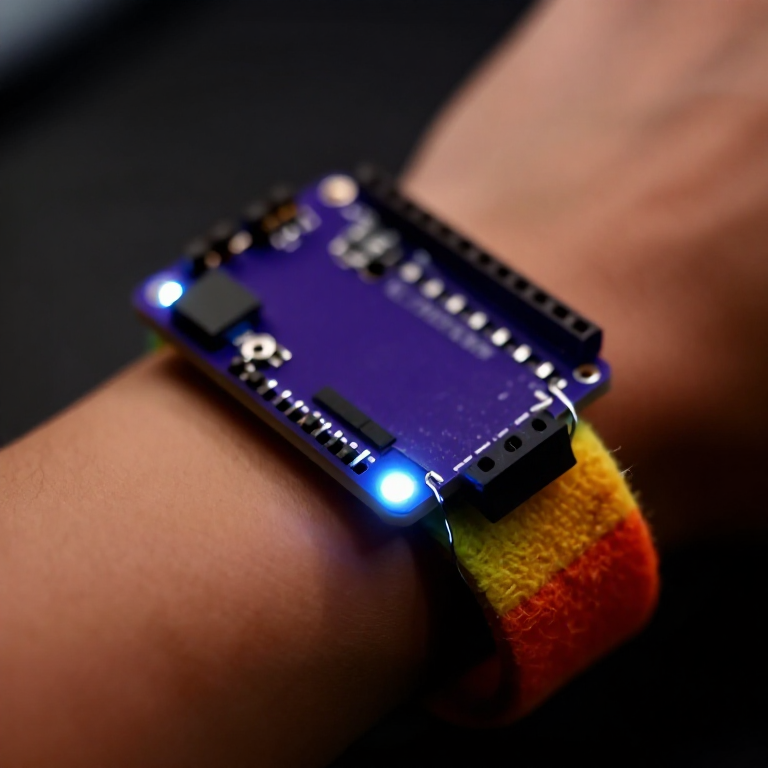


Making a Motion-Reactive LilyPad Patch
Sew a patch that lights up when it moves. A LilyPad accelerometer senses motion in three directions, and a short program flashes an LED whenever you shake or swing it — a reactive costume piece, a dance accessory, or a 'don't-touch' bag alarm. Introduces the accelerometer and reading three sensor axes at once.
Інструкції
Sew the board, accelerometer and LED
Sew the board, accelerometer and LED
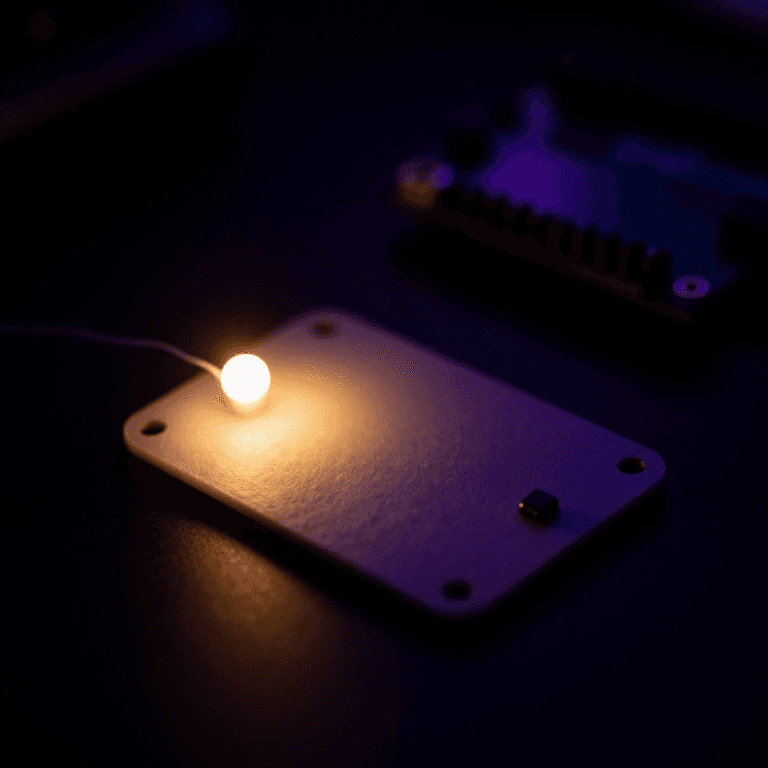
Sew a LilyPad Arduino, a LilyPad accelerometer and a LilyPad LED onto felt. Wire it: the accelerometer's + to the board's +, its - to -, and its X, Y and Z tabs to analog pins A2, A3 and A4; the LED to pin 5 and to -. Keep every line separate.
Матеріали для цього кроку:
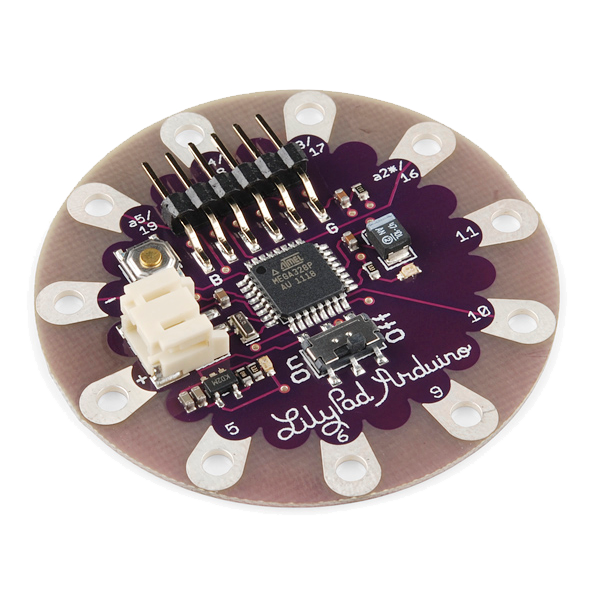 LilyPad Arduino Simple Board1 штука
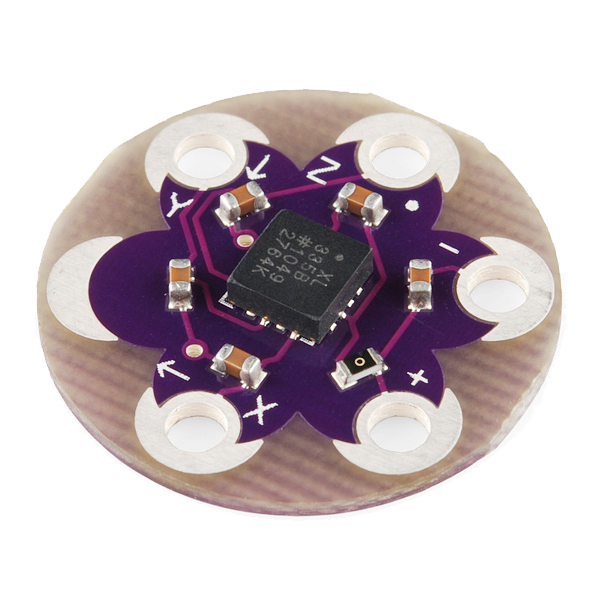 LilyPad Accelerometer ADXL3351 штука
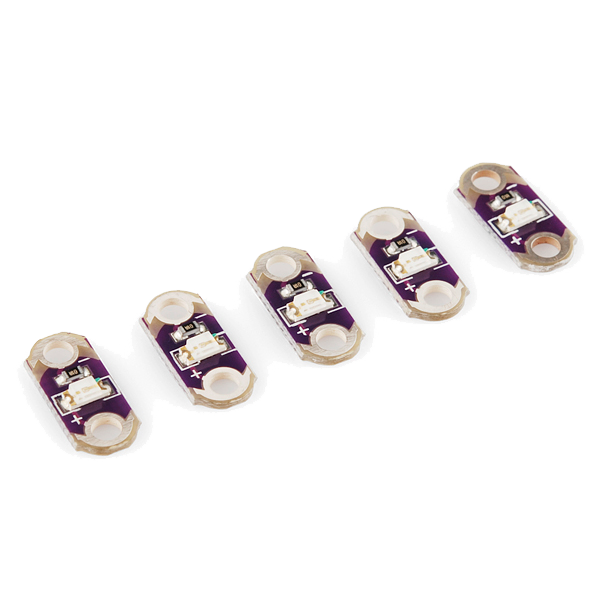 LilyPad LED - 5 pcs1 пакет
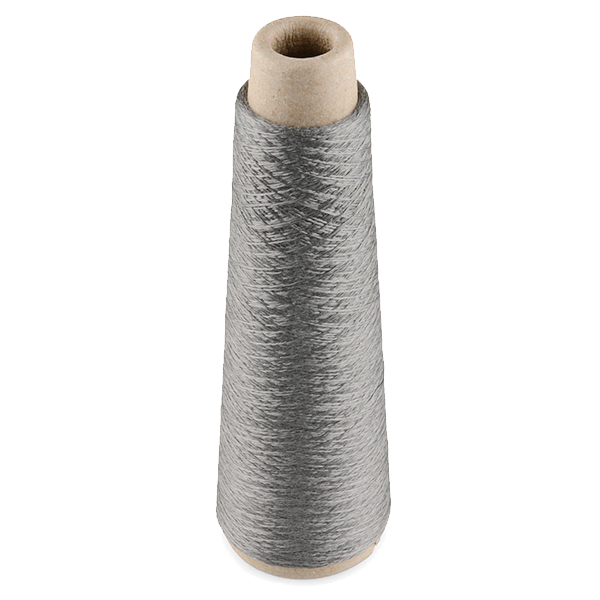 Conductive Thread - 60g (Stainless Steel)1 котушка
 Лист повсті з вовни1 аркуш
Необхідні інструменти ({count})
 Голки для ручного шиття
Connect the programmer
Connect the programmer
Plug the LilyPad FTDI onto the programming header and connect the USB cable. Open the Arduino IDE and select the LilyPad Arduino board and its serial port.
Необхідні інструменти ({count})
 Комп'ютер з Arduino IDE
 LilyPad FTDI Basic Breakout - 5V
 Кабель USB-B
Upload the motion sketch
Upload the motion sketch
Paste this sketch and upload. It watches how much the three axes change between readings and lights the LED when the patch moves.
Test and tune the sensitivity
Test and tune the sensitivity
Hold the patch still — the LED stays off. Shake or swing it — the LED lights. If it's too twitchy or not sensitive enough, change moveThreshold in the sketch (higher = needs a bigger movement) and re-upload.
Go wireless and wear it
Go wireless and wear it
Unplug the FTDI, sew a LilyPad coin-cell holder to the board (+ to +, - to -), drop in a CR2032 and switch on. Sew the felt onto a sleeve, shoe or bag — it flashes whenever you move.
Матеріали для цього кроку:
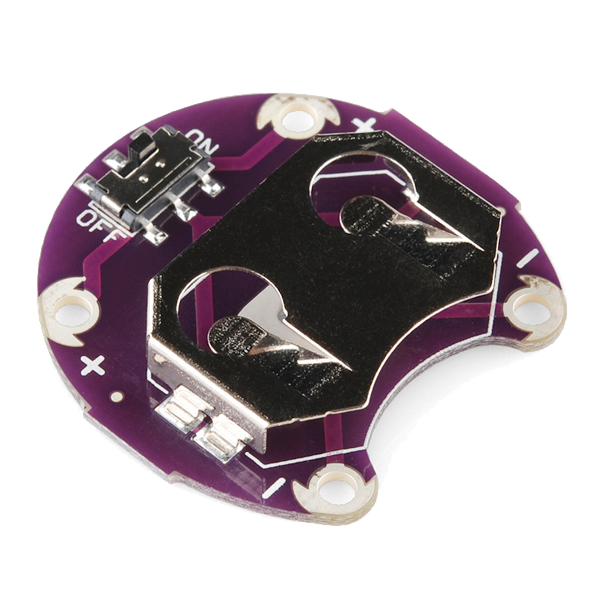 LilyPad Coin Cell Battery Holder - w/Switch - 20mm1 штука
 Батарейка-таблетка CR20321 штука
Матеріали
7- LilyPad Arduino Simple Board10% комісія1 штука$19.67
- LilyPad Accelerometer ADXL33510% комісія1 штука$14.43
- LilyPad LED - 5 pcs10% комісія1 пакет$4.21
- Conductive Thread - 60g (Stainless Steel)10% комісія1 котушка$40.28
- 1 аркушЗаповнювач
- 1 штука$5.07
- 1 штукаЗаповнювач
Необхідні інструменти
4- Заповнювач
- Заповнювач
- LilyPad FTDI Basic Breakout - 5V10% комісія$14.43
- 1 vendor sell this, none ship to you yetЗаповнювач
Пов'язані креслення
Ці креслення діляться знаннями — техніки, матеріали або принципи
CC0 Суспільне надбання
Це креслення випущено під ліцензією CC0. Ви можете вільно копіювати, змінювати, поширювати та використовувати цю роботу для будь-яких цілей без запиту дозволу.
Підтримайте мейкера, купуючи продукти через його креслення, де він отримує Комісію мейкера встановлену вендорами, або створіть нову ітерацію цього креслення та включіть його як зв'язок у власне креслення для розподілу доходу.