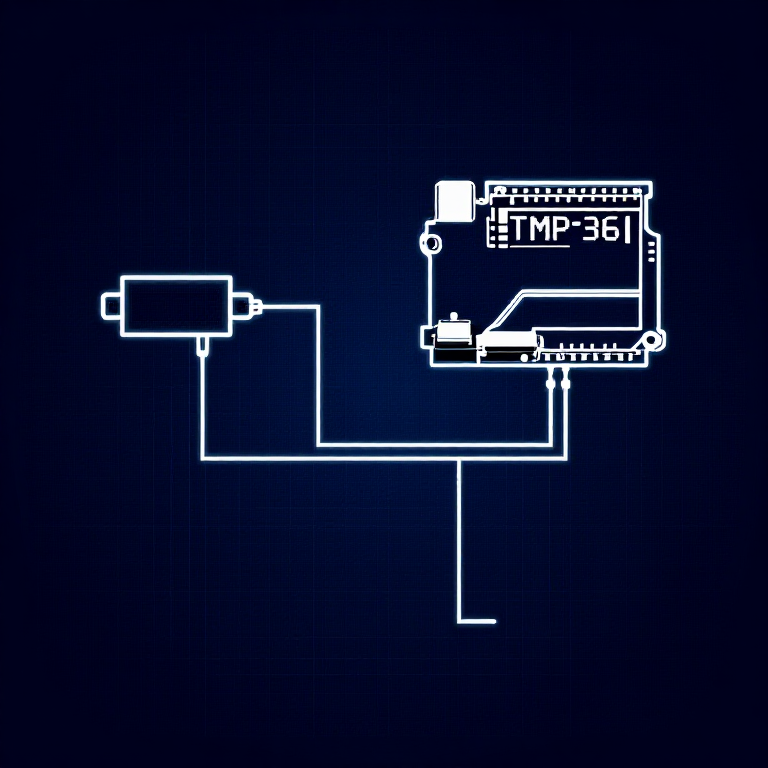


Reading a Temperature Sensor — SIK Circuit 7
Інструкції
Parts & Introduction
Parts & Introduction
The TMP36 is an analog temperature sensor that outputs a voltage proportional to temperature. You'll learn to use the Serial Monitor to display real-time readings — an essential debugging tool.
Parts Needed
- 1x Arduino Uno + USB cable
- 1x Breadboard
- 1x TMP36 Temperature Sensor
- 5x Jumper Wires
Warning: The TMP36 looks similar to the transistor. Look for "TMP" in tiny letters and a triangle logo. The transistor has "222" printed on it. Inserting the wrong component can damage it!
Матеріали для цього кроку:
 SparkFun Inventor's Kit - V3.21 набір
Необхідні інструменти ({count})
 Комп'ютер з Arduino IDE
Hardware Hookup
Hardware Hookup
Wiring Instructions
With the TMP36 flat side facing you and pins pointing down, the pins are (left to right): 5V, Signal, GND.
- Connect the left pin to 5V.
- Connect the middle pin (signal) to Analog Pin A0.
- Connect the right pin to GND.
That's it — just 3 wires! The TMP36 can only be connected in one direction. Double-check before powering on.
Матеріали для цього кроку:
 Макетна плата1 штука
 З'єднувальні дроти3 штук
Arduino Code
Arduino Code
Open the Arduino IDE and upload the following sketch to your Arduino board.
Матеріали для цього кроку:
 Arduino Uno R31 штука
Необхідні інструменти ({count})
Комп'ютер з Arduino IDETest & Experiment
Test & Experiment
What You Should See
Open the Serial Monitor (magnifying glass icon in Arduino IDE, or Ctrl+Shift+M). You'll see lines updating once per second:
voltage: 0.73 deg C: 23.24 deg F: 73.84
Troubleshooting
- Nothing happens: Open the Serial Monitor! The output goes there, not to the LEDs.
- Gibberish text: Set the Serial Monitor baud rate dropdown to 9600.
- Temperature unchanged: Pinch the sensor with your fingers to warm it up, or apply ice to cool it down.
Experiments to Try
- Add an LED that turns on above a temperature threshold (like a heat warning).
- Log data over time to see temperature trends.
- Combine with the LCD (Circuit 15) to display temperature without a computer.
Матеріали
5- SparkFun Inventor's Kit - V3.210% комісія1 набір$105.94
- від$9.50
- від$4.16
- від$27.06
- 1 штукаЗаповнювач
Необхідні інструменти
1- Заповнювач
CC0 Суспільне надбання
Це креслення випущено під ліцензією CC0. Ви можете вільно копіювати, змінювати, поширювати та використовувати цю роботу для будь-яких цілей без запиту дозволу.
Підтримайте мейкера, купуючи продукти через його креслення, де він отримує Комісію мейкера встановлену вендорами, або створіть нову ітерацію цього креслення та включіть його як зв'язок у власне креслення для розподілу доходу.