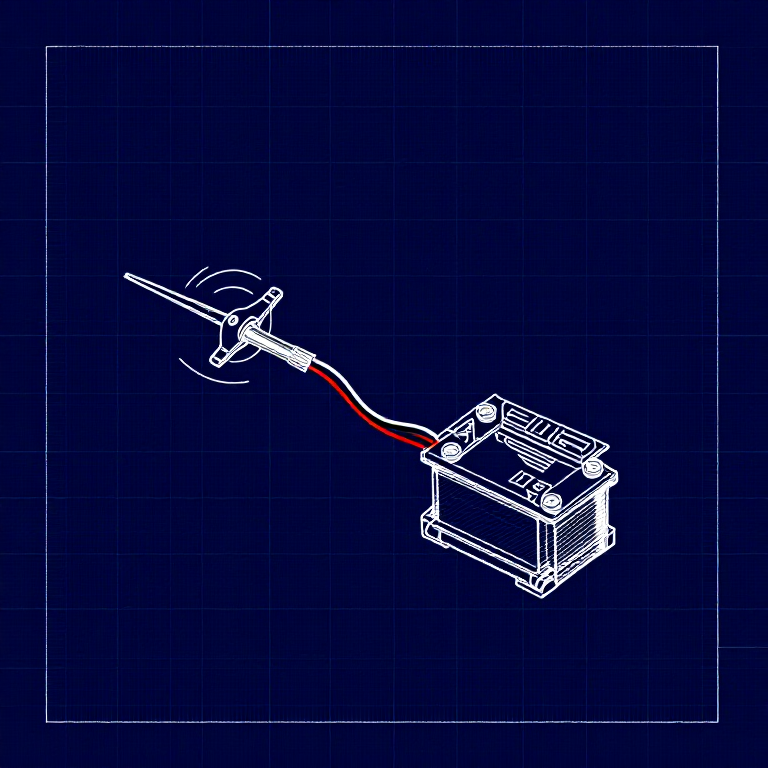


Driving a Servo Motor — SIK Circuit 8
Інструкції
Parts & Introduction
Parts & Introduction
A servo motor can be precisely positioned between 0 and 180 degrees. Unlike a regular motor that just spins, servos hold their position — making them perfect for robotics, pan/tilt mechanisms, and control surfaces. This experiment introduces the Servo library.
Parts Needed
- 1x Arduino Uno + USB cable
- 1x Breadboard
- 1x Servo Motor (with 3-pin header)
- 8x Jumper Wires
The servo has three wires: Red (power), Black (ground), White (signal).
Матеріали для цього кроку:
 SparkFun Inventor's Kit - V3.21 набір
Необхідні інструменти ({count})
 Комп'ютер з Arduino IDE
Hardware Hookup
Hardware Hookup
Wiring Instructions
- Connect 3 jumper wires to the servo's female 3-pin header for breadboarding.
- Connect the Red wire to 5V.
- Connect the Black wire to GND.
- Connect the White wire (signal) to Digital Pin 9.
Power Note: Servos draw significant current. If the servo twitches and the Arduino resets, use a wall adapter instead of USB power, or power the servo from a separate 5V supply.
Матеріали для цього кроку:
 З'єднувальні дроти3 штук
Arduino Code
Arduino Code
Open the Arduino IDE and upload the following sketch to your Arduino board.
Матеріали для цього кроку:
 Arduino Uno R31 штука
Необхідні інструменти ({count})
Комп'ютер з Arduino IDETest & Experiment
Test & Experiment
What You Should See
The servo quickly moves to 90°, 180°, and 0° (1 second each), then slowly sweeps from 0° to 180° and back.
Troubleshooting
- Servo not moving: Even with colored wires, it's easy to plug a servo in backwards. Check connections.
- Twitching/resetting: The servo draws too much power from USB. Use a wall adapter or separate power supply.
Experiments to Try
- Add a potentiometer (from Circuit 2) to control servo position with a knob.
- Change the step size and delay to experiment with speed and smoothness.
- Build a simple pan/tilt mechanism with two servos.
Матеріали
5- SparkFun Inventor's Kit - V3.210% комісія1 набір$106.18
- від$4.17
- від$27.12
- від$9.53
- 1 штукаЗаповнювач
Необхідні інструменти
1- Заповнювач
CC0 Суспільне надбання
Це креслення випущено під ліцензією CC0. Ви можете вільно копіювати, змінювати, поширювати та використовувати цю роботу для будь-яких цілей без запиту дозволу.
Підтримайте мейкера, купуючи продукти через його креслення, де він отримує Комісію мейкера встановлену вендорами, або створіть нову ітерацію цього креслення та включіть його як зв'язок у власне креслення для розподілу доходу.