ART
BEAUTY & WELLNESS
CRAFT
CULTURE & HISTORY
ENTERTAINMENT
ENVIRONMENT
FOOD & DRINKS
REVERSE ENGINEERING
SCIENCES
SPORTS
TECHNOLOGY
WEARABLES
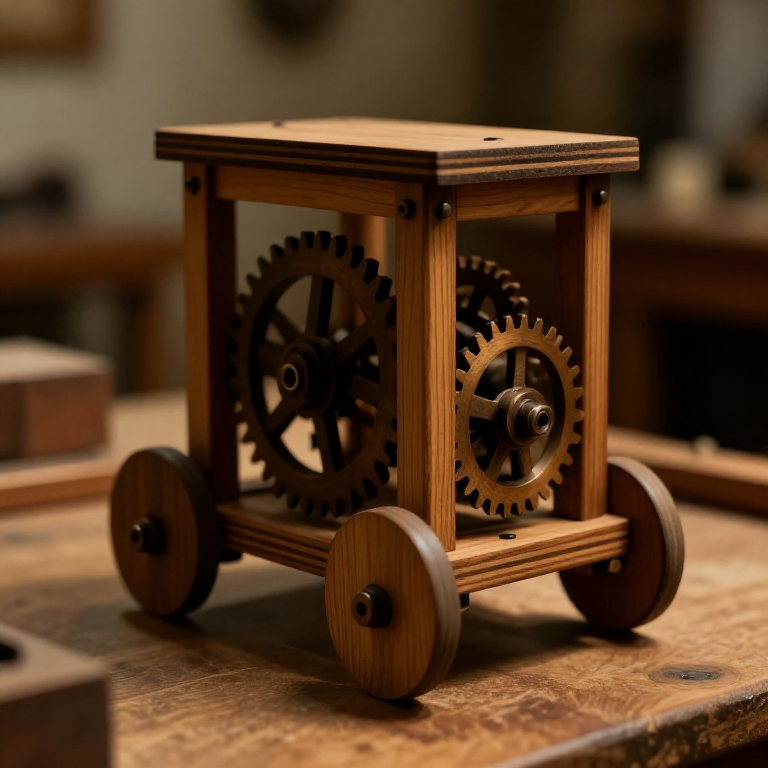


Building Leonardo da Vinci's Self-Propelled Cart — The First Programmable Robot
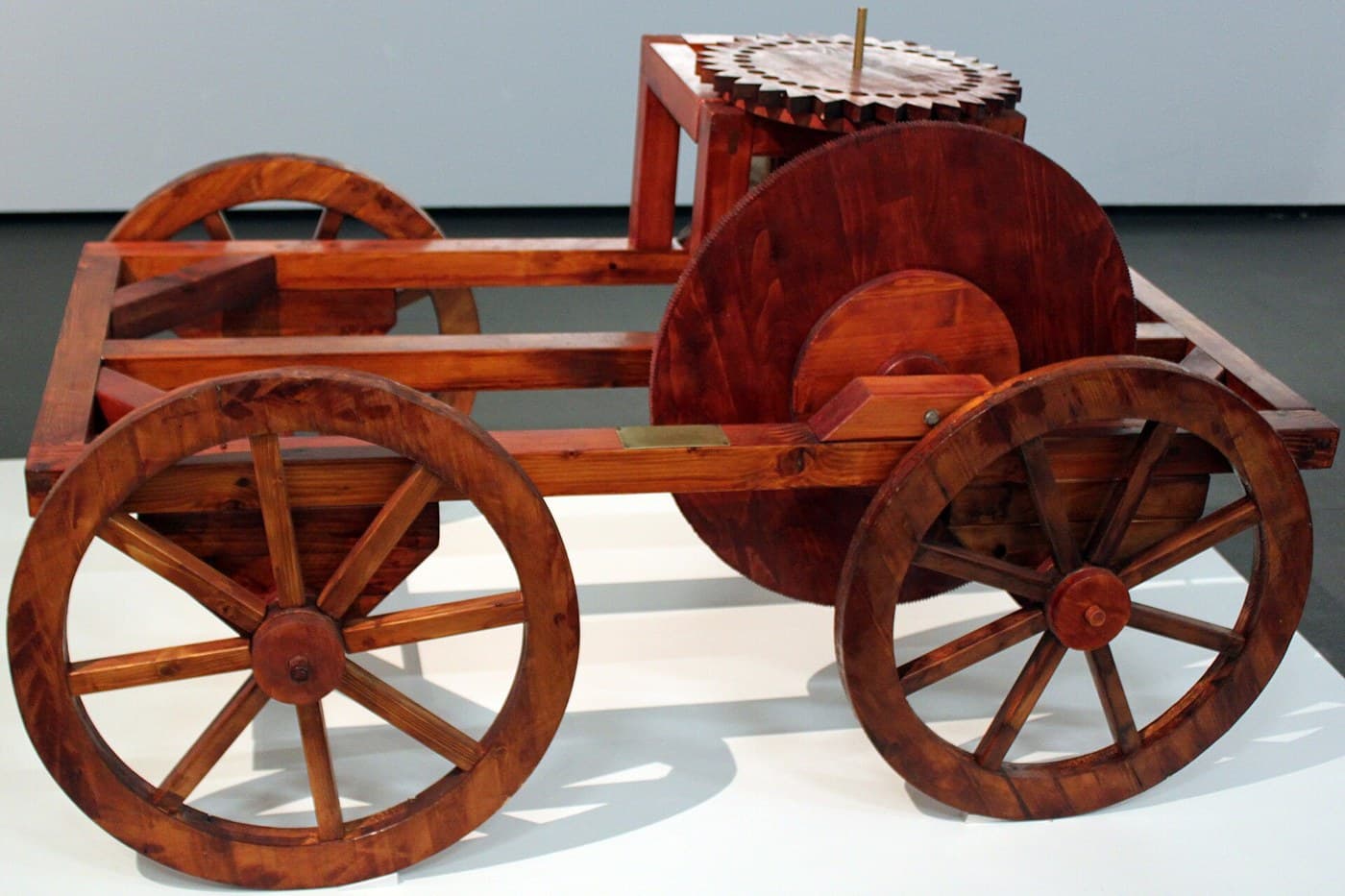
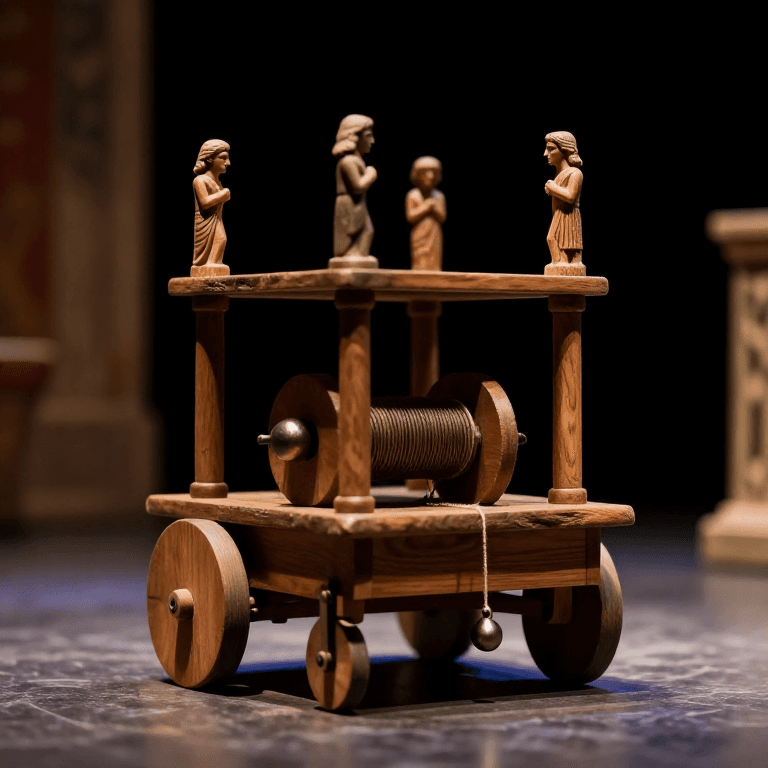
Around 1478 Leonardo da Vinci designed a cart that drives itself: no ox, no push, no rider. Coiled springs store the power, wooden gears carry it to the wheels, an escapement doles it out evenly, and pegs set into a control wheel steer the cart along a route decided in advance. It is spring power, gear reduction, escapement timing and programmable control in one machine — an ancestor of both the automobile and the robot. In 2004 a museum in Florence built it to his drawings and it ran exactly as designed. This blueprint reconstructs that remarkable machine.
Advanced
30
Instructions
1
1
Understand the machine
Understand the machine
Leonardo's cart carries its own power source and steers itself. Wound springs drive it, gears set the speed, an escapement keeps it steady, and pegs on a control wheel turn it left or right on cue. Often called the first robot, it was reconstructed in Florence in 2004 and ran just as he drew it.
2
2
Build the frame and wheels
Build the frame and wheels
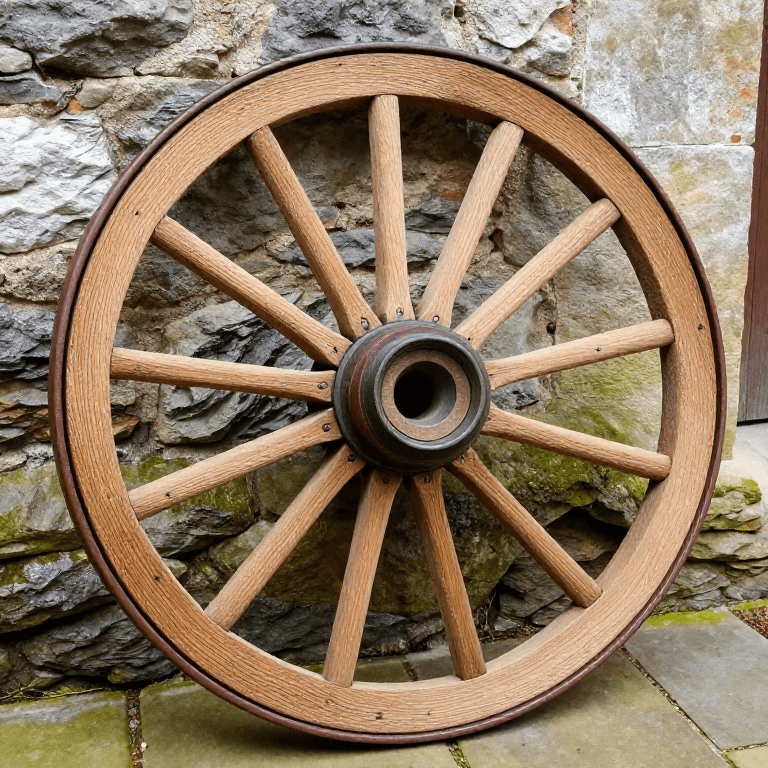
Build a low, sturdy wooden frame carrying an axle front and rear. Cut round wheels and mount them so they turn freely, and bore the axle bearings cleanly so there is little friction to waste the spring's energy.
Materials for this step:
 Beech Lumber3 pieces
Tools needed:
 Hand Saw
 Hand Auger
3
3
Make the coiled springs
Make the coiled springs
The power comes from two coiled leaf springs set in drums beneath the frame. Winding them stores energy; as they slowly unwind they turn the drive. This clockwork-style spring drive — not a falling weight — is Leonardo's key idea.
Materials for this step:
 Leaf Spring2 pieces
Tools needed:
 Wooden Mallet
4
4
Cut and fit the wooden gears
Cut and fit the wooden gears
Cut cogged wooden gearwheels that take the drive from the spring drums and gear it down to the road wheels, so the stored energy is delivered at a slow, steady, useful speed instead of one violent burst.
Materials for this step:
 Wooden Gear4 pieces
Tools needed:
 Gouge
Gouge Knife
Knife5
5
Add the escapement
Add the escapement
Fit an escapement — the same regulating trick used in clocks — between the springs and the gears. It releases the spring's energy in small, even steps, keeping the cart's speed controlled rather than letting it bolt and stop.
Materials for this step:
Wooden Gear1 pieceTools needed:
Knife6
6
Build the programmable steering
Build the programmable steering
Set removable pegs into a horizontal control wheel geared to the drive. As that wheel turns, each peg nudges the steering to a preset angle, so the cart follows a path you program in advance by where you place the pegs — turn the pegs, change the route.
Materials for this step:
Beech Lumber1 piece Binding Rope5 meters
Tools needed:
Hand Auger7
7
Wind, set down, release
Wind, set down, release
Wind the springs to store energy, place the cart on the floor, and release the catch. It rolls away under its own power and steers itself left and right exactly as the pegs command, with no one touching it.
8
8
See why it was centuries ahead
See why it was centuries ahead
Spring power, gear reduction, escapement regulation and programmable control together in one device — roughly 400 years before the automobile and the programmable machine. The 2004 Florence reconstruction proved these were not fantasies: Leonardo's cart genuinely works.
Materials
4- 4 piecesPlaceholder
- 2 piecesPlaceholder
- 5 piecesPlaceholder
- 5 metersPlaceholder
Connected Blueprint Materials

Related Blueprints
These blueprints share knowledge with this one — techniques, materials, or principles that connect them in the learning graph.
CC0 Public Domain
This blueprint is released under CC0. You are free to copy, modify, distribute, and use this work for any purpose, without asking permission.
Support the Maker by purchasing products through their Blueprint where they earn a Maker Commission set by Vendors, or create a new iteration of this Blueprint and include it as a connection in your own Blueprint to share revenue.